


People Finder: Hierarchical Title Order
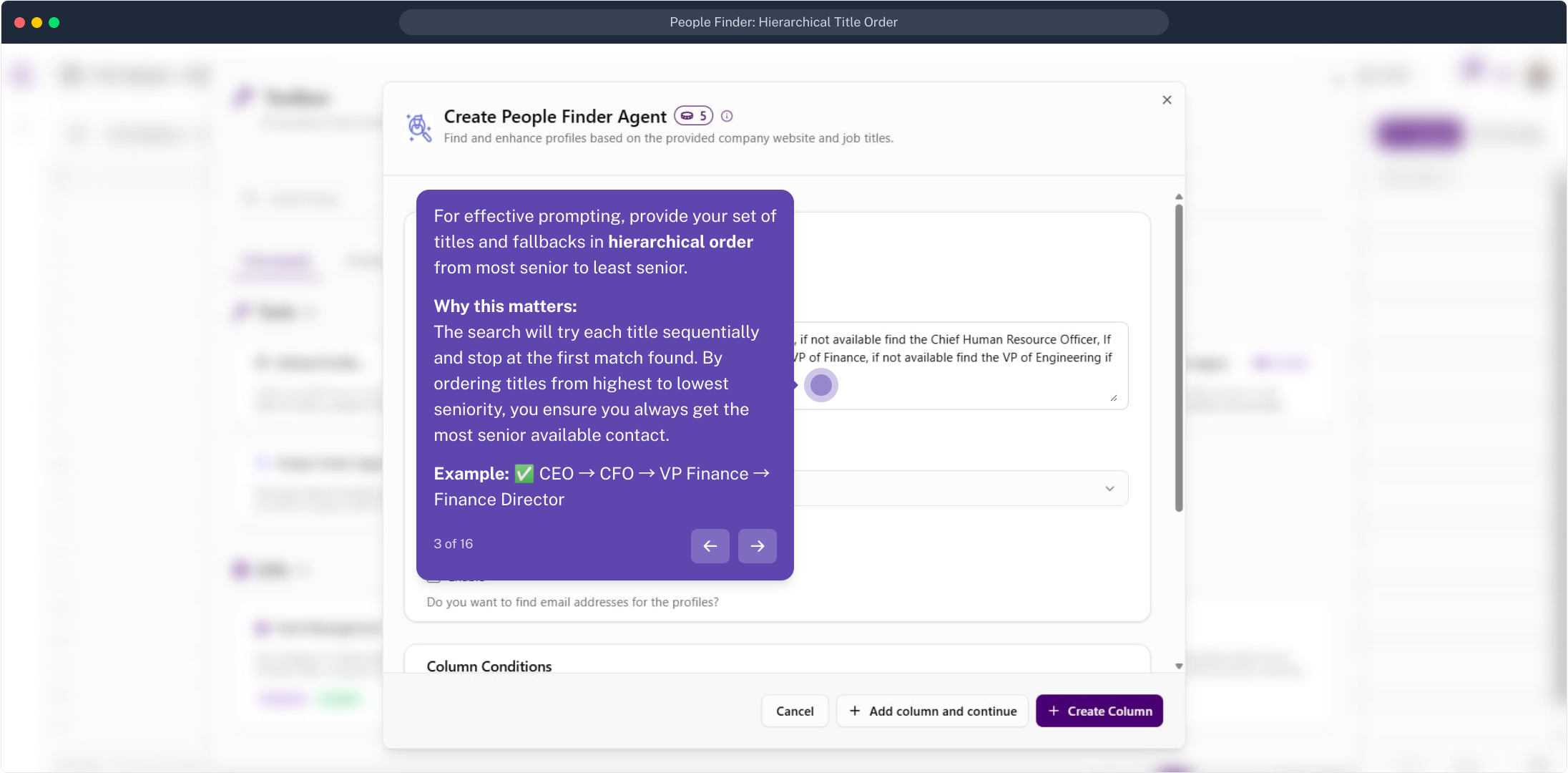
The People Finder Agent finds and enhances profiles from a company website and a list of job titles. The key is ordering those titles from most senior to least senior: the agent tries each in turn and stops at the first match, so you always get the most senior available contact and fall back gracefully when they aren't found. This guide walks the full flow.
Add the agent from the Toolbox and configure its inputs.
Run the column and inspect the results per row.
Transpose the JSON into a clean contact table.
Open the Toolbox
On your list, the People Finder Agent lives in the Toolbox. Click Toolbox in the top-right corner to open it and search for the tool.
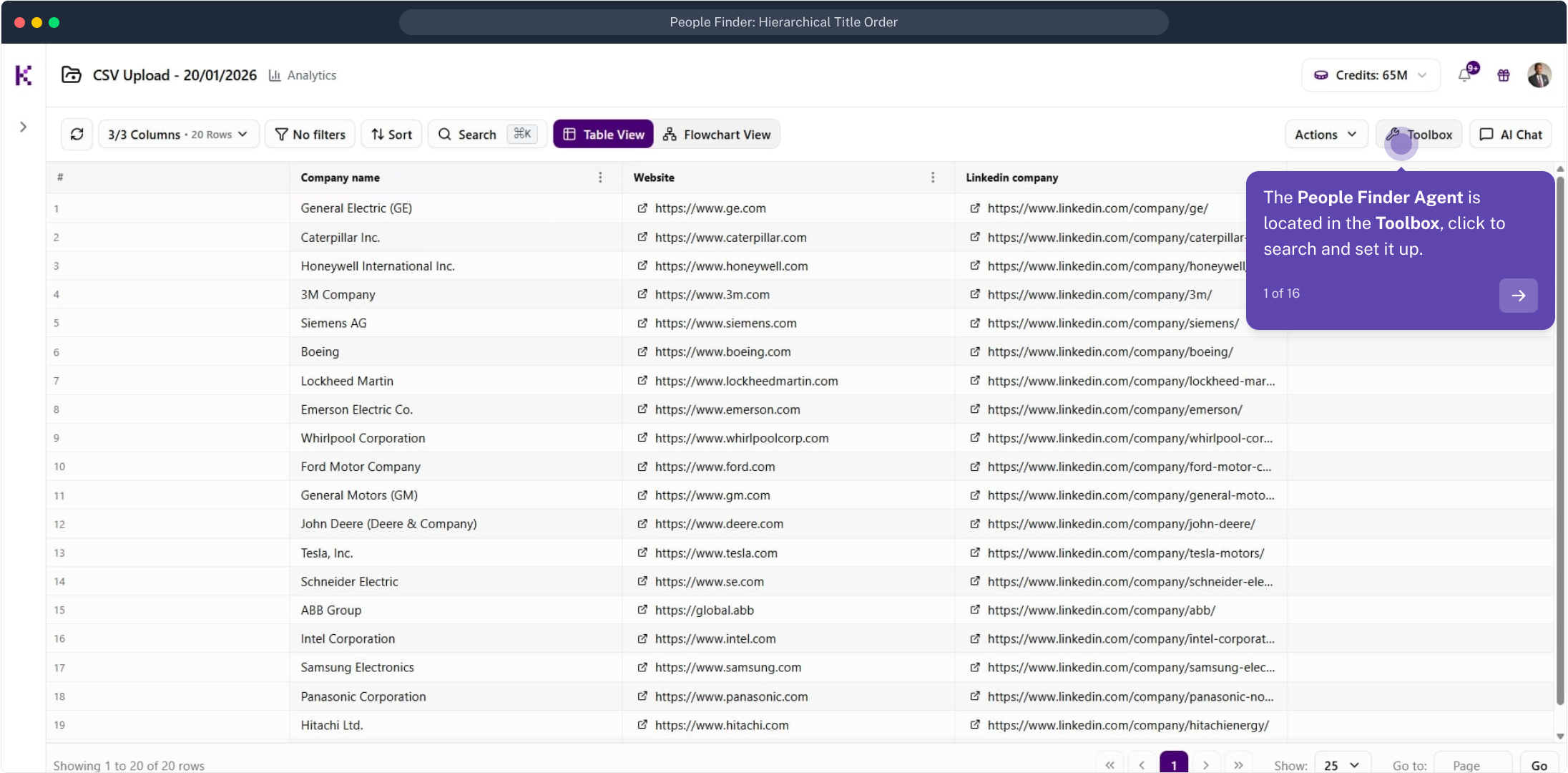
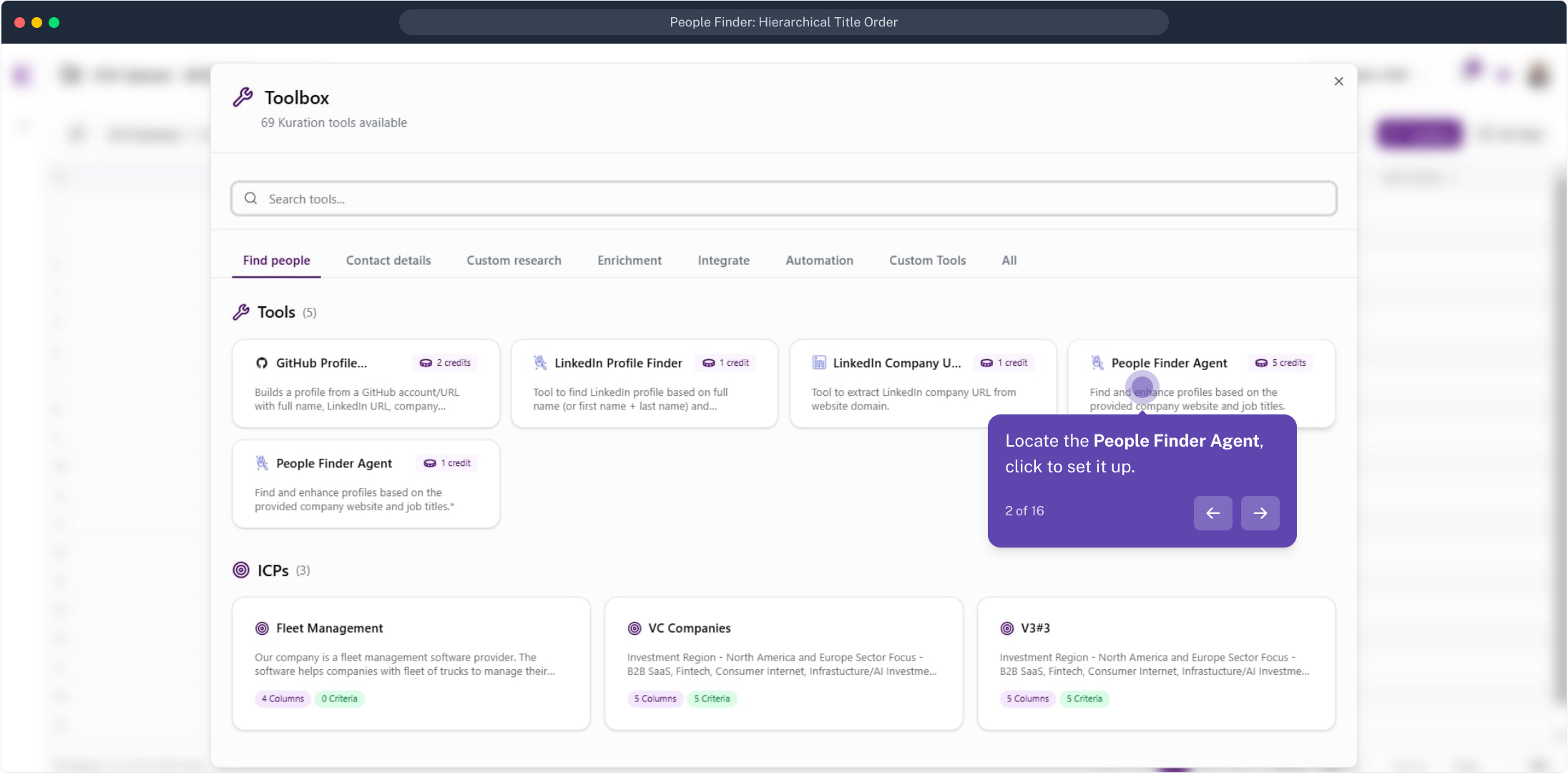
Select the People Finder Agent
Under Find people, locate the People Finder Agent and click it to start setting it up. Each run costs 5 credits per row.
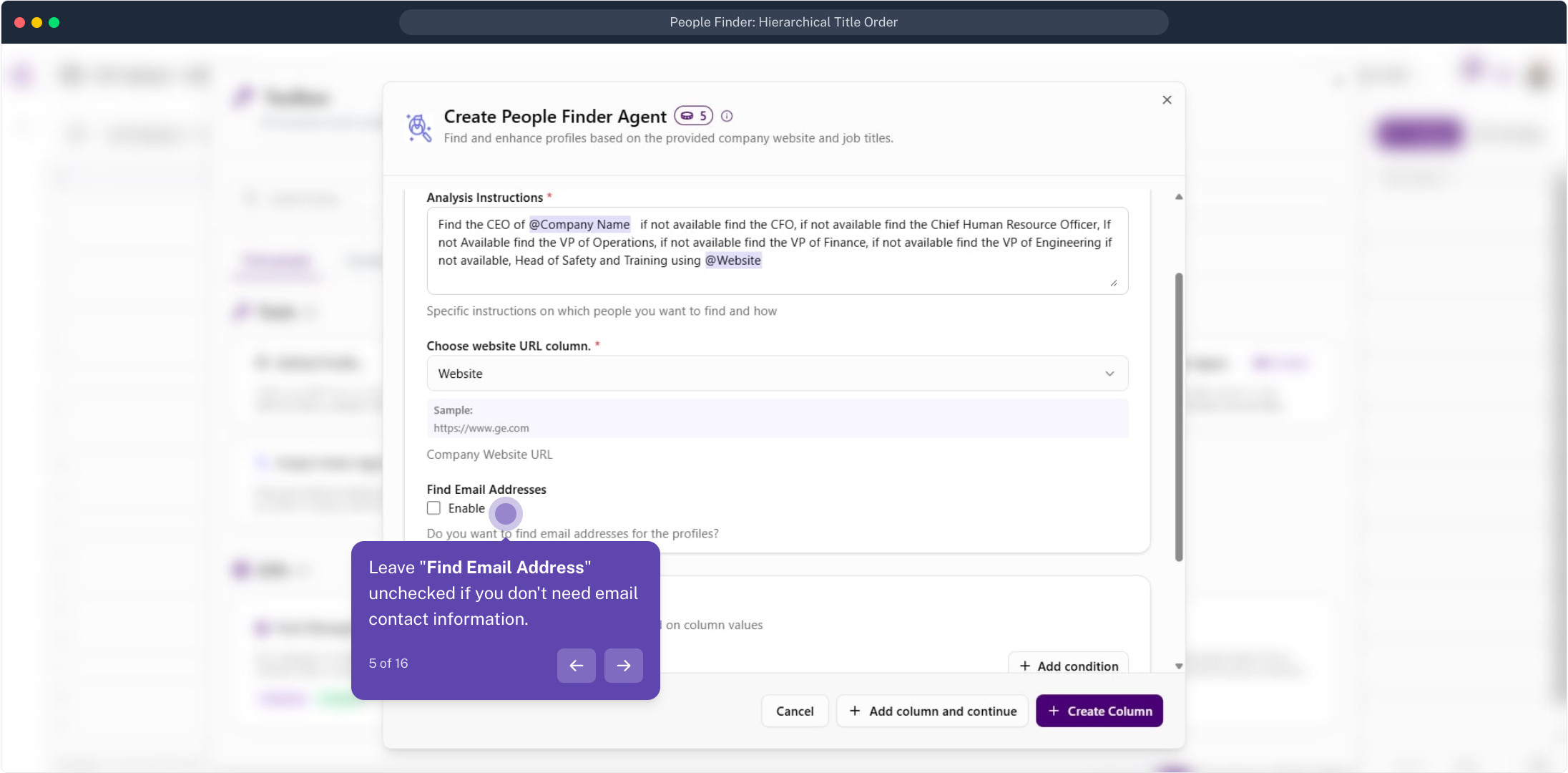
Write titles in hierarchical order
In the Analysis Instructions, list your target titles and fallbacks from most senior to least senior.
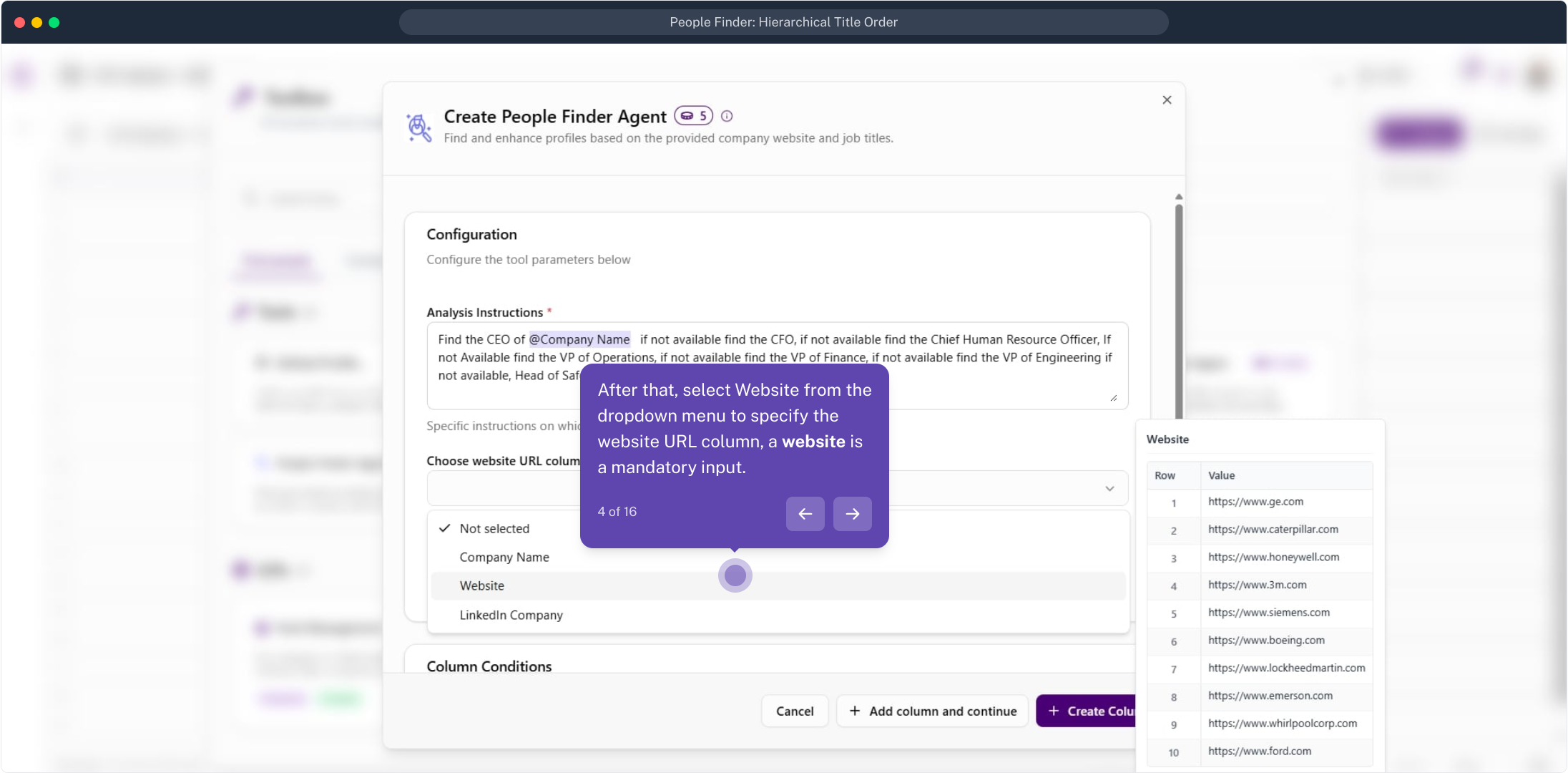
Choose the website URL column
Open the Choose website URL column dropdown and select Website. A website is a mandatory input for the agent.
Set the email option
Leave Find Email Addresses unchecked if you only need the profile, not email contact information. Enable it when you also want emails.
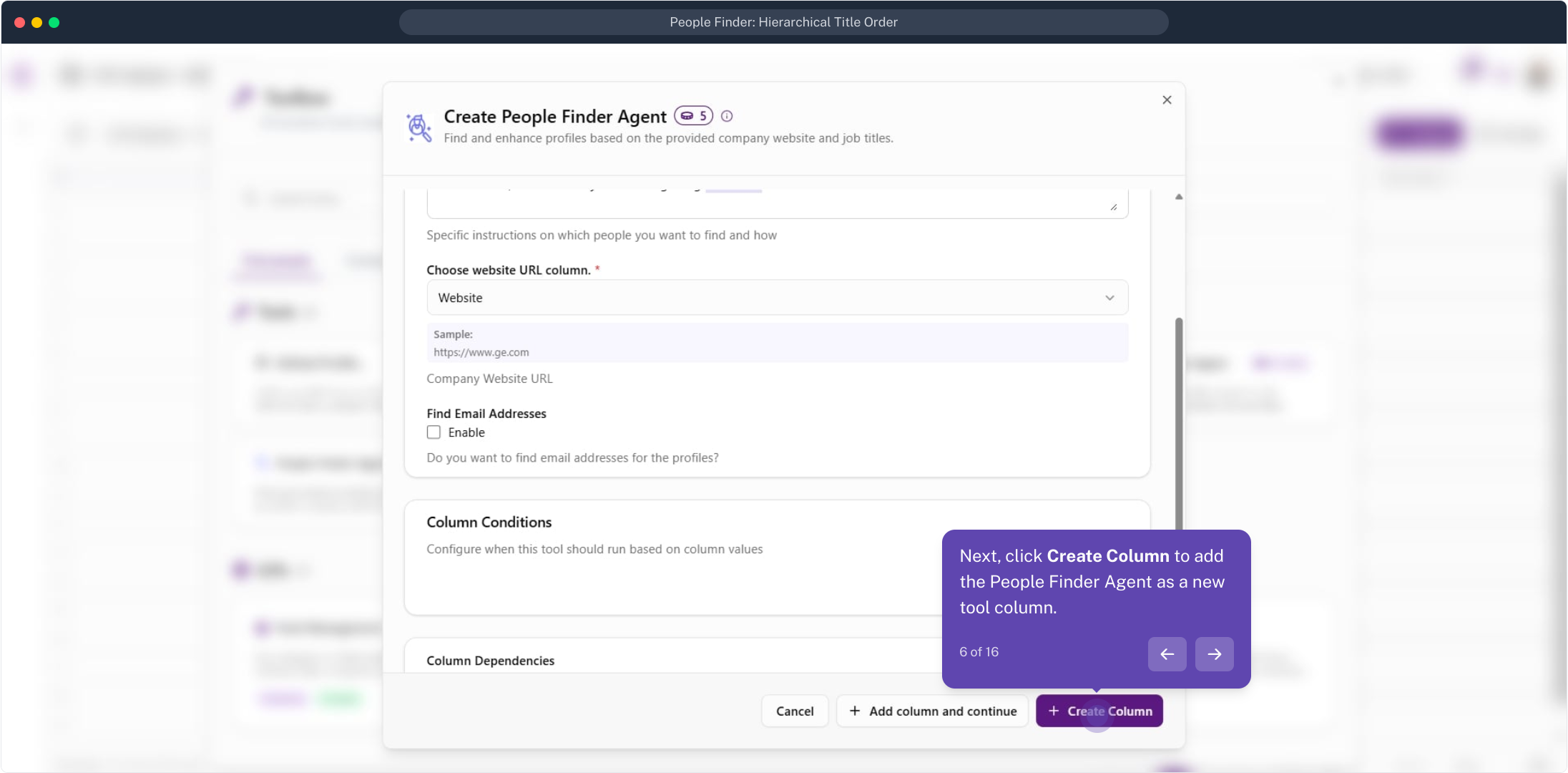
Create the column
With the inputs set, click Create Column to add the People Finder Agent as a new tool column on your list.
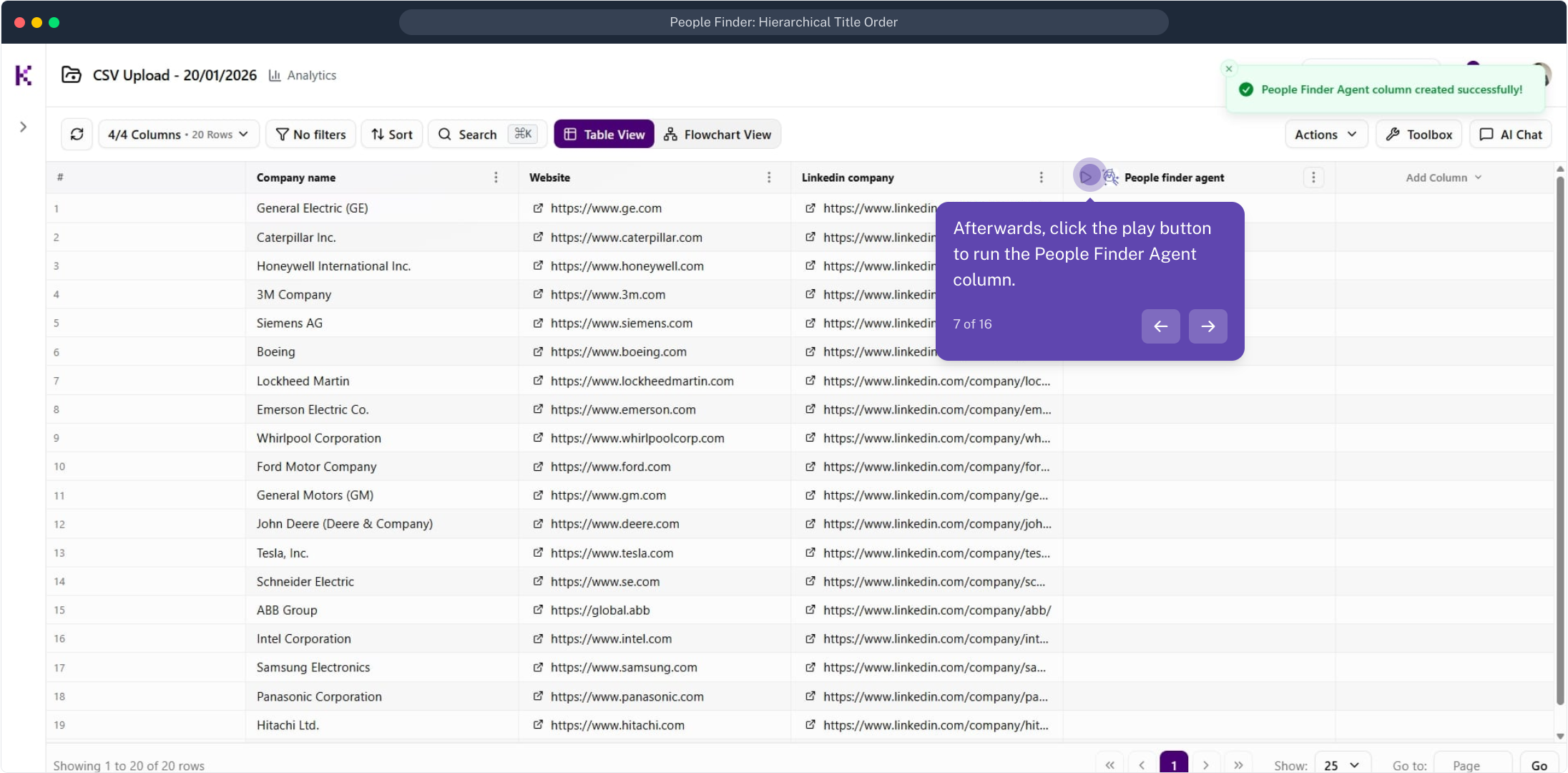
Run the column
The new column is empty until you run it. Hover its header and click the play button to start the People Finder Agent.
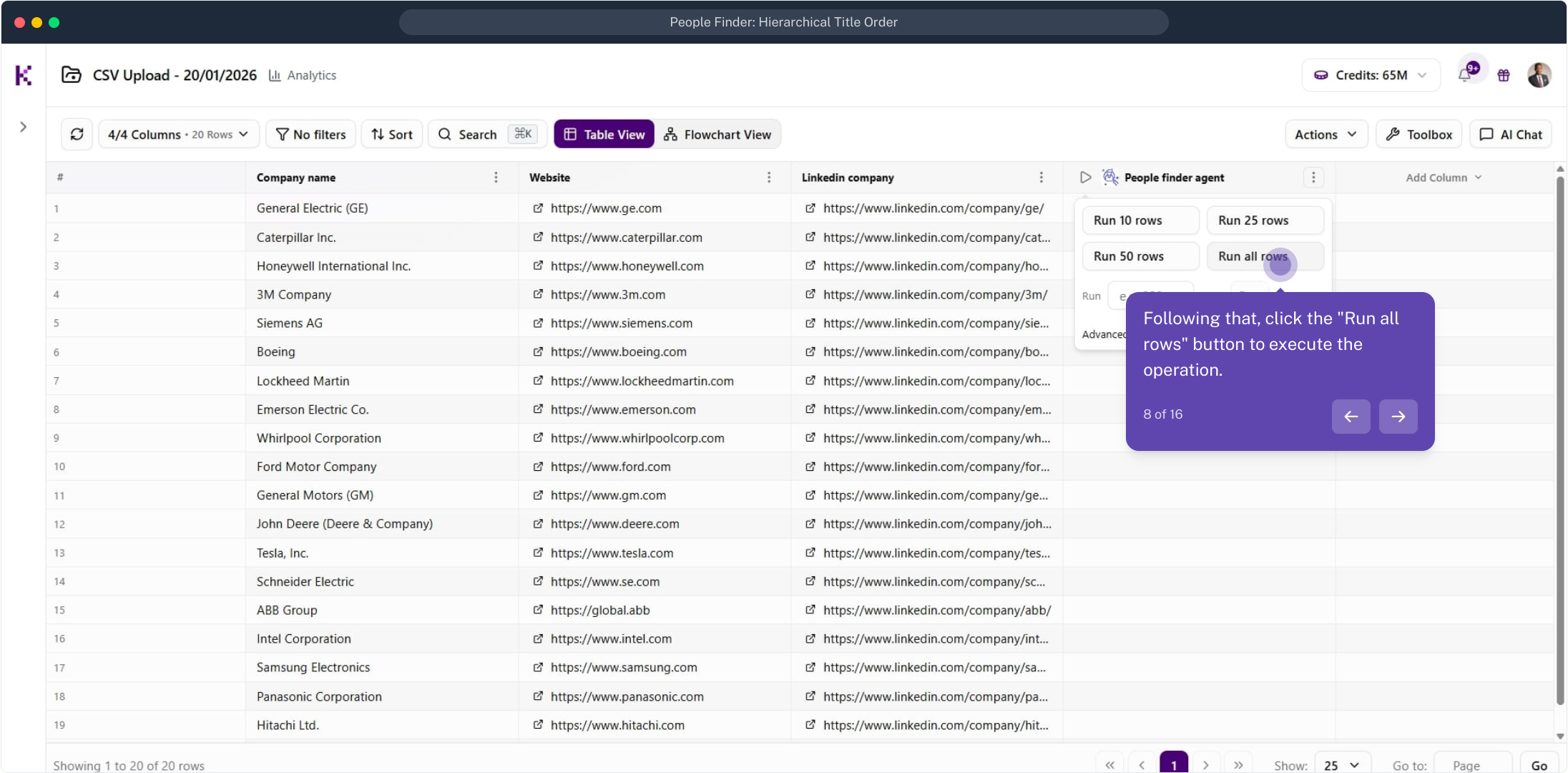
Run all rows
From the run menu, click Run all rows to process every company in your list in one go.
Wait for results to populate
The column shows a running indicator and fills in shortly as each row is processed.
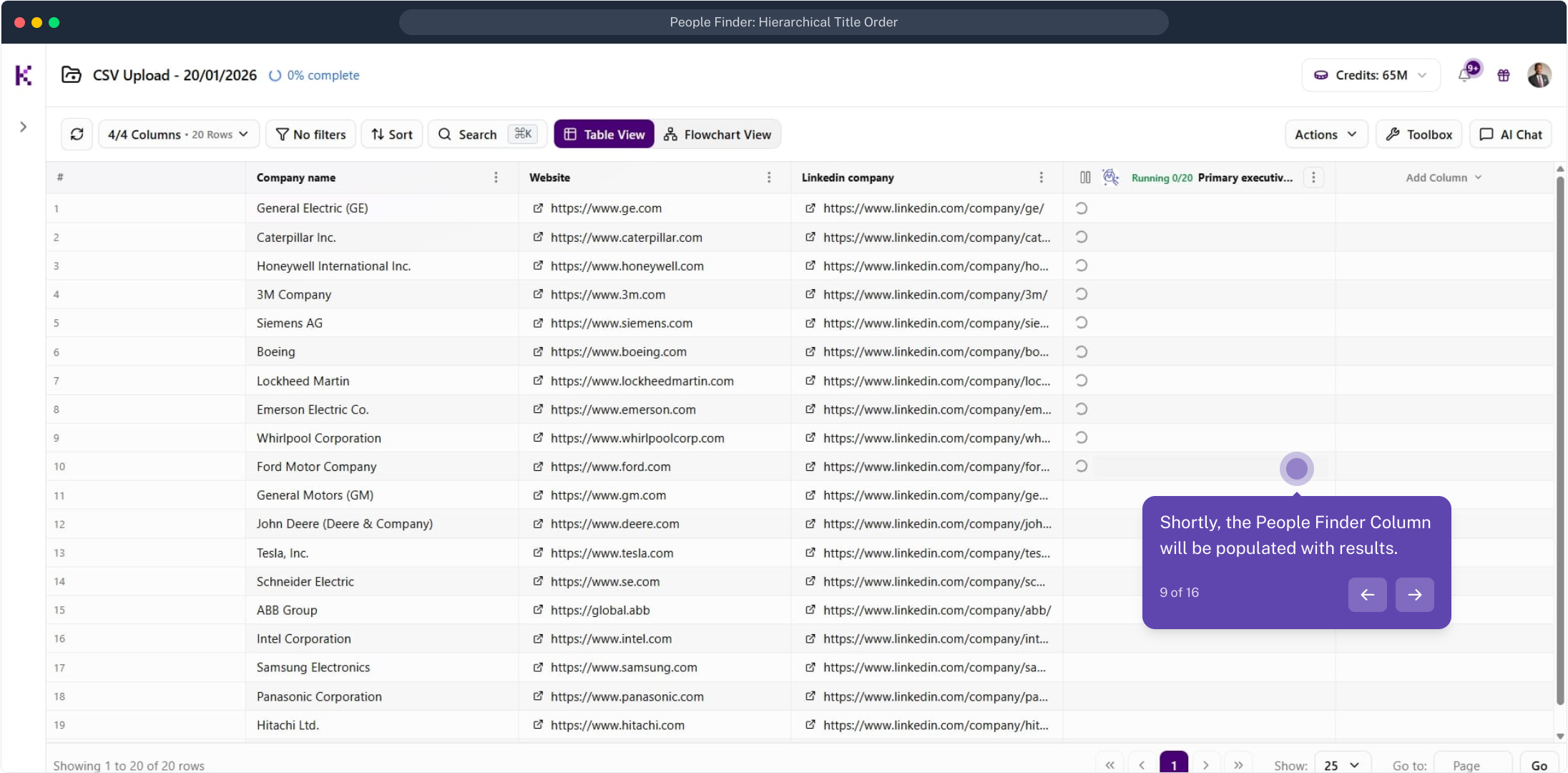
Open a result to inspect it
Click a cell in the People Finder column to open the Data Point Explorer and view the detailed LinkedIn information found for that company.
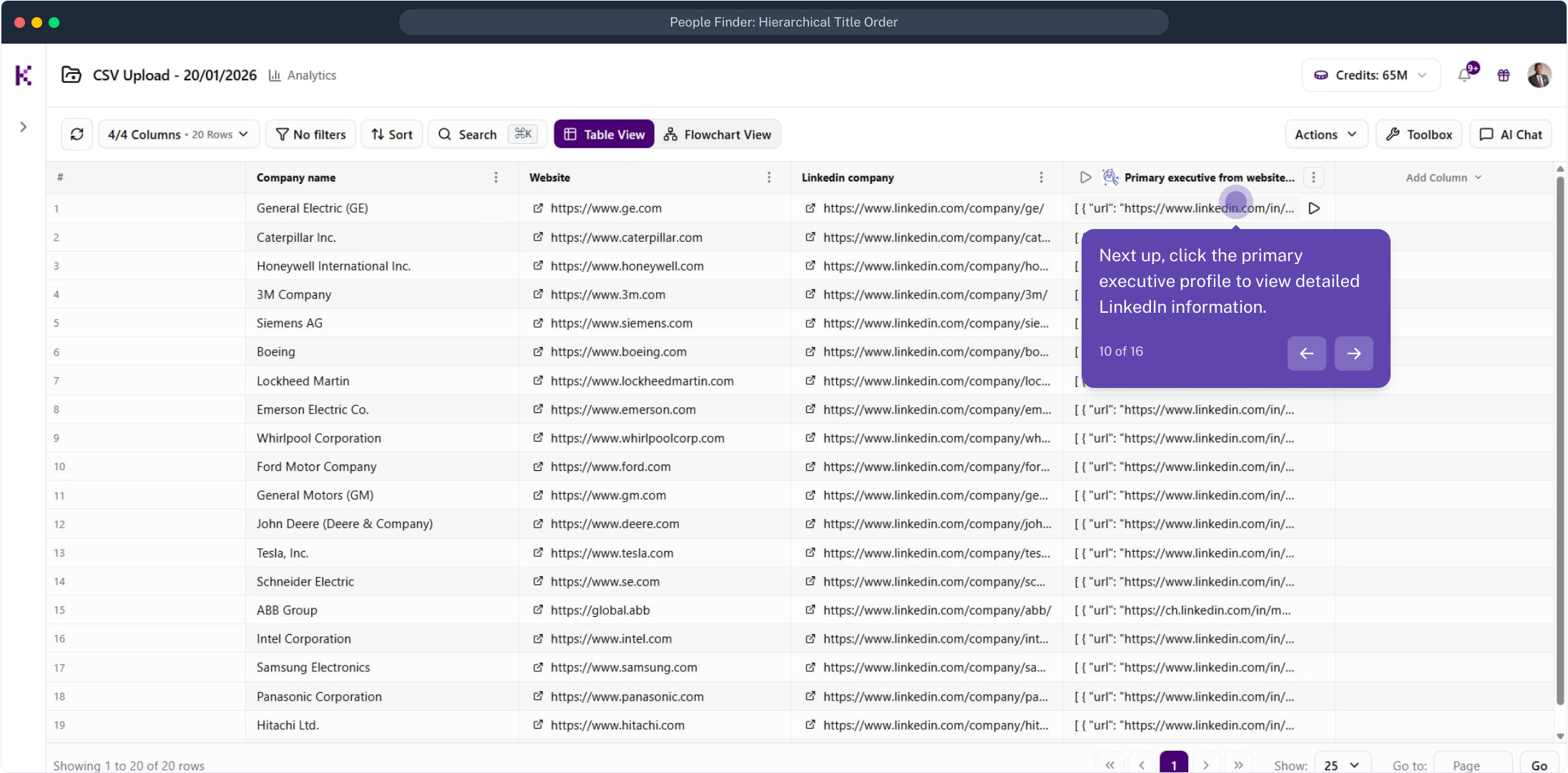
Example: a CFO in China
When no CEO is found, the agent falls back down the list. Here a cell returns a CFO identified in Tianjin, China.
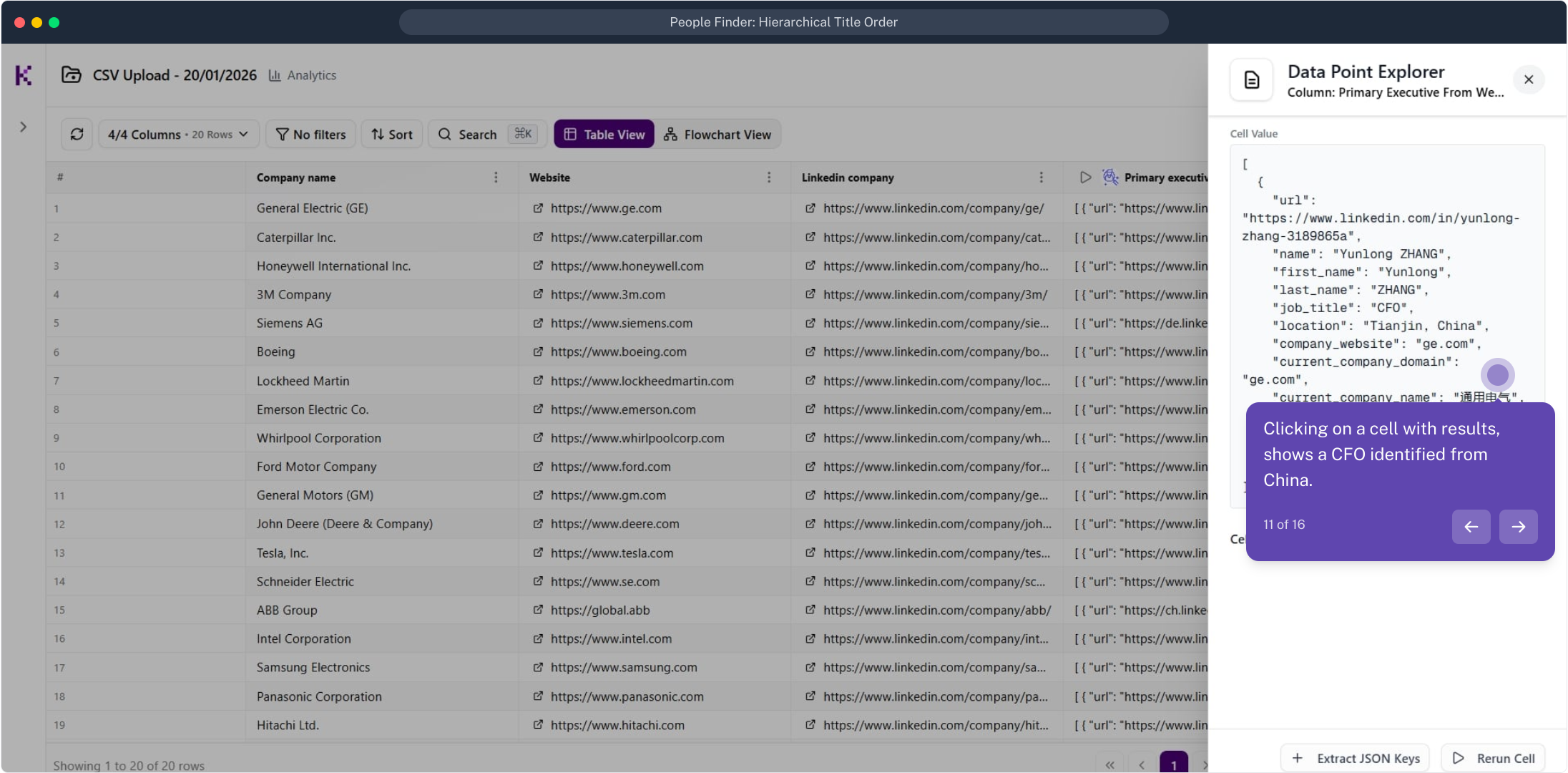
Example: a CEO in the USA
Another row returns the top match, a Chief Executive Officer based in the United States, exactly as requested.
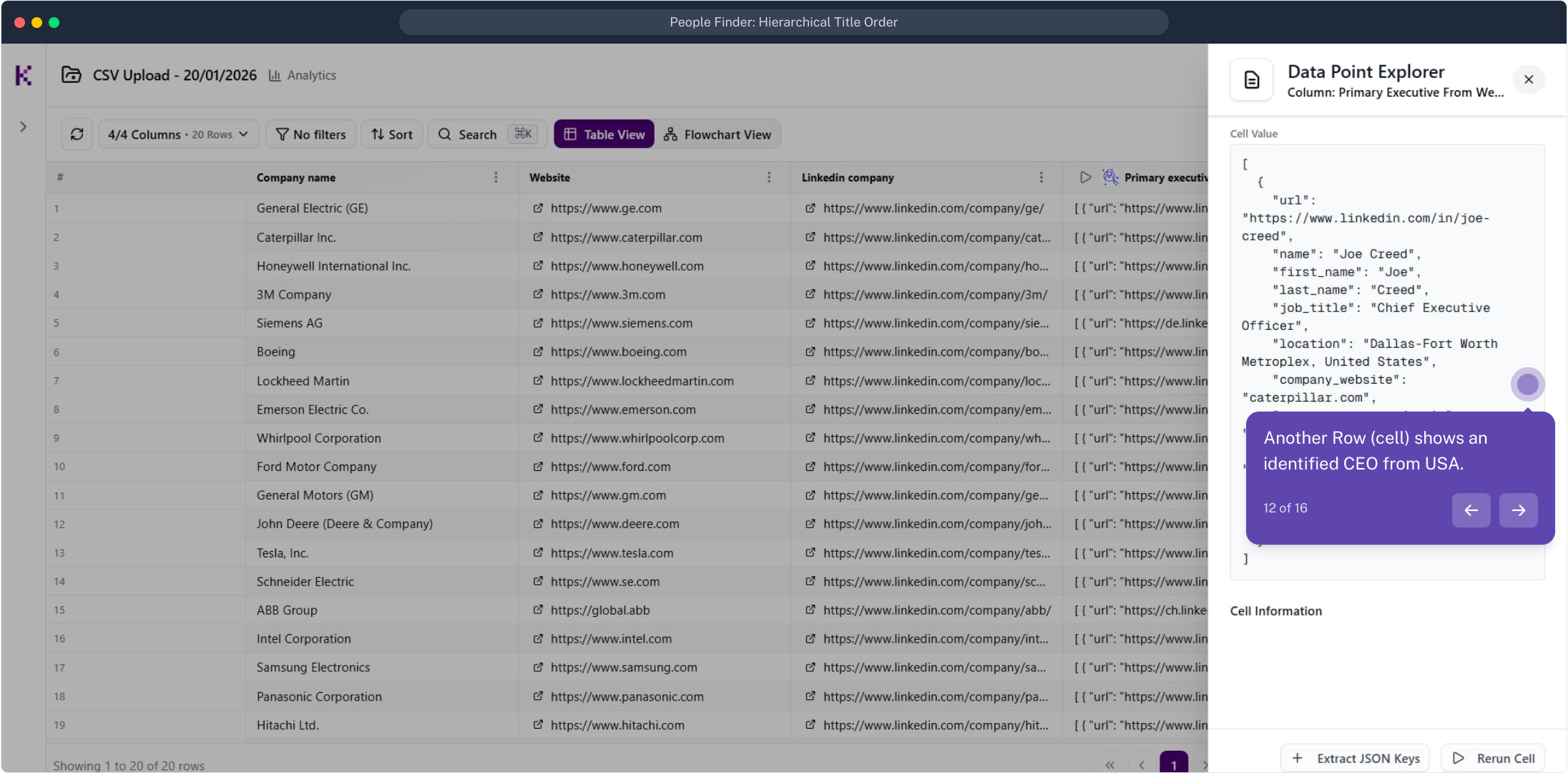
Switch the JSON to a table
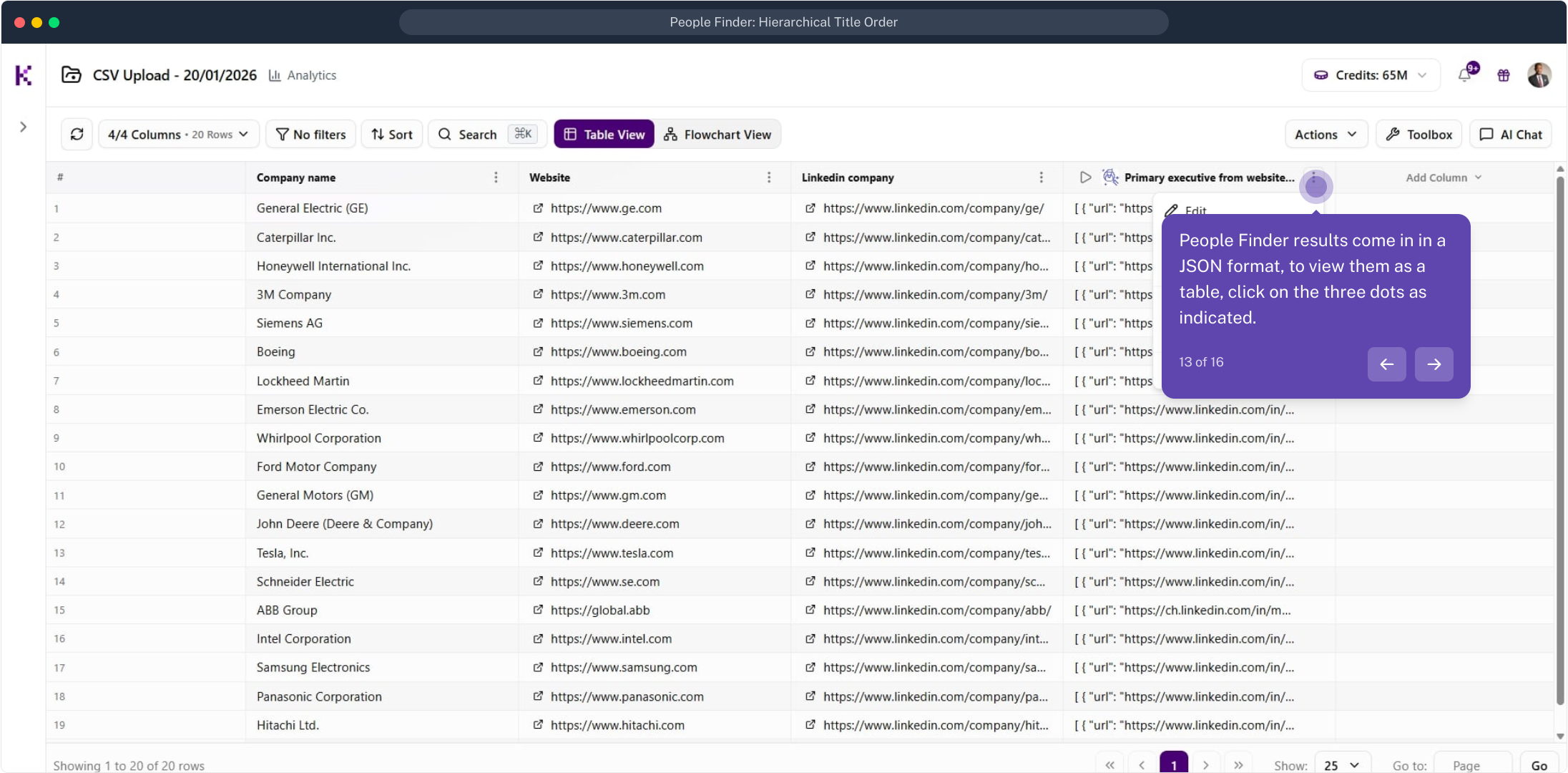
People Finder results are stored as JSON. To view them as a table, click the three dots on the column header.
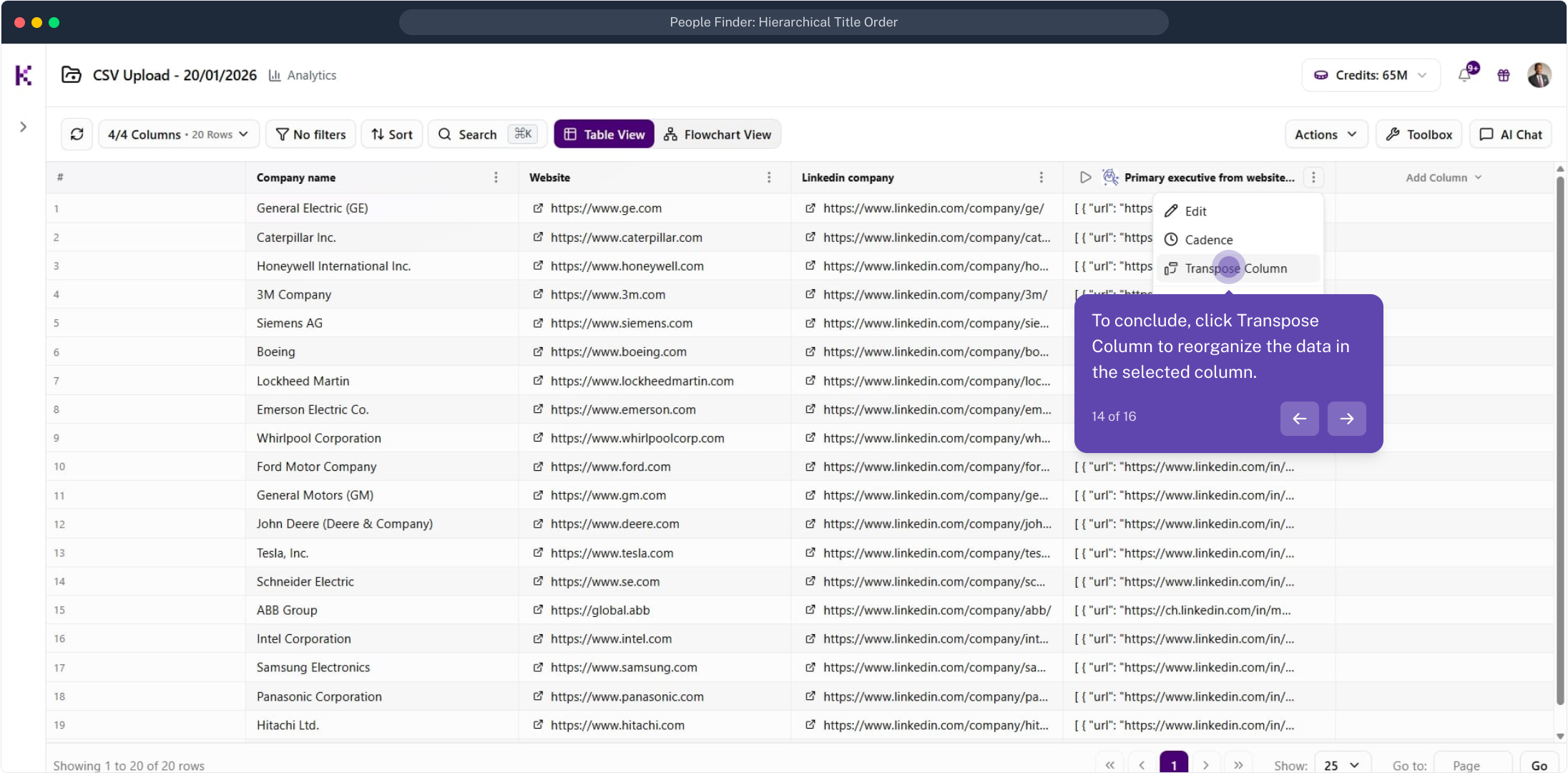
Transpose the column
From the column menu, click Transpose Column to reorganize the JSON data in the selected column.
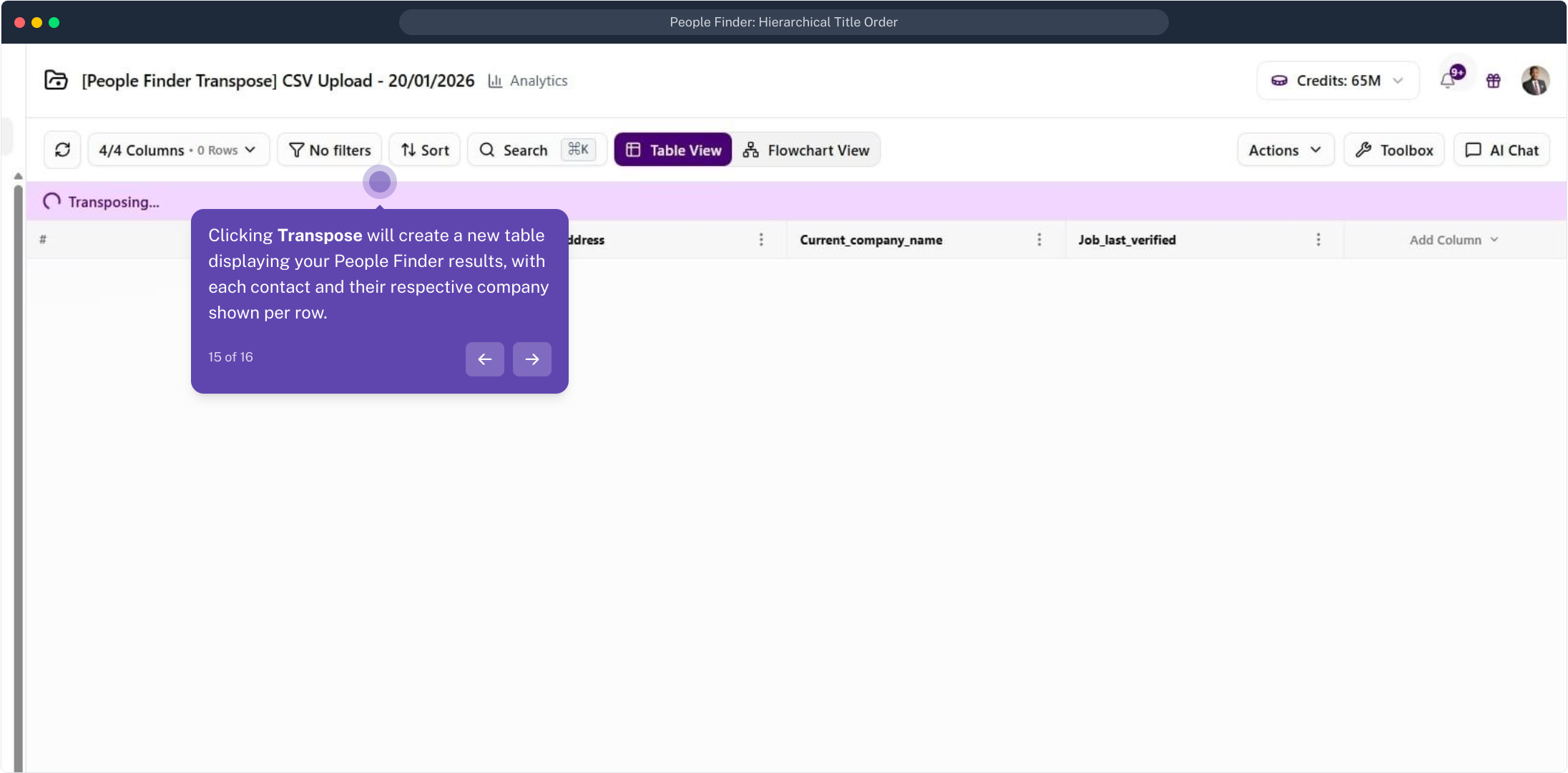
A new contact table is created
Transposing creates a new table with each contact and their company on its own row, ready to read and export.
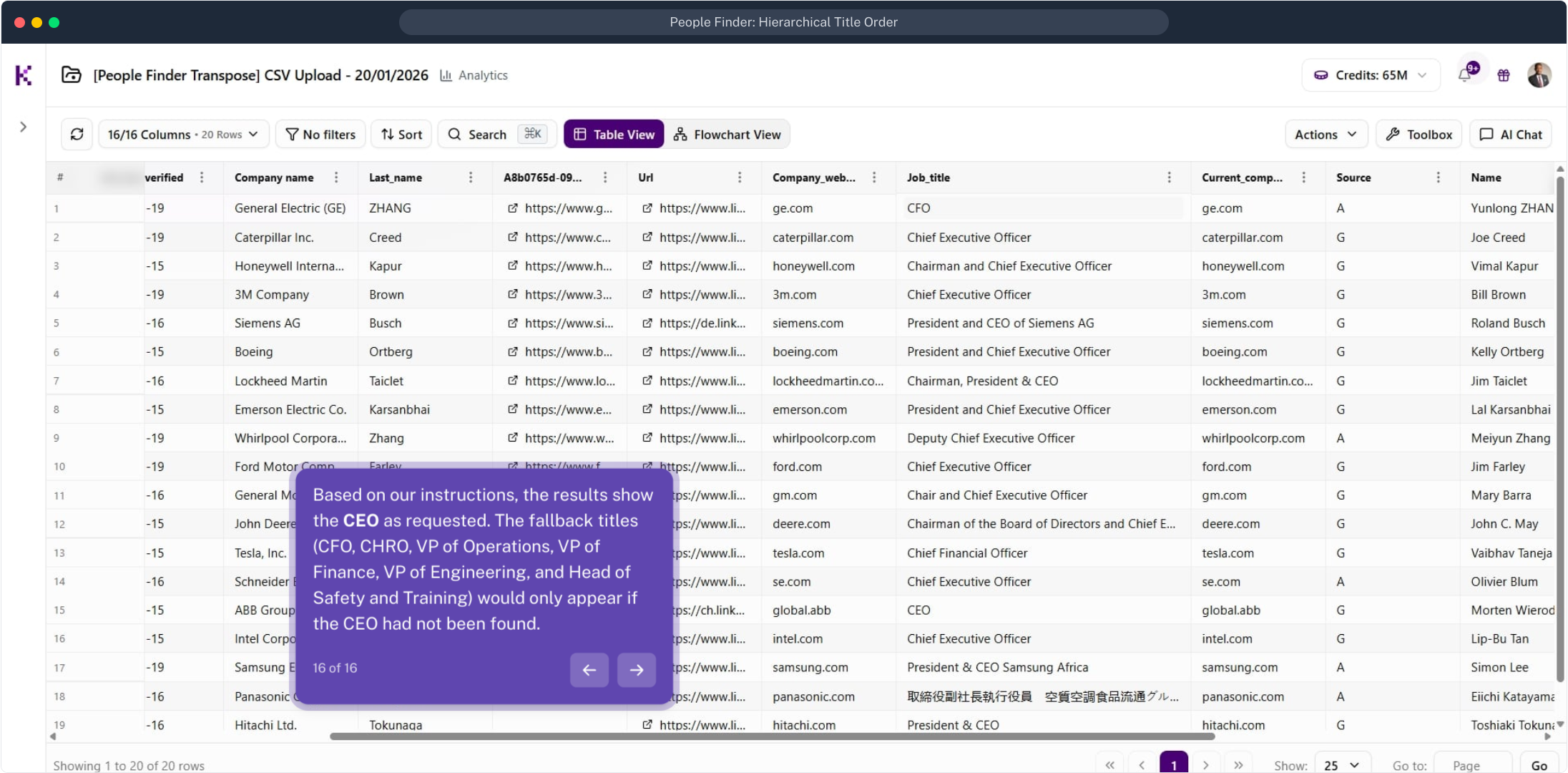
Read the final results
The transposed table shows the CEO for each company as requested. The fallback titles appear only where a CEO could not be found.
Kept on this device