Check if a company already lives in another project
Before you enrich or reach out, see which accounts are brand-new and which already exist in your other Kuration projects — so you never spend credits twice or double-touch the same company.
Know what's new before you spend a credit
Running the same companies across projects wastes credits and clutters your outreach. This check tells you, row by row, whether a company already exists in your account — and exactly where it lives.
Skip duplicates. Never re-enrich or contact a company another teammate or project already owns.
Surface net-new accounts that are actually worth spending credits on.
See the overlap — which of your projects an existing company appears in, at a glance.
Matching runs on the company domain, so it catches the same company even when the name is spelled differently.
Add “Find New Companies” and run it
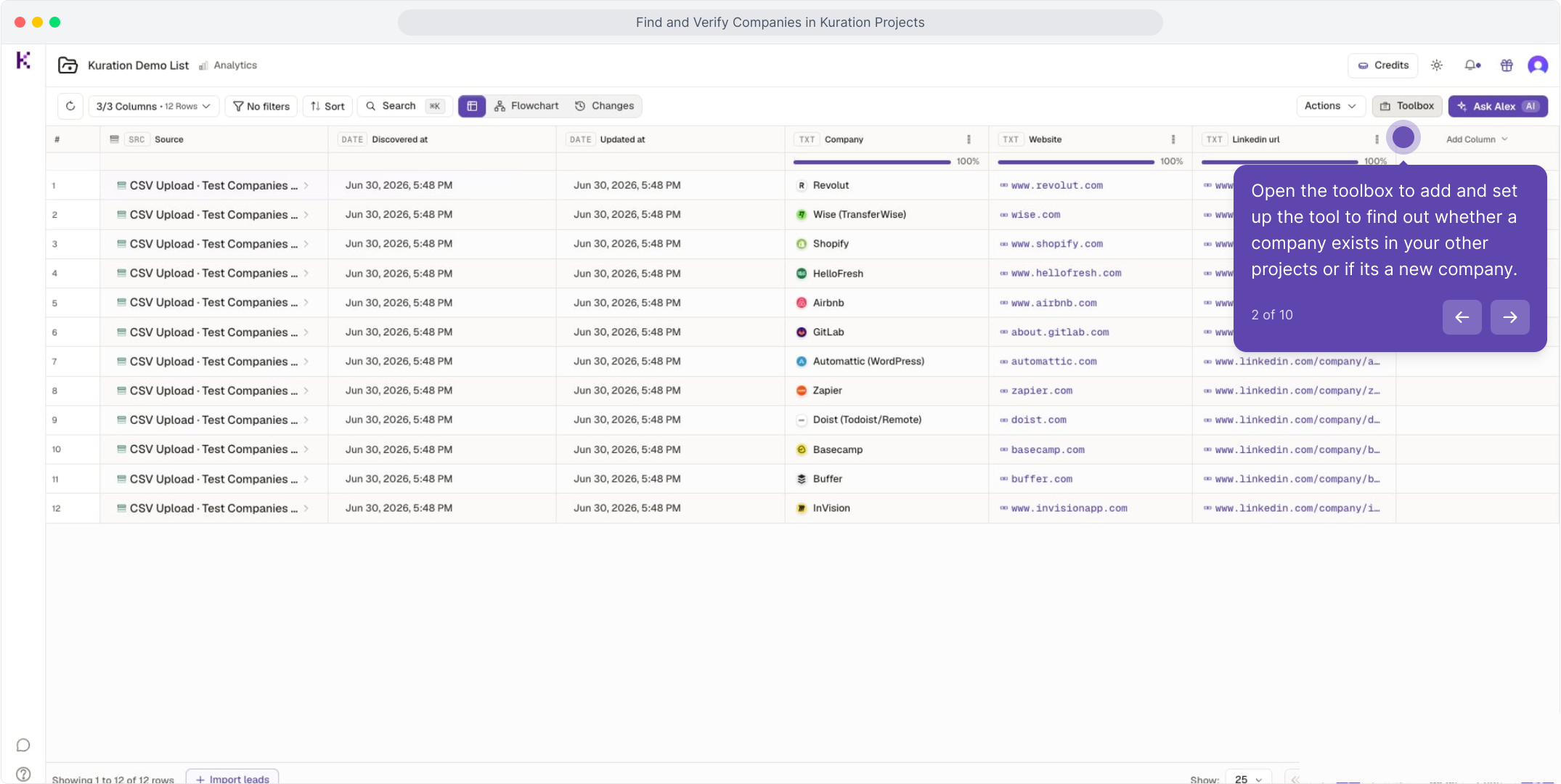
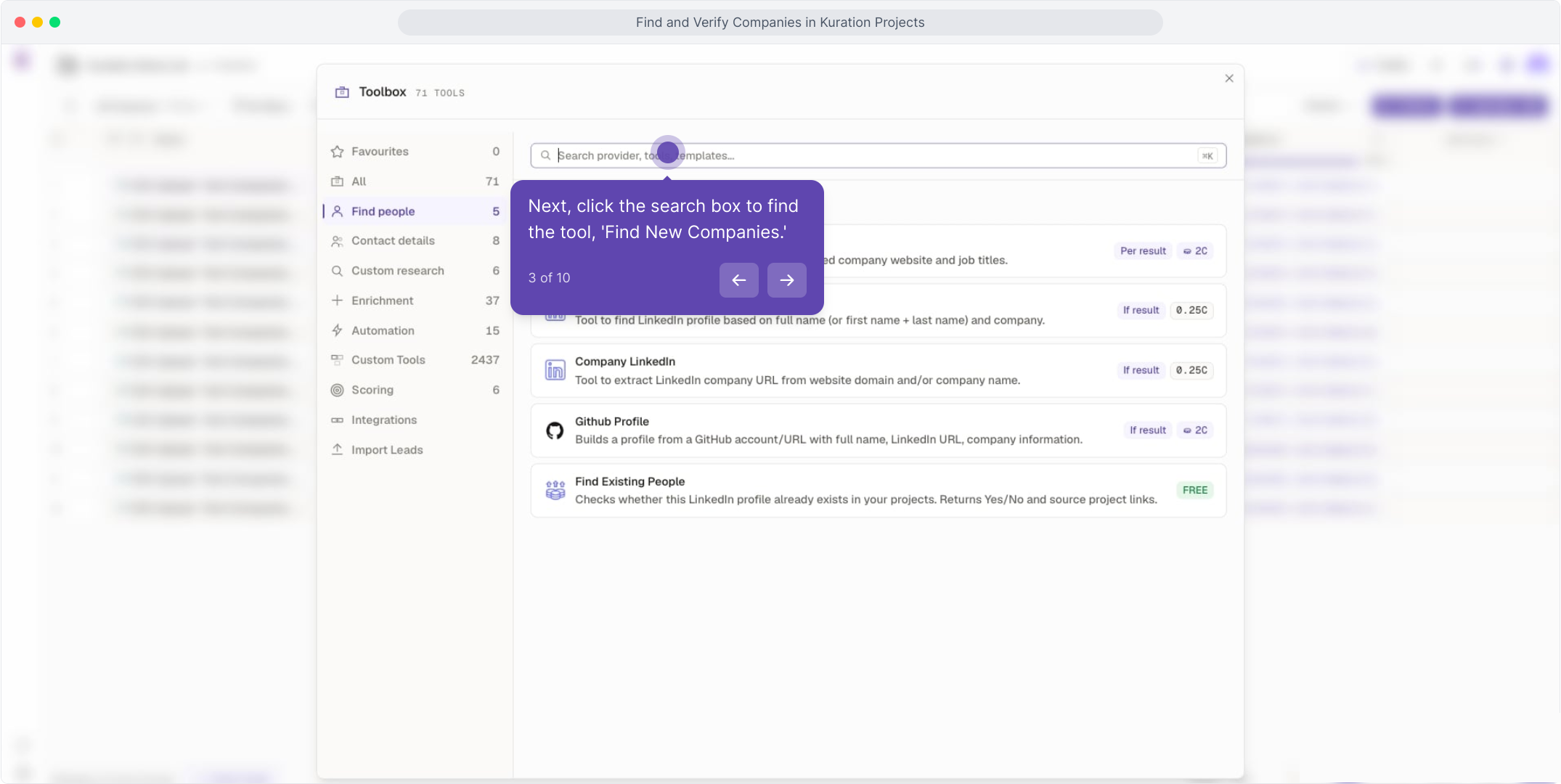
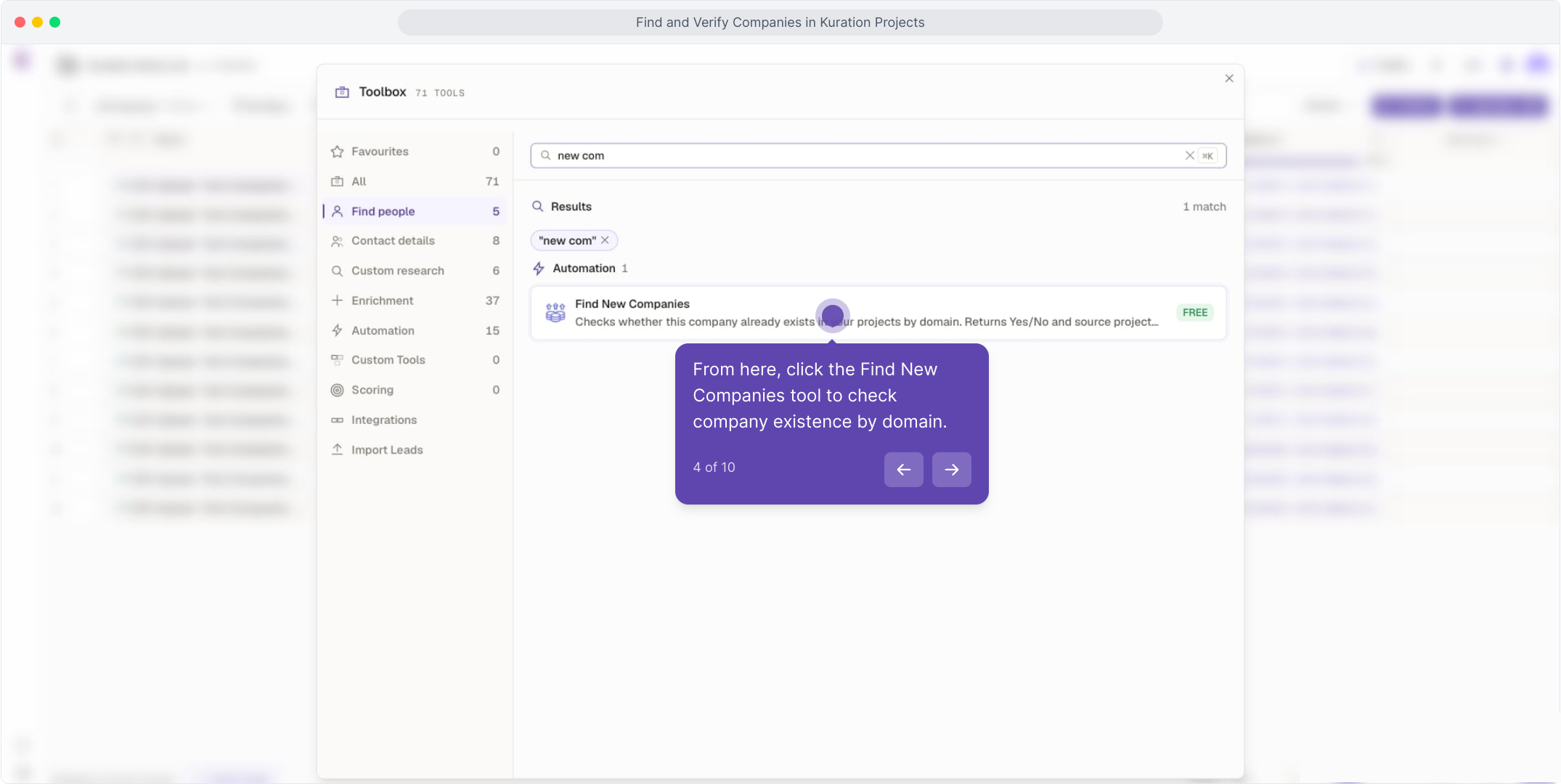
Open the Toolbox and search Find New Companies.
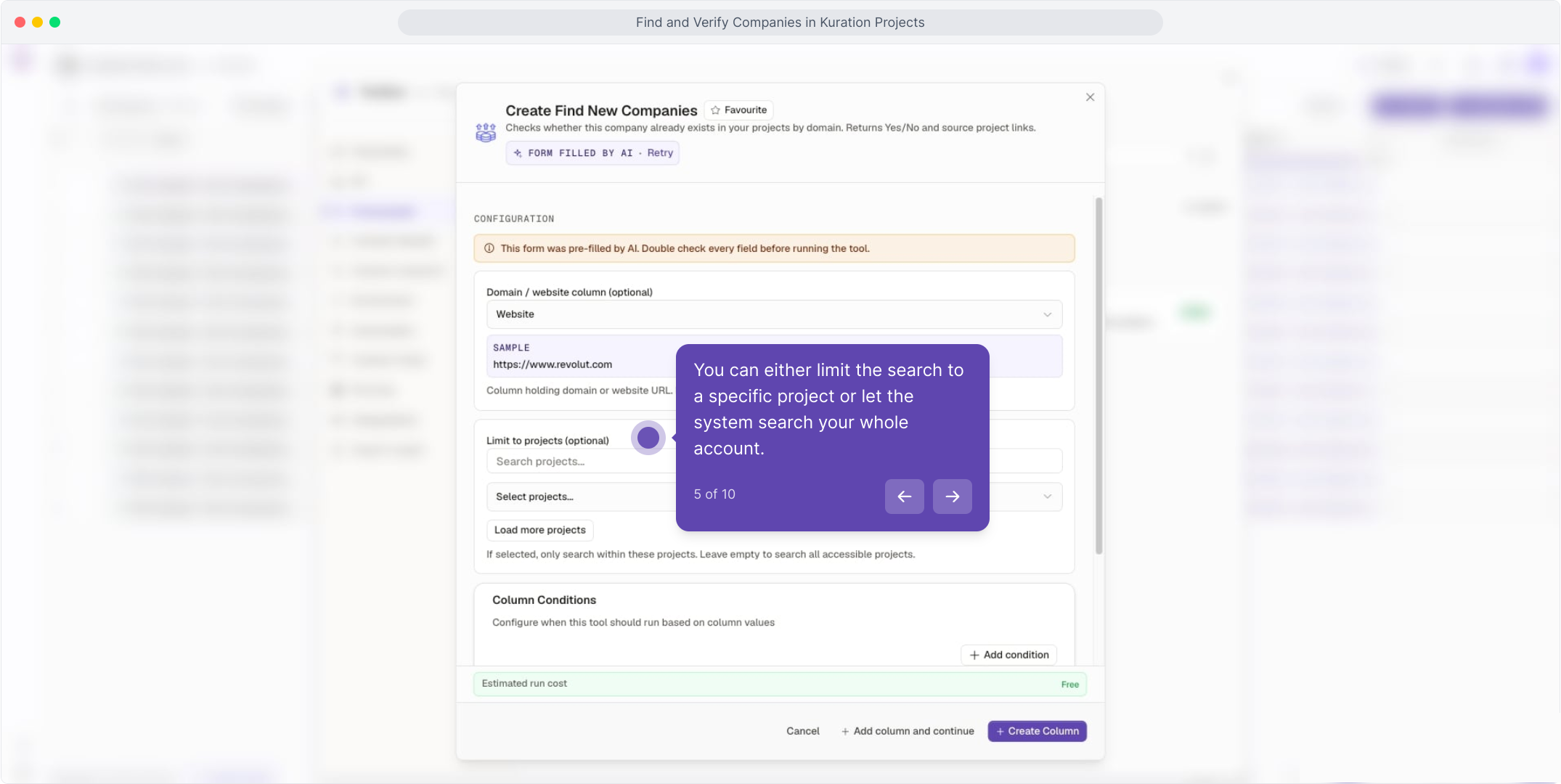
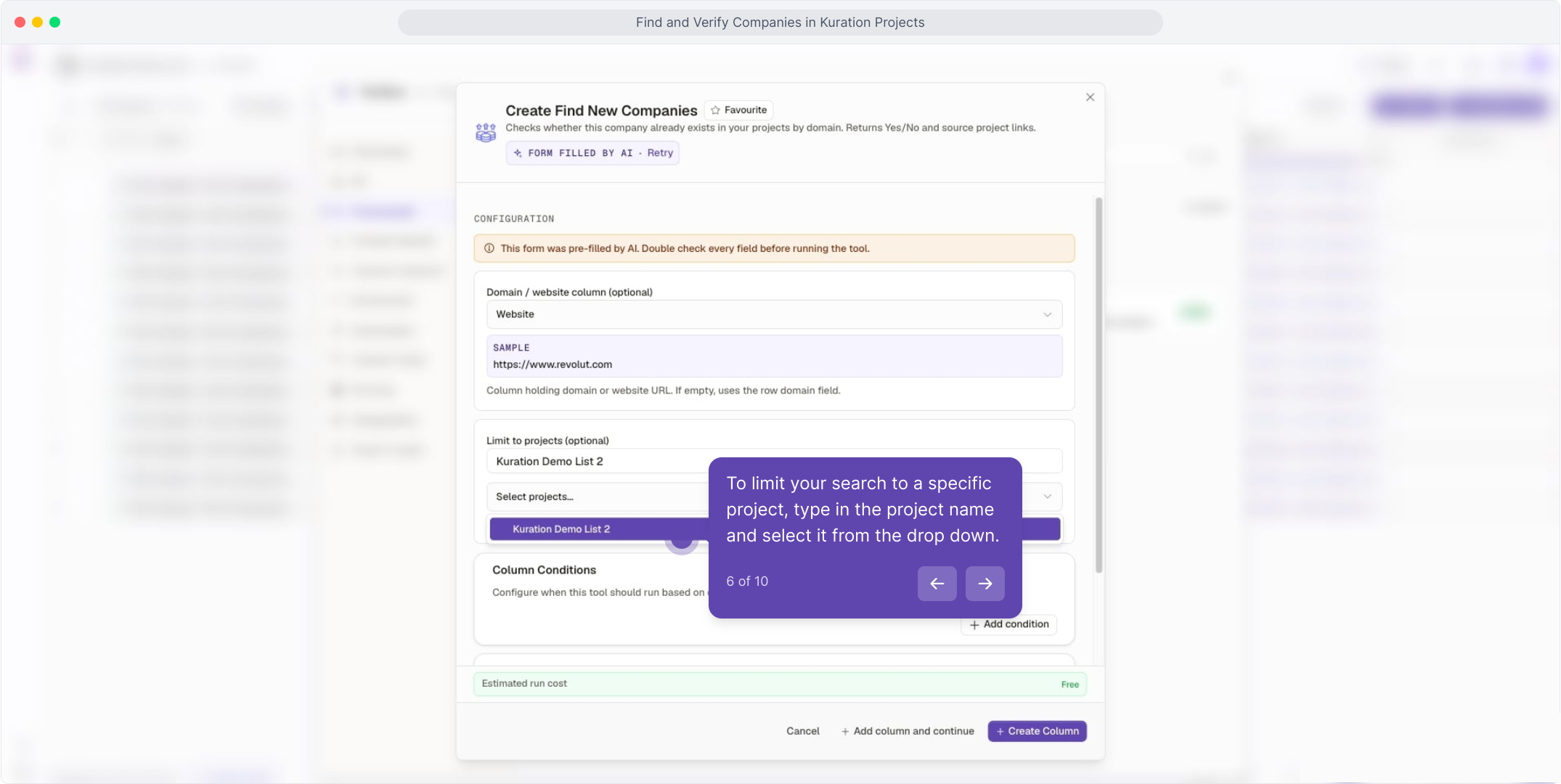
Pick your scope — a single project or your whole account.
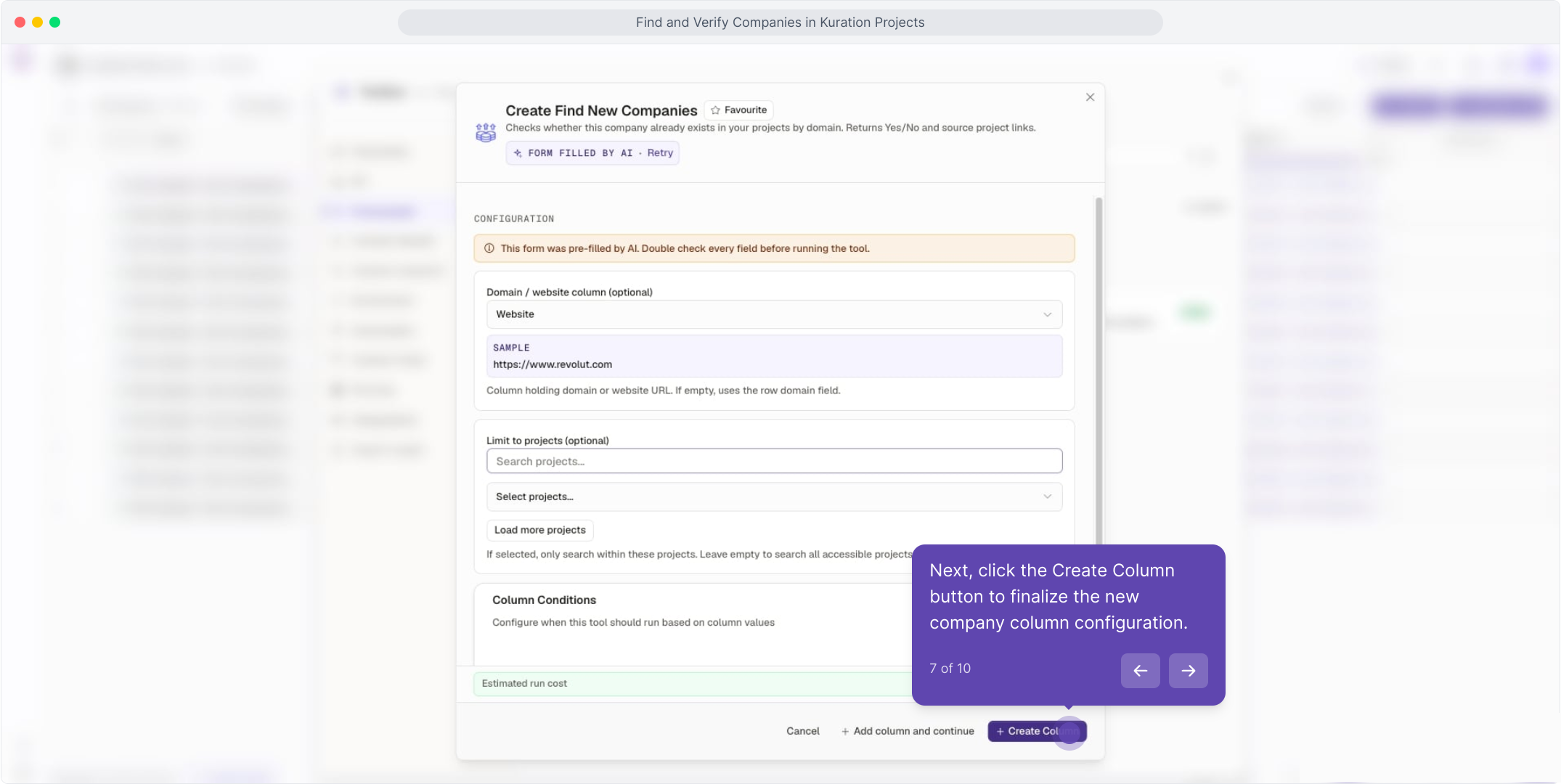
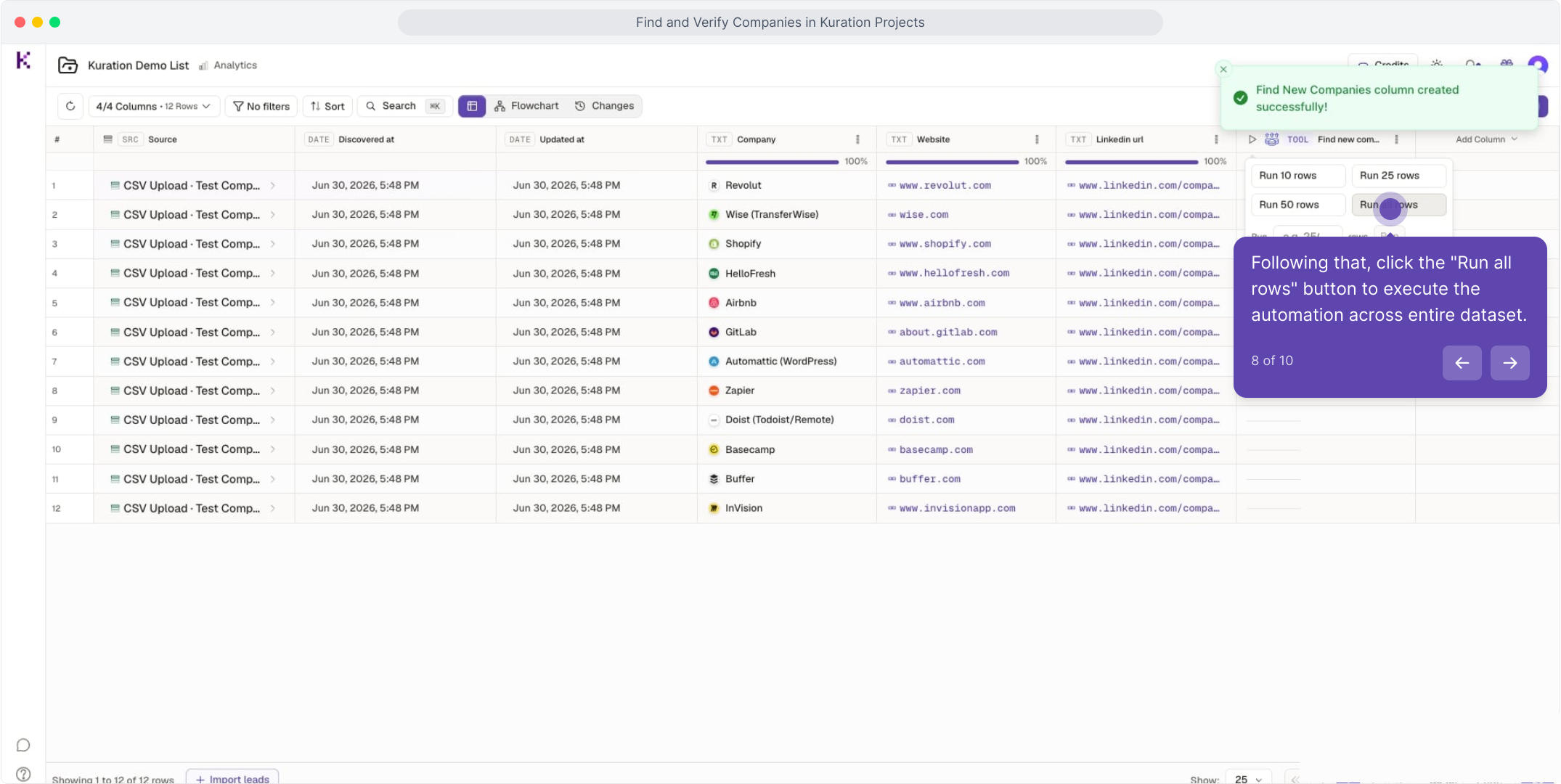
Hit Create Column, then Run all rows.
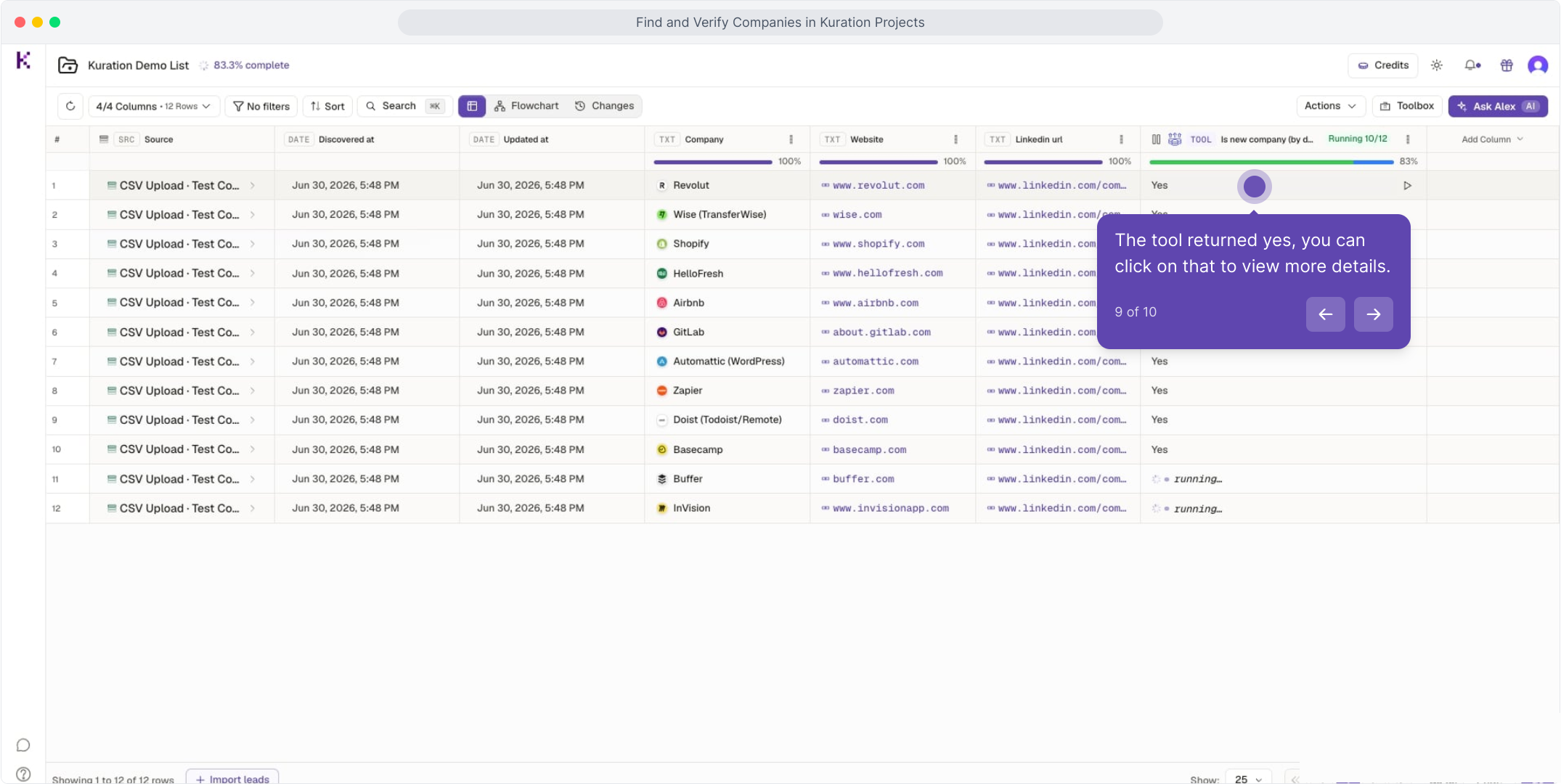
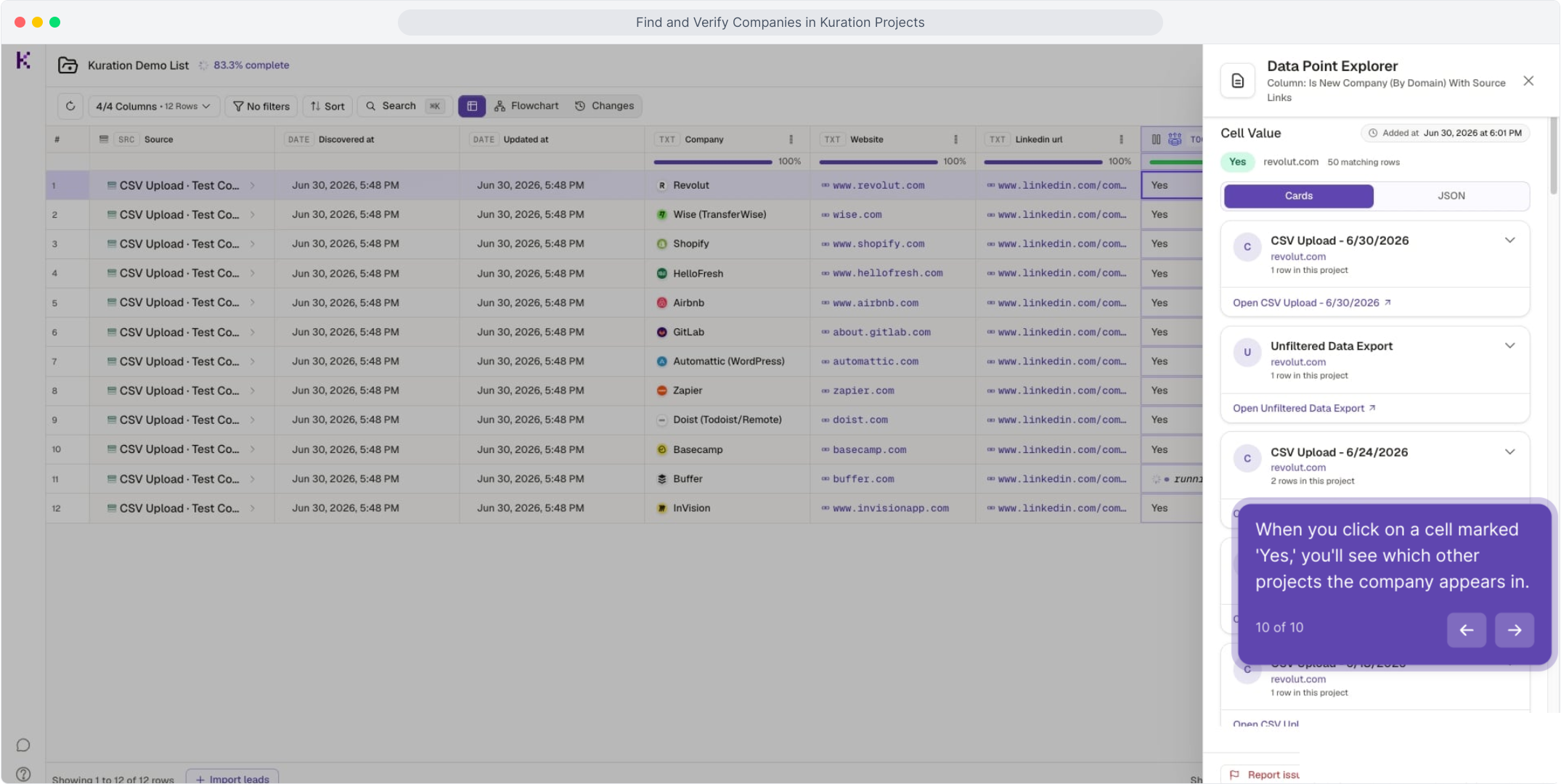
Open any Yes cell to see the overlapping projects.
See the full walkthrough
Follow the interactive demo step by step — from opening the Toolbox to reading your first match. Under two minutes, fully click-through.
Opens in a new tab — come back any time.