Connect Kuration AI to Zoho CRM

A four-step setup that takes about five minutes. Once connected, push enriched leads, contacts, and accounts straight into Zoho CRM — no CSVs, no copy-paste.

Kuration Team5 min readUpdated May 19, 2026

A four-step setup that takes about five minutes. Once connected, push enriched leads, contacts, and accounts straight into Zoho CRM — no CSVs, no copy-paste.

How to Connect Kuration AI to Zoho CRM

Overview

Authorize Zoho once with a self-client OAuth grant, then push enriched records into the right module — Leads, Contacts, or Accounts. Field mapping is automatic.

Step 1: Open the Integrations page in Kuration

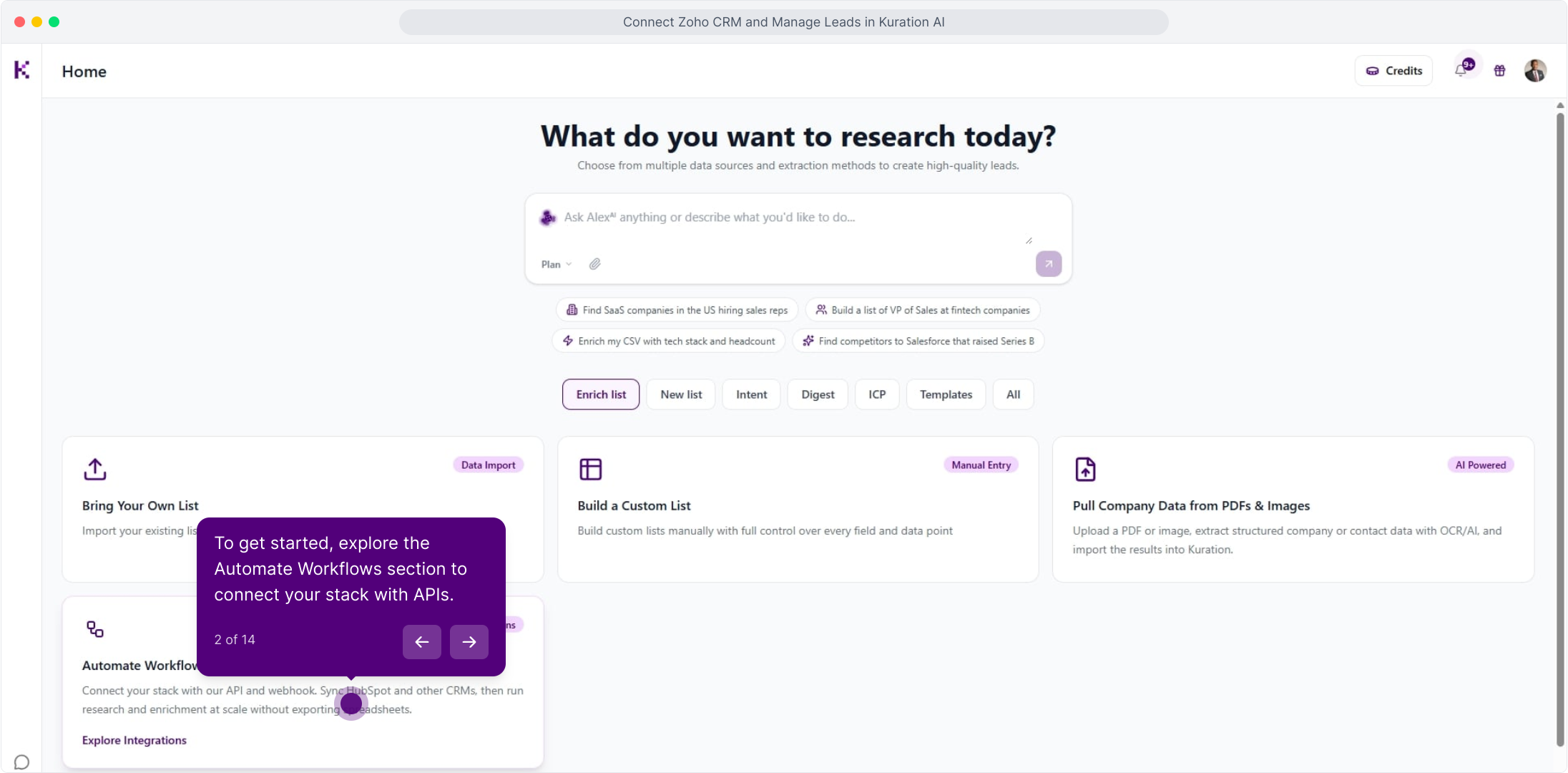
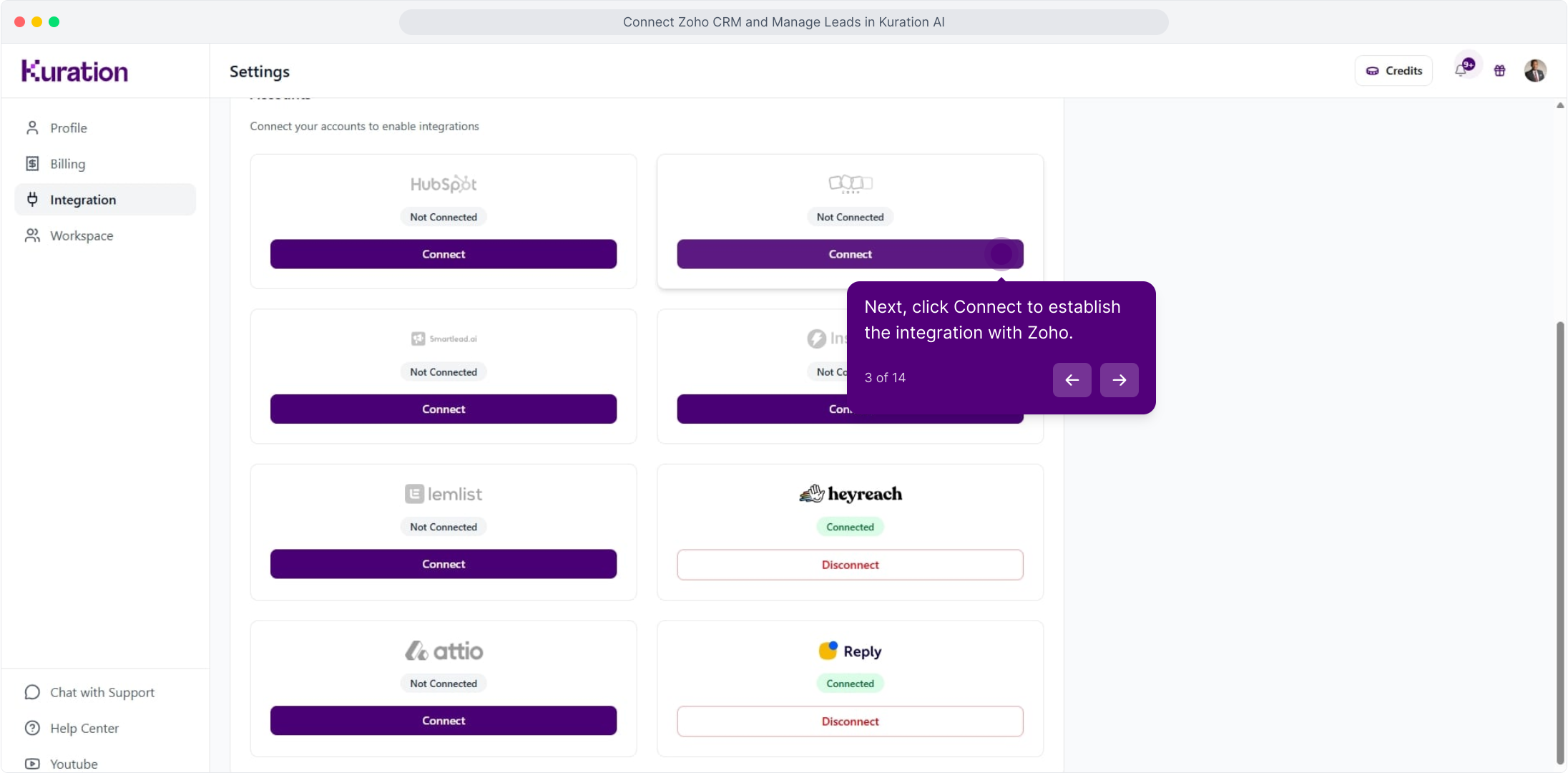
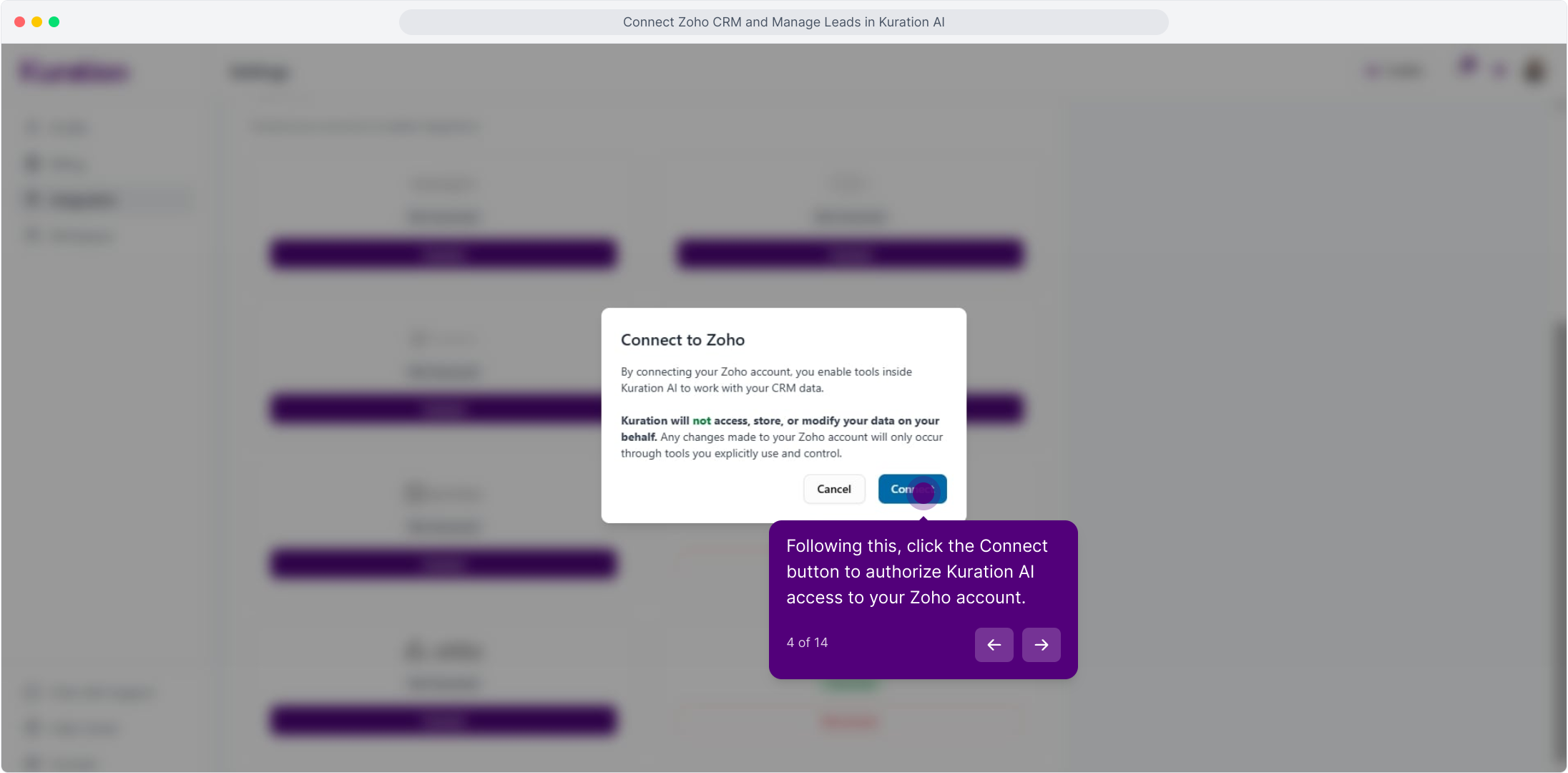
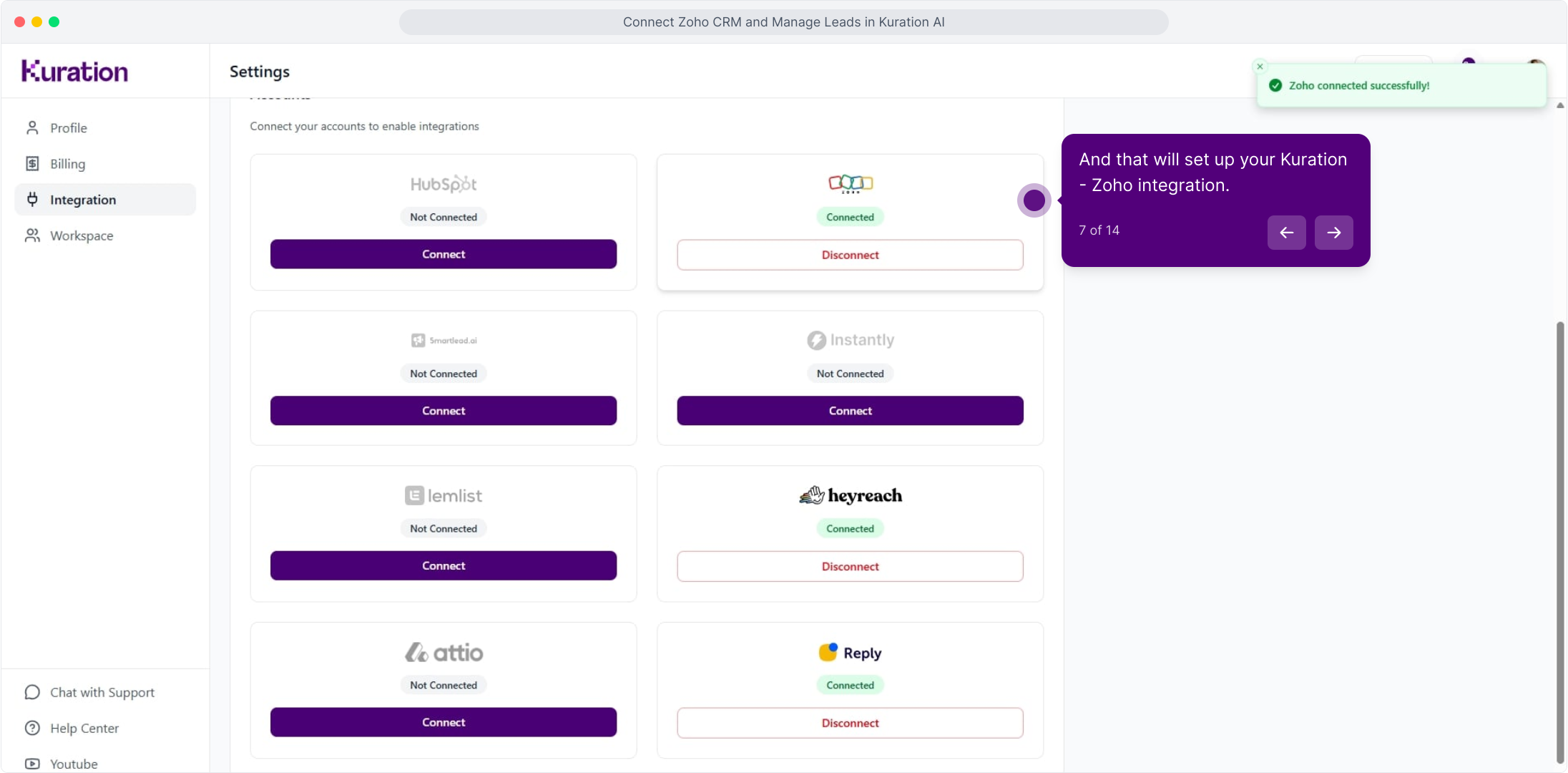
In Kuration AI, head into Settings → Integrations. Click your profile avatar (top-right), open Settings → Integrations, then click Connect on the Zoho CRM tile.

app.kurationai.com/settings/integrations
Illustrative · Kuration
Accounts
Connect your accounts to enable integrations
Not ConnectedConnect
ConnectedDisconnect

Step 2: Create a self-client connection in Zoho

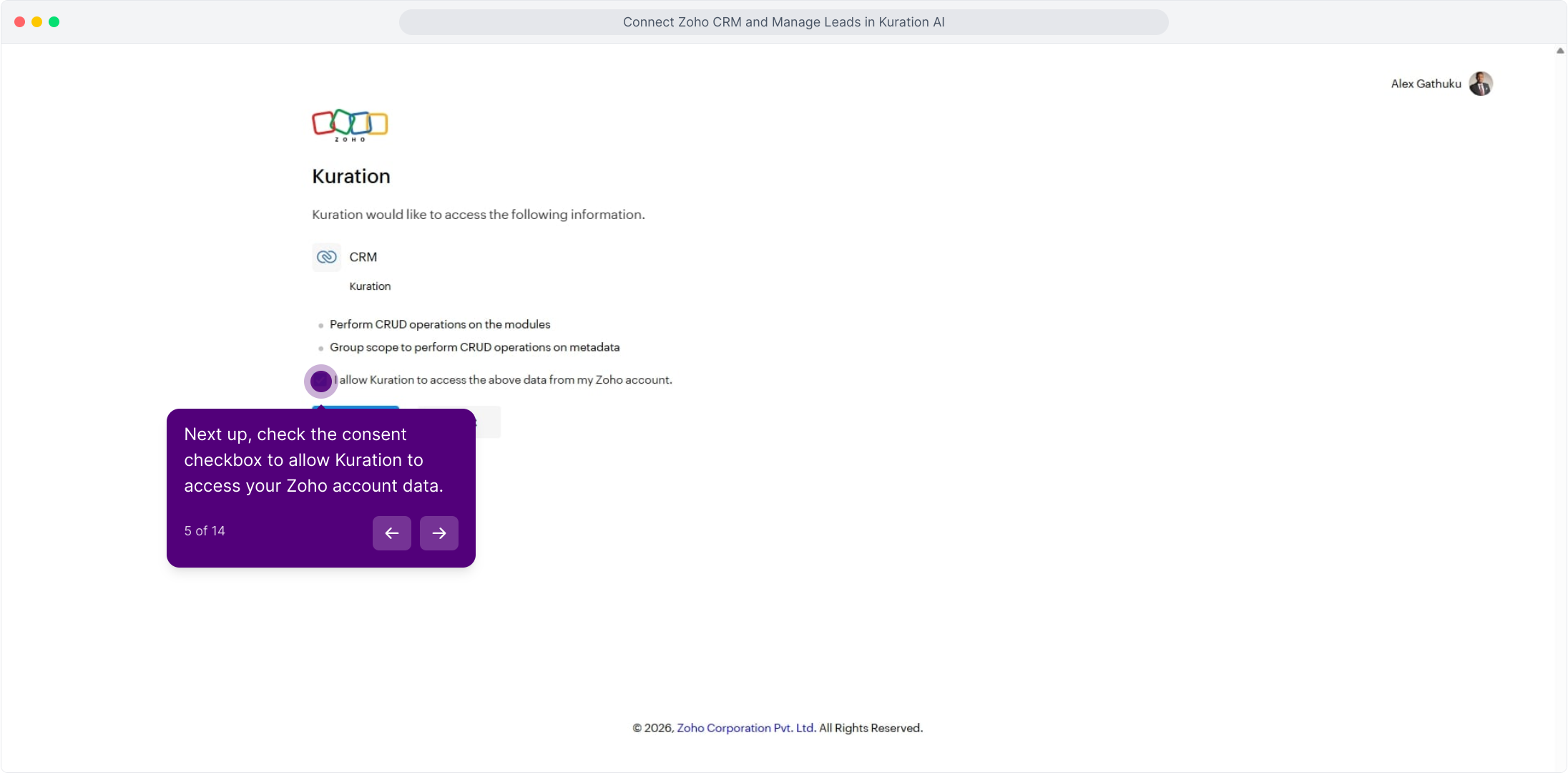
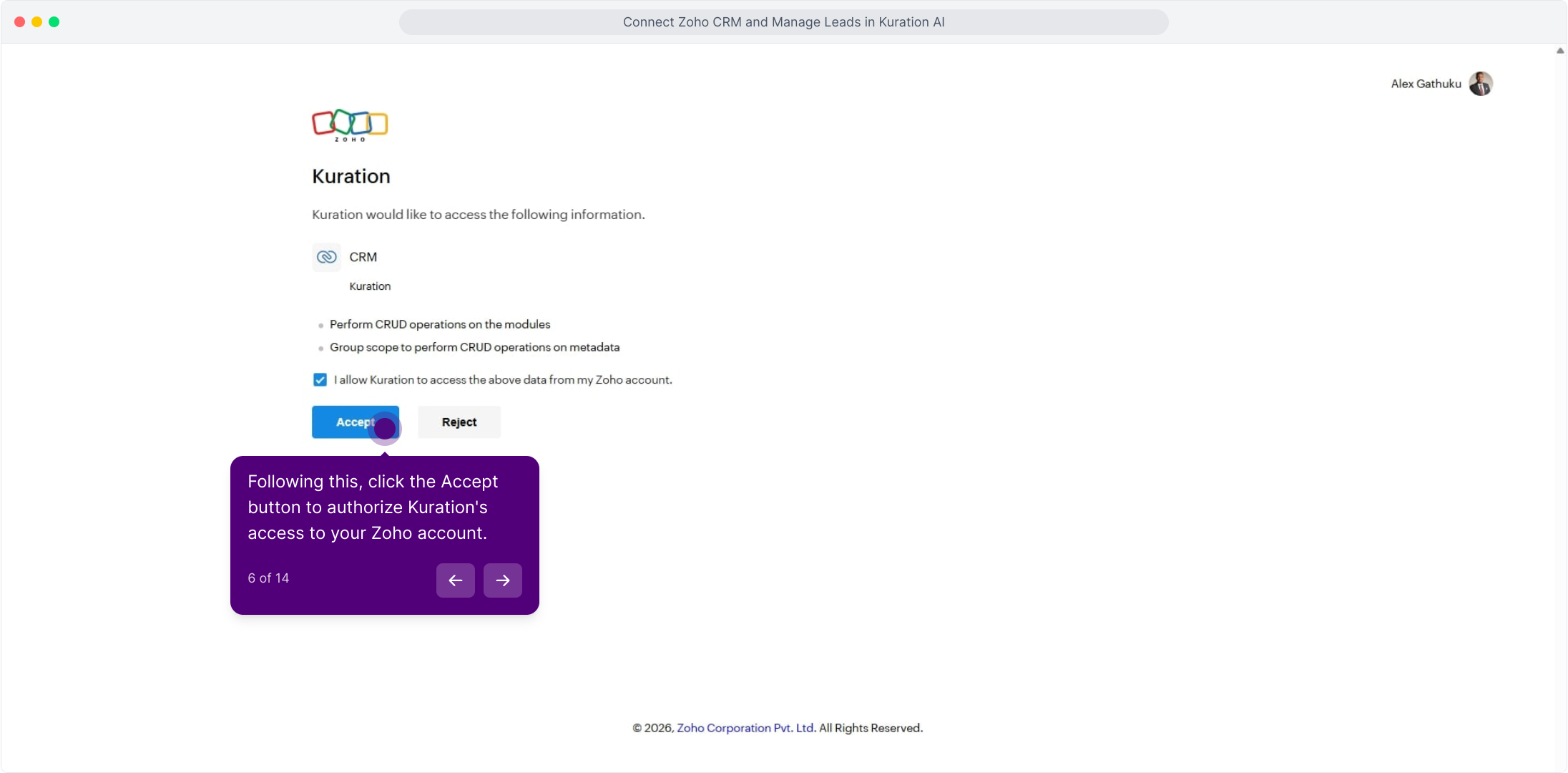
Open the Zoho API Console (api-console.zoho.com) in a new tab and add a Self Client. Generate a grant code with scope ZohoCRM.modules.ALL, then copy the Client ID, Secret, and code — Kuration exchanges them for refresh tokens.

api-console.zoho.com/clients
Illustrative · Zoho API Console
Clients
Self Client
Server-based
Client-based
Mobile
Self Client · Kuration AIGenerate a code, exchange for tokens.Generate Code
Client ID1000.ABCD1234XYZ5678EFGH⧉ Copy
Client Secret•••• •••• •••• •••• a2c4⧉ Copy
Required scopesZohoCRM.modules.ALL, ZohoCRM.settings.READ

Step 3: Paste the credentials in Kuration

Back in Kuration → Integrations, paste your Zoho Client ID, Secret, and grant code. Kuration exchanges them for refresh tokens and validates the connection on the spot.

app.kurationai.com/settings/integrations
Illustrative · Kuration
Account
Profile
Integrations
Notifications
Integrations
Kuration · Integrations
ZConnect to Zoho CRM
Paste the credentials you just generated. Kuration validates them on the spot — once it's green, you're wired up.
Client ID1000.ABCD1234XYZ5678EFGH
Client Secret•••• •••• •••• •••• a2c4
CancelConnect

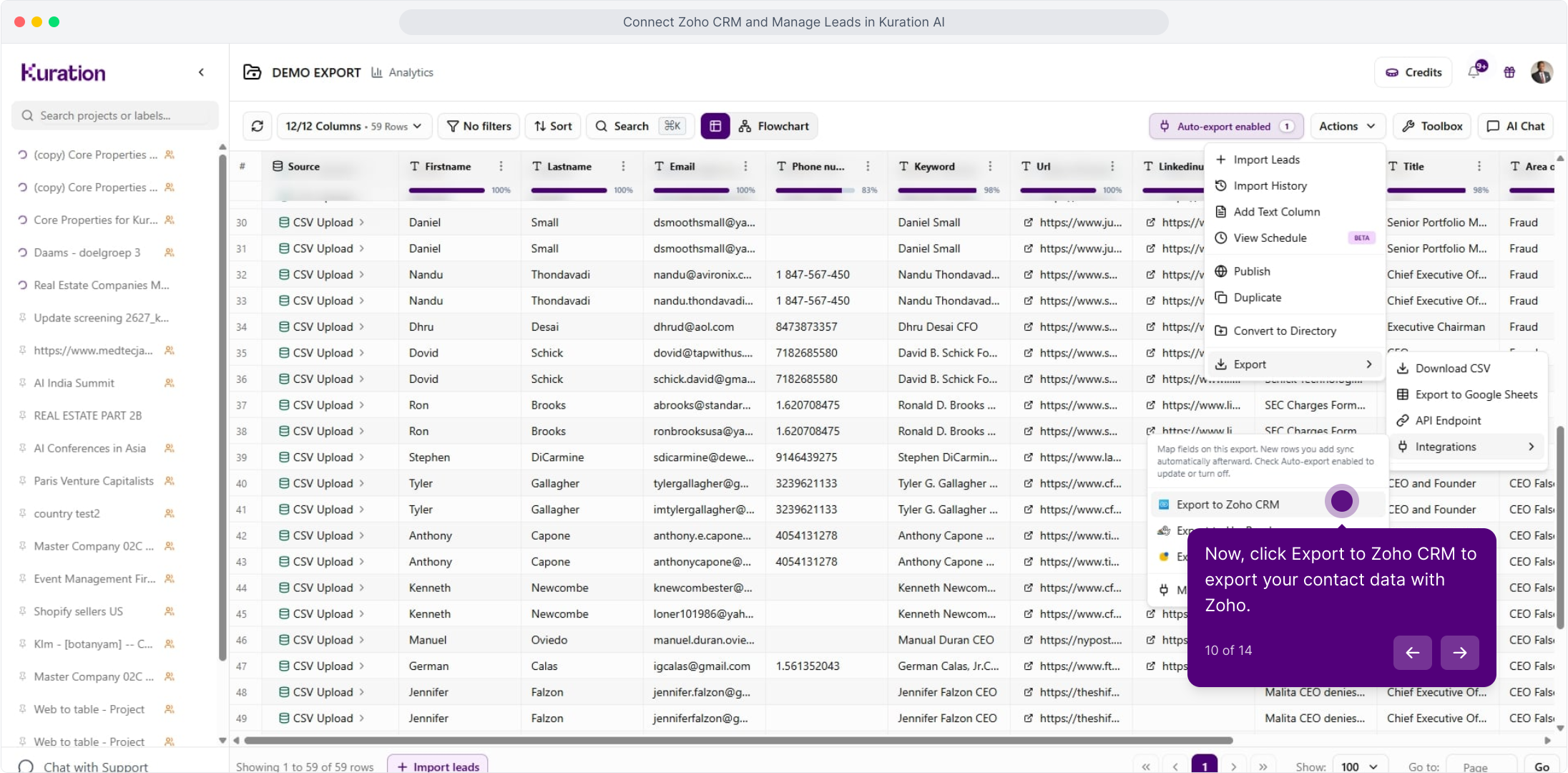
Step 4: Export your first list to Zoho CRM

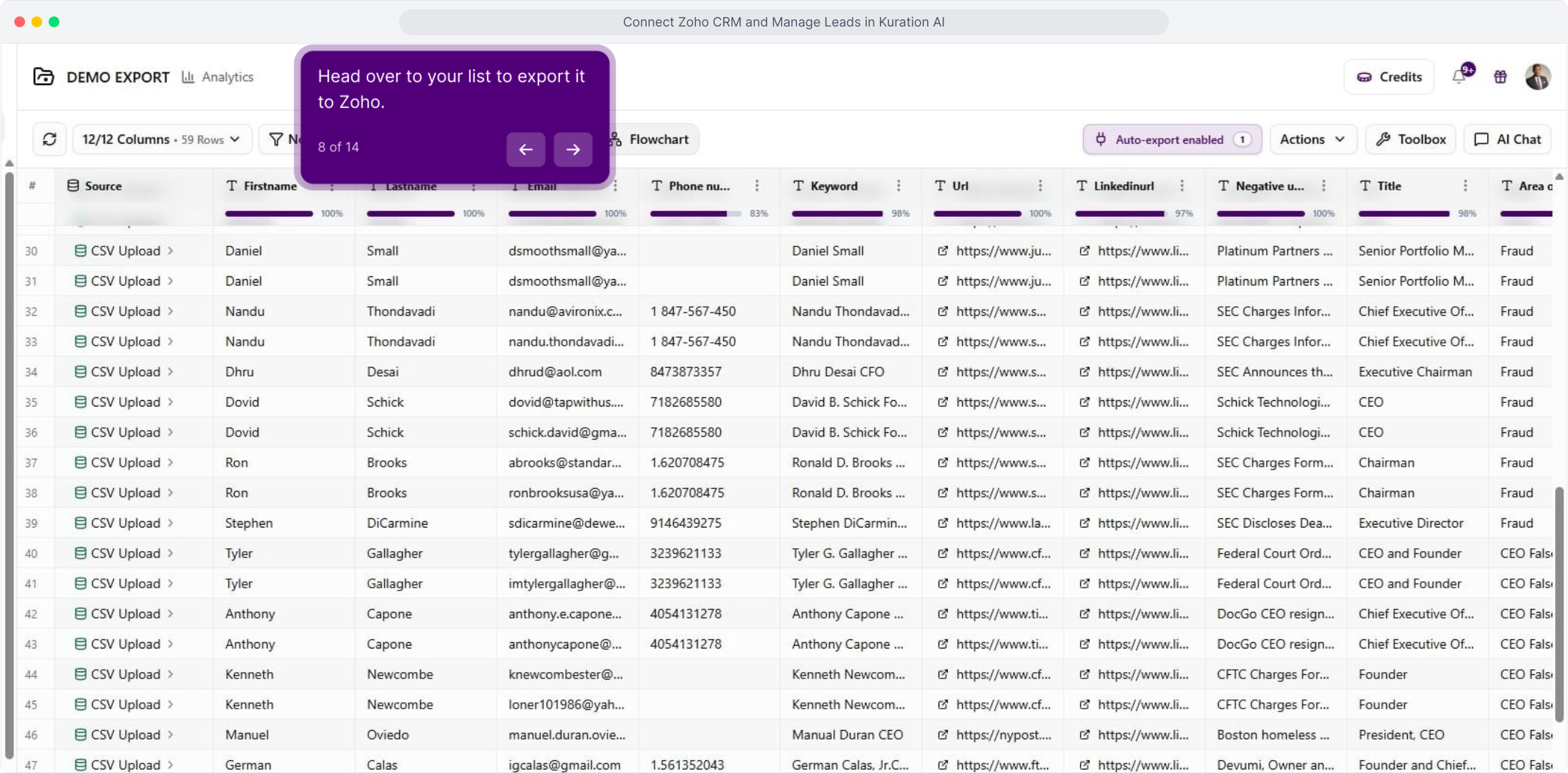
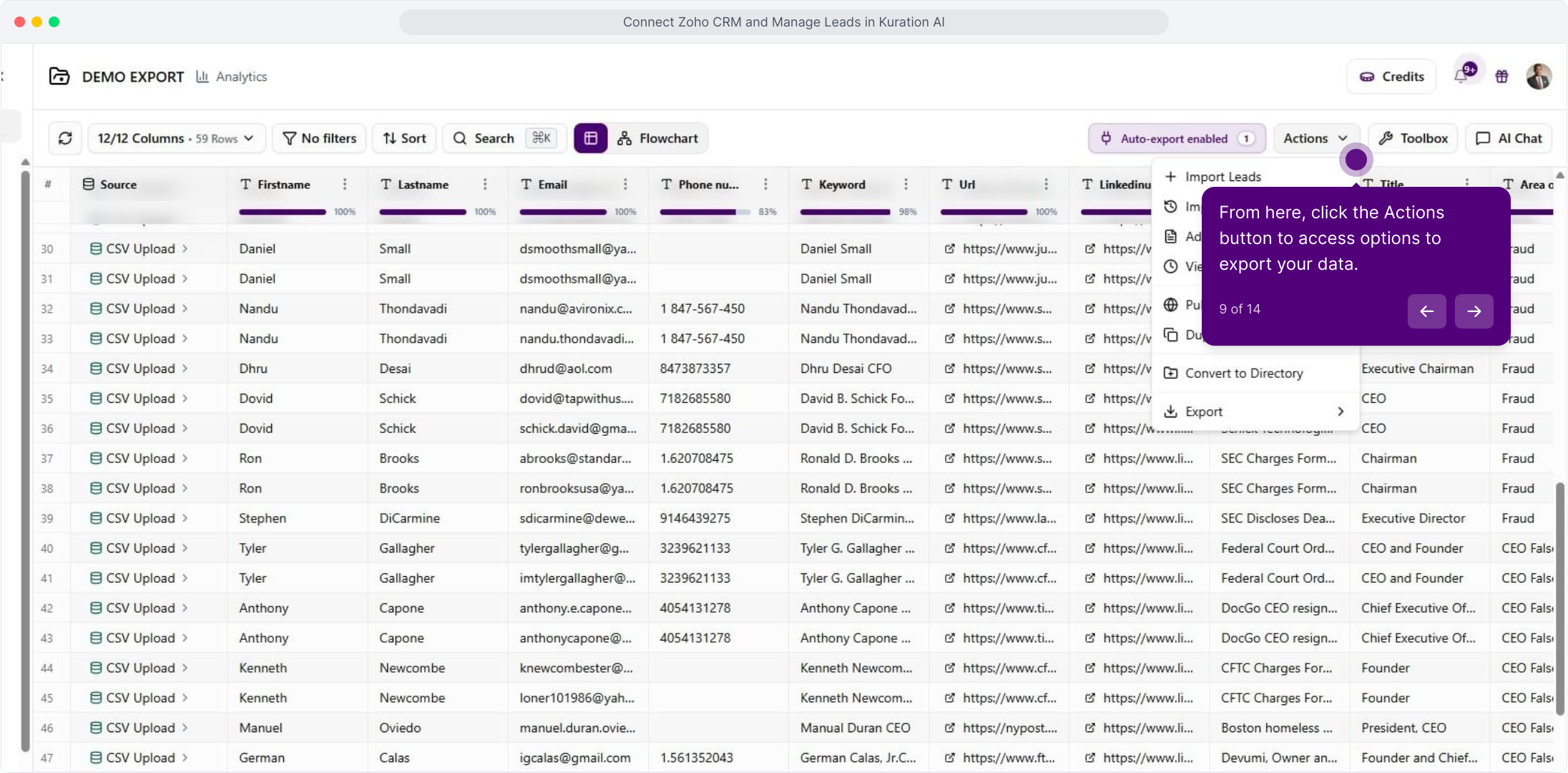
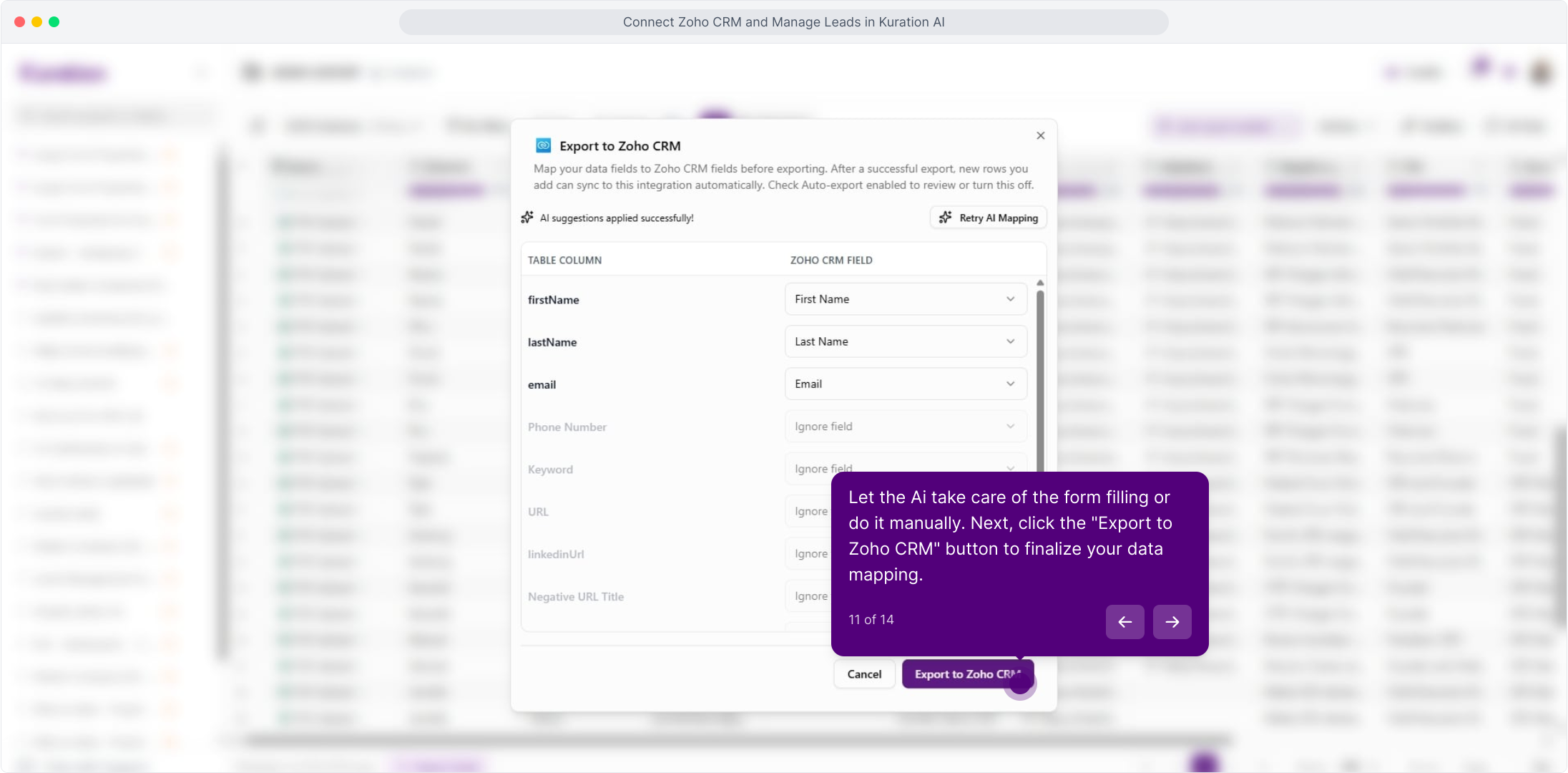
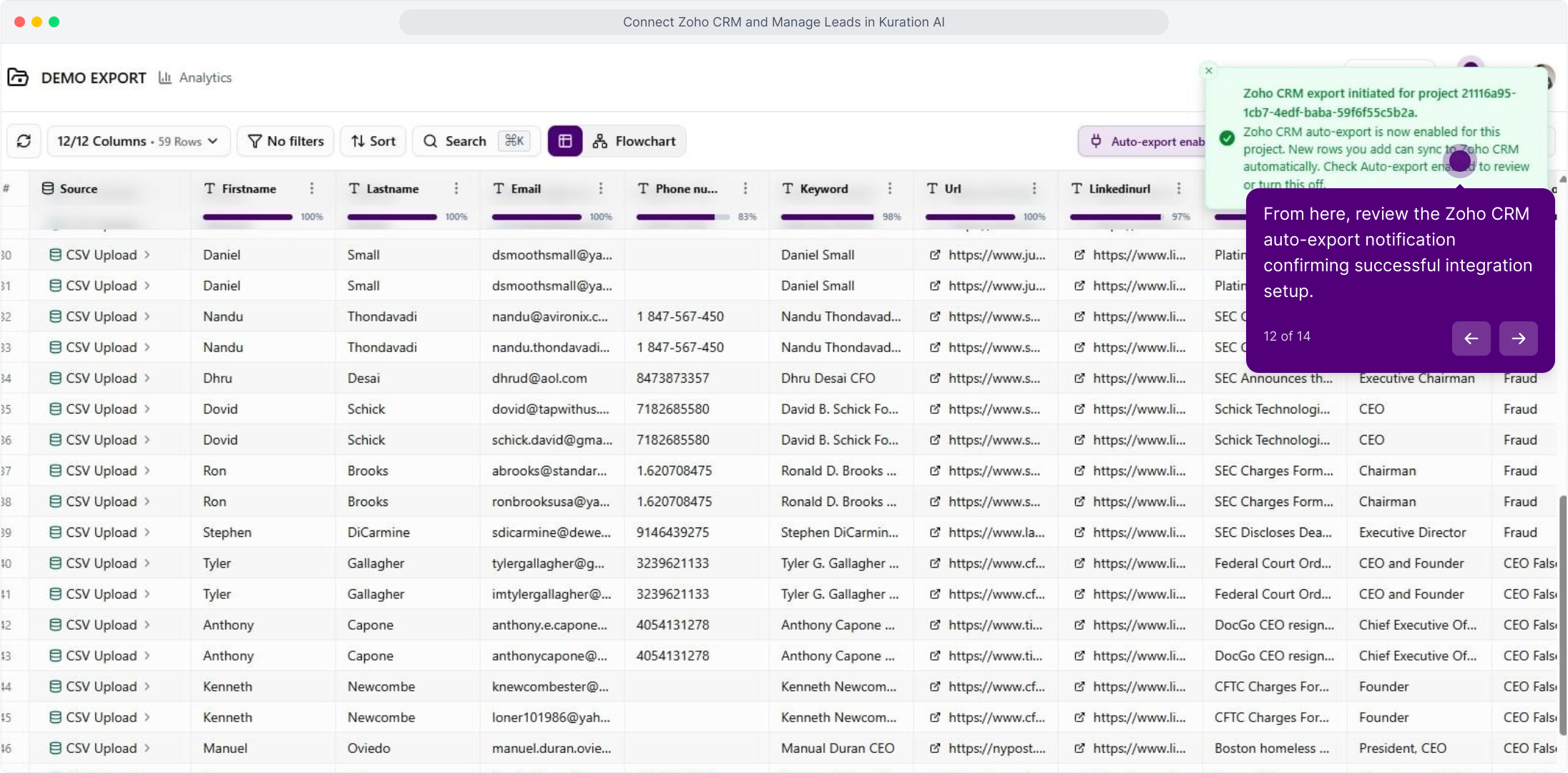
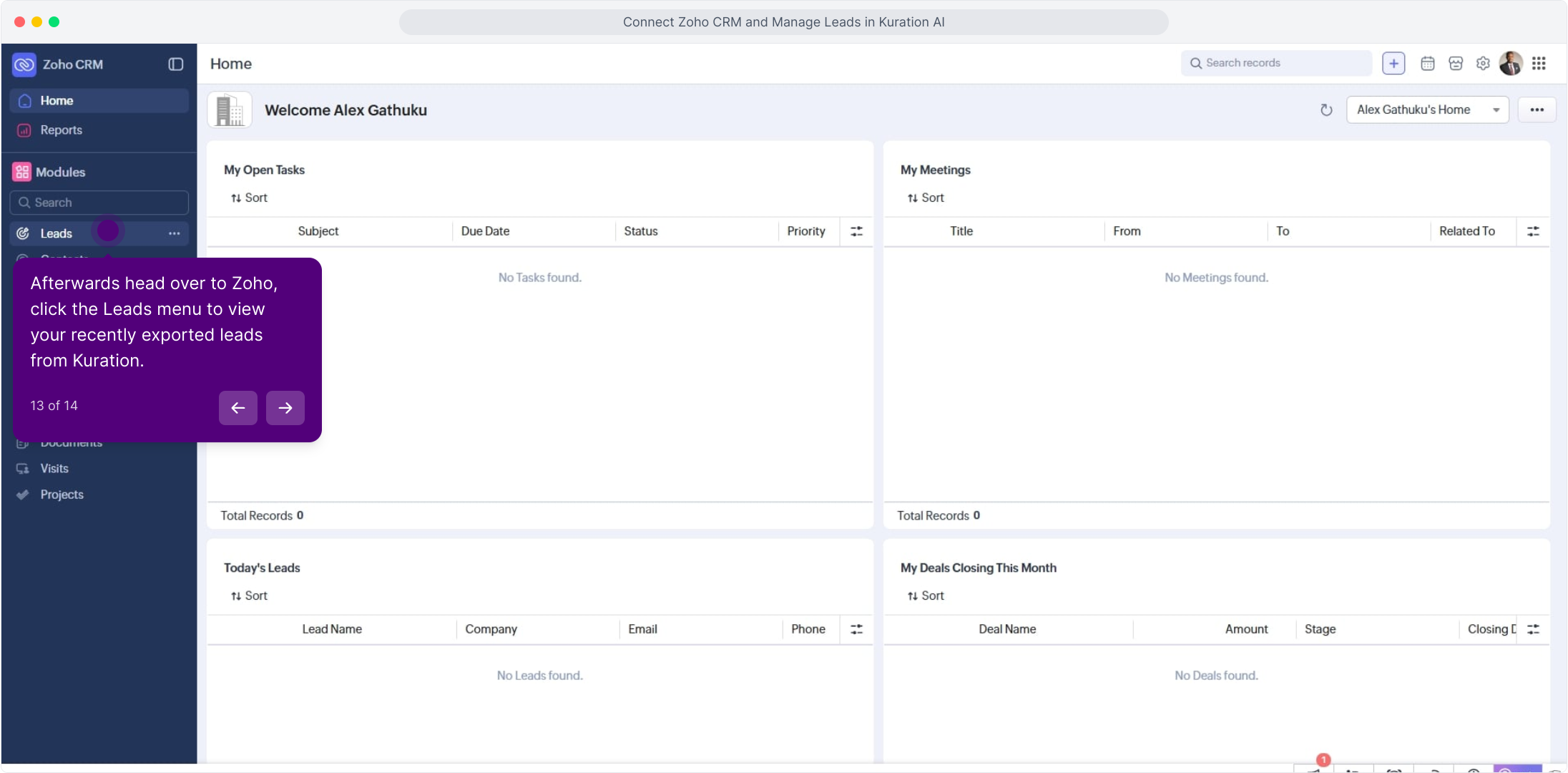
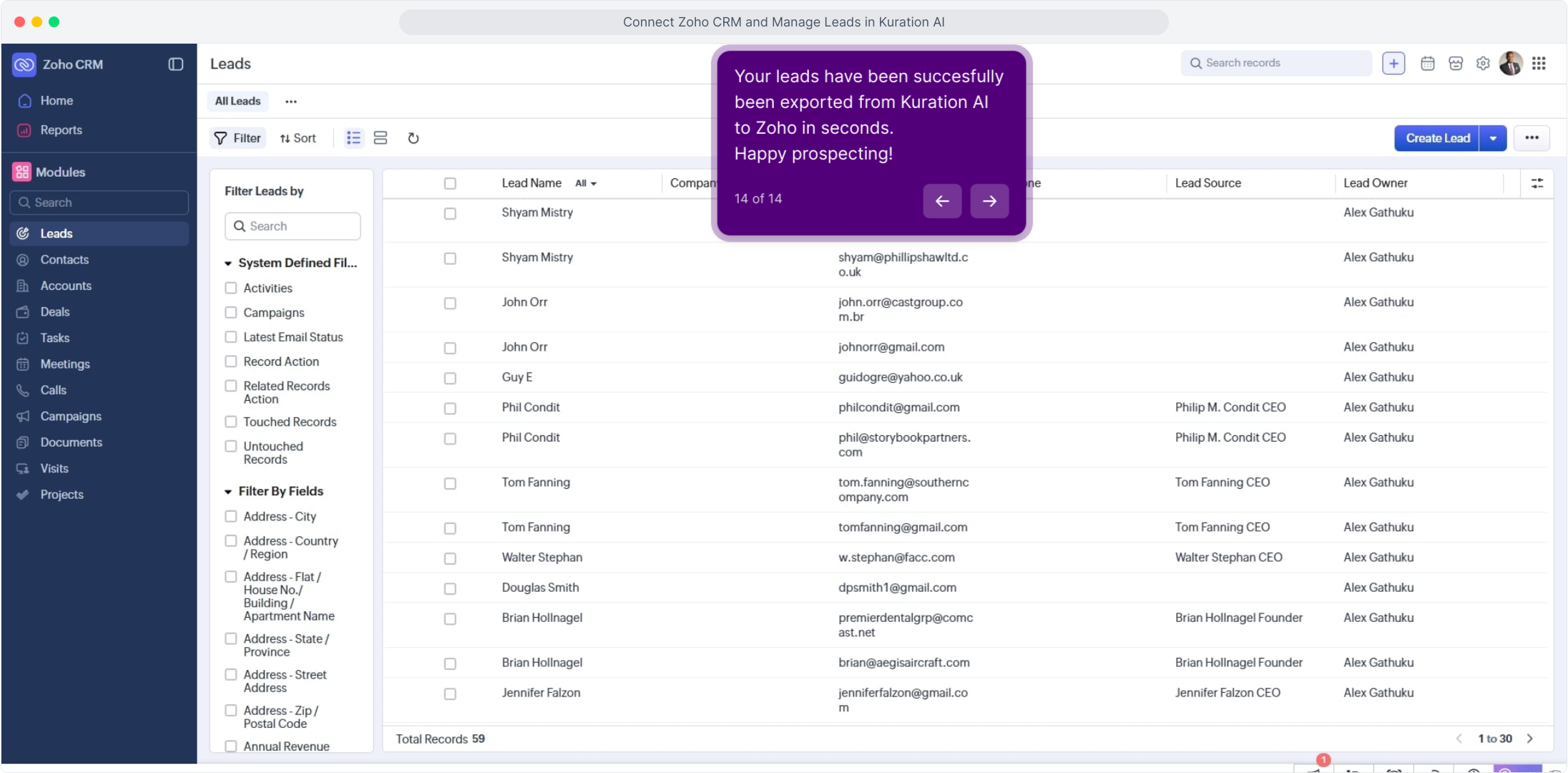
From any project, open Actions → Export to Zoho CRM. Pick a module (Leads, Contacts, or Accounts), review the auto-mapped fields, and send.

app.kurationai.com/projects/q2-outbound
Illustrative · Kuration
Projects
Q2 outbound
Series A SaaS
EU fintech
Projects /Q2 outbound · 1,248 leadsFilterActions ▾
NameCompanyEmailTitle
Kuration · Export
ZExport to Zoho CRM
Pick a destination — fields auto‑map based on your columns. Review and send.
Destination moduleLeads · Inbound MQL pipeline
Field mapping
first_nameFirst_Name
last_nameLast_Name
emailEmail
companyCompany
titleDesignation
phonePhone
CancelExport 1,248 leads

Requirements: a Zoho CRM edition that allows API access (Standard or higher) and a self-client with write scopes on your target module.

For the full interactive Demo Click Here