Help
Overview
1 / 10
Start What you will set up

Get a ping the moment a workflow step finishes

Running workflows in Kuration can take time, especially when you are enriching data, running tools, or processing large lists. Instead of checking "is it done yet?", connect a webhook and Kuration will notify you automatically.

Kuration sends a tool_output_ready event to any endpoint that accepts an HTTP POST, so you can wire it into Slack, n8n, your CRM, or a custom service.

  • In KurationAccess to Settings, then Integration for your account.
  • An endpointA URL that accepts POST requests, for example an n8n or Slack webhook.
01 Open settings

Open your account settings

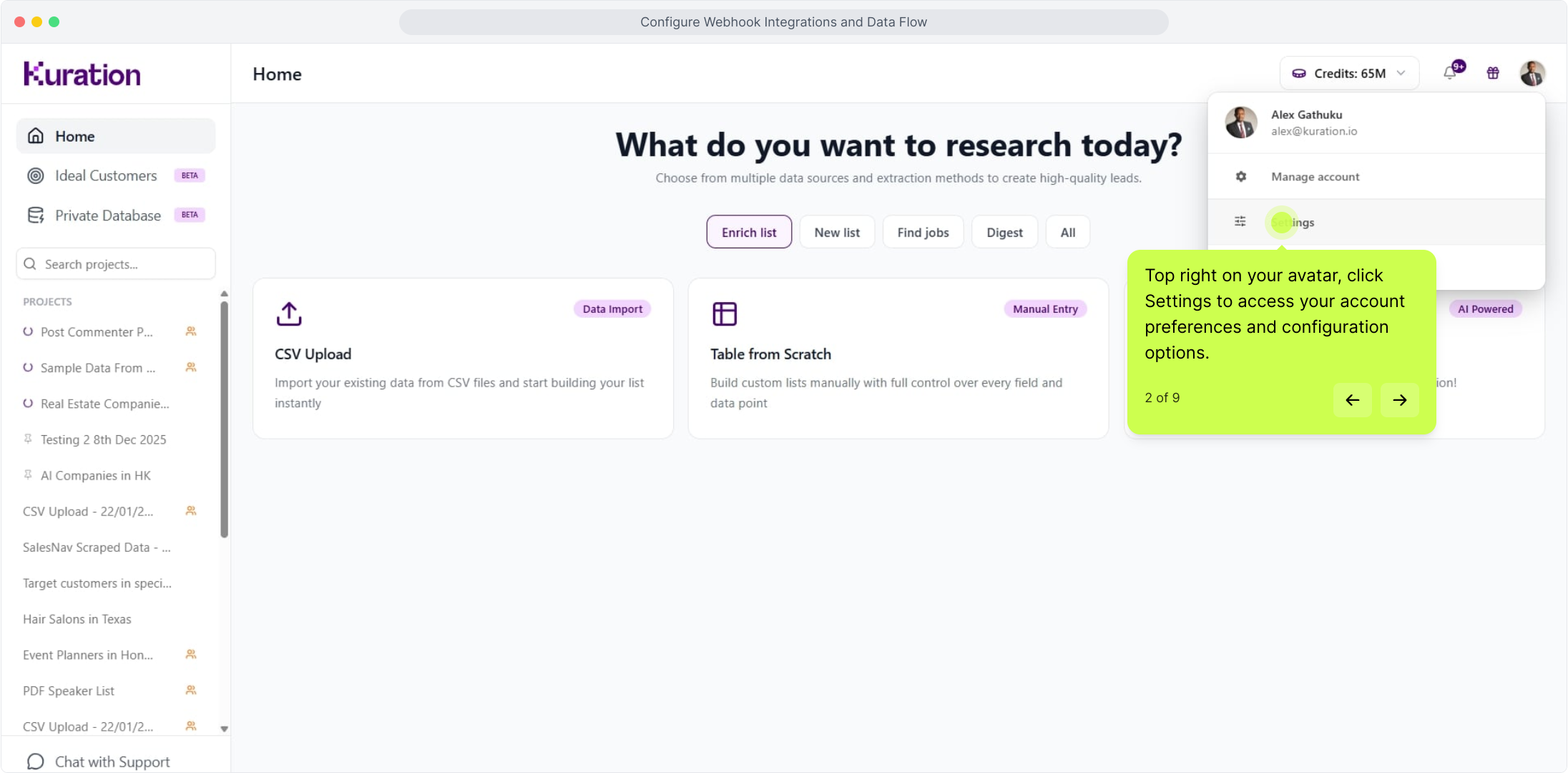
In the top right corner, click your avatar, then choose Settings.

Kuration home with the account avatar menu open in the top right
02 Open Integration

Go to Integration

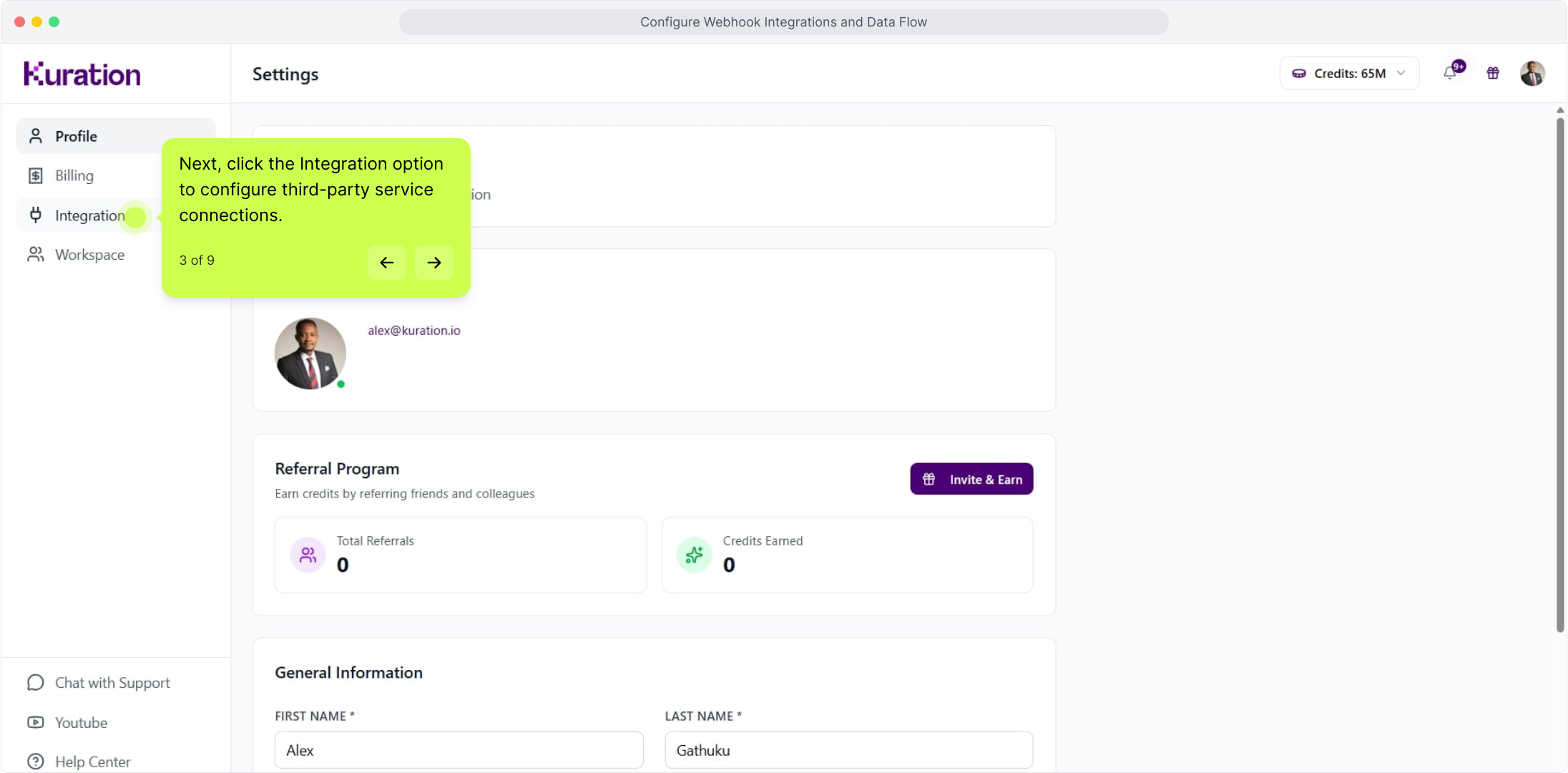
In Settings, open the Integration section.

Kuration Settings with the Integration section selected
03 Select Webhooks

Select Webhooks

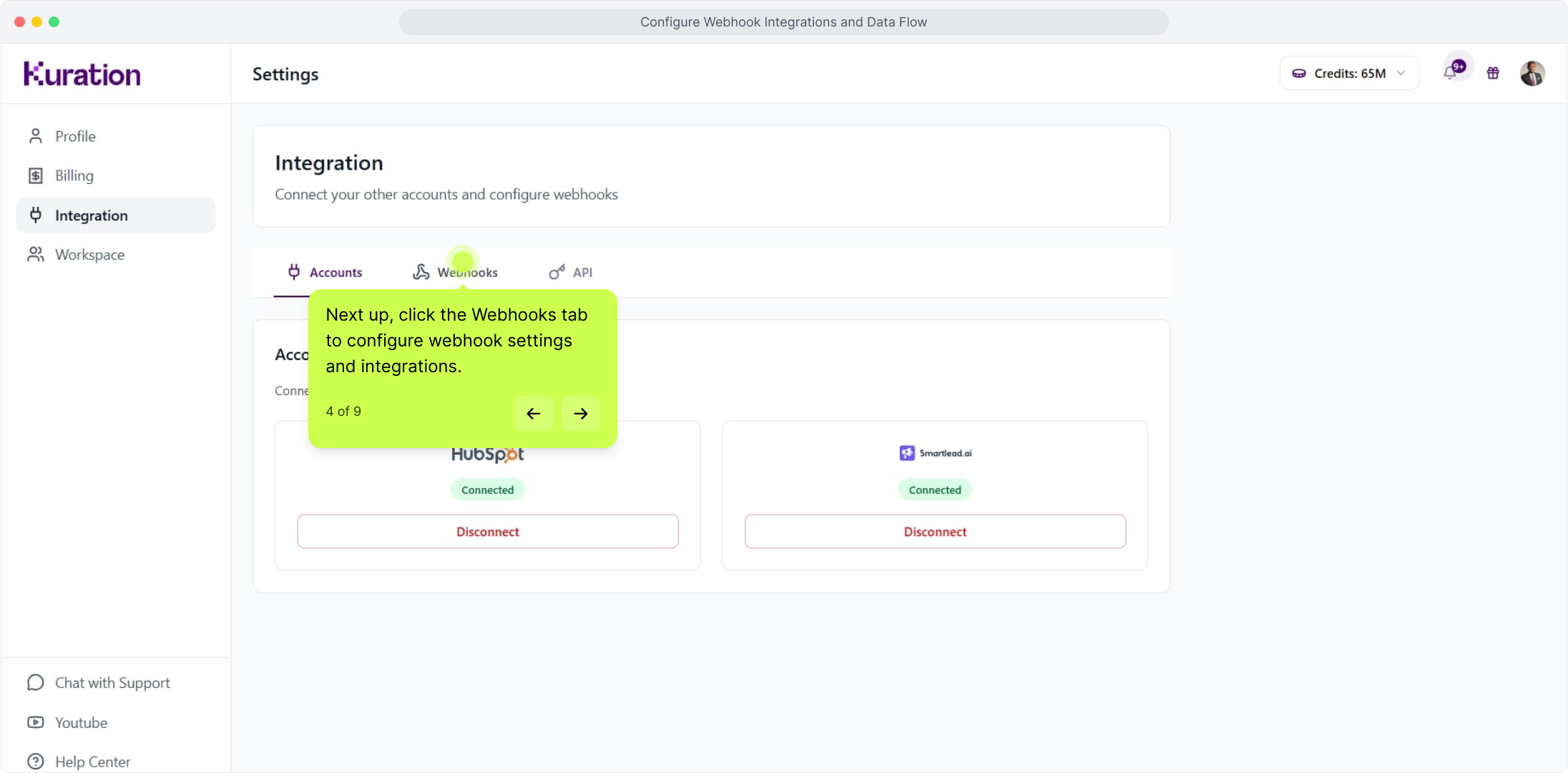
Click Webhooks to open the webhook configuration.

Integration settings with the Webhooks option selected
04 Add your POST URL

Paste your POST URL

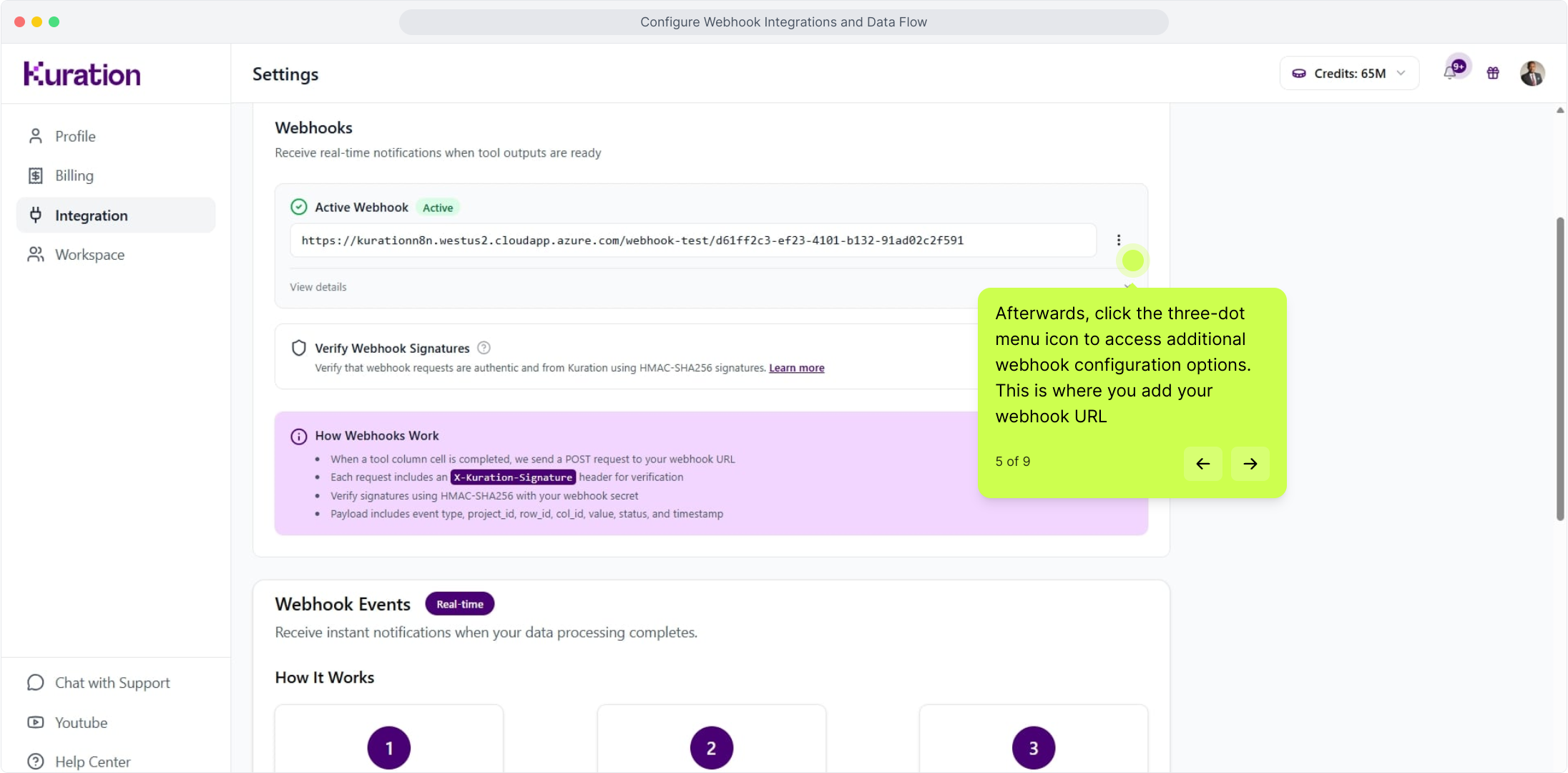
Copy the POST URL from your endpoint and paste it into the field, as shown below.

Webhook configuration with the POST URL field highlighted
05 A real example

Example: notify Slack when a column finishes

Here is how we used it: whenever a tool column finishes running, we get a message in Slack. The same pattern works for any endpoint.

Slack channel receiving a notification when a Kuration column finishes
06 Copy from your tool

Copy the POST URL from your tool

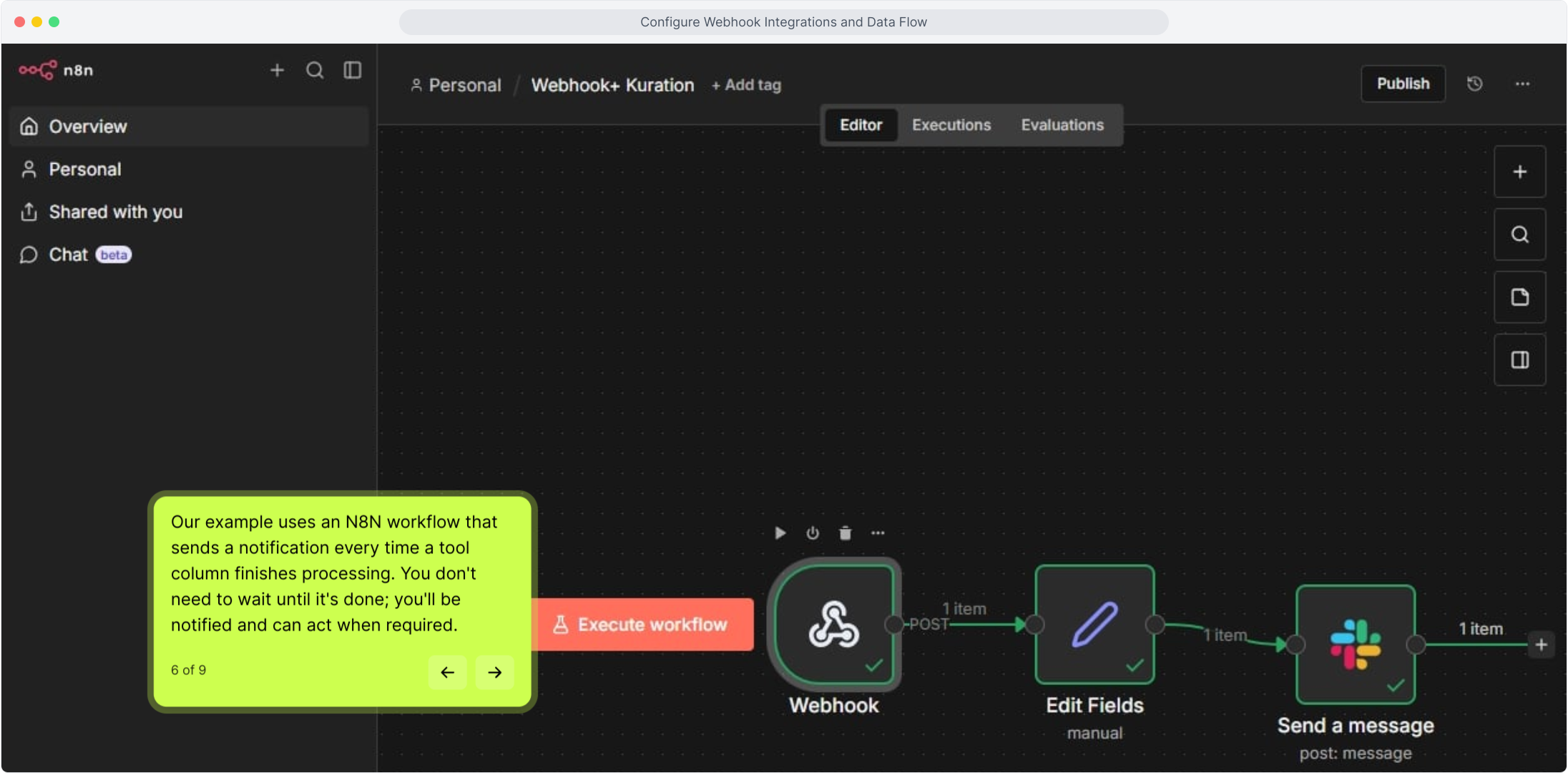
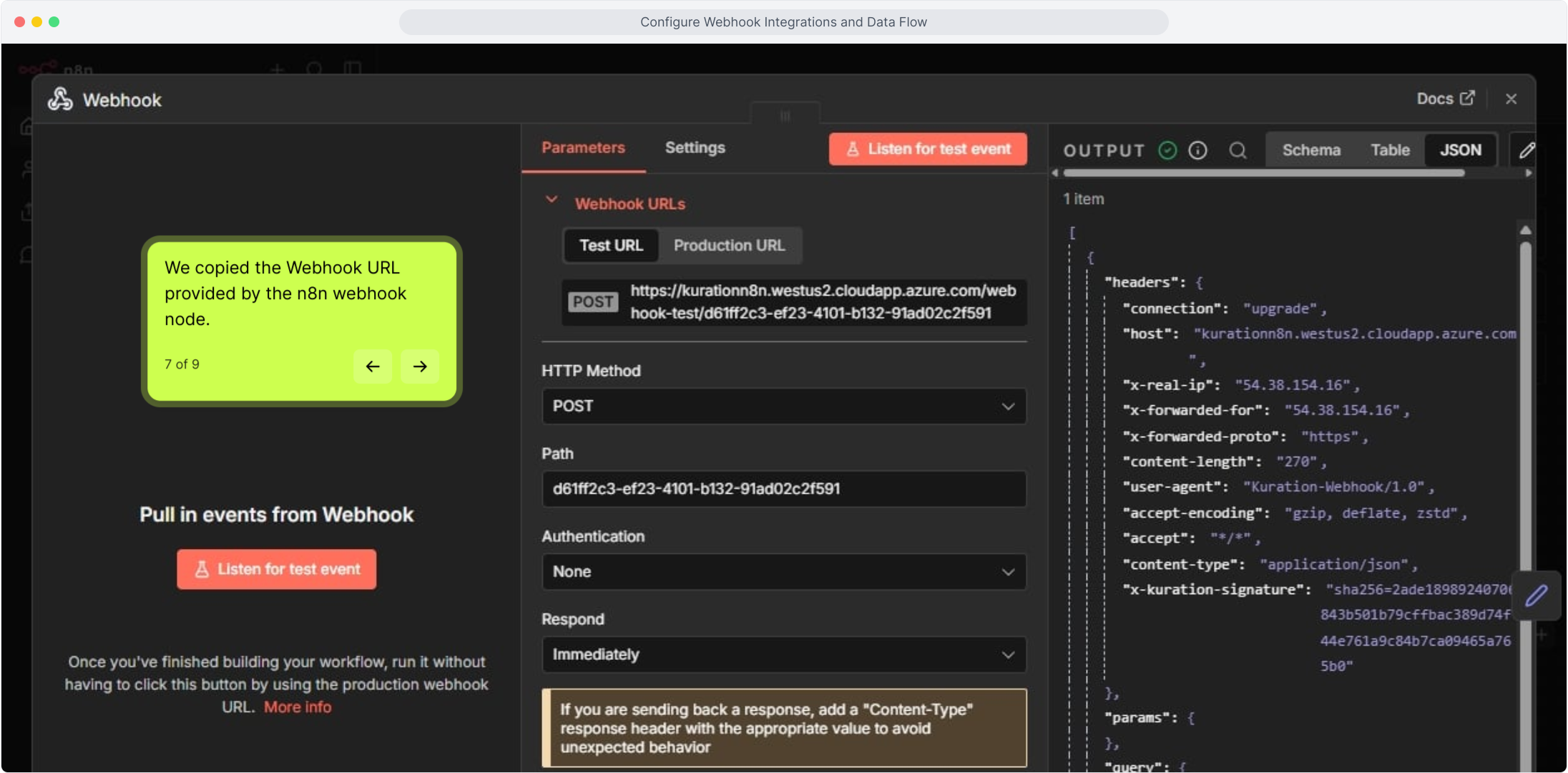
We copied the POST URL from n8n. Any tool that gives you an incoming webhook URL works the same way.

n8n workflow showing the incoming webhook POST URL
07 Paste it in

Paste it into Kuration

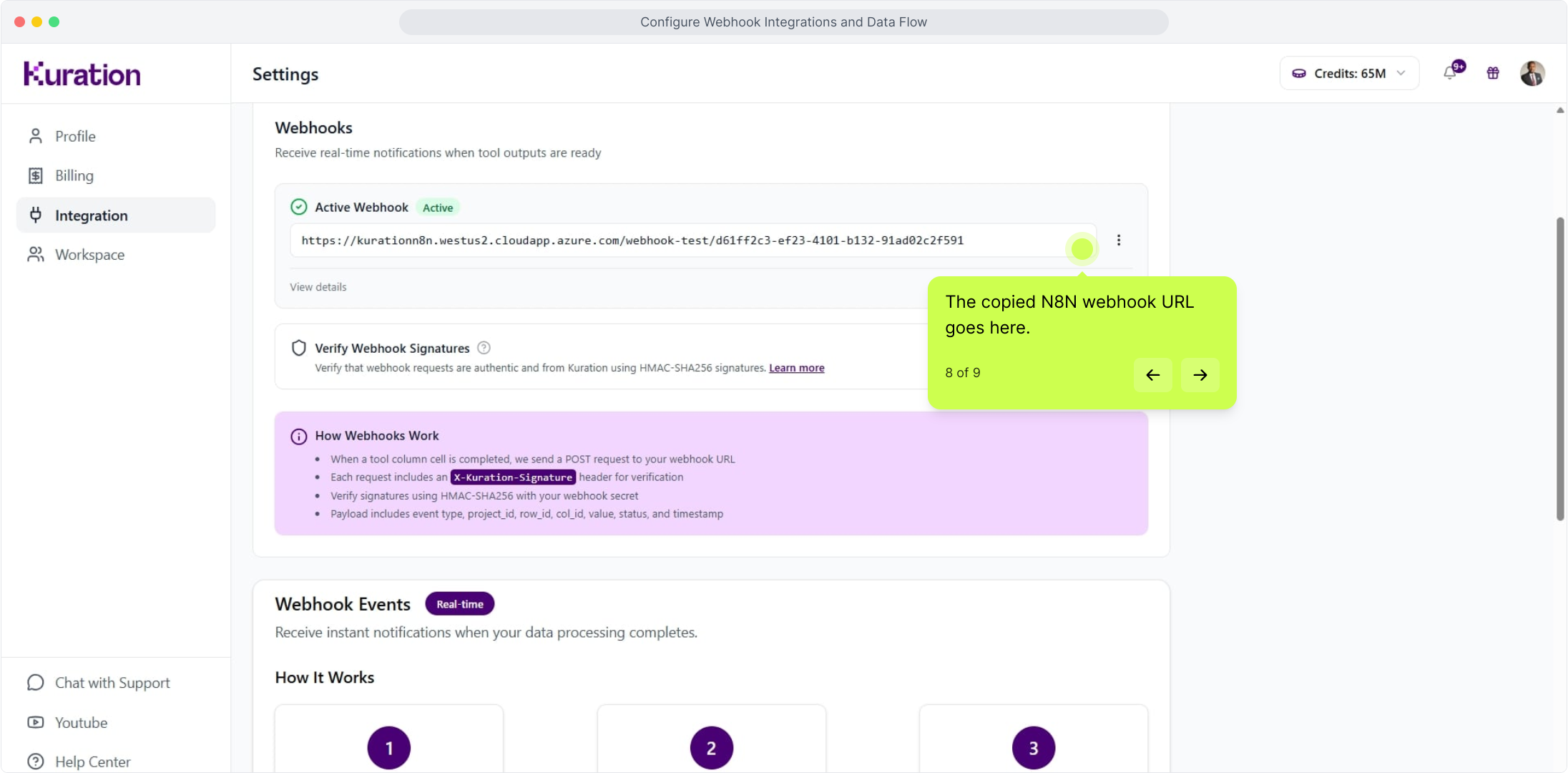
Add the URL to the required field in the webhook configuration.

Kuration webhook field with the n8n POST URL pasted in
08 Active

Your webhook is now active

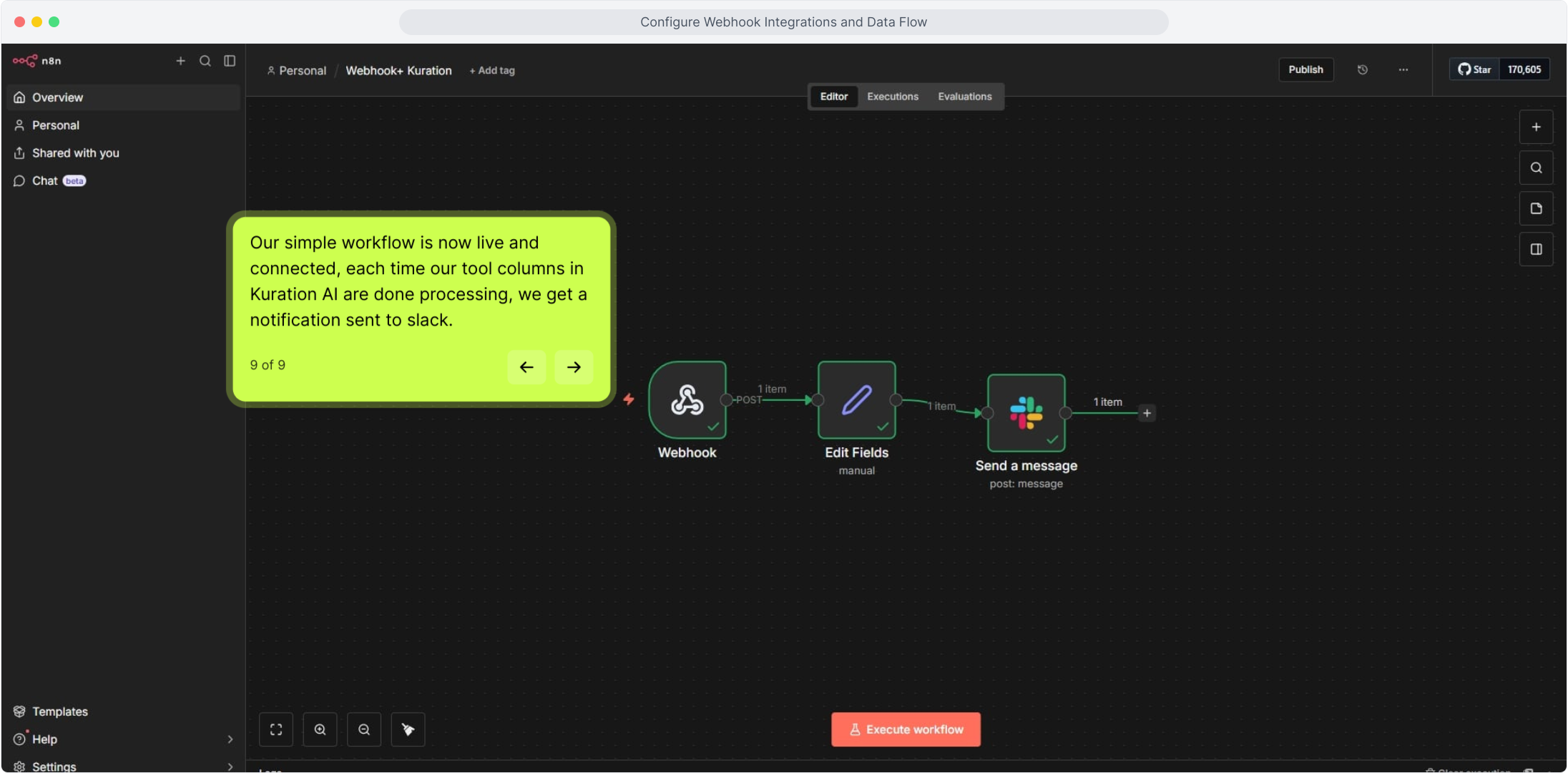
That is it. Kuration now sends a tool_output_ready event to your endpoint every time a workflow step finishes.

Kuration webhook integration showing an active workflow connection

Webhook connected

Kuration will POST to your endpoint whenever a workflow step finishes, so you never have to check "is it done yet?" again. To change where it posts, update the URL under Settings, Integration, Webhooks.

Open Kuration
Use to navigate