Connect Kuration AI to Instantly
A four-step setup that takes about five minutes. Once connected, push any enriched list straight into an Instantly campaign — no CSVs, no copy-paste.
How to Connect Kuration AI to Instantly
Overview
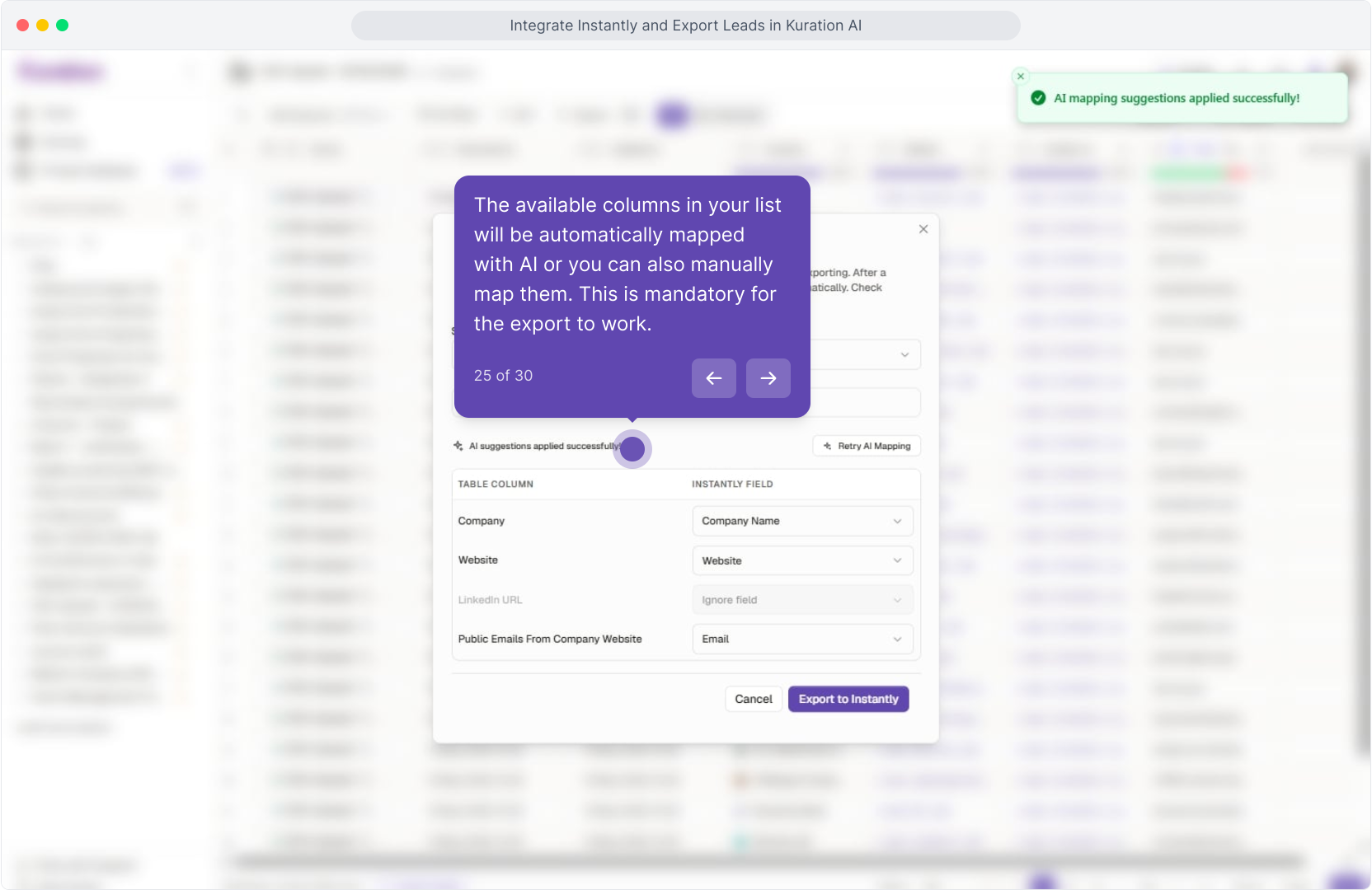
Authorize Instantly once with an API key, then push enriched leads straight into a campaign — Kuration auto-maps first name, last name, email, company, and any custom fields you've enriched.
Step 1: Open the Integrations page in Kuration
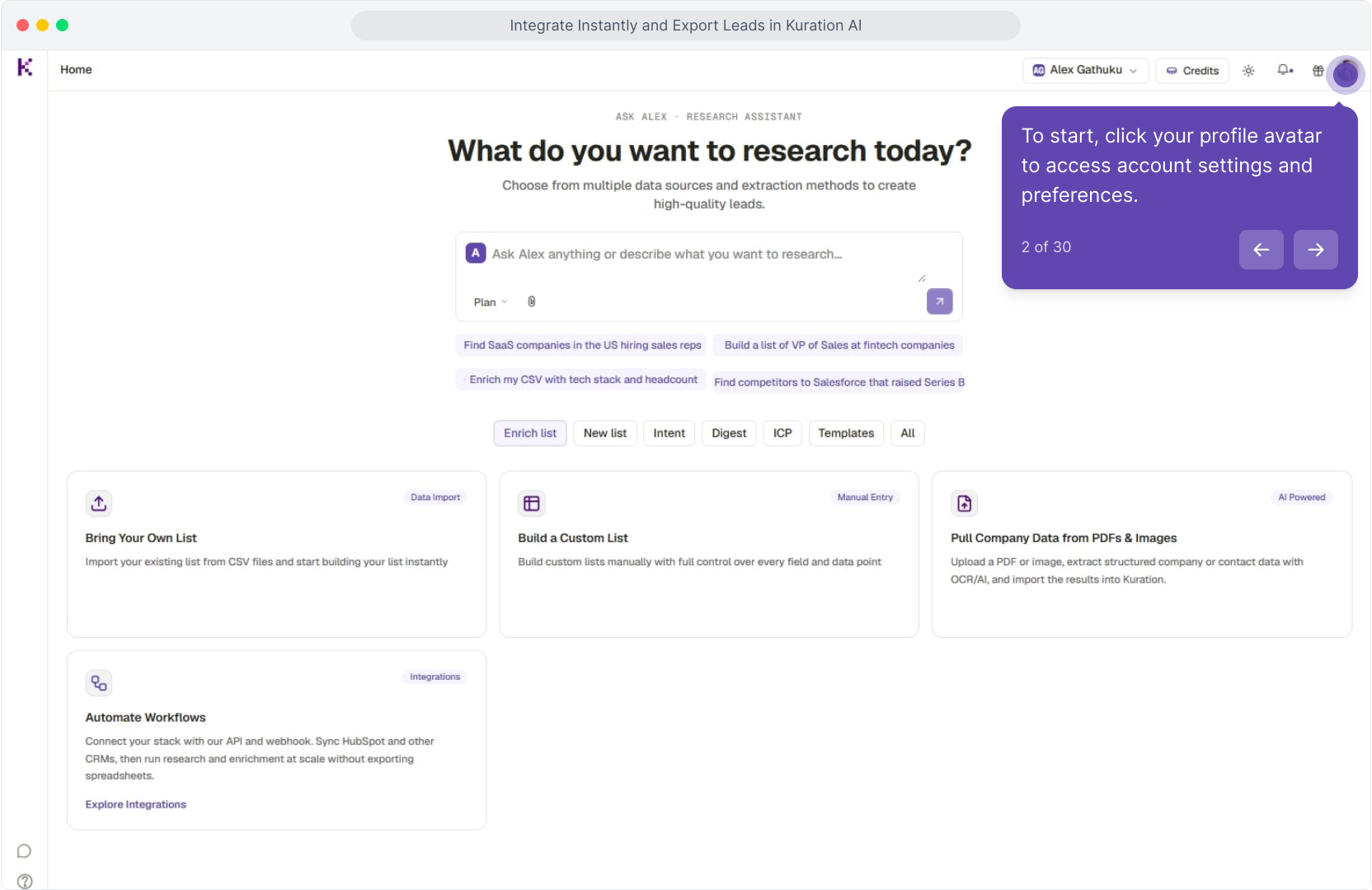
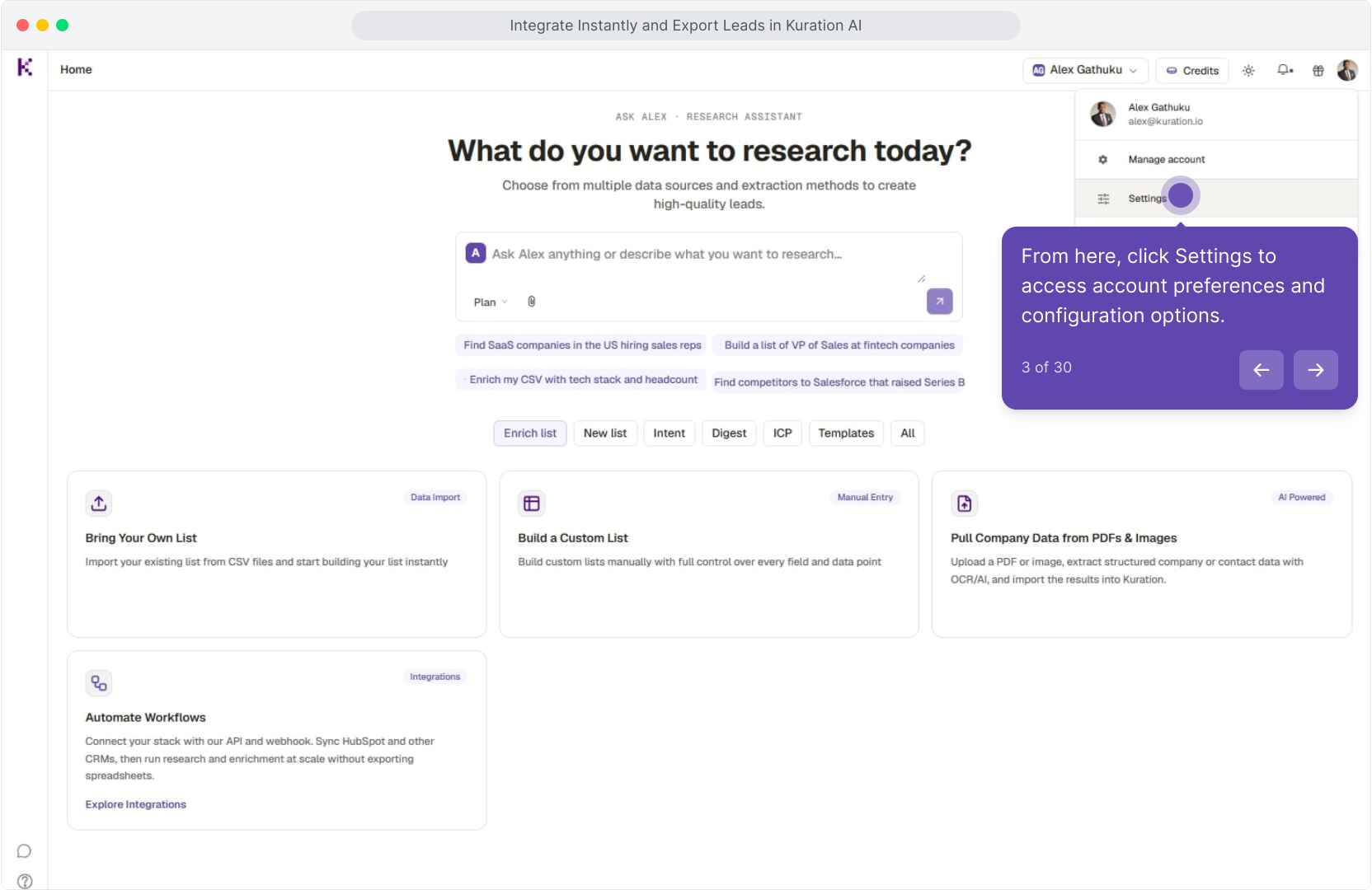
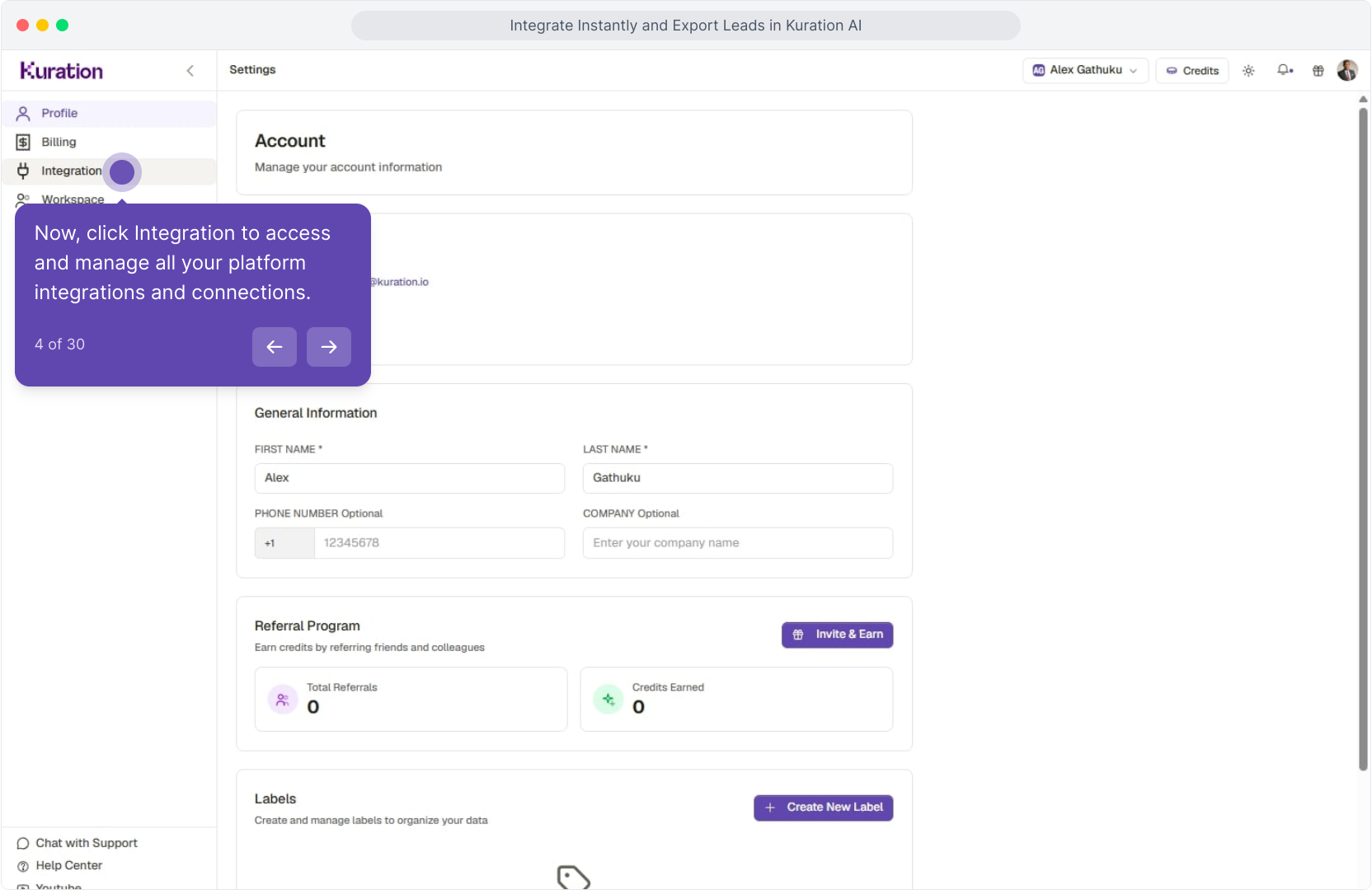
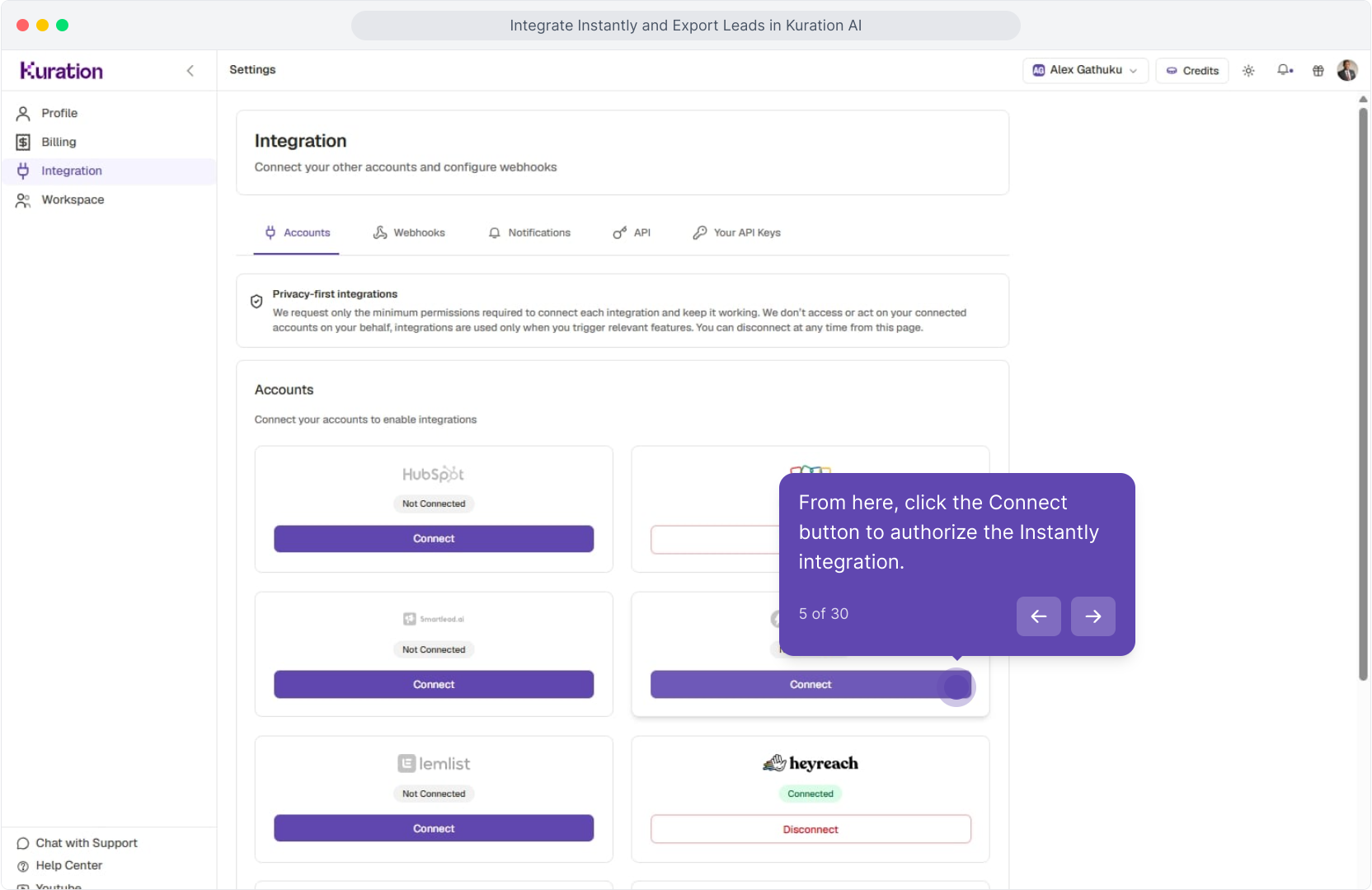
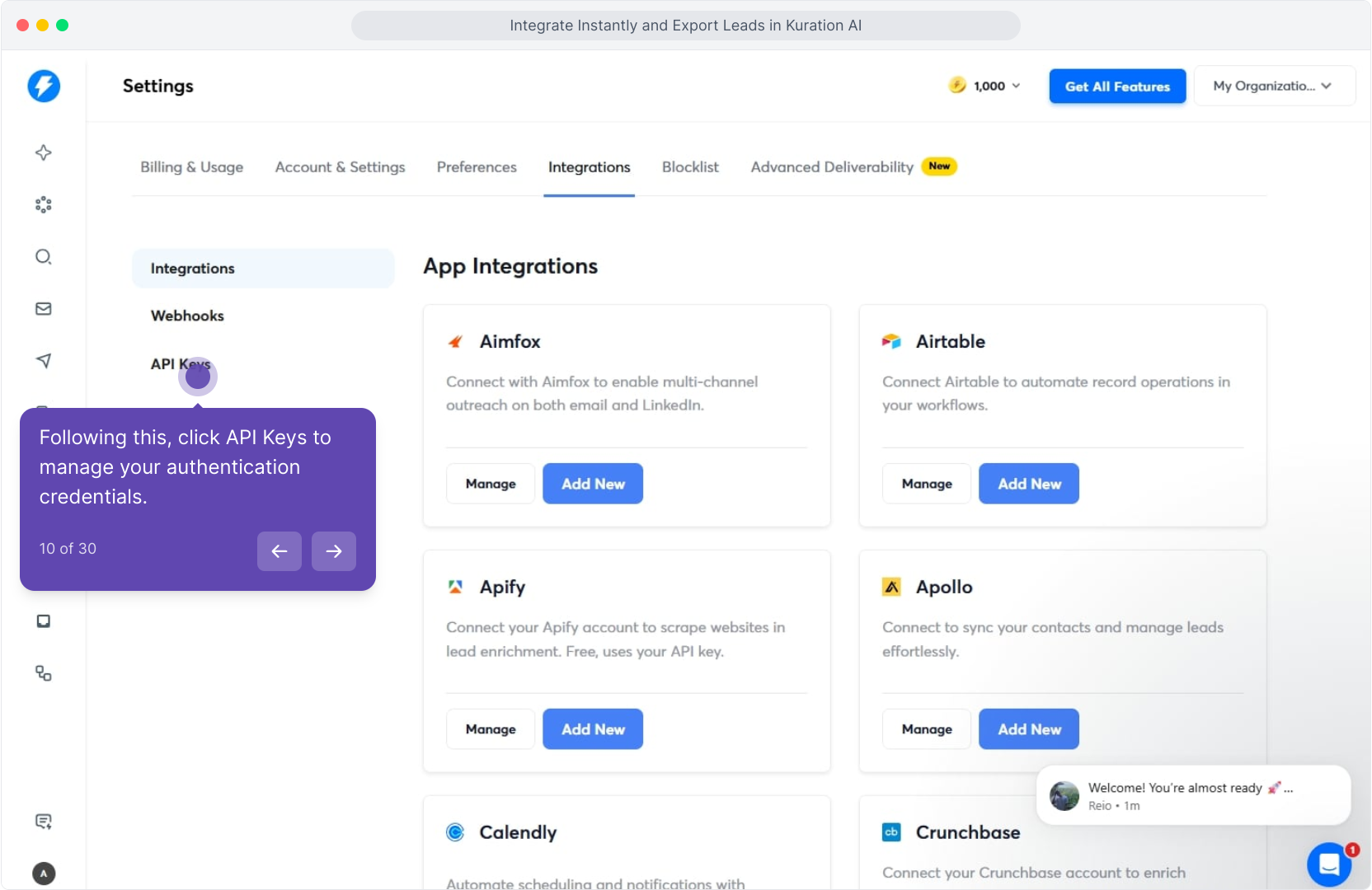
In Kuration AI, head into Settings → Integrations. Click your profile avatar (top-right), open Settings → Integrations, then click Connect on the Instantly tile.
Step 2: Generate an Instantly API key
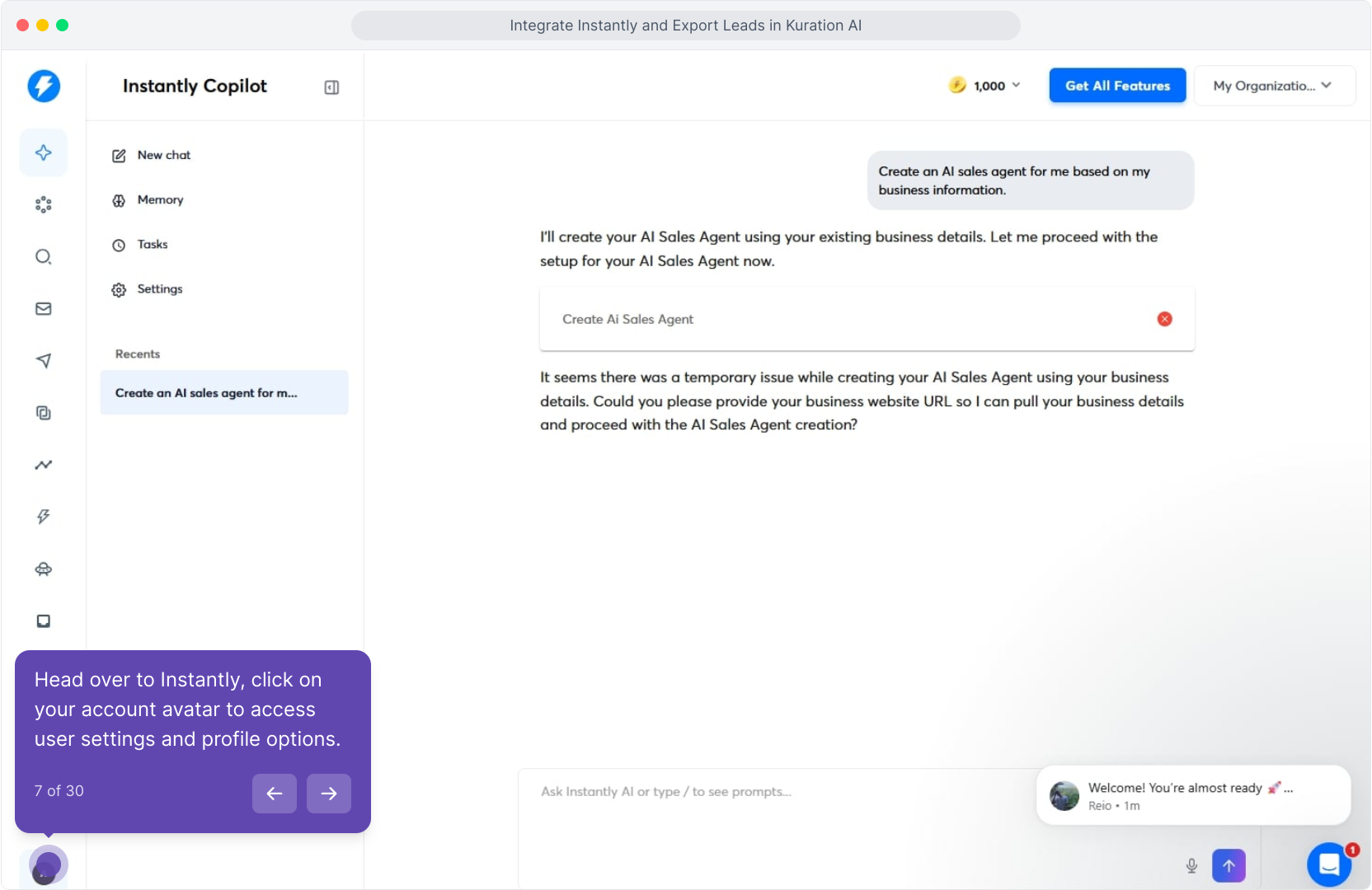
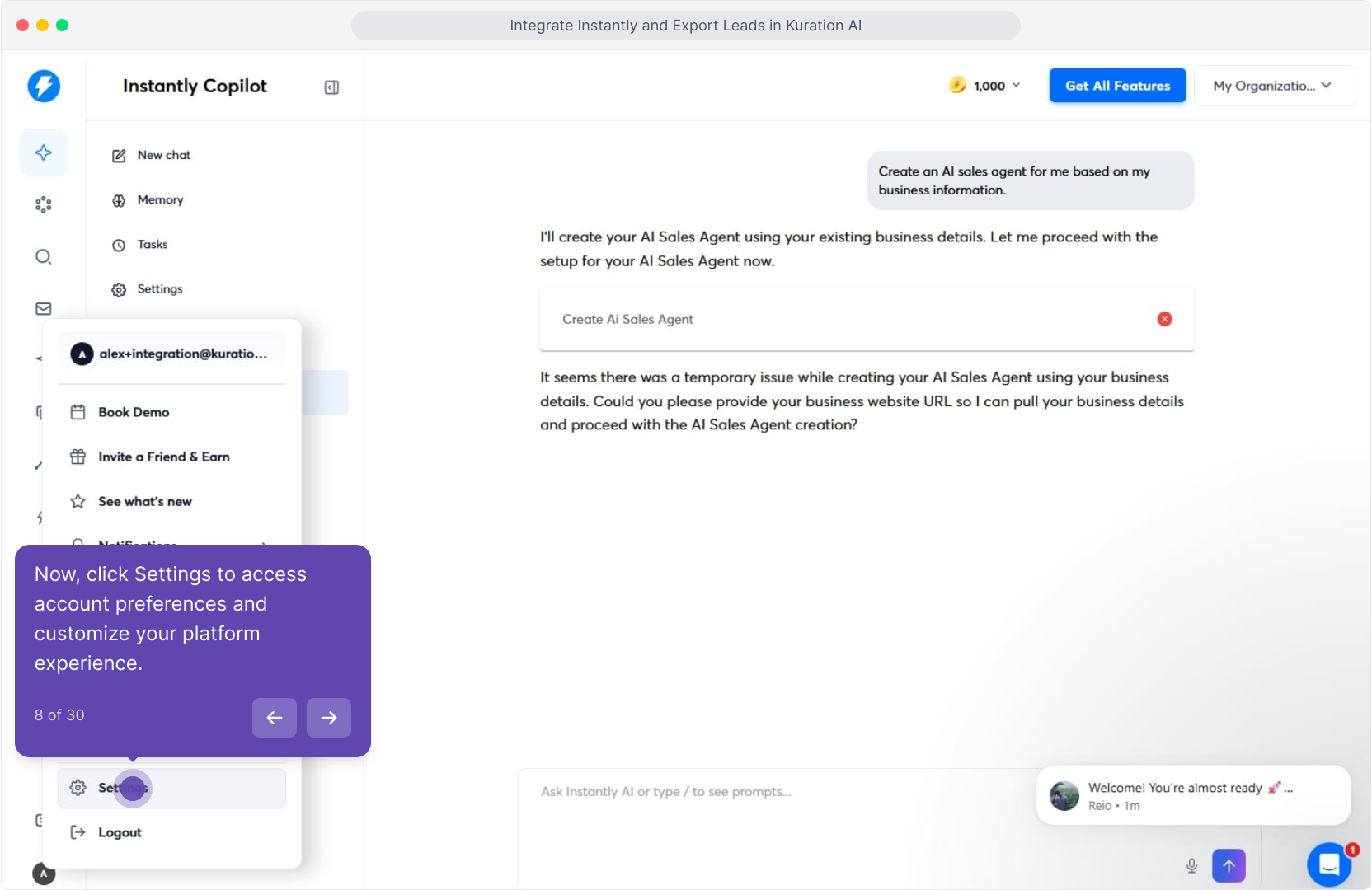
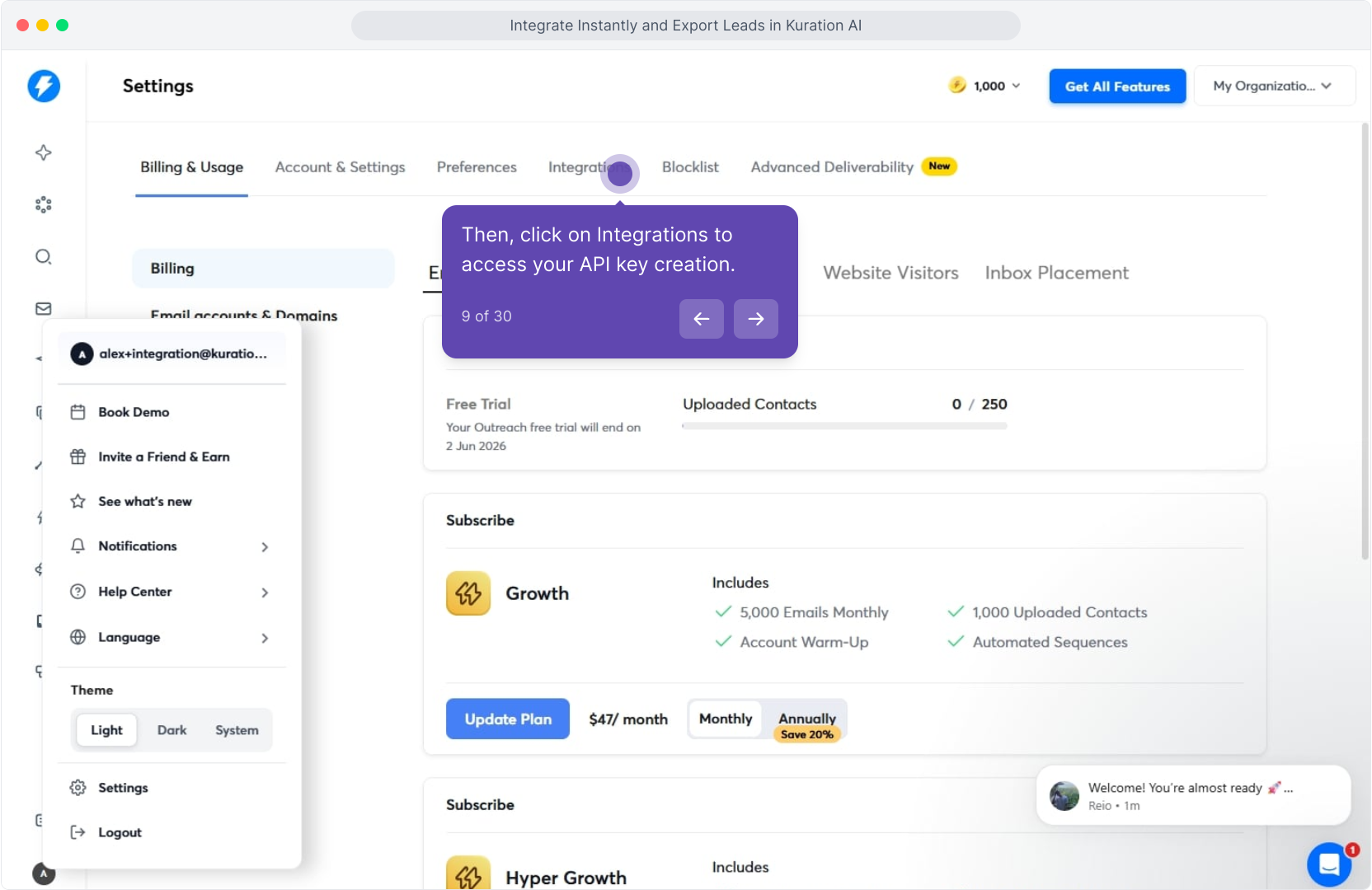
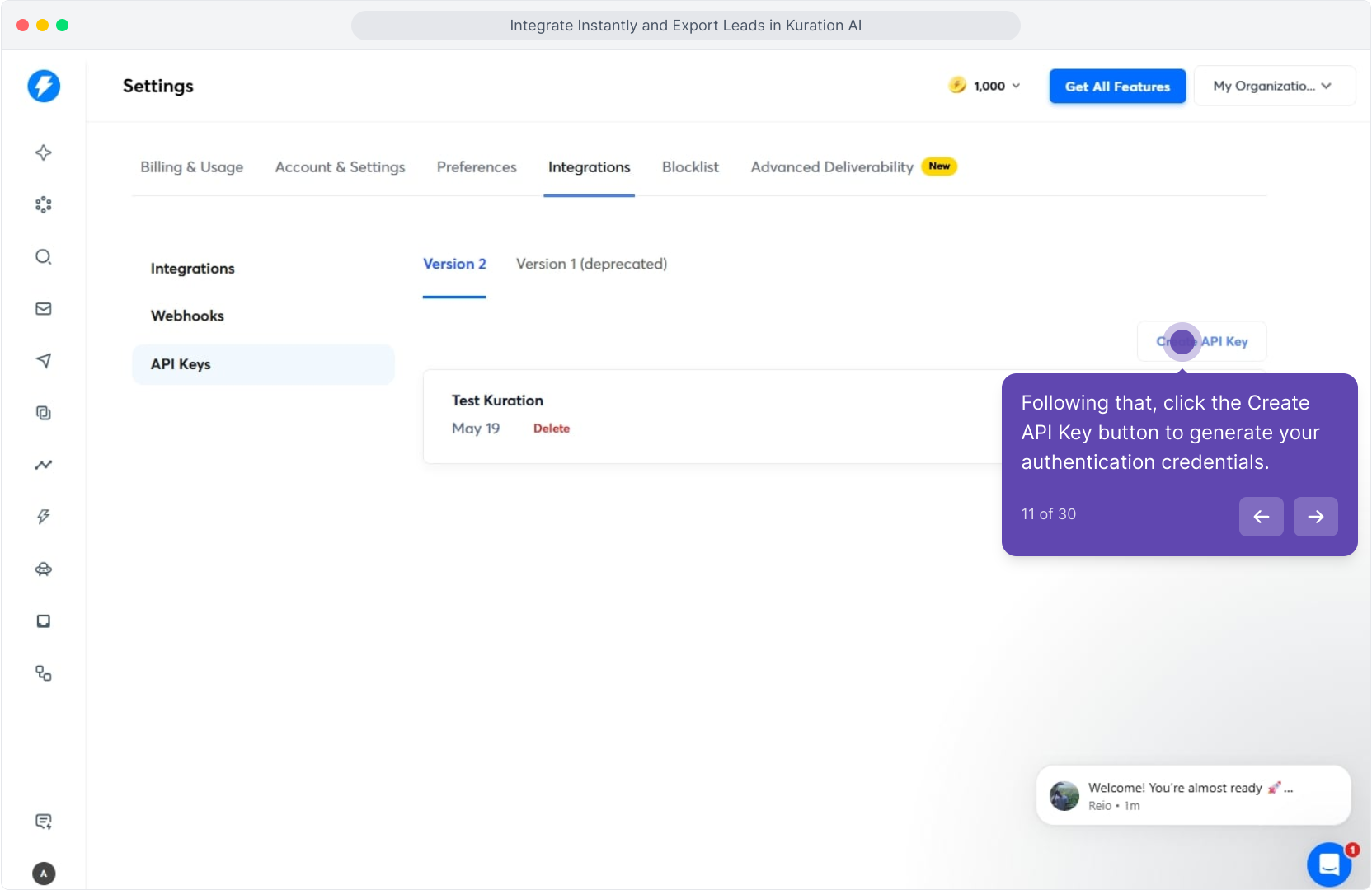
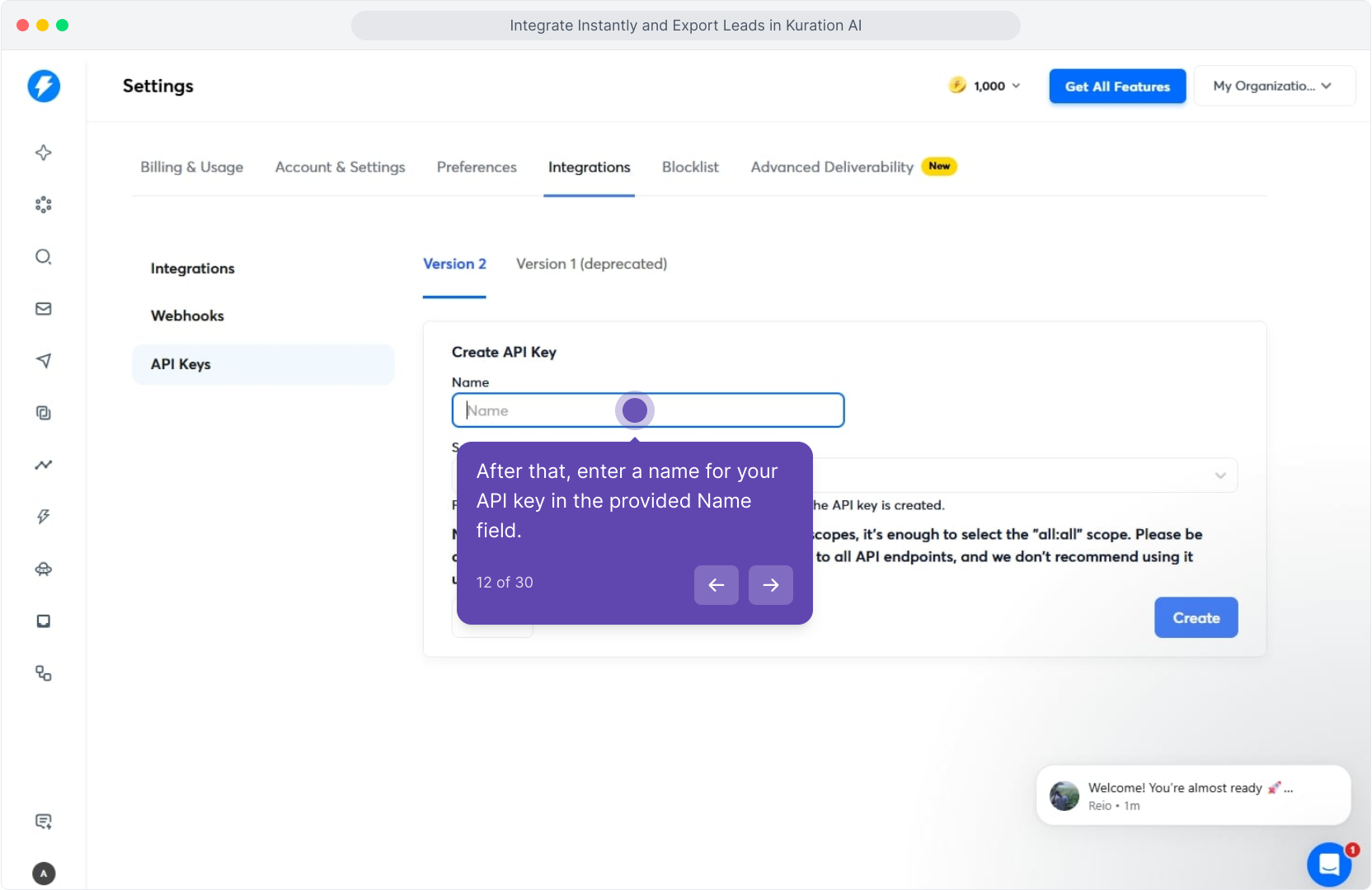
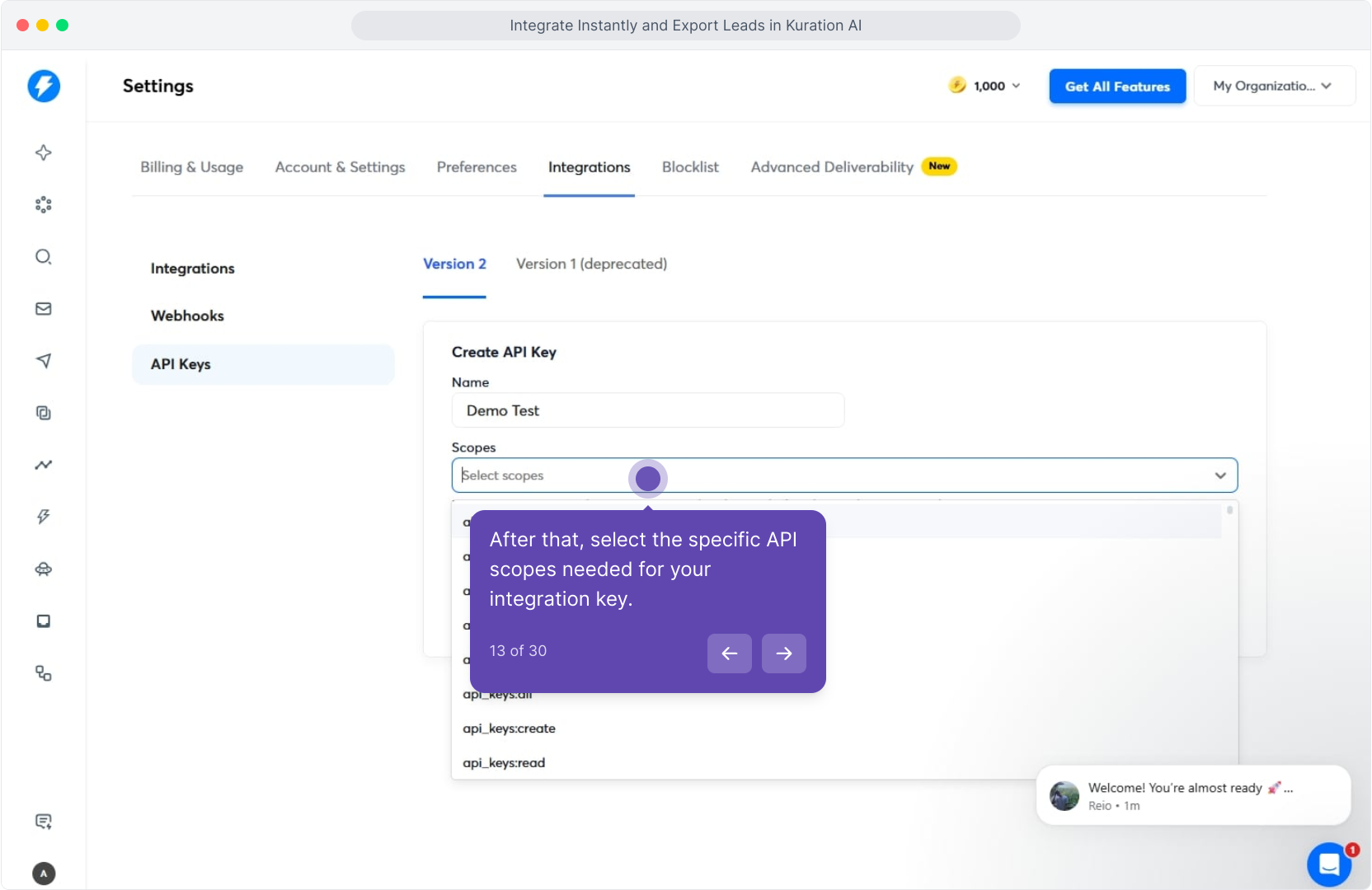
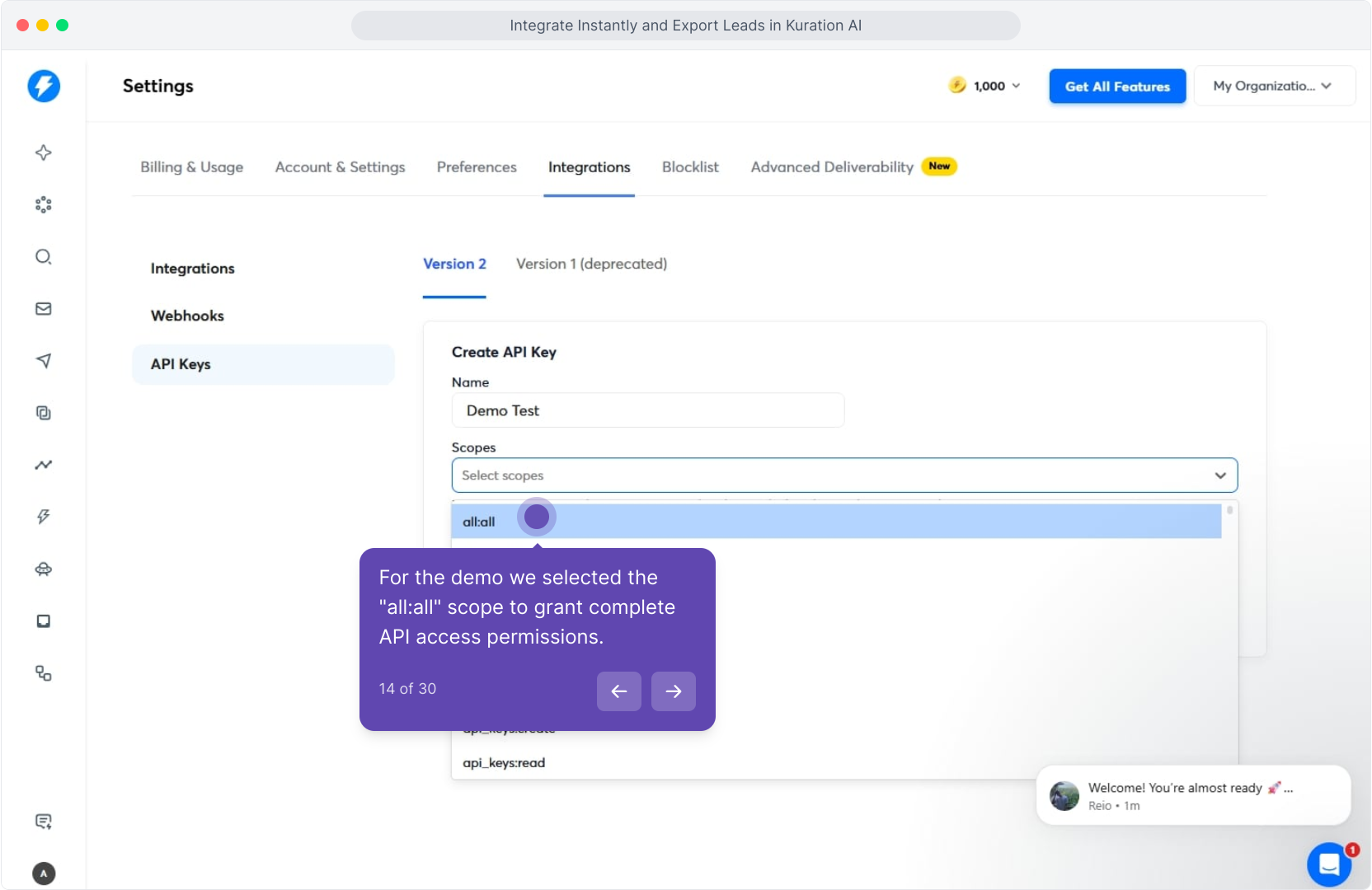
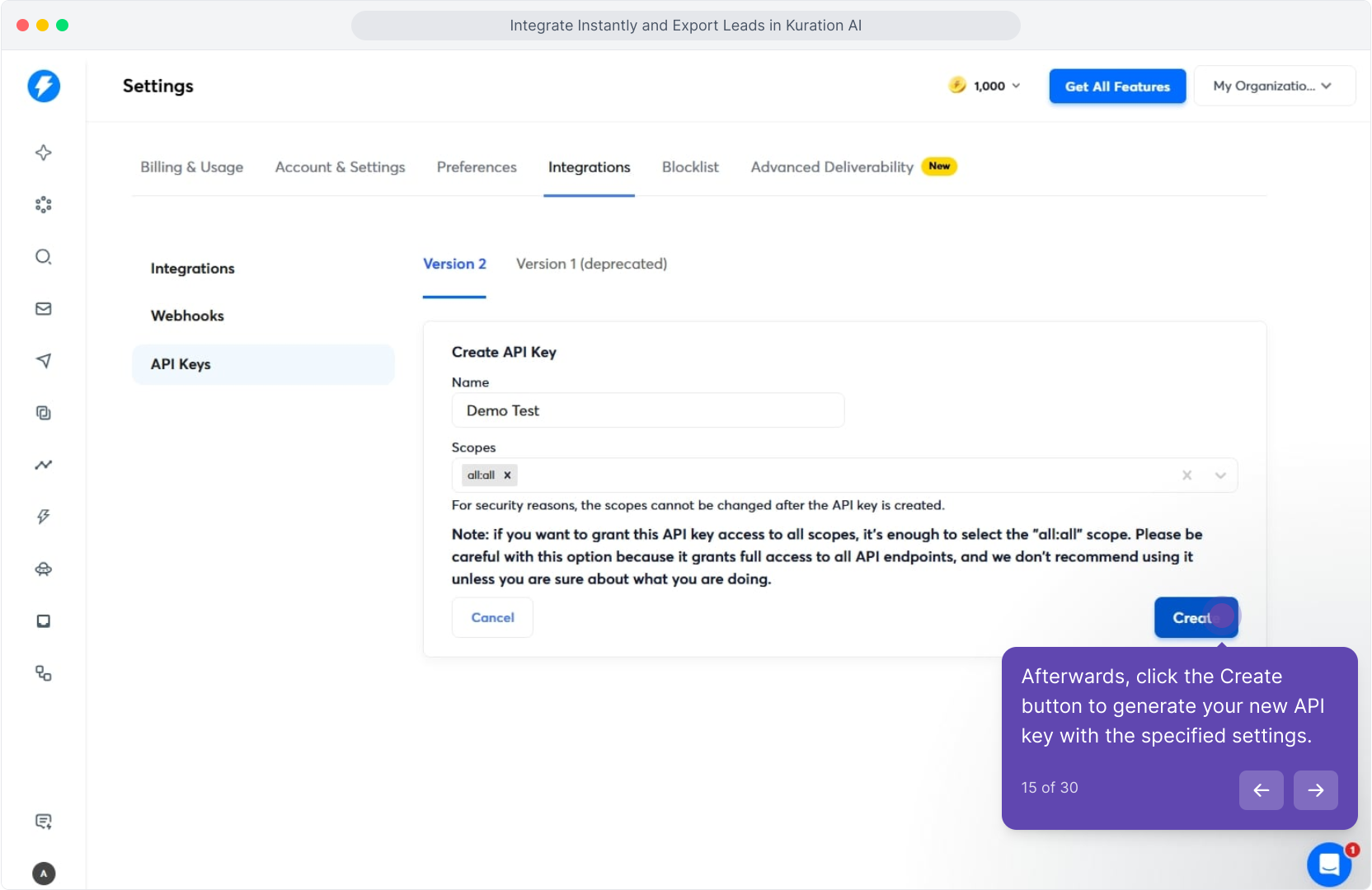
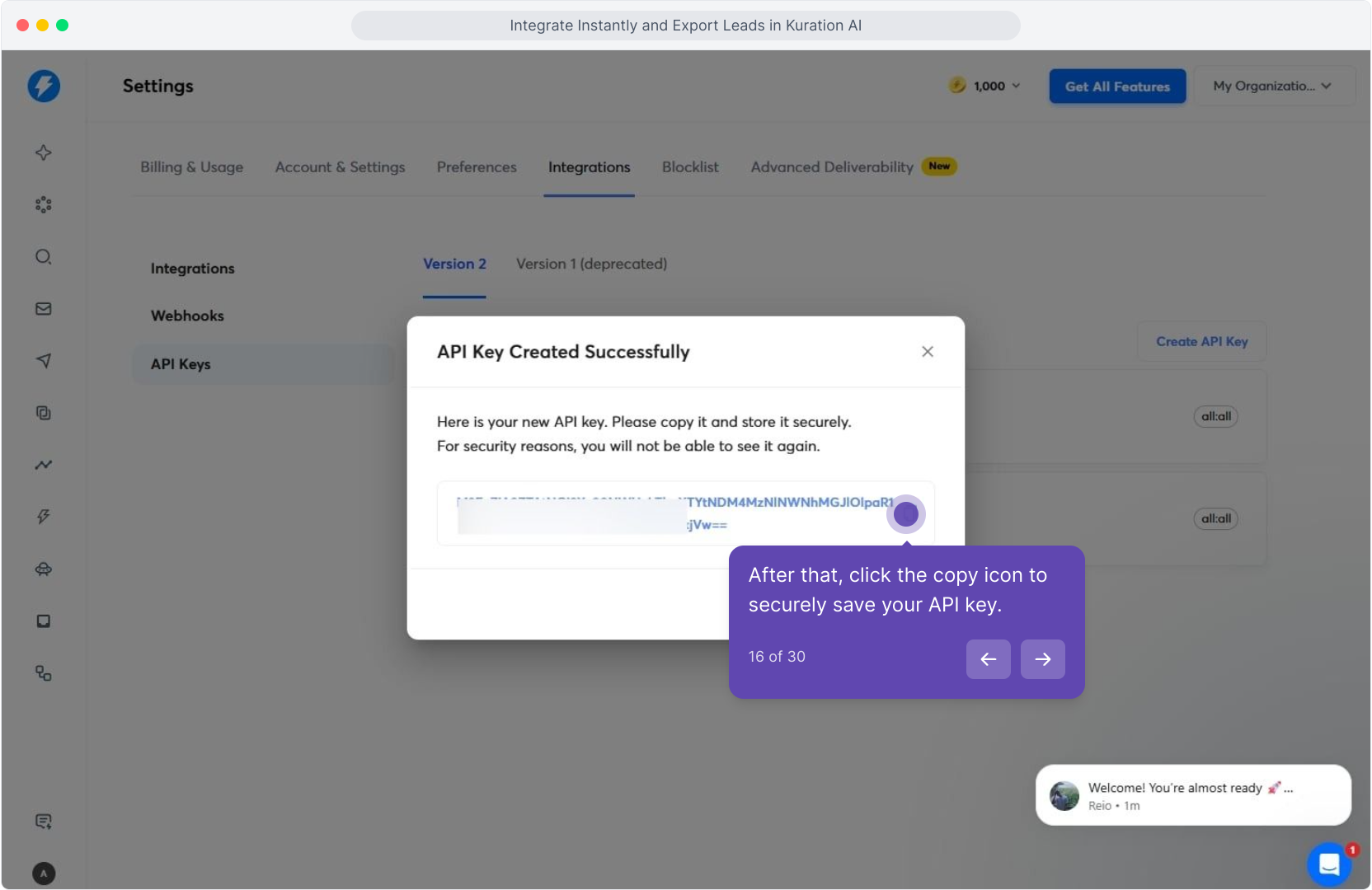
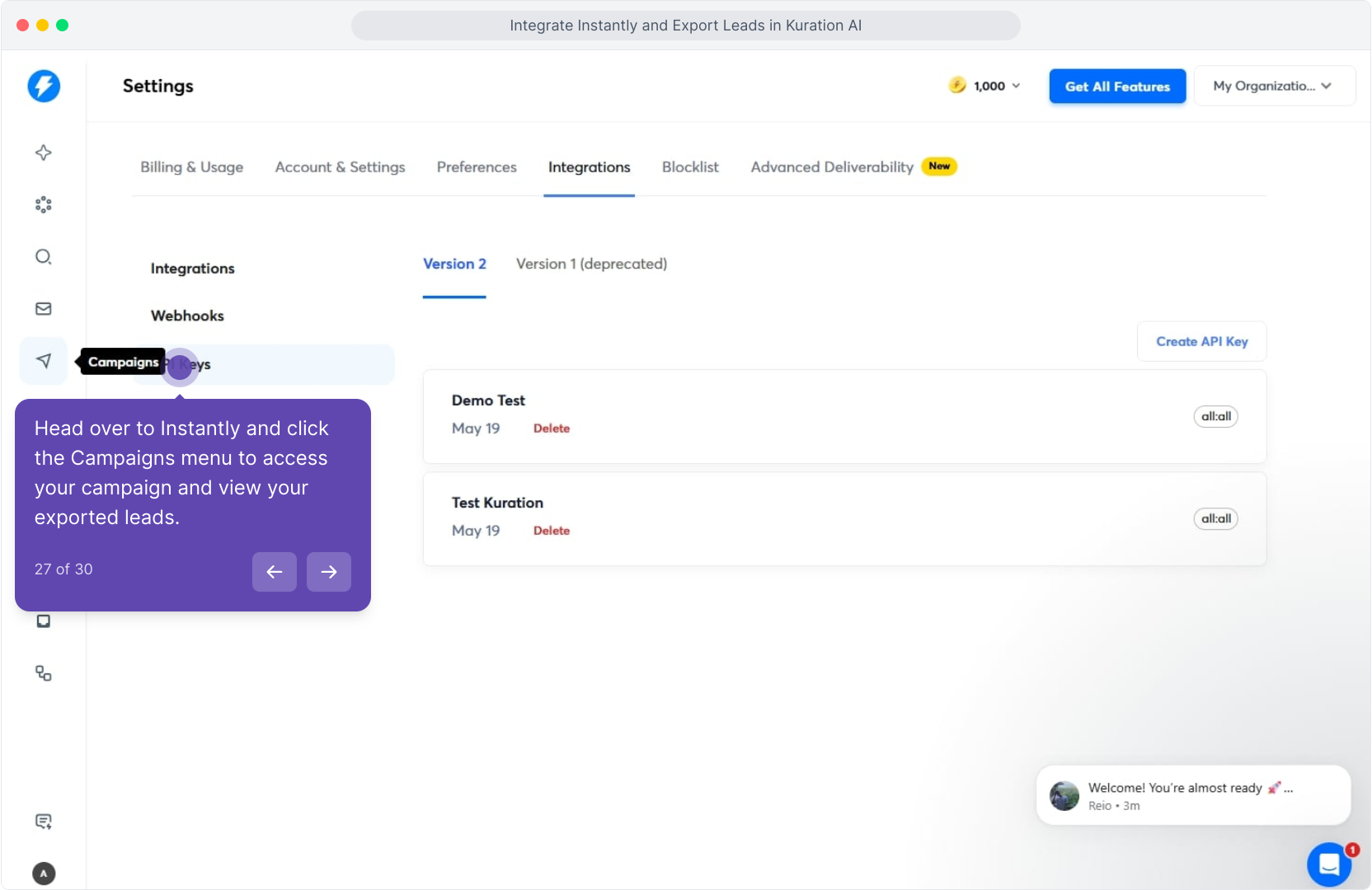
In Instantly, open Settings → Integrations → API keys. Click Create API key, grant All scopes, and copy the value — Kuration needs the full key.
Step 3: Paste the key in Kuration
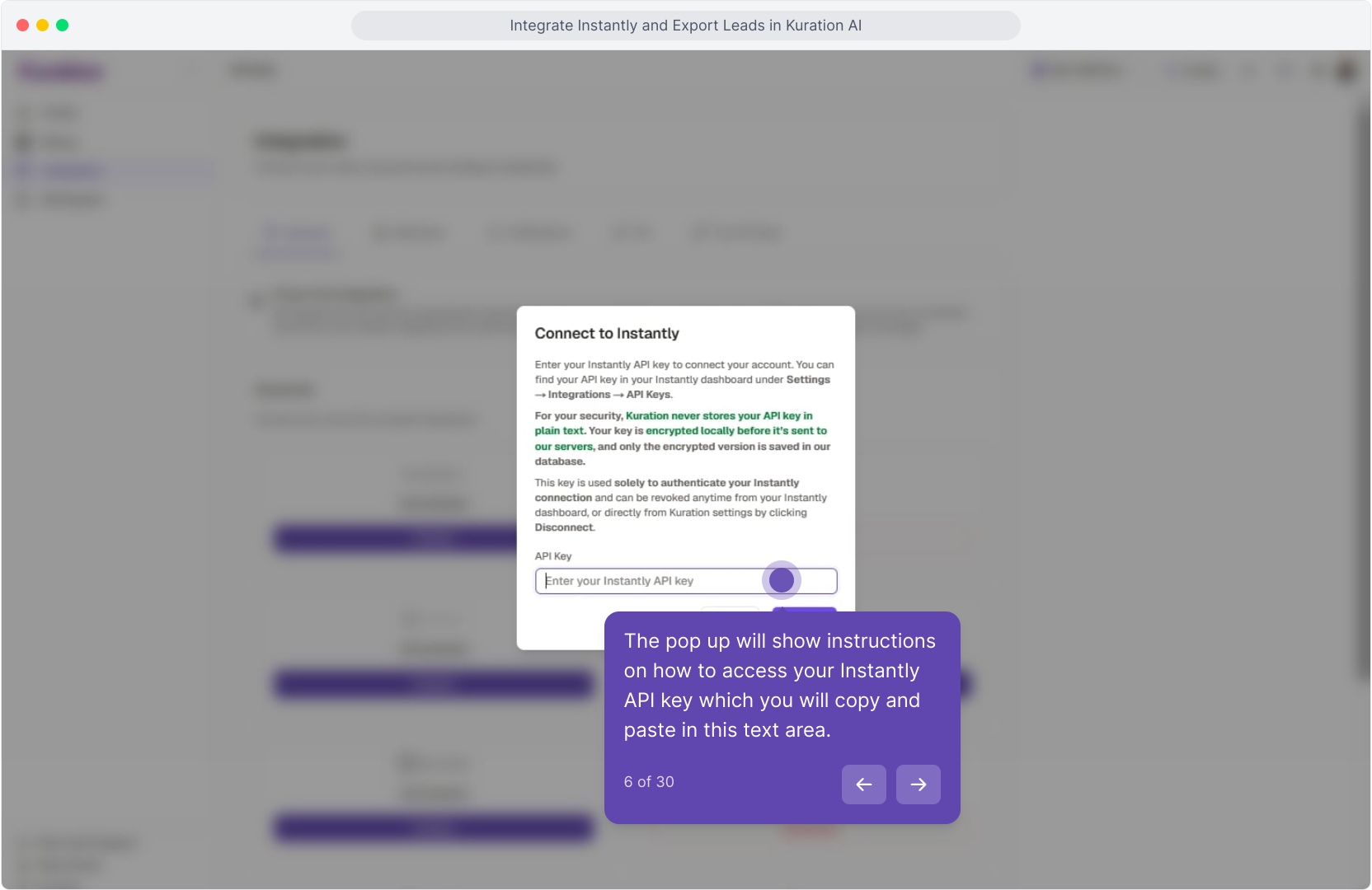
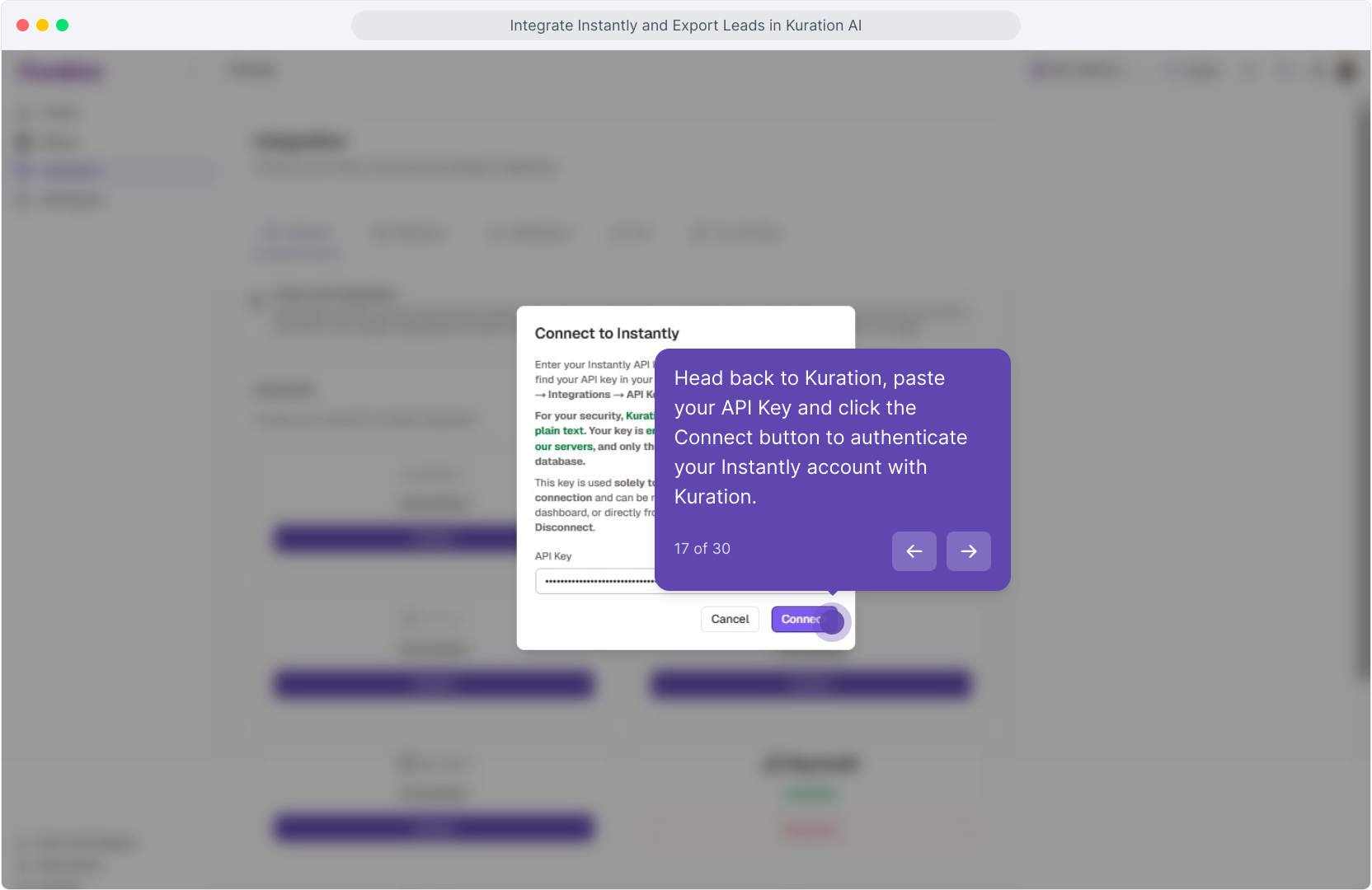
Back on the Kuration Integrations page, paste your Instantly API key into the dialog and click Connect. Kuration validates it on the spot — once it's green, the integration is live.
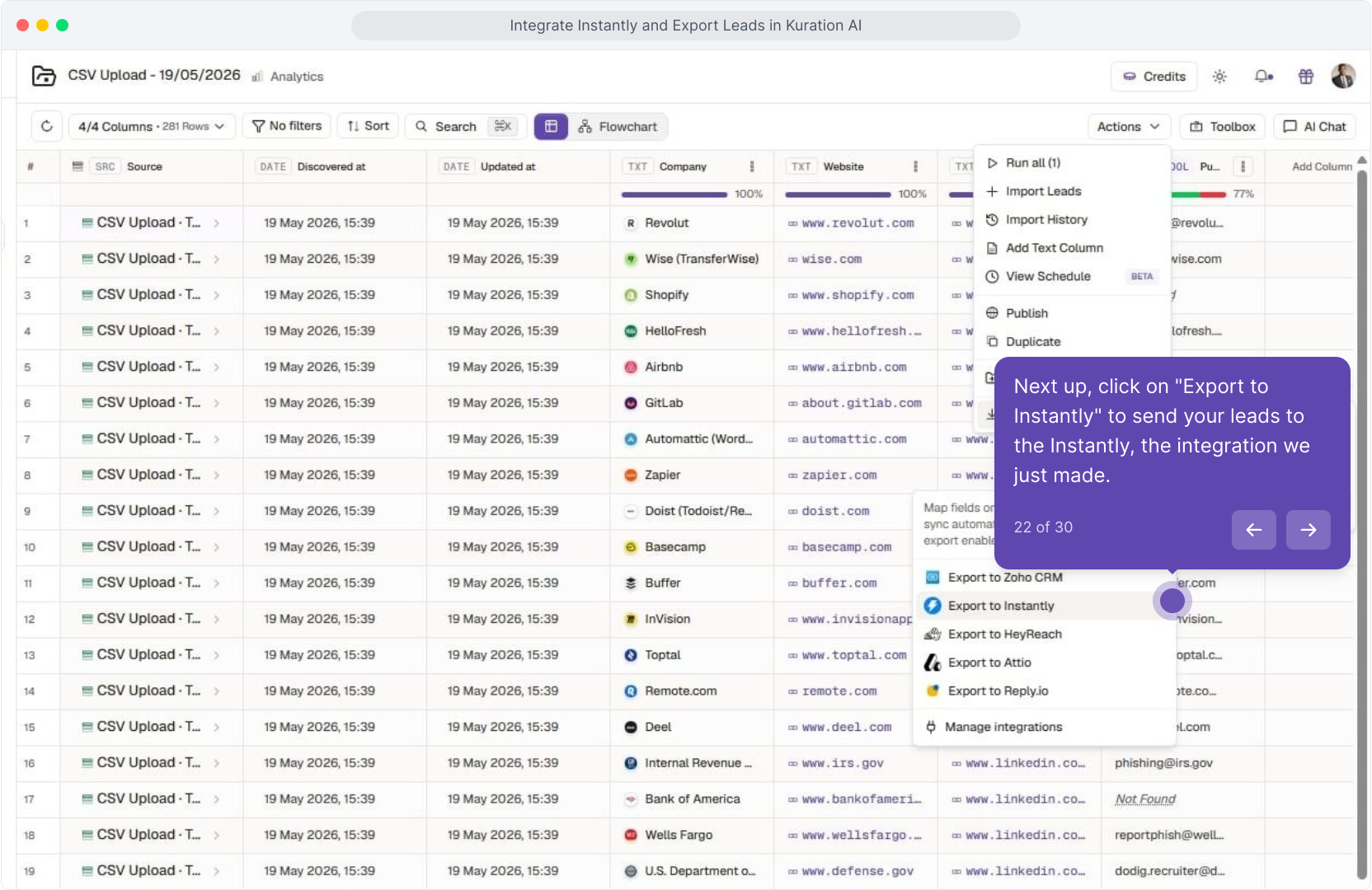
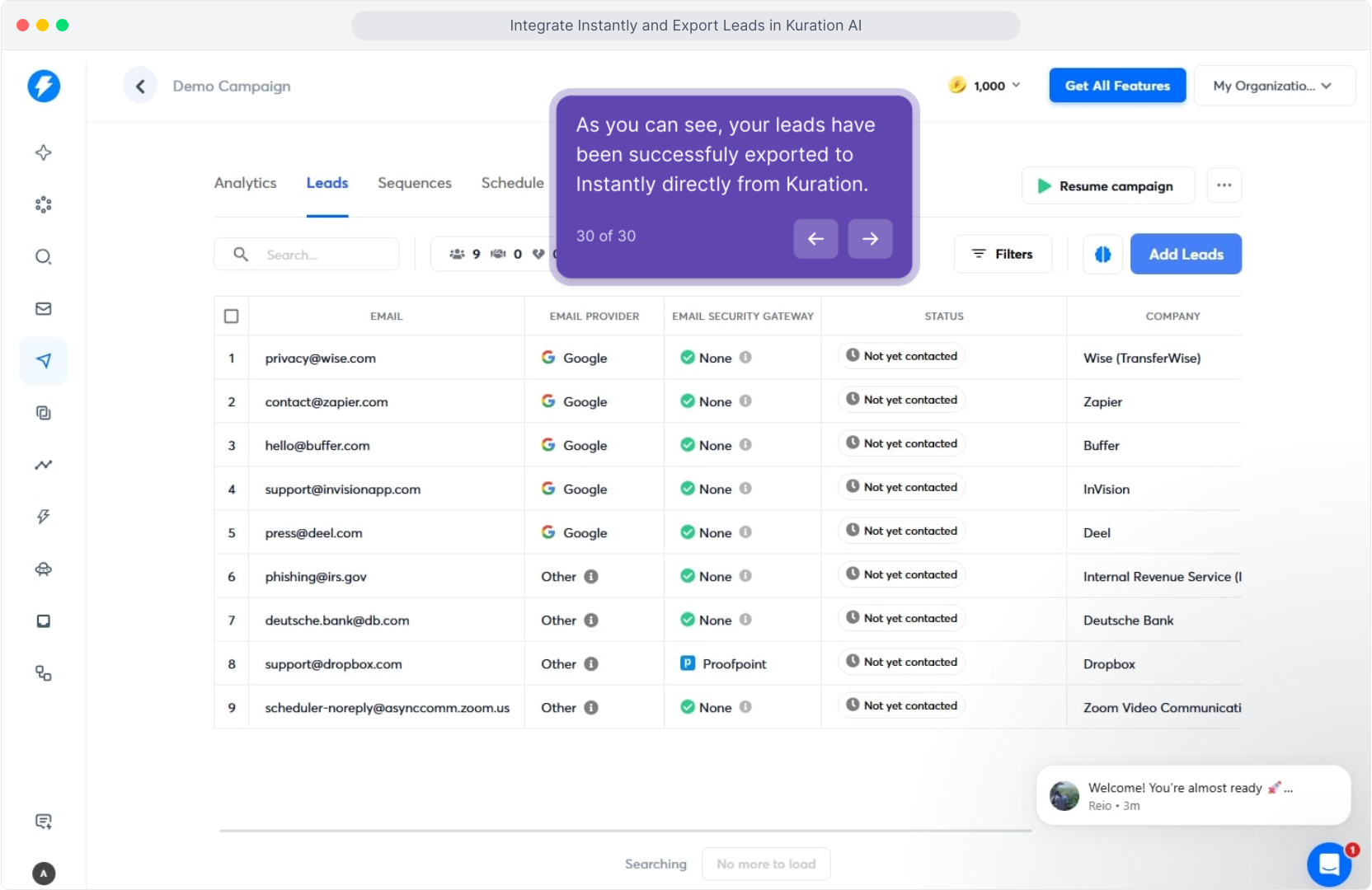
Step 4: Export your first list to Instantly
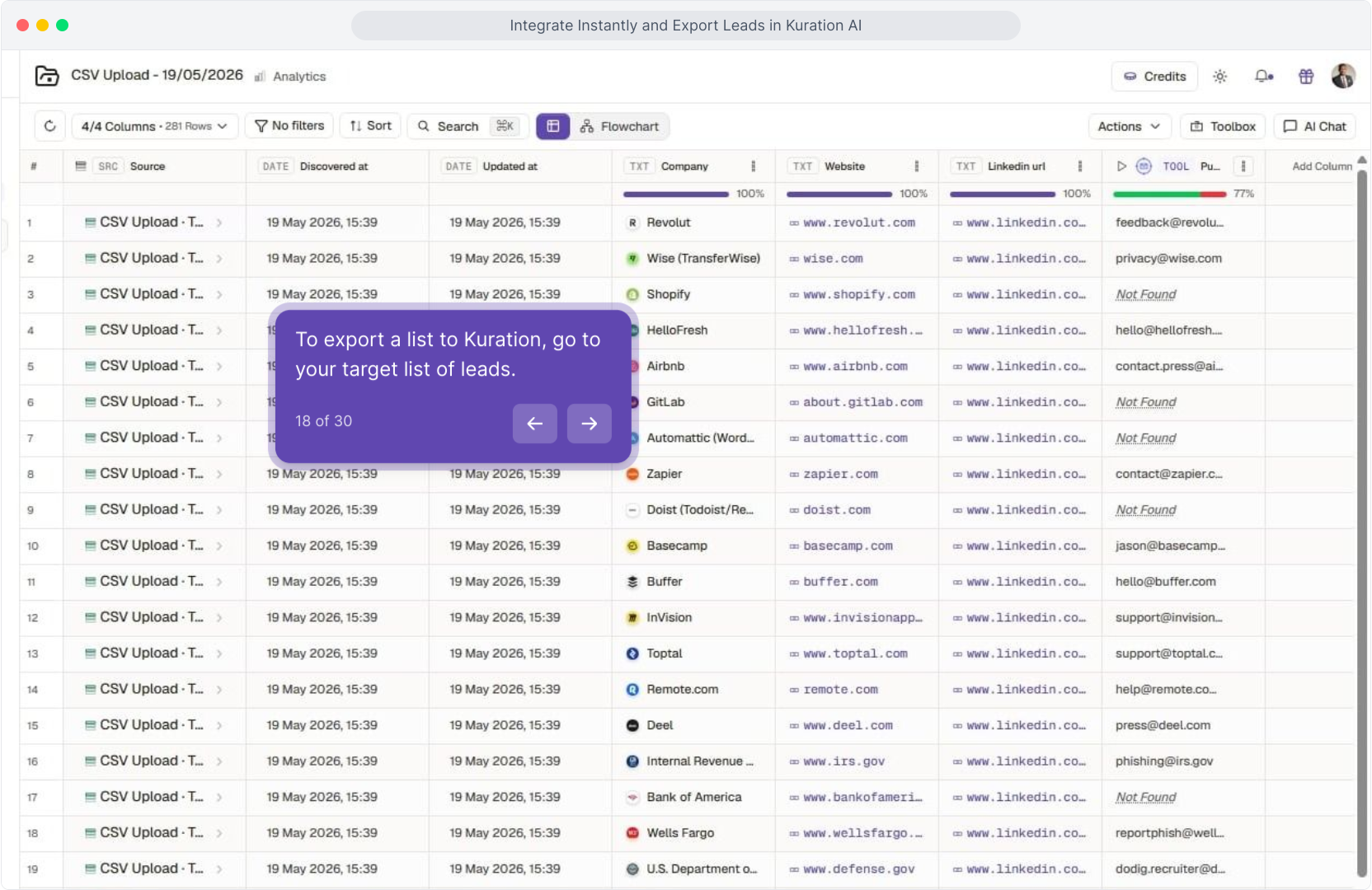
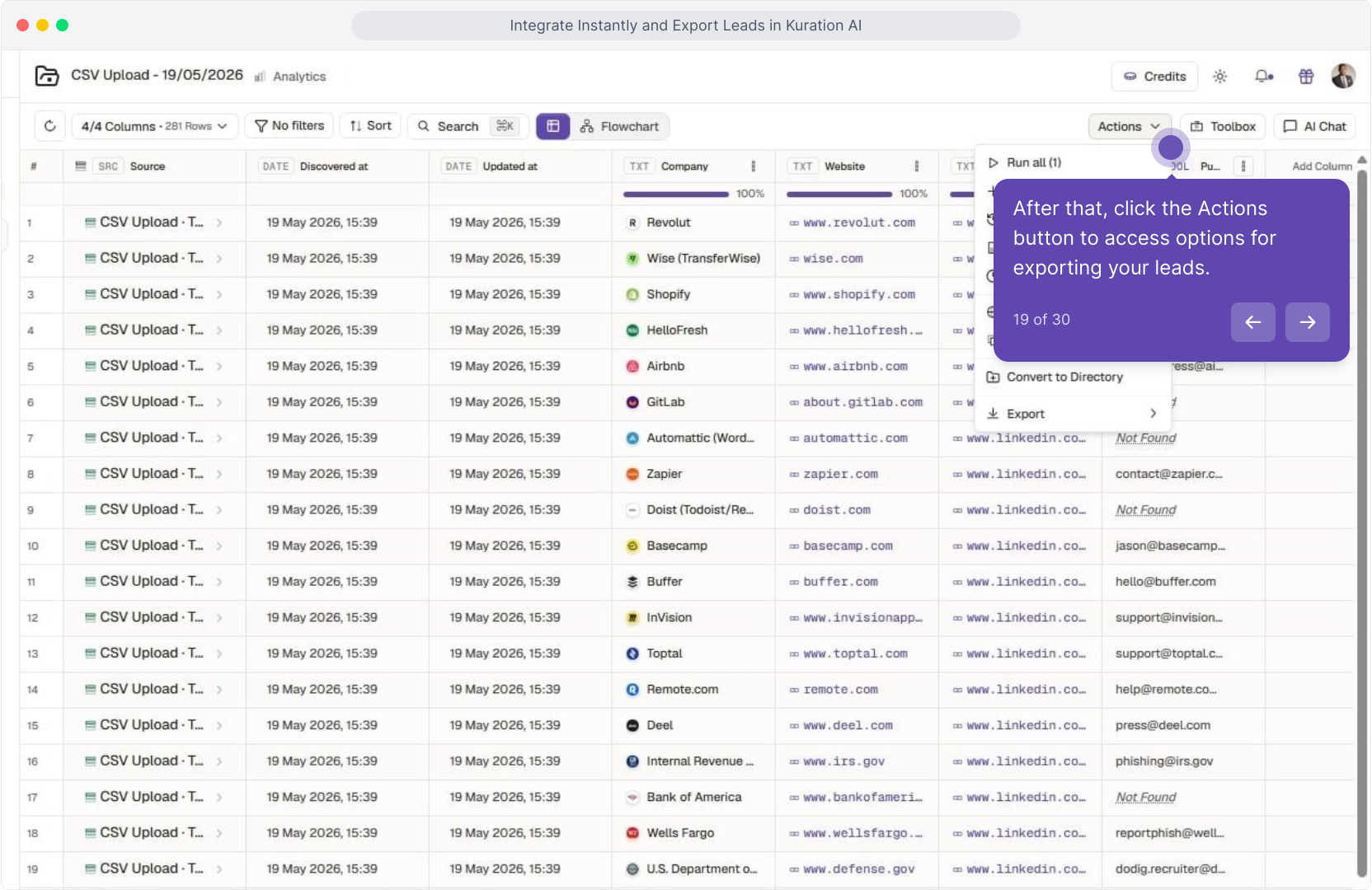
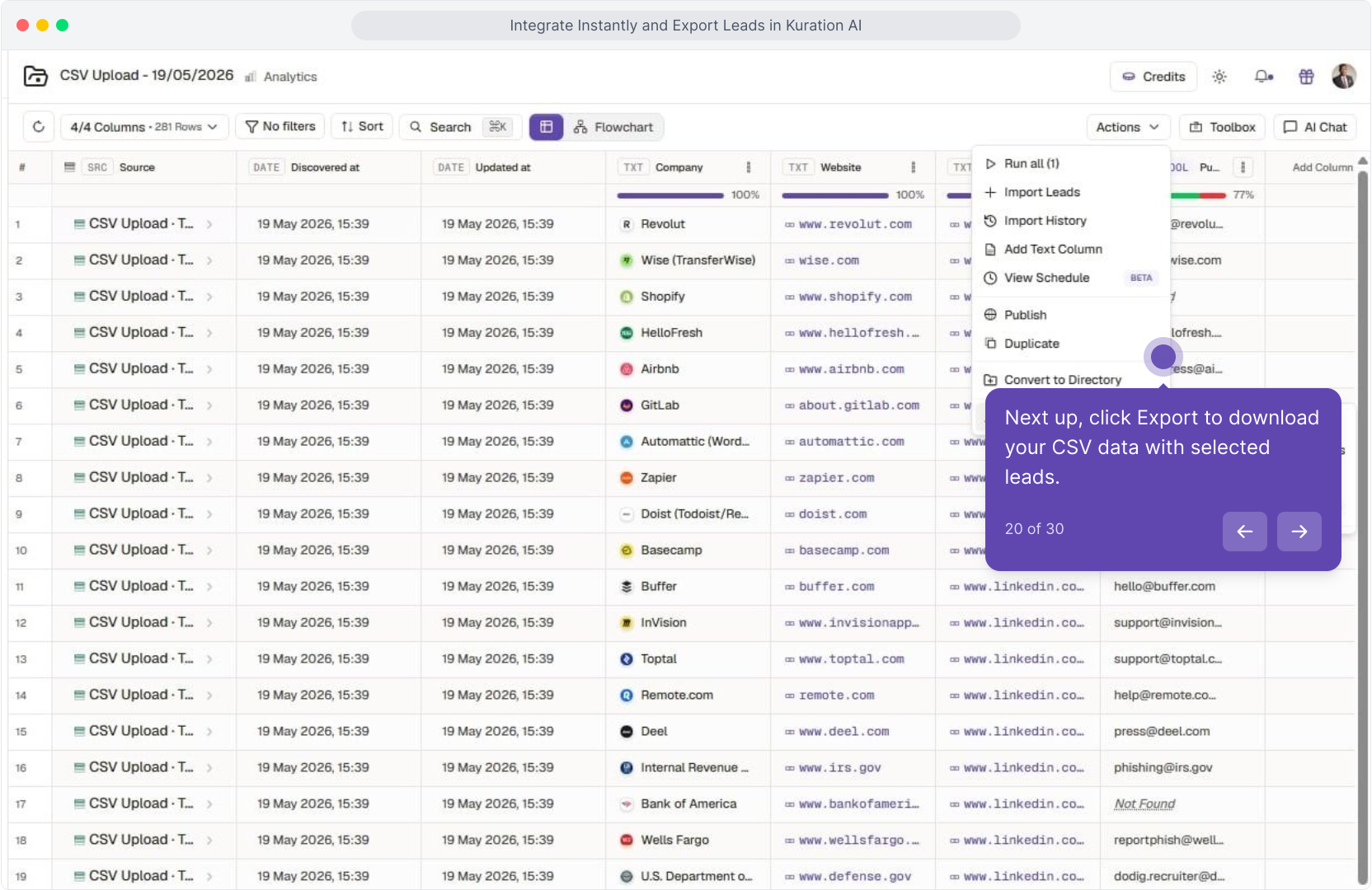
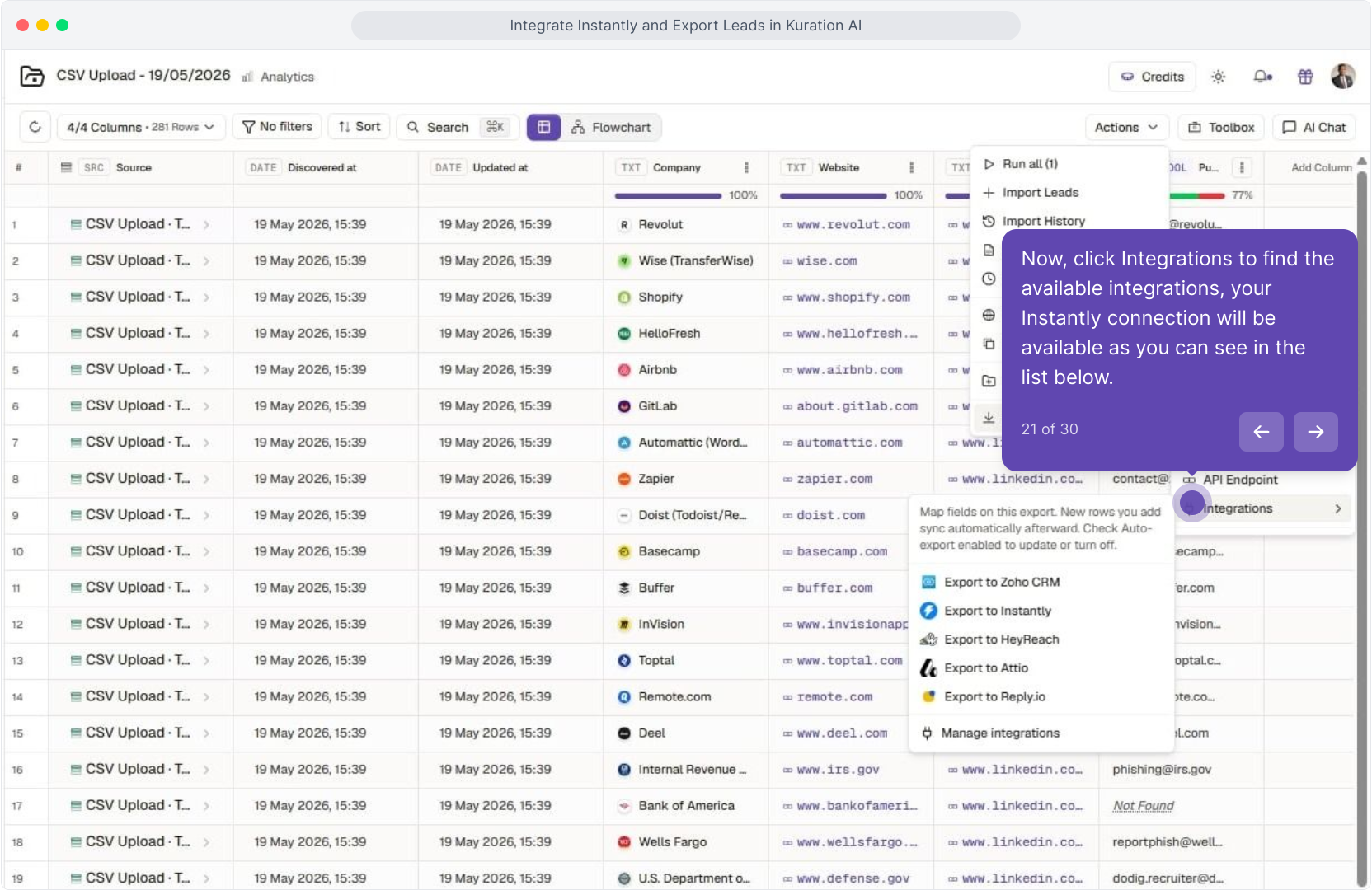
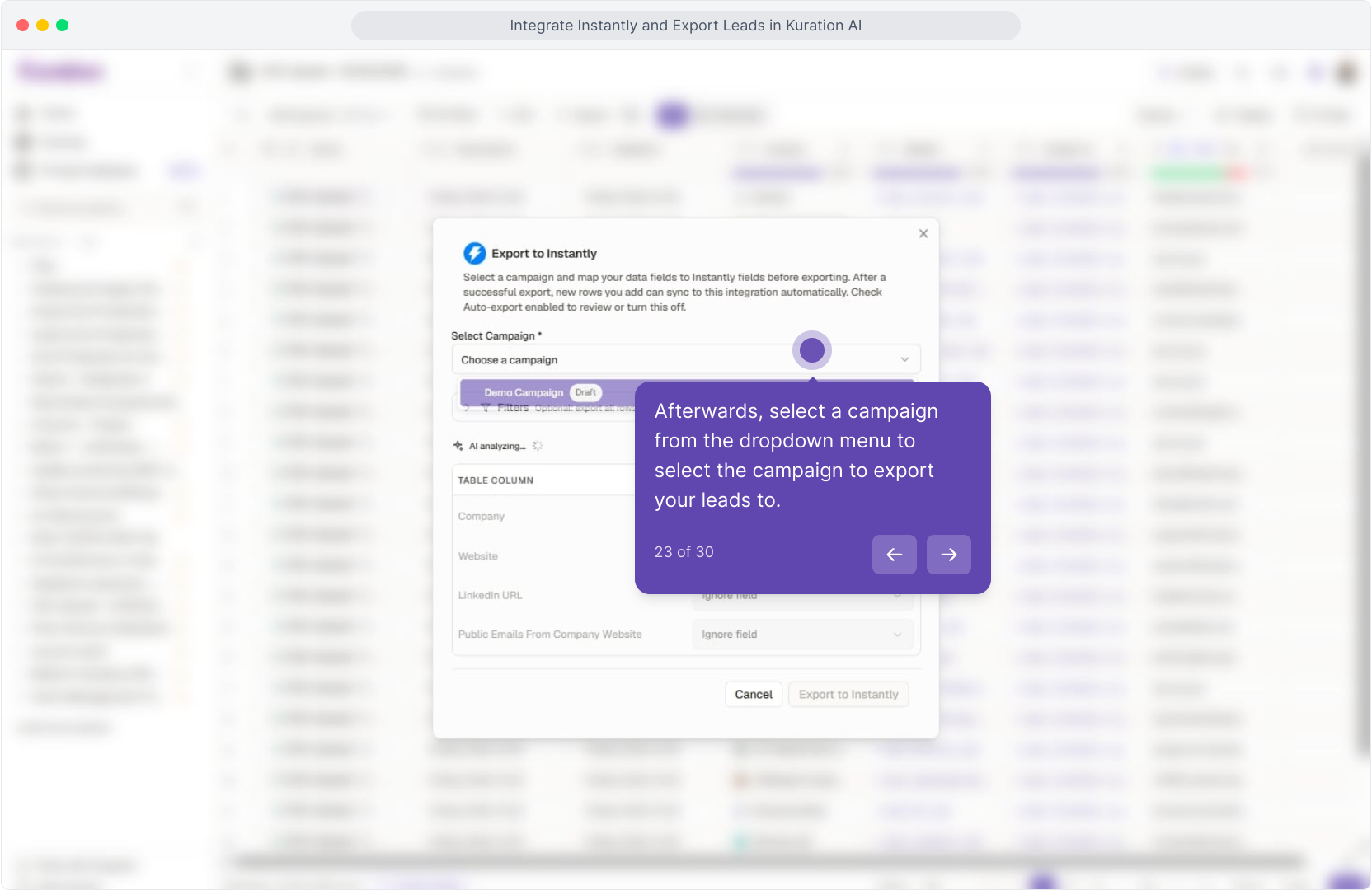
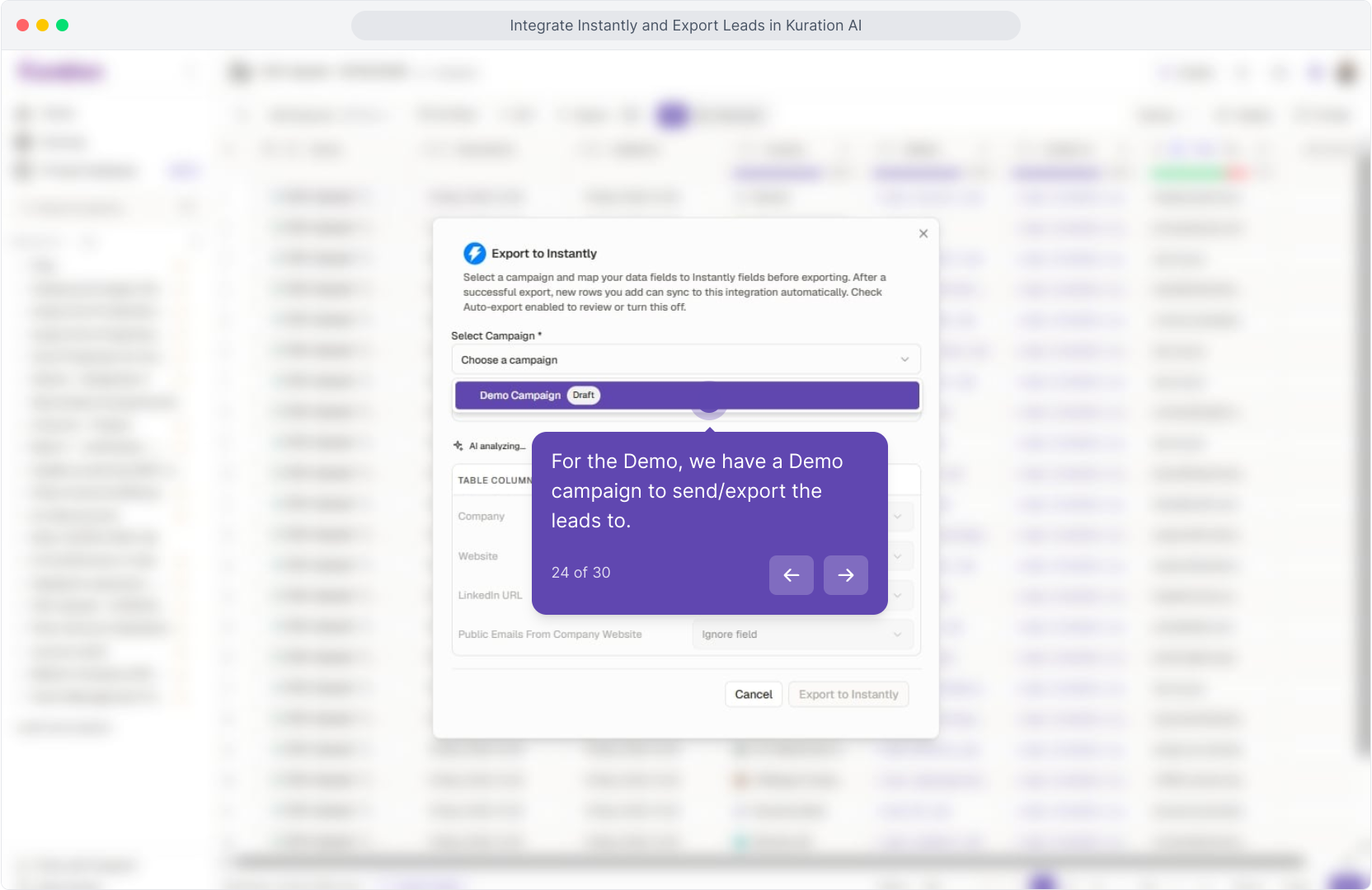
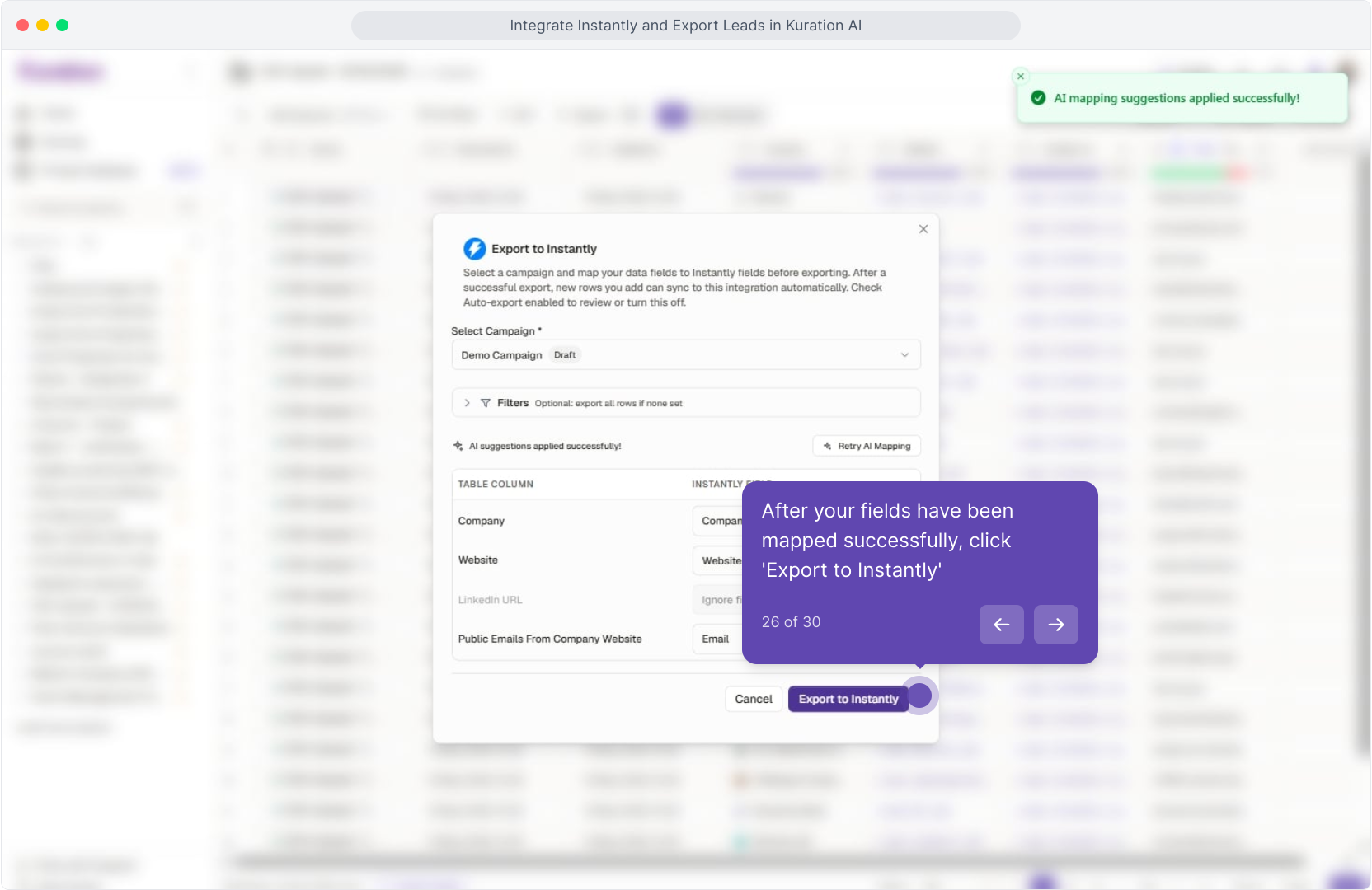
From any project, open Actions → Export to Instantly. Pick a campaign from the dropdown, confirm the auto-mapped fields, and send.
Requirements: a paid Instantly plan plus a campaign in a ready state (warm-up complete, sequence built).
For the full interactive Demo Click Here
Related articles
Connect Kuration AI to Lemlist
Export enriched leads to qualified prospects from Kuration AI directly to Lemlist via API in just a few clicks.
Connect Kuration AI to SmartLead
Export enriched prospect lists from Kuration AI directly to SmartLead for automated outreach sequences.
Connect Kuration AI to HeyReach
A four-step setup that takes about five minutes. Once connected, push any enriched list straight into a HeyReach campaign — no CSVs, no copy-paste.