Get started in under 3 minutes
Create your first prospect list fast. Pick a data source, curate the list down to the accounts that fit, then enrich it with verified contacts — all without leaving Kuration.
Build your first prospect list in three minutes.
Every list in Kuration follows the same three moves. Choose where the companies come from, curate them down to a clean shortlist, then enrich each row with the contacts and signals you need.
Pick a data source
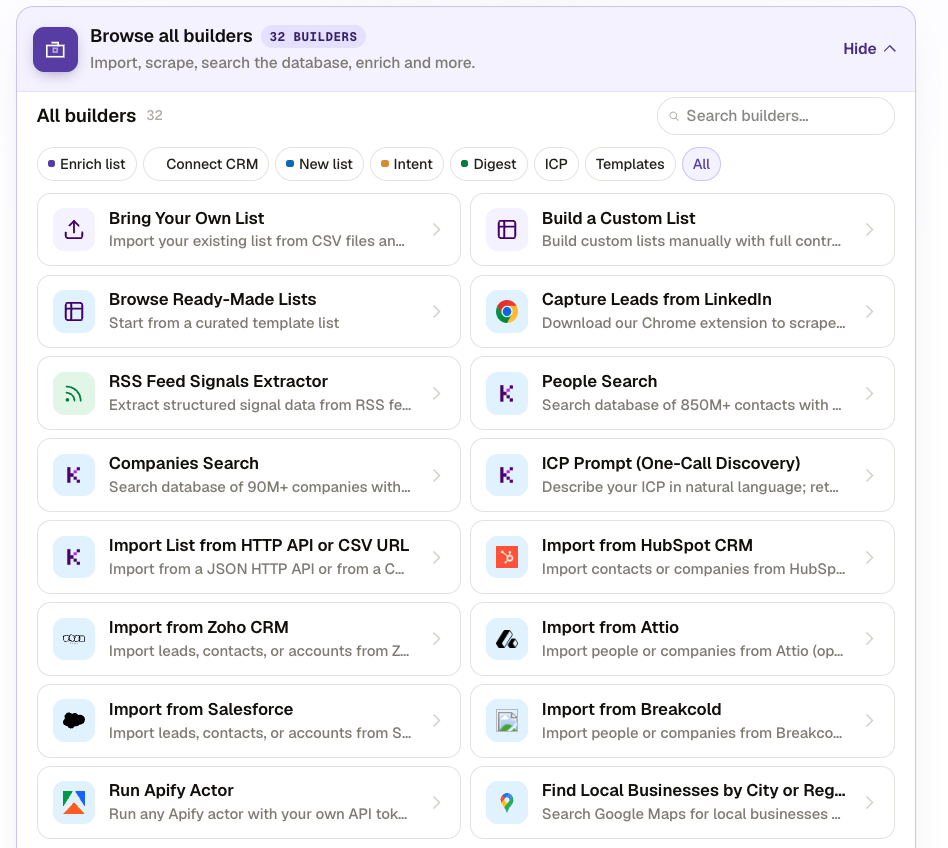
Open the New list tab and choose a builder. Browse our ready-made database, search 90M+ companies and 850M+ contacts, find local businesses, or scrape any website into a table.
- 01 Open the New list tab
- 02 Browse the available list builders
- 03 Pick the source that fits your market
Match the source to your market
The right builder depends on who you sell to. Pick by use case so your raw list starts as close to your ideal customer as possible.
Every source ships with standard datapoints. Google Maps, for example, returns name, industry, website, phone, rating, and address.
Filter and qualify your list
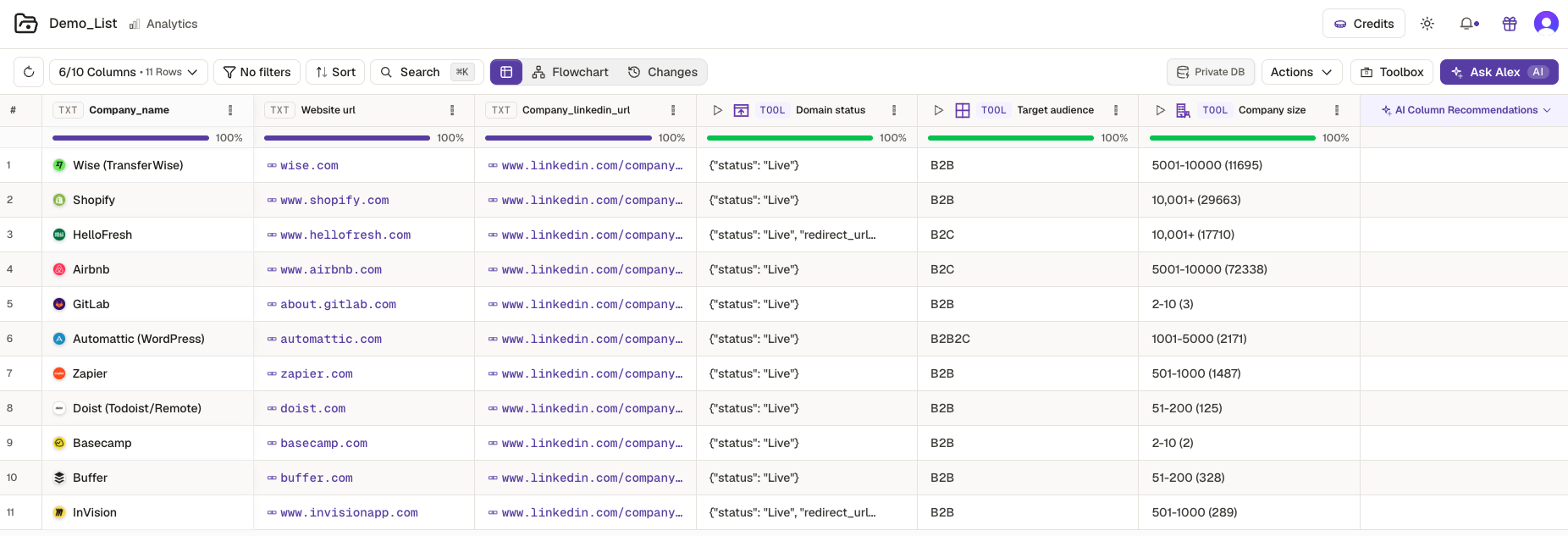
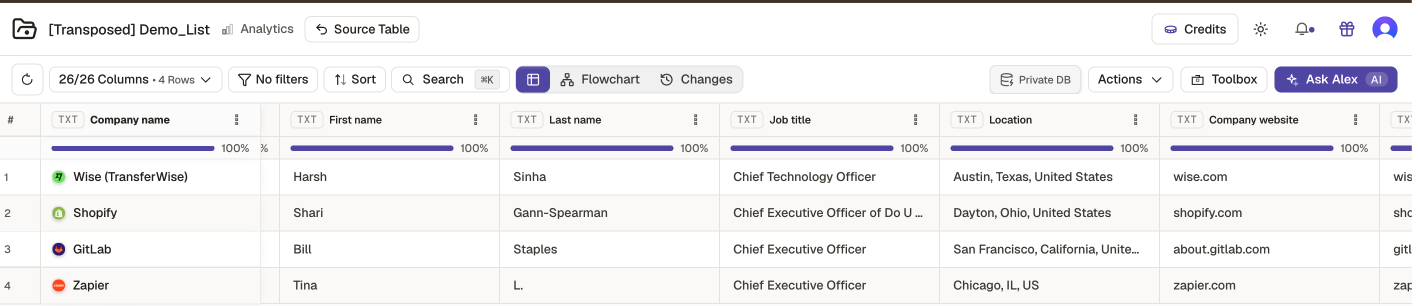
Raw lists are noisy — dead domains, wrong industries, off-fit accounts. Add qualifier columns, then filter on them to keep only the rows worth enriching.
- 01 Add qualifiers like Domain Status or Target Audience
- 02 Apply filters on those columns
- 03 Keep the rows that match your ICP
Add enrichment tools from the Toolbox
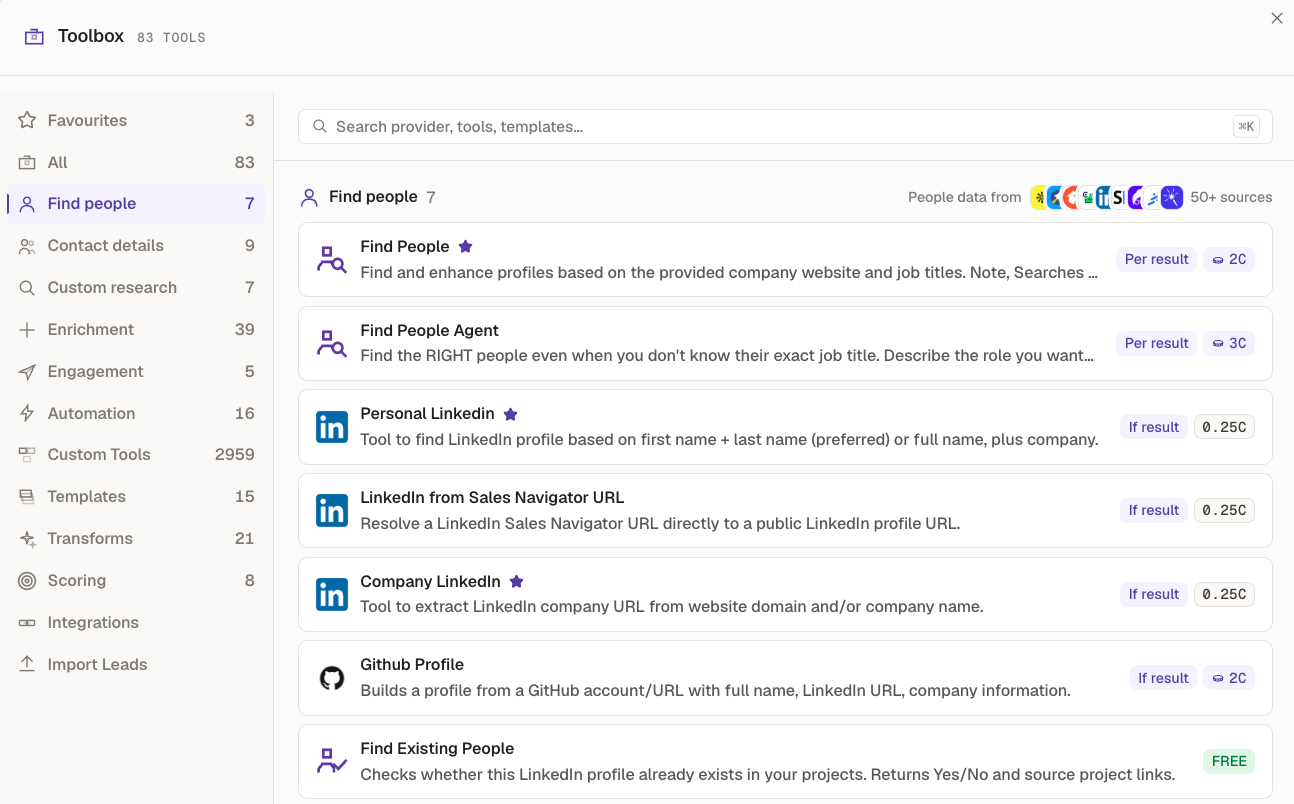
Qualifier and contact columns come from the Toolbox — dozens of tools you can search or browse by tab. Add any tool to your table as a new column.
- 01 Open the Toolbox
- 02 Search, or pick a tab like Enrichment
- 03 Add a tool as a column and Run
Find decision-makers with People Finder
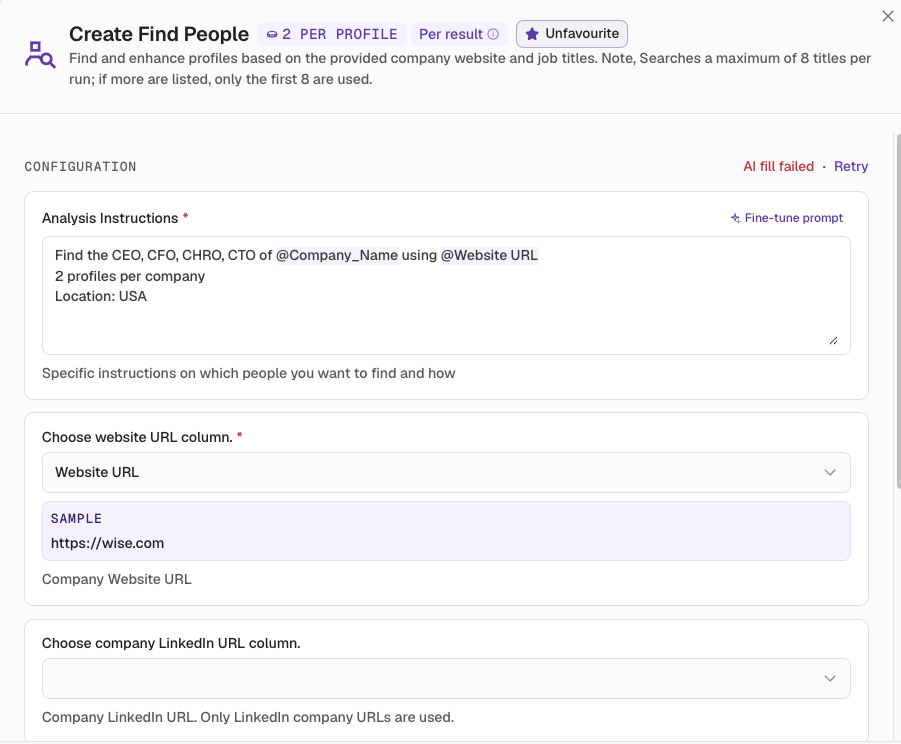
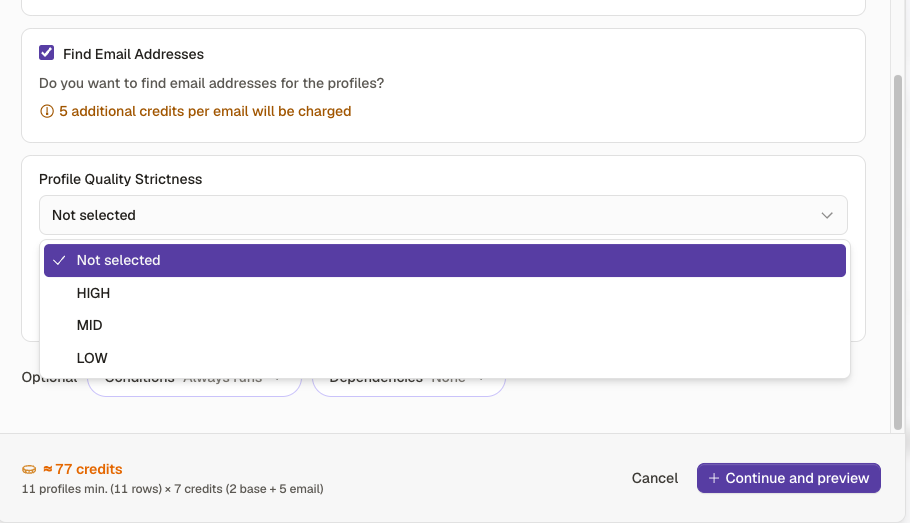
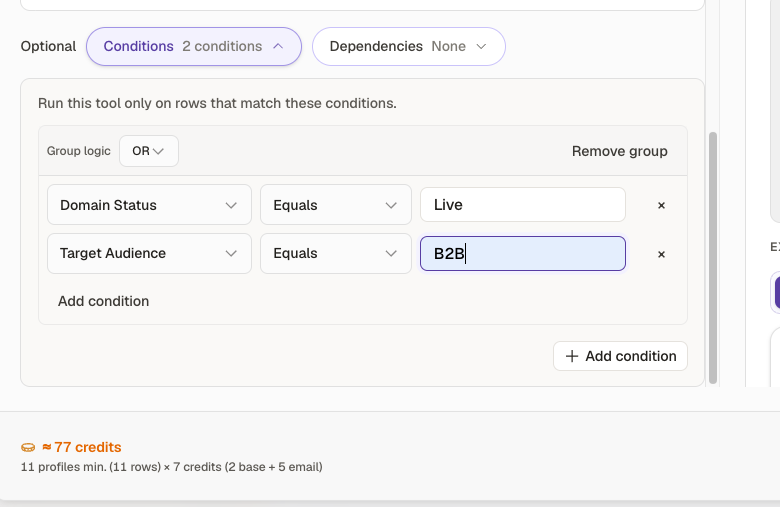
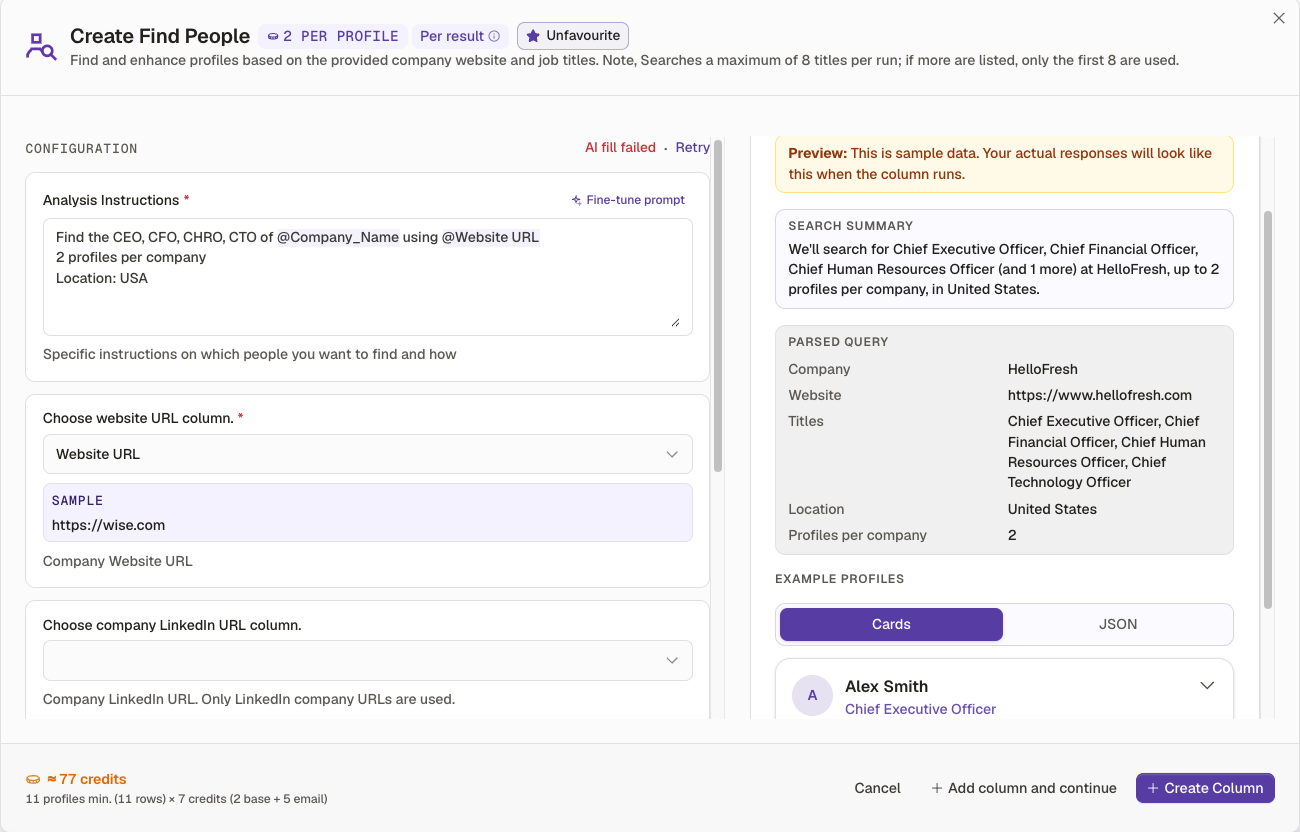
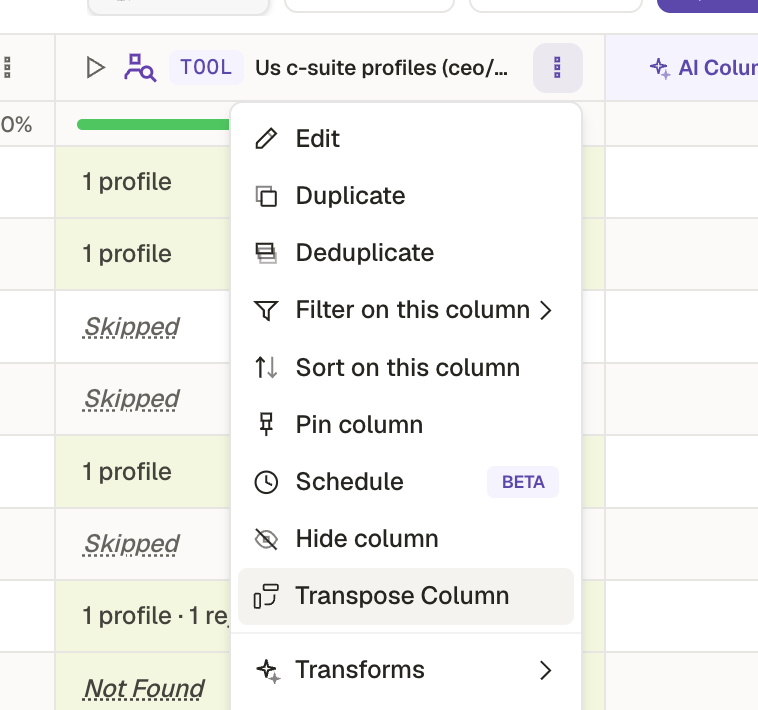
Once your list is qualified, run the People Finder Agent to add verified contacts. Set conditions so it only spends credits on the rows that already passed your filters.
- 01 Add the People Finder Agent column
- 02 Set conditions — e.g. live website + B2B
- 03 Run to fill names, titles, and emails
Finds decision-makers at qualified accounts
A real workflow, end to end
Sourcing remote HR platforms with Deep Search, qualifying on a few signals, then finding contacts only for accounts that fit.
Build your first list now.
That's the whole loop: source, curate, enrich. Open Kuration and start a new list — or watch the full workflow on video first.
Start a new list →Prefer to watch? See the workflow video · or revisit the overview.