Connect Kuration AI to Lemlist

Export enriched leads to qualified prospects from Kuration AI directly to Lemlist via API in just a few clicks.

Kuration Team2 min readUpdated Mar 26, 2026

Export enriched leads to qualified prospects from Kuration AI directly to Lemlist via API in just a few clicks.

How to Integrate Kuration AI with Lemlist

Overview

This guide walks you through how to connect Lemlist with Kuration AI, export your leads directly into targeted campaigns, and leverage AI-powered enrichment for more effective outreach.

Accessing Integration Settings

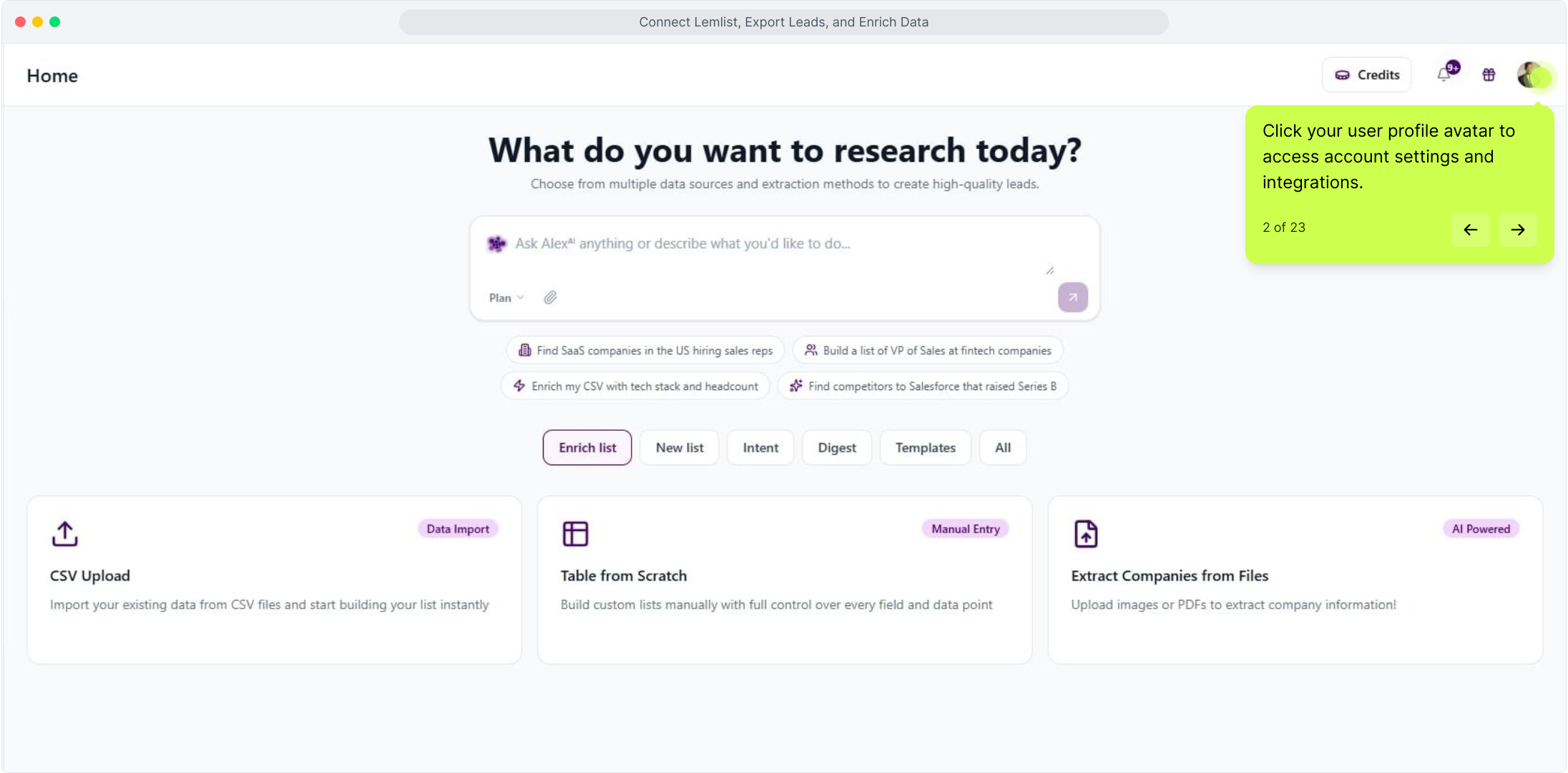
To get started, click on your user profile avatar to access your account settings.

Accessing Integration Settings

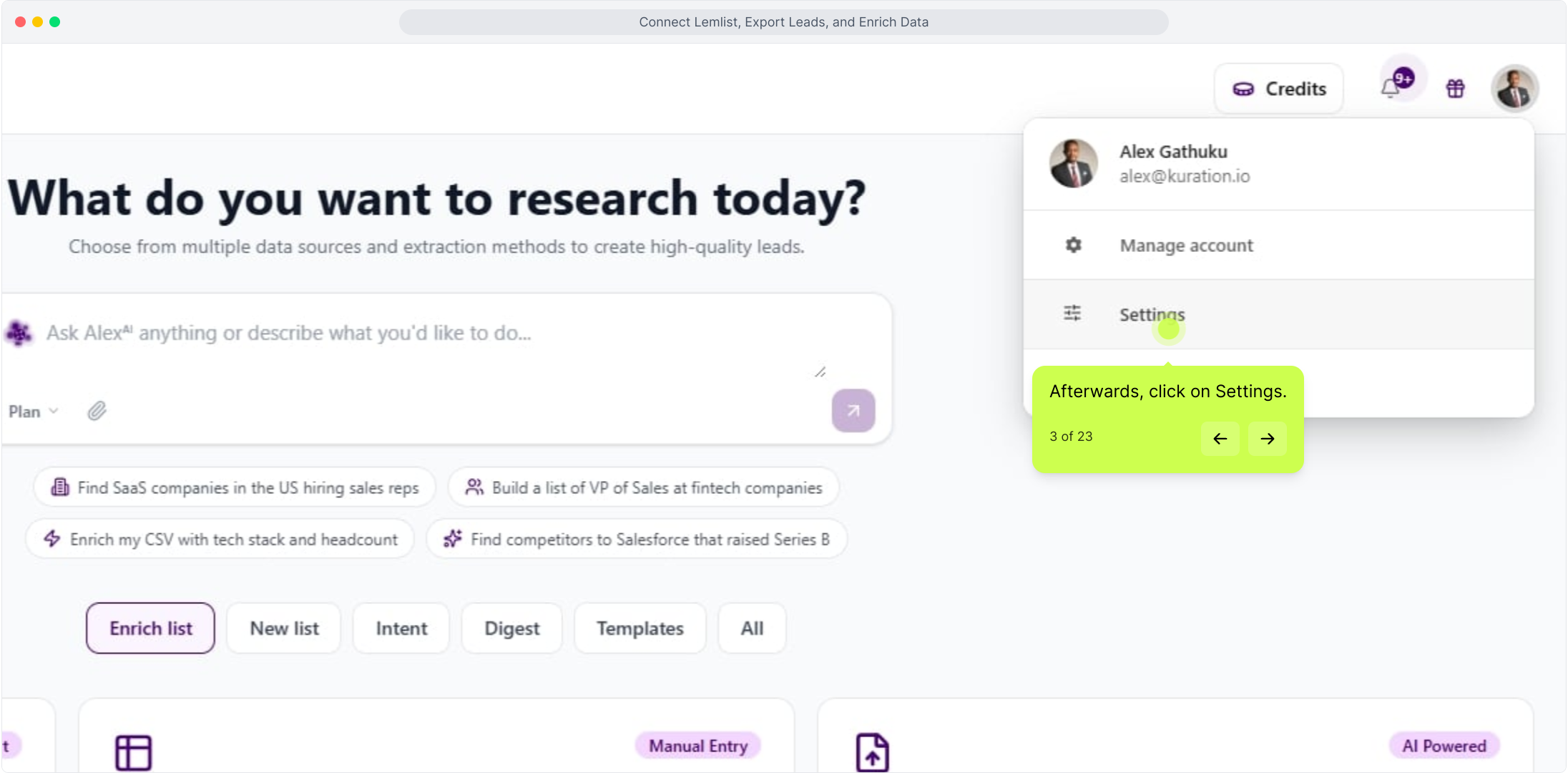
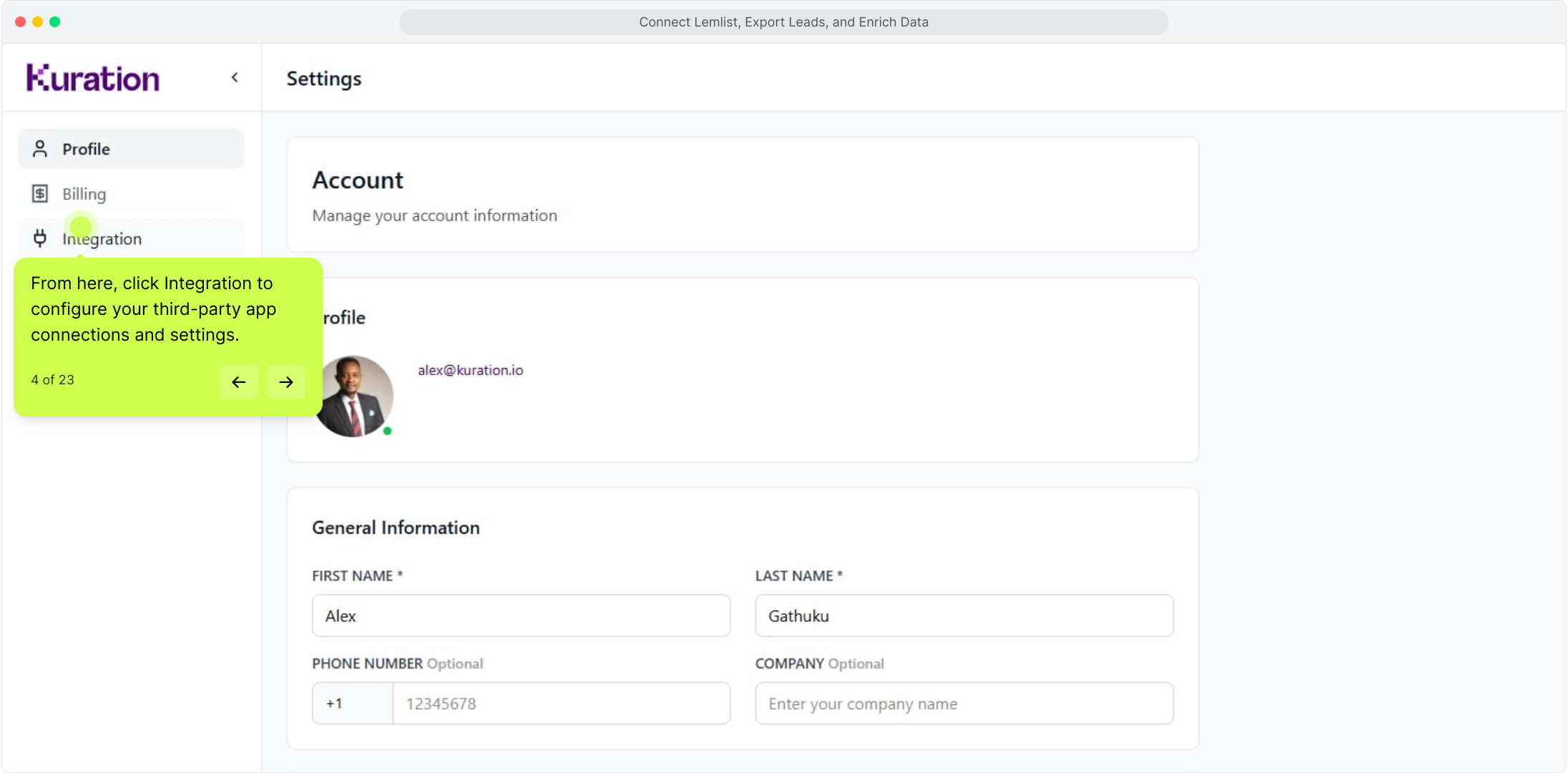
From the settings menu, select Settings, then navigate to Integrations. This is where you can configure all your third-party app connections.

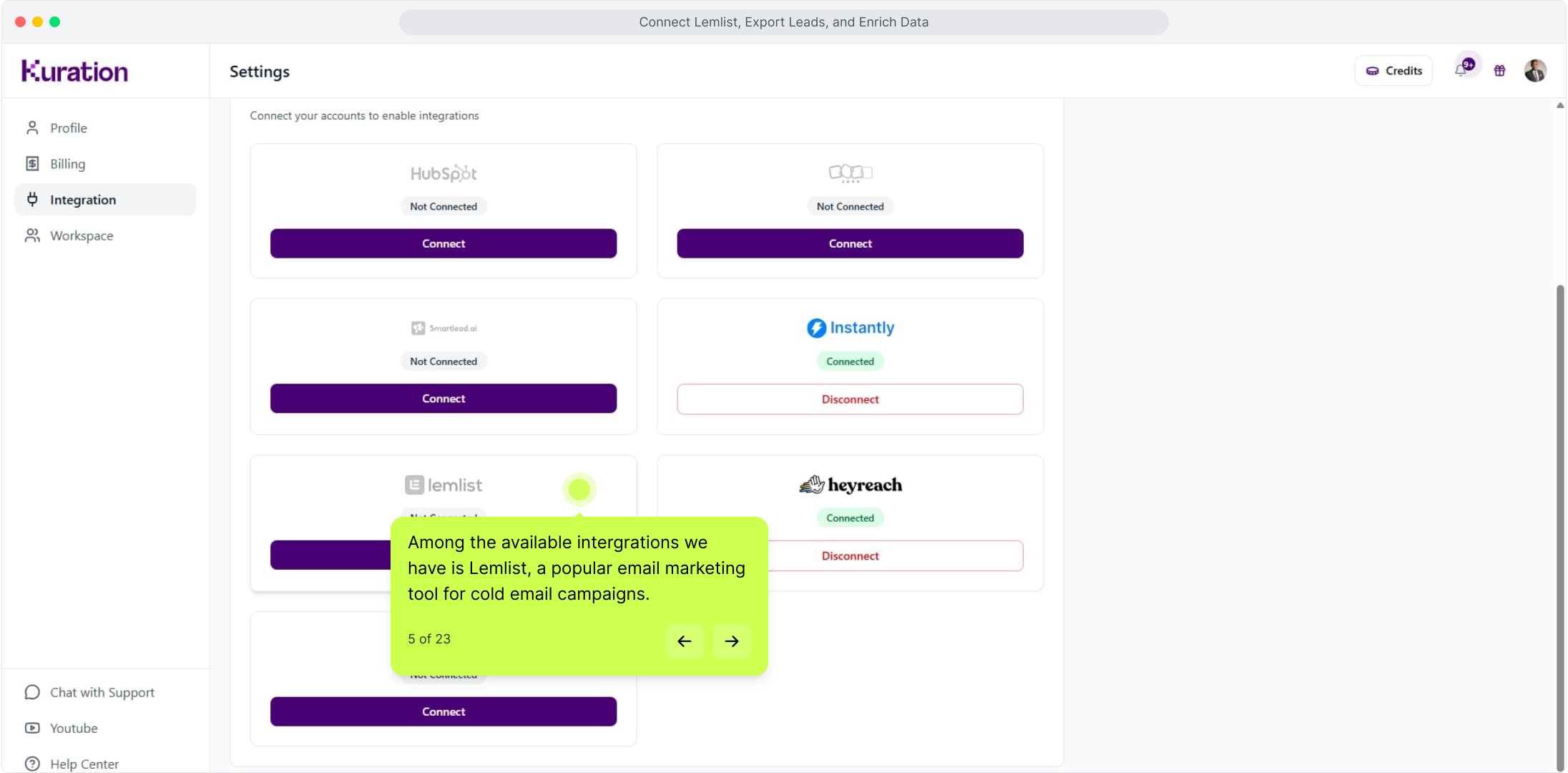
Lemlist integration in settings

Among the available integrations is Lemlist, a popular email marketing tool built for cold email campaigns.

Lemlist integration

Generating Your Lemlist API Key

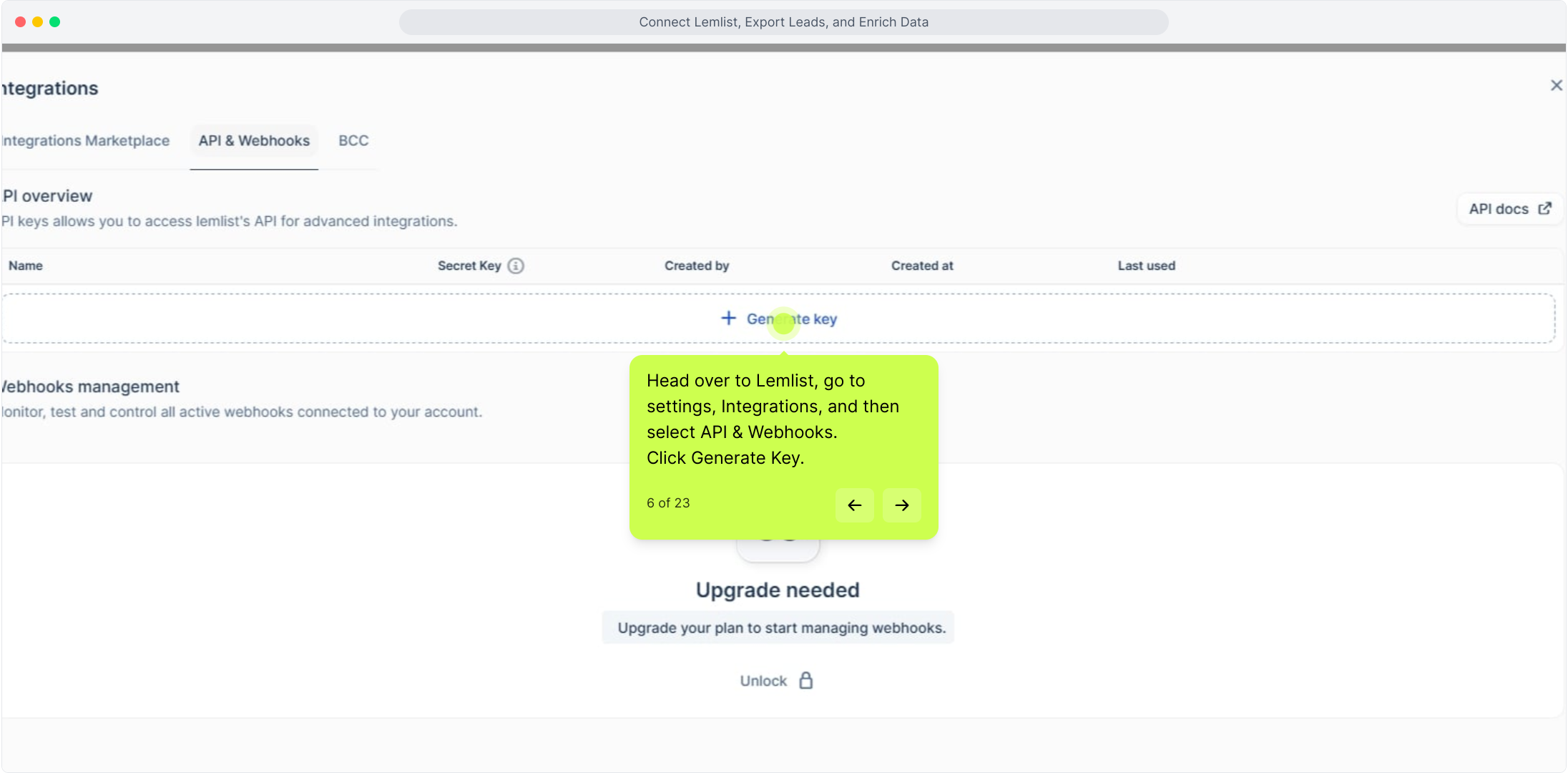
Before connecting the two platforms, you'll need to retrieve your API key from Lemlist. Head over to Lemlist and navigate to Settings → Integrations → API & Webhooks.

Generating Your Lemlist API Key

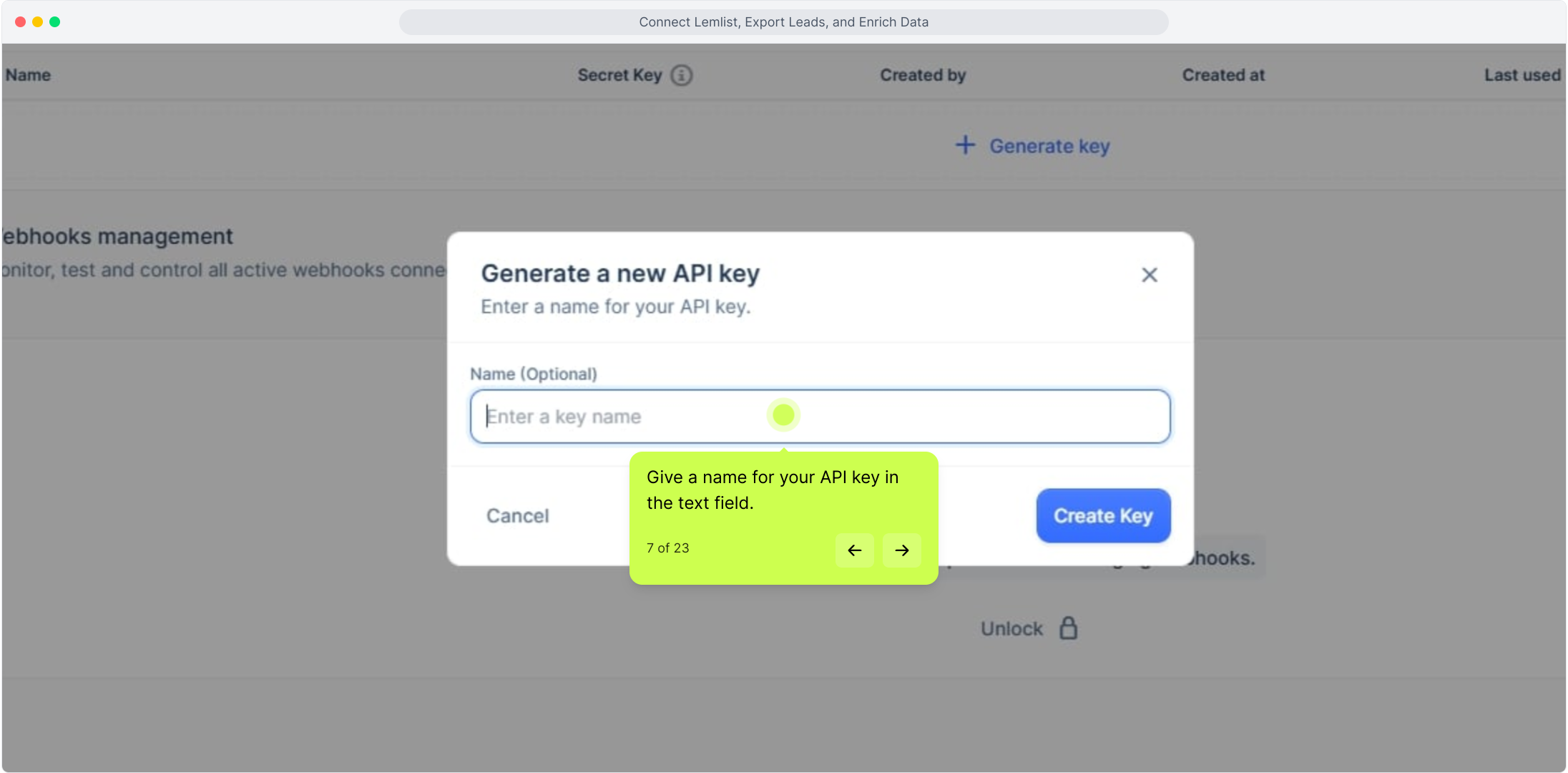
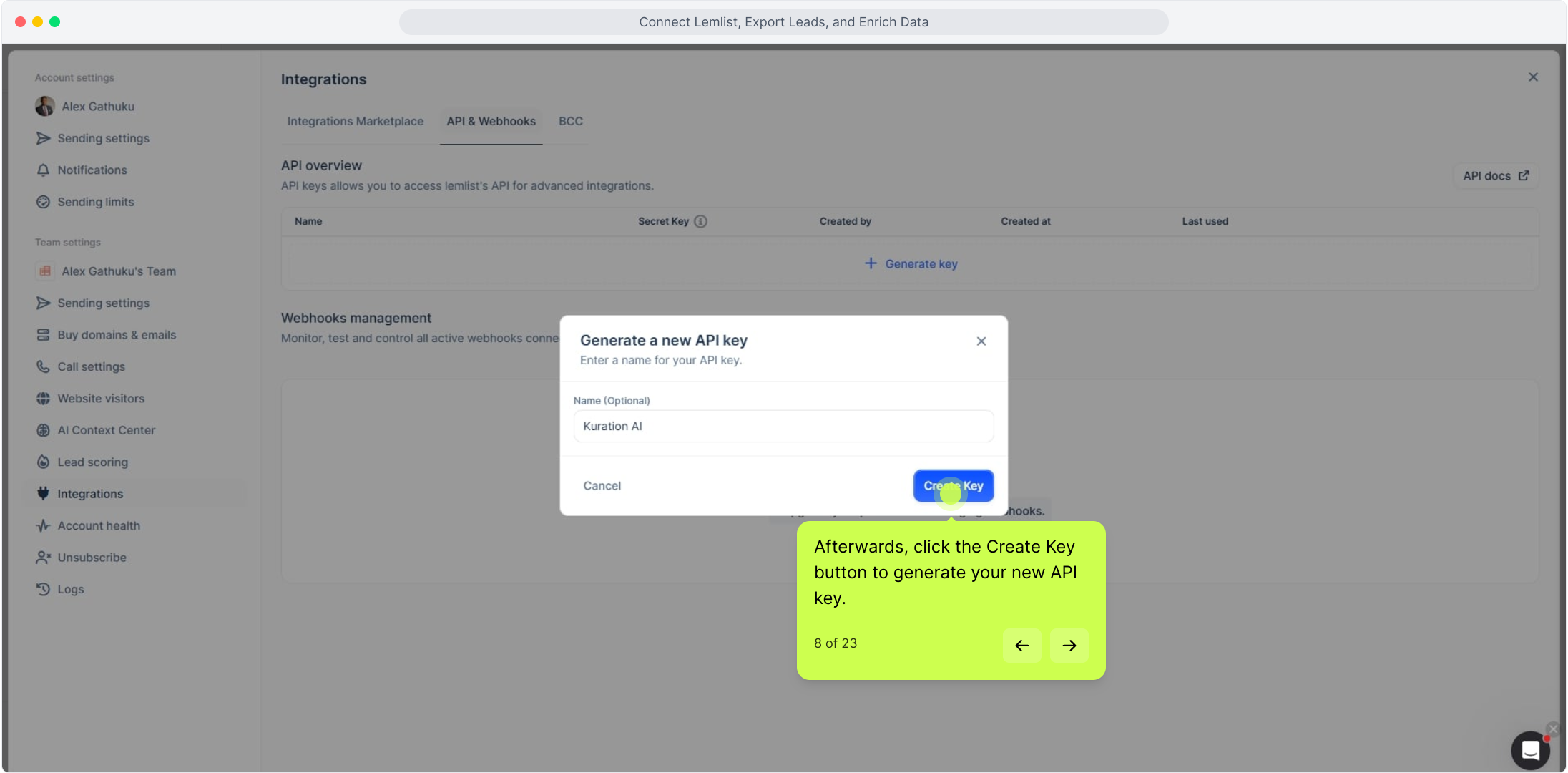
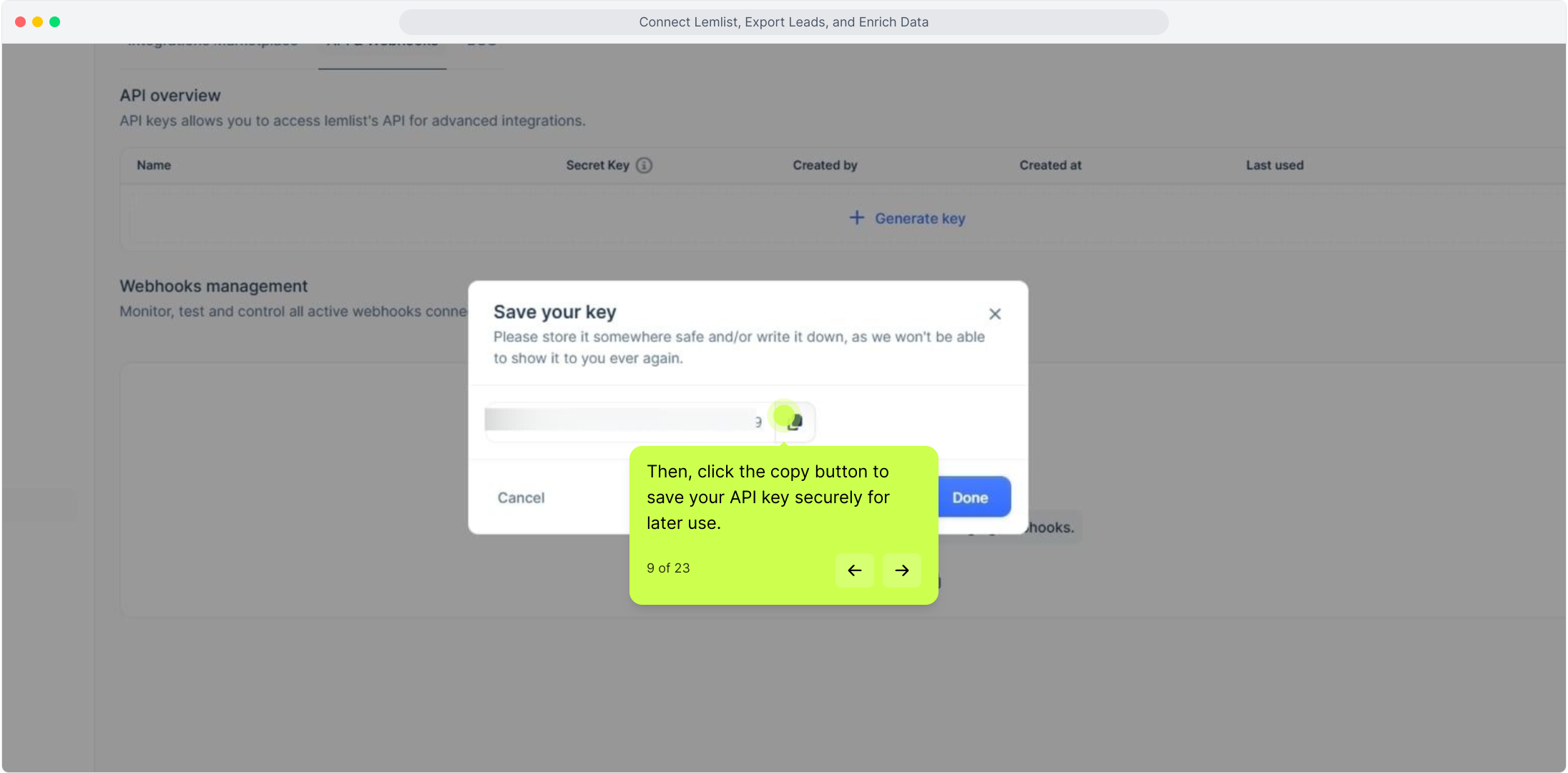
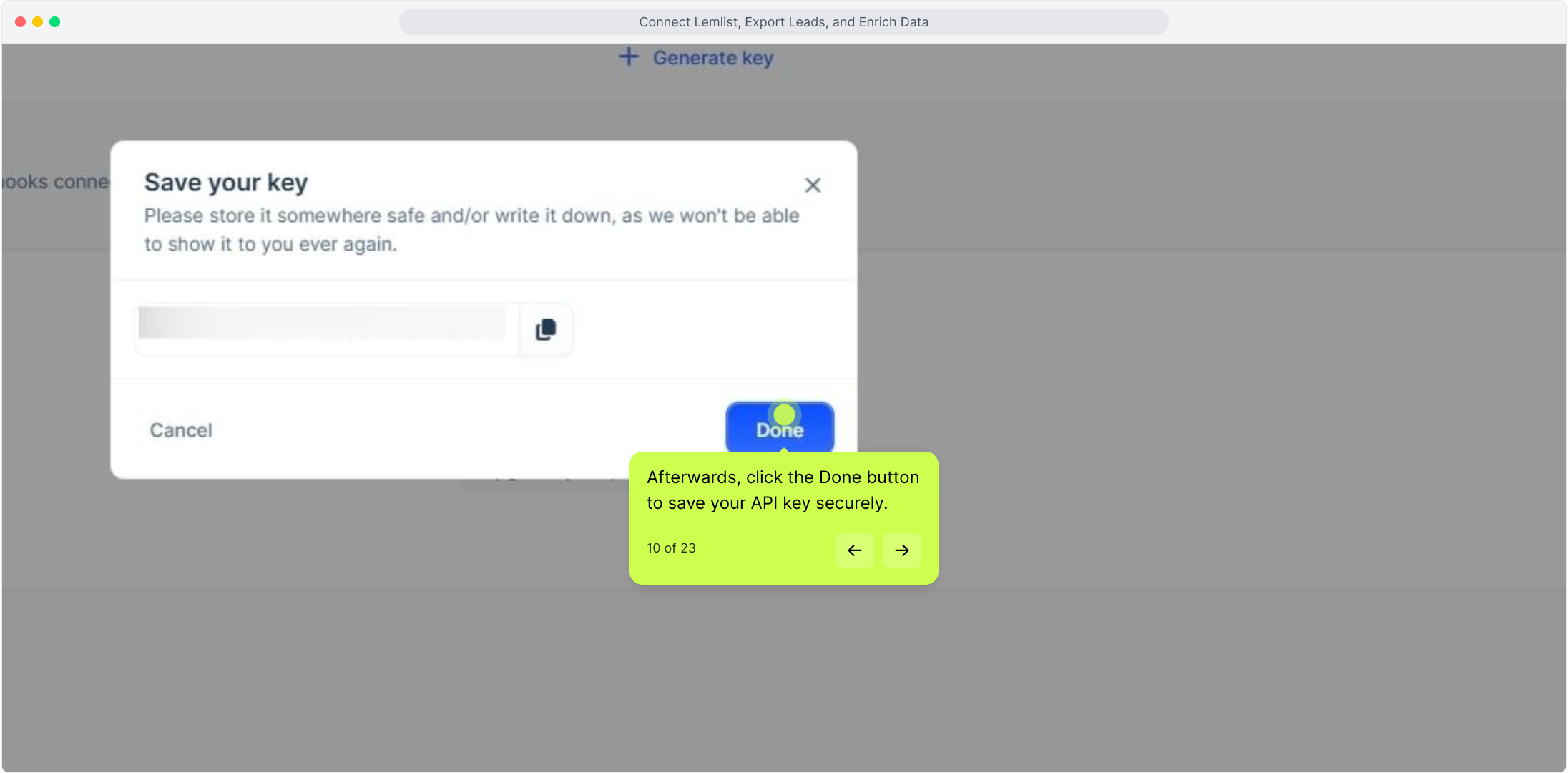
Click Generate Key and give your API key a recognisable name in the text field provided. Once you're happy with the name, click Create Key to generate it. Use the copy button to save your API key securely, then click Done to confirm.

Generating Your Lemlist API Key

Connecting Lemlist to Kuration AI

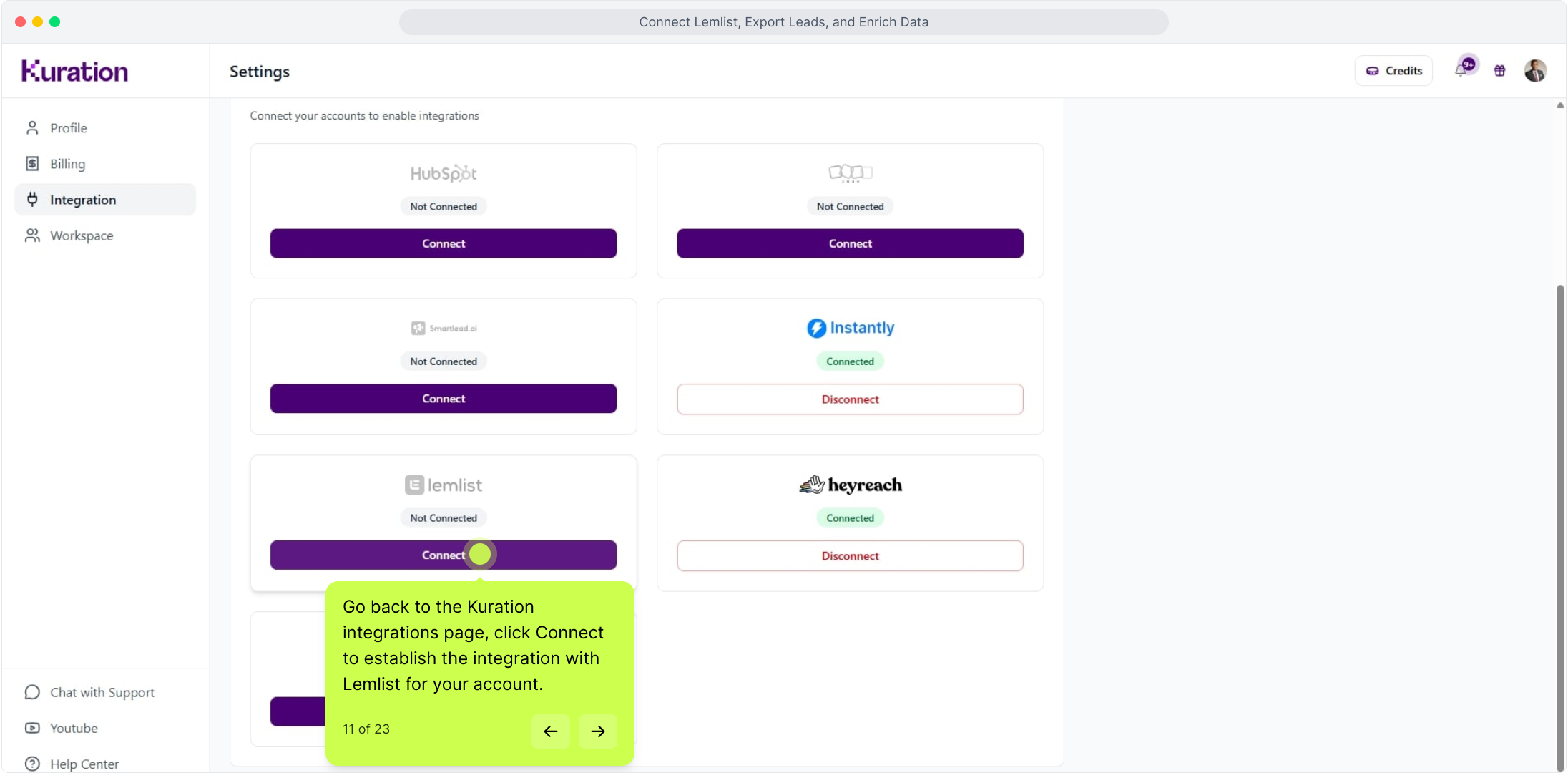
With your API key copied, return to the Kuration AI integrations page and click Connect next to Lemlist.

Connecting Lemlist to Kuration AI

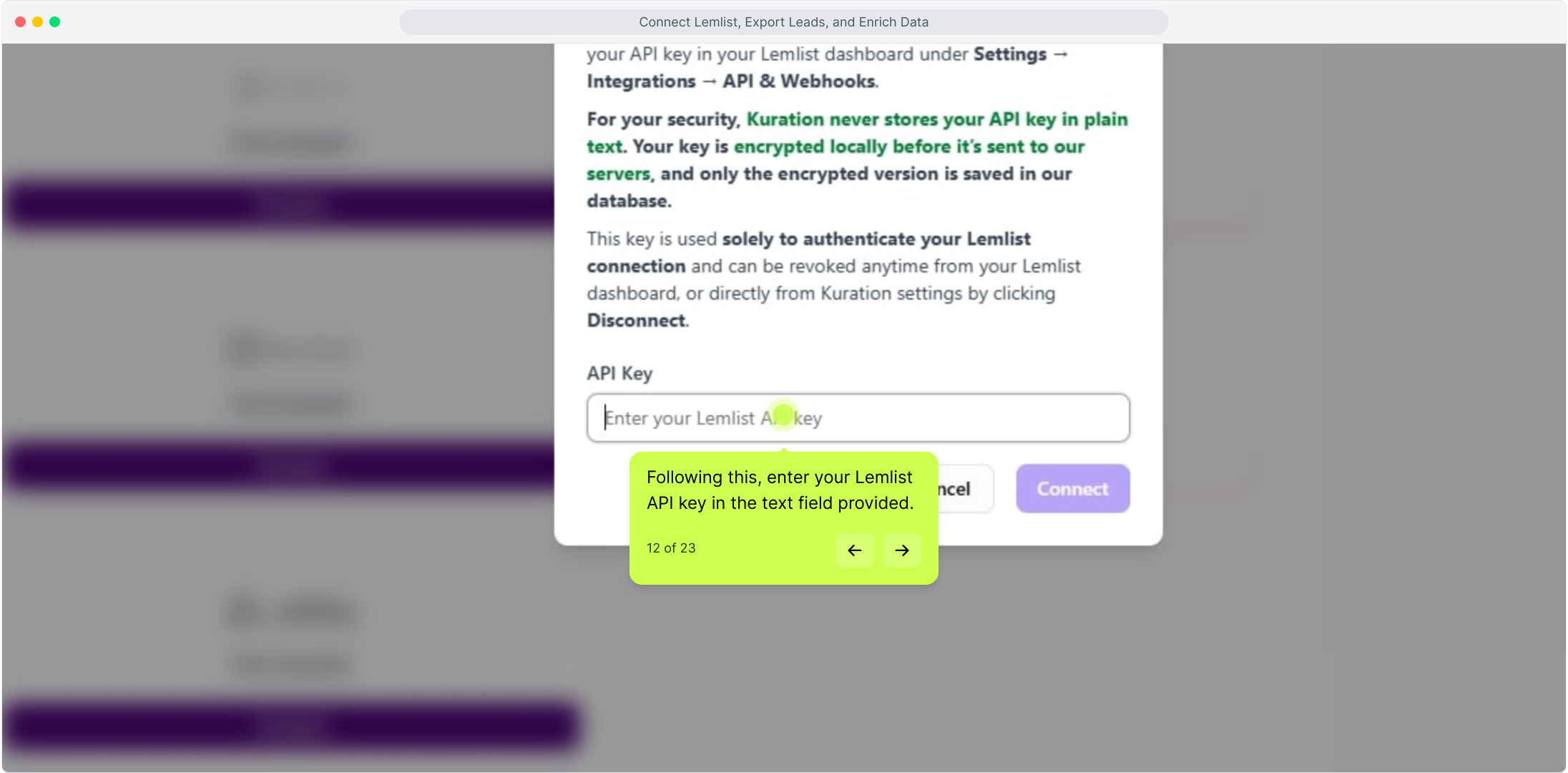
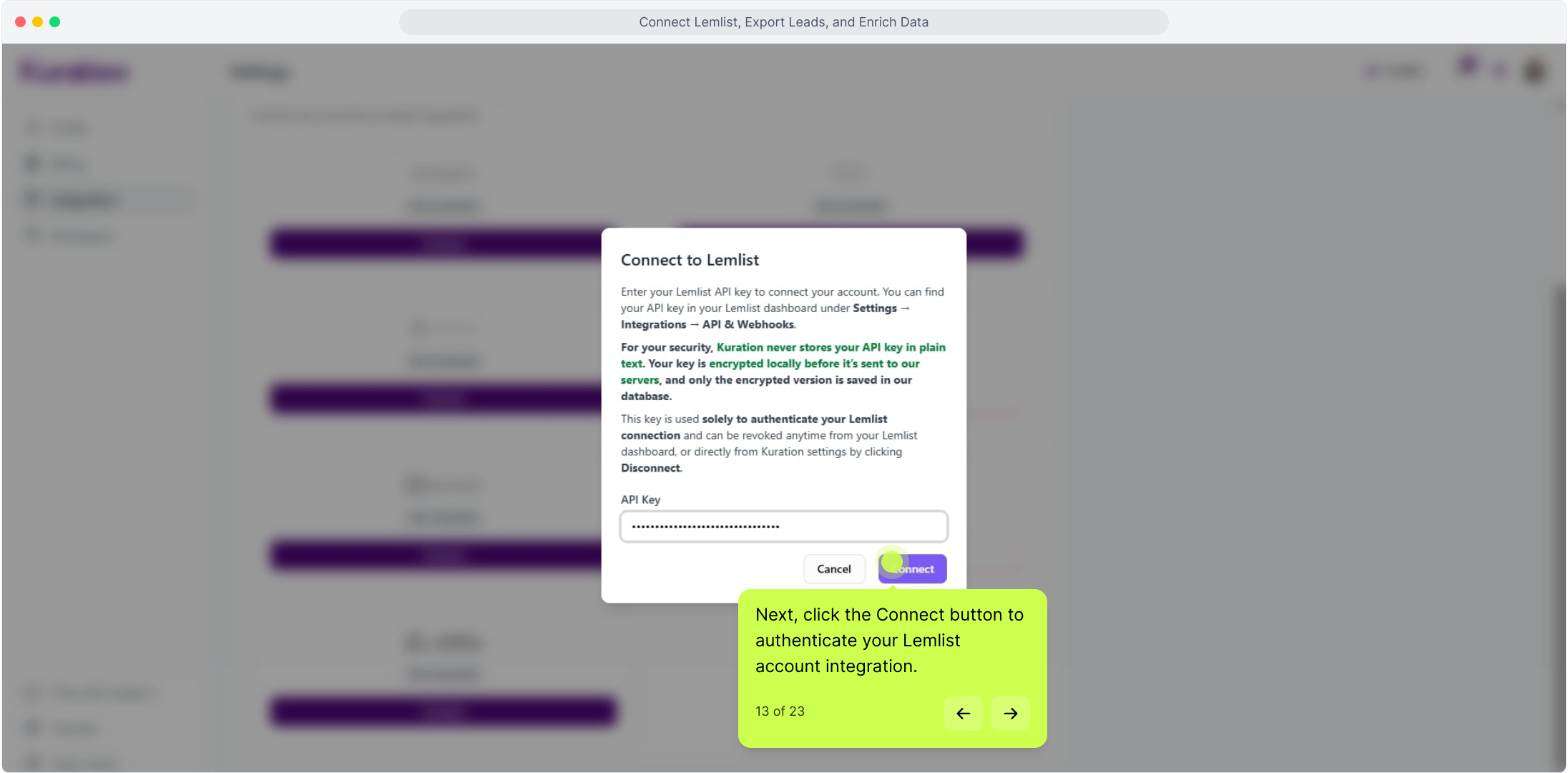
Paste your API key into the text field provided and click the Connect button to authenticate the integration.

Paste API key and connect Lemlist

Exporting Leads to Lemlist

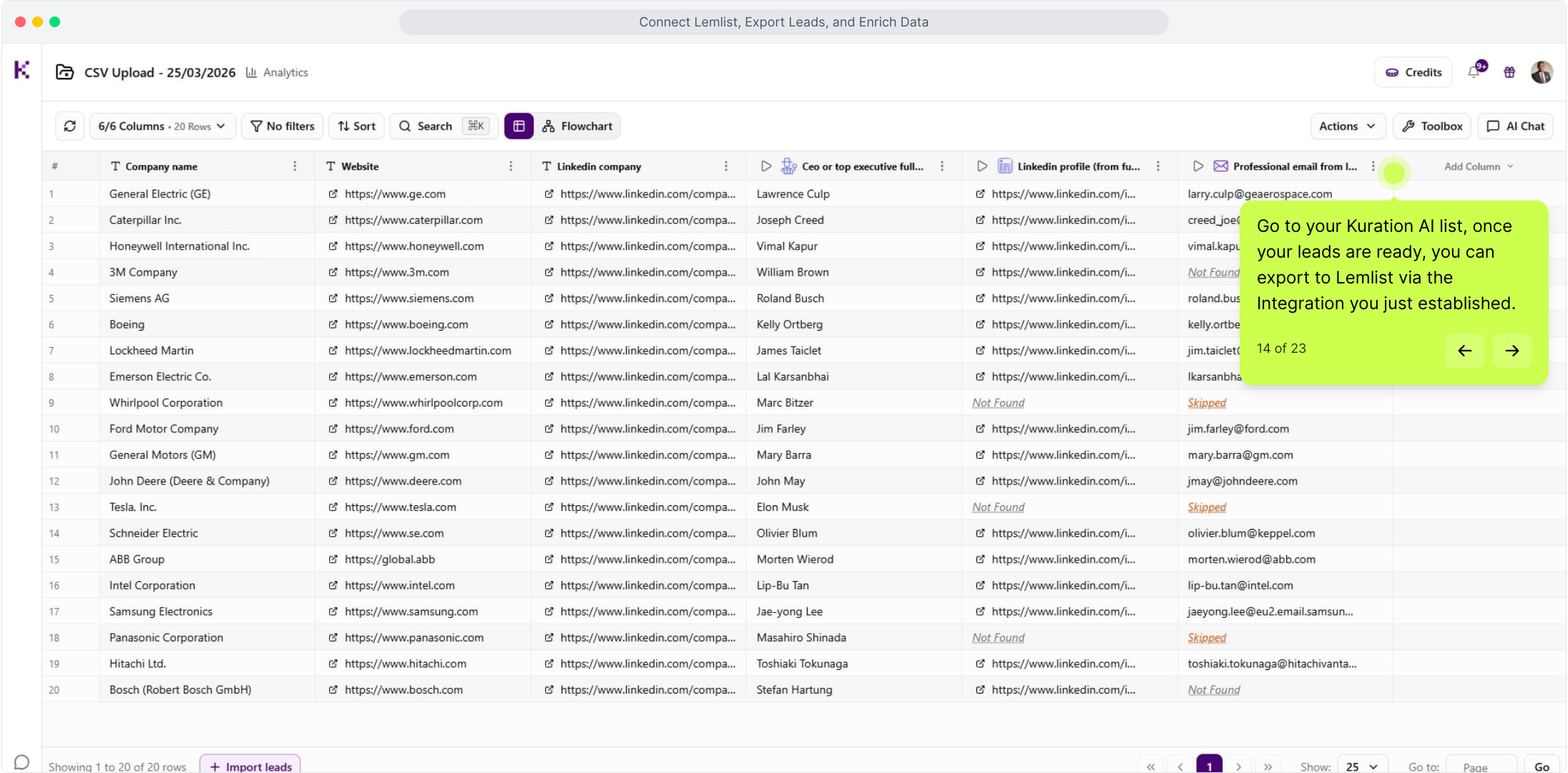
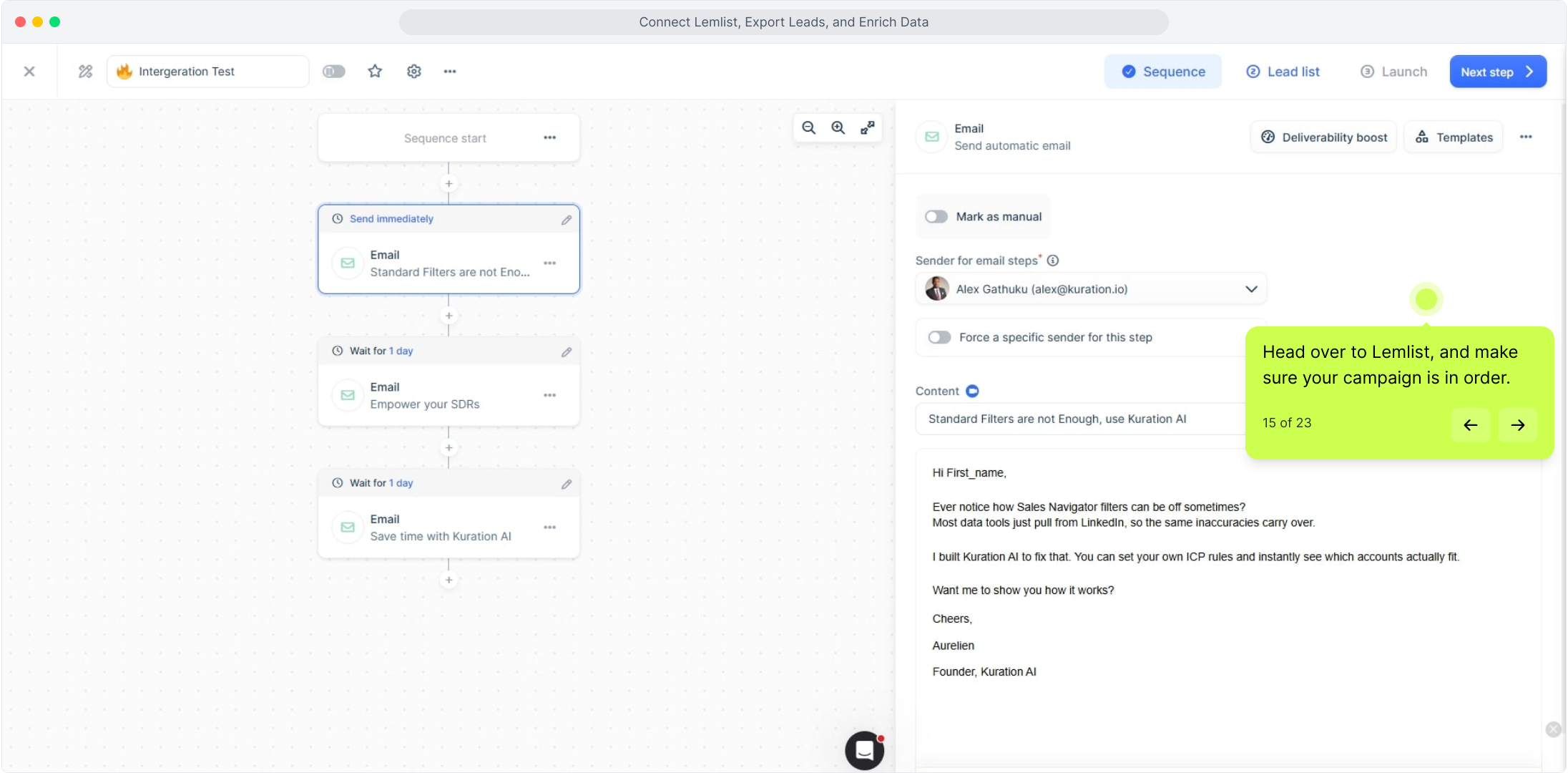
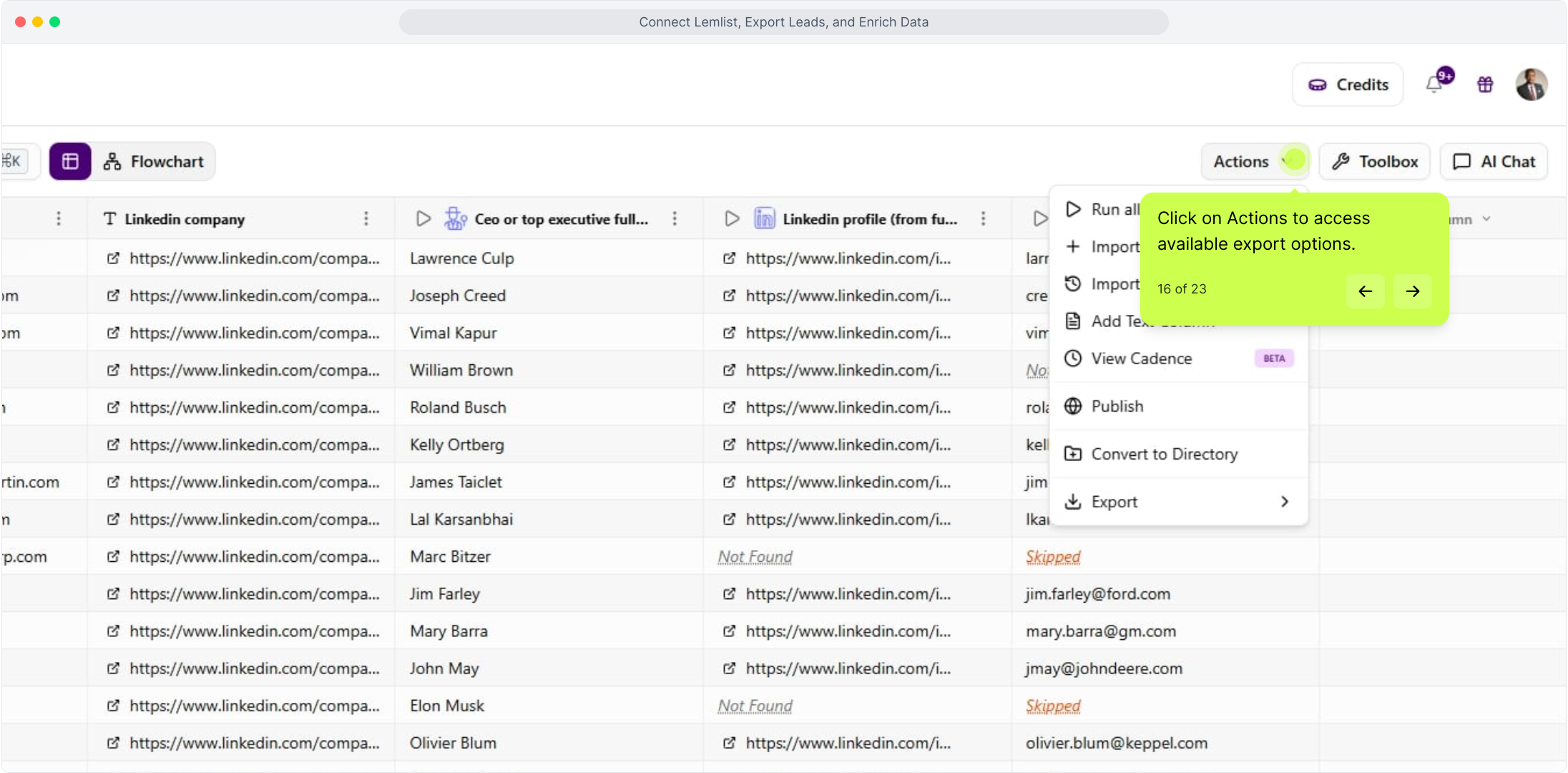
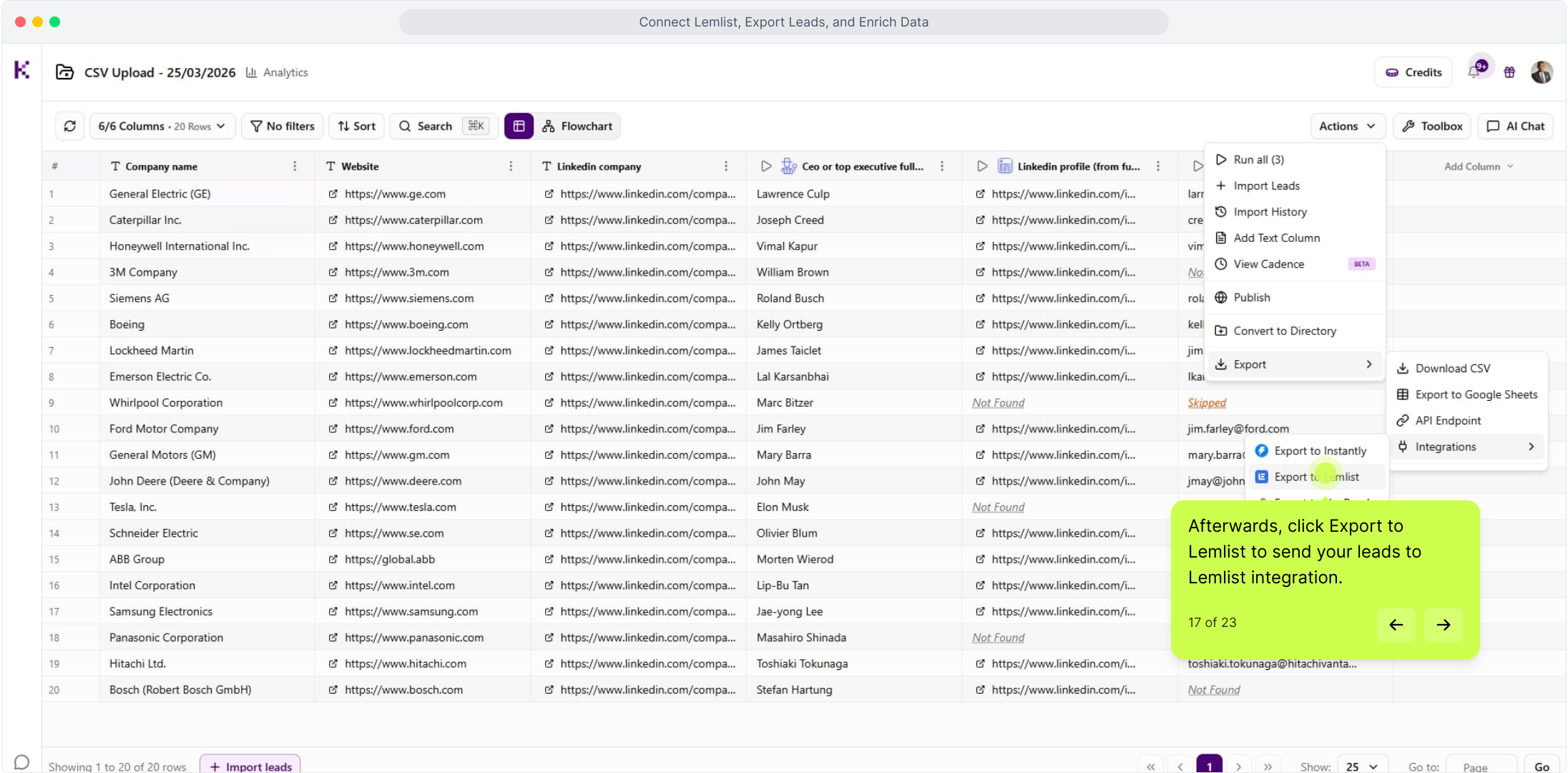
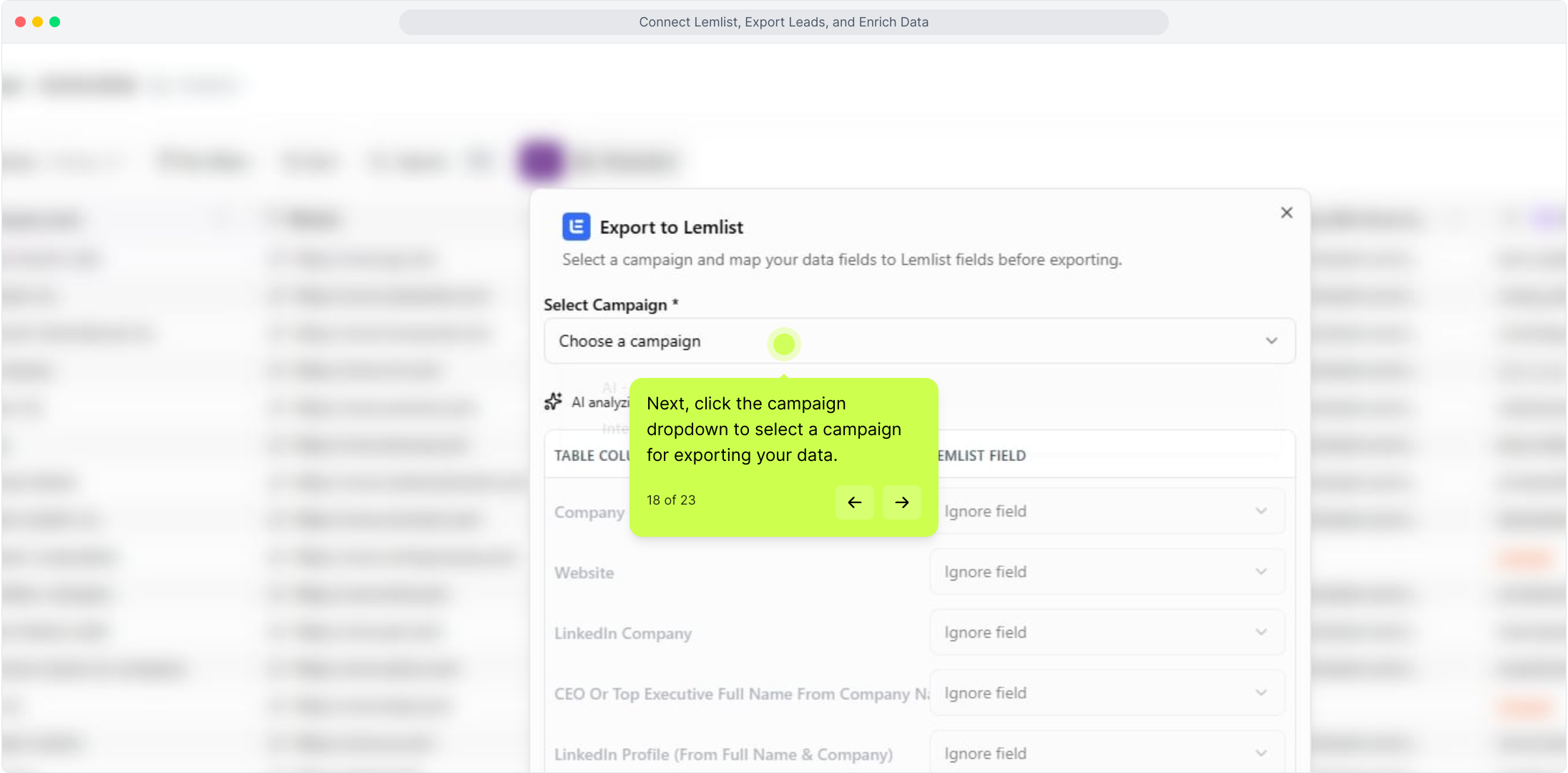
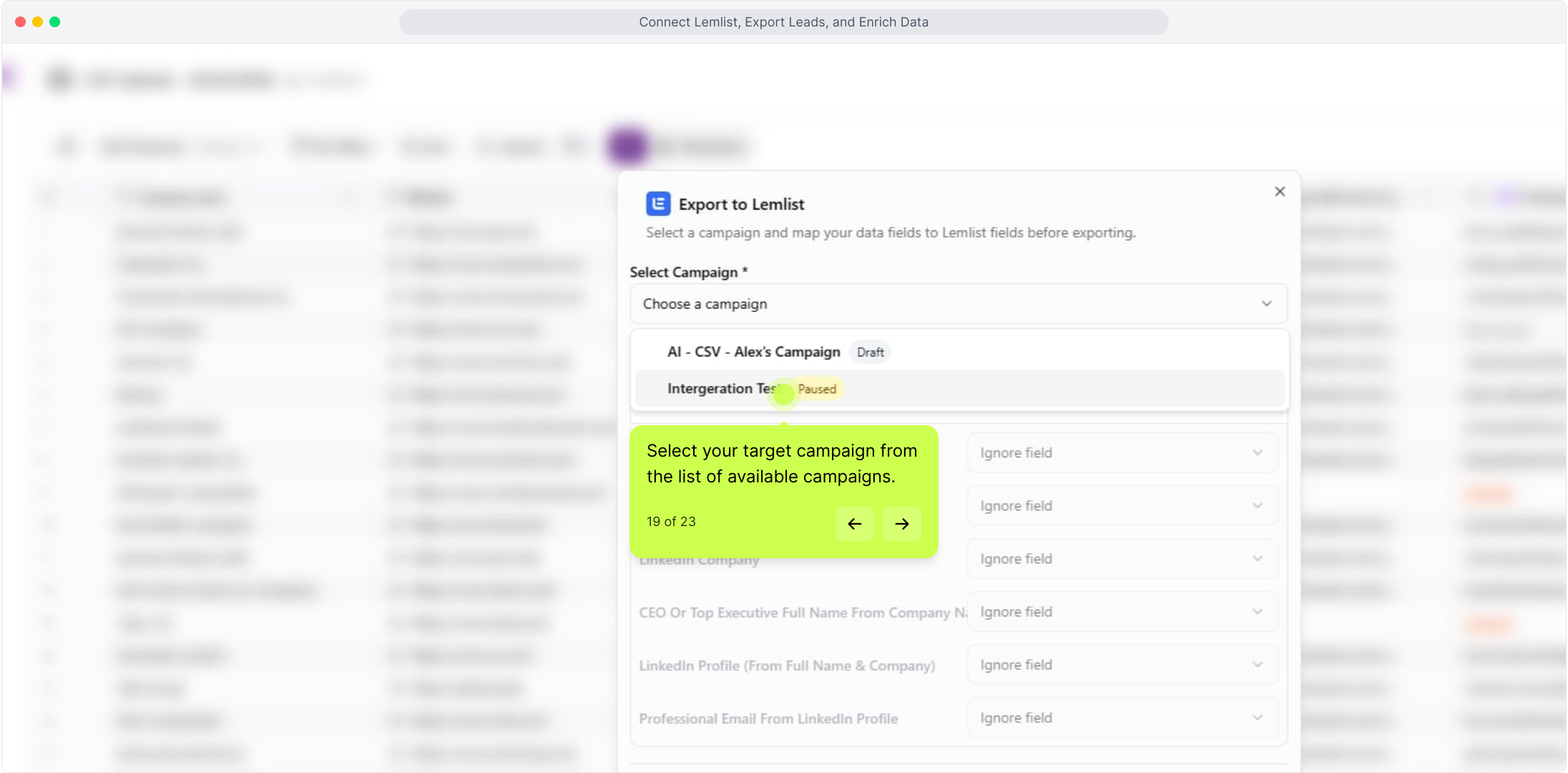
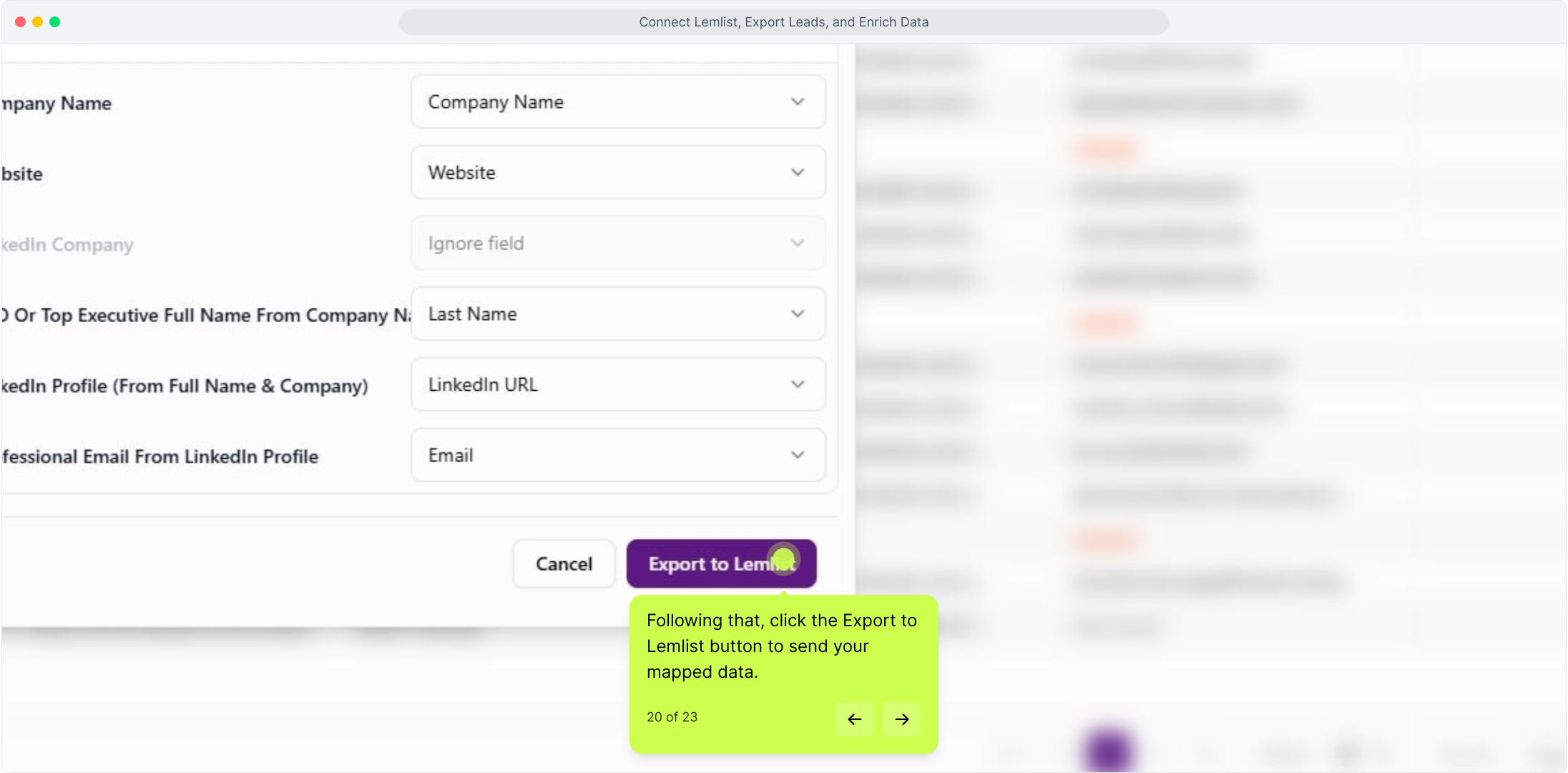
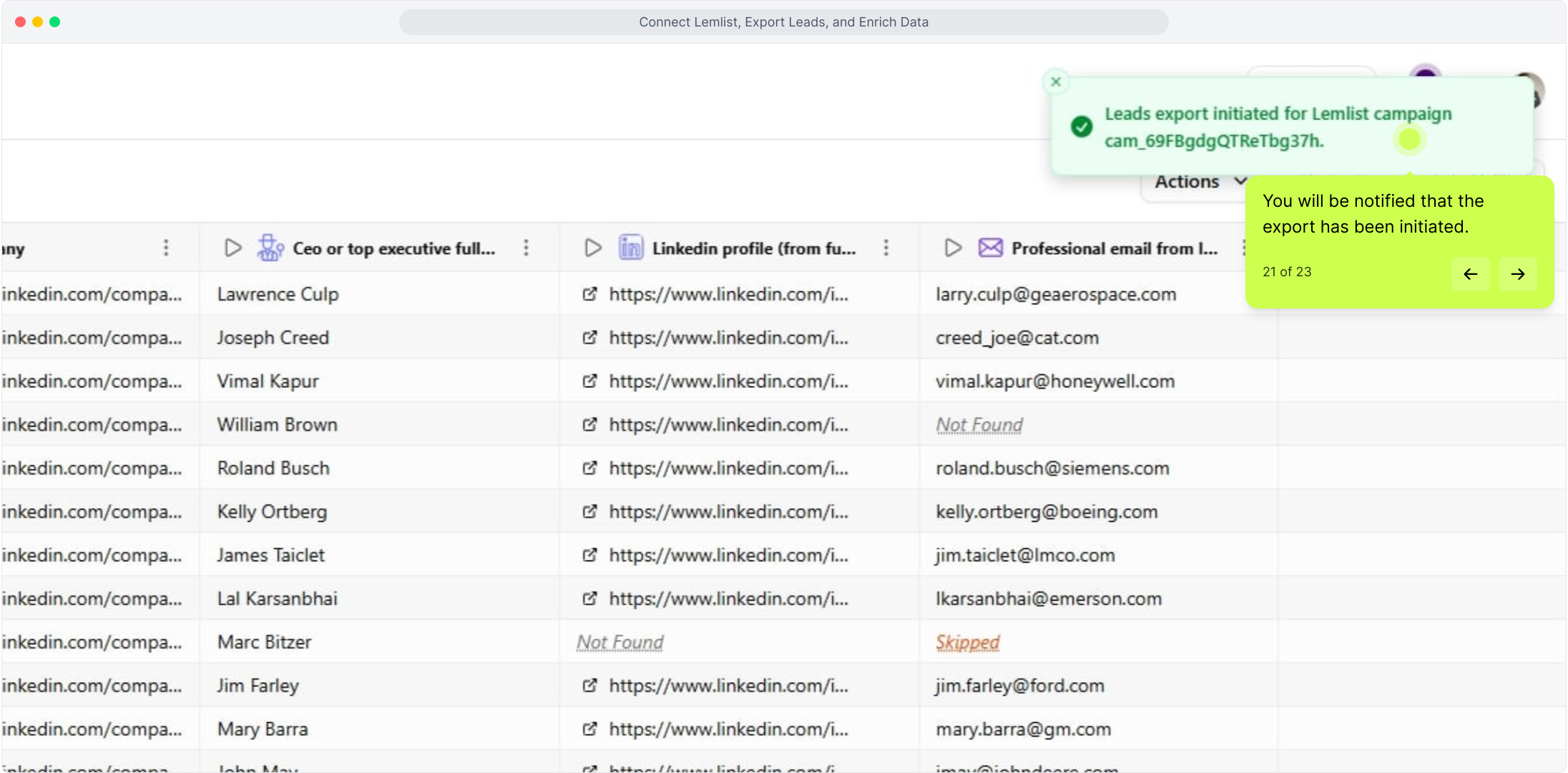
Once your lead list is ready in Kuration AI, you can export it directly to Lemlist. Before exporting, head over to Lemlist and ensure your target campaign is set up and ready to receive leads. Back in Kuration AI, click Actions to access the available export options, then select Export to Lemlist. A dropdown will appear — select the campaign you want to send your leads to and click the Export to Lemlist button to initiate the transfer. You will receive a notification confirming that the export has been successfully initiated.

Verifying the Export in Lemlist

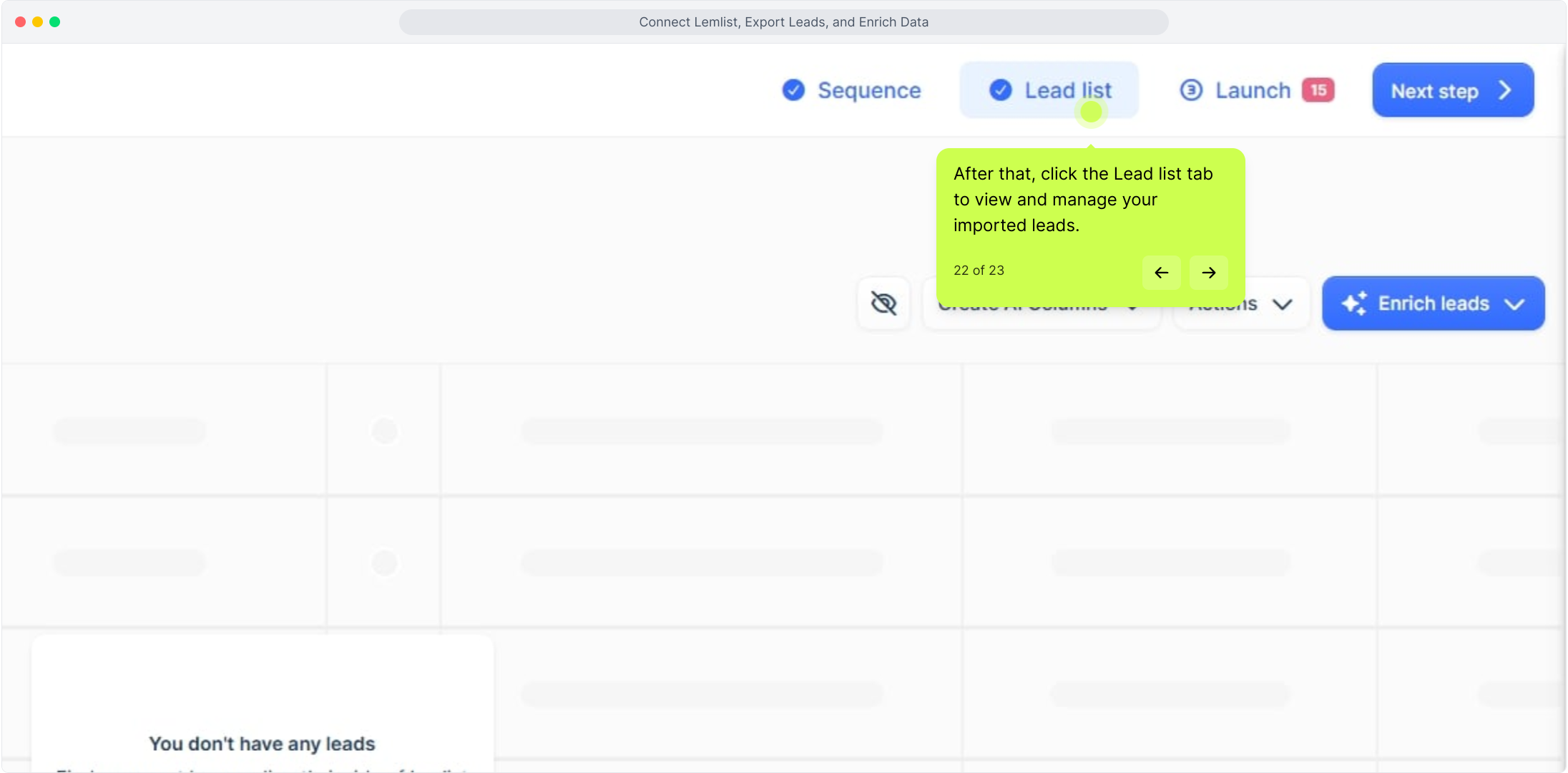
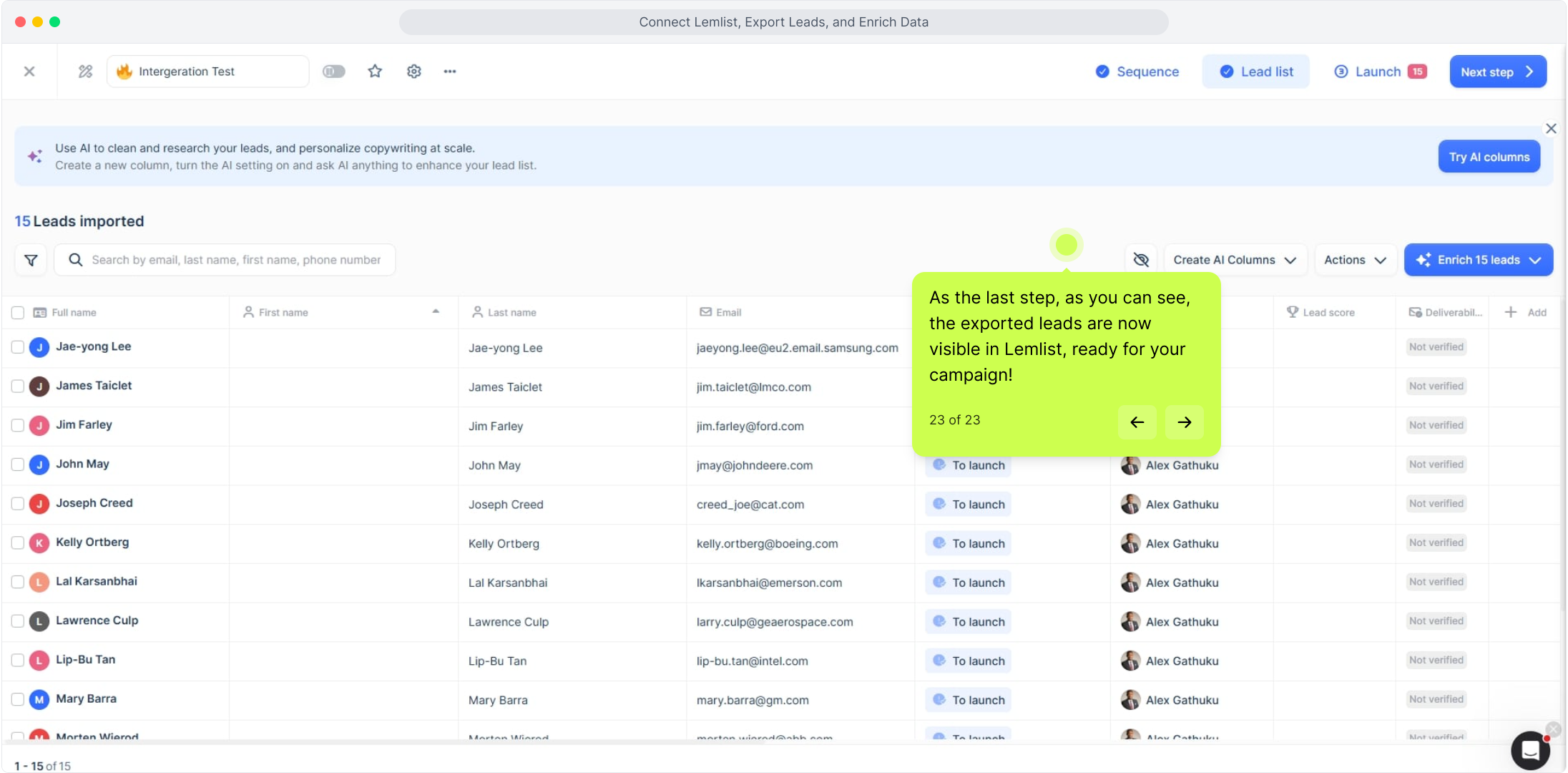
To confirm that your leads have been received, go back to Lemlist and click on the Lead List tab. Your exported leads will now be visible and ready to use in your selected campaign.

For the full interactive Demo Click Here

View the video guide on Youtube