


Find look-alike companies with Deep Search
Point Deep Search at a company you already like and Kuration finds similar ones automatically. Describe the target, set how many you want, and build a look-alike list in one step. This guide walks the full flow in seven steps.
Open Browse, start a New list, pick Deep Search.
Describe the company and set how many results.
Create list — results load in, ready to enrich.
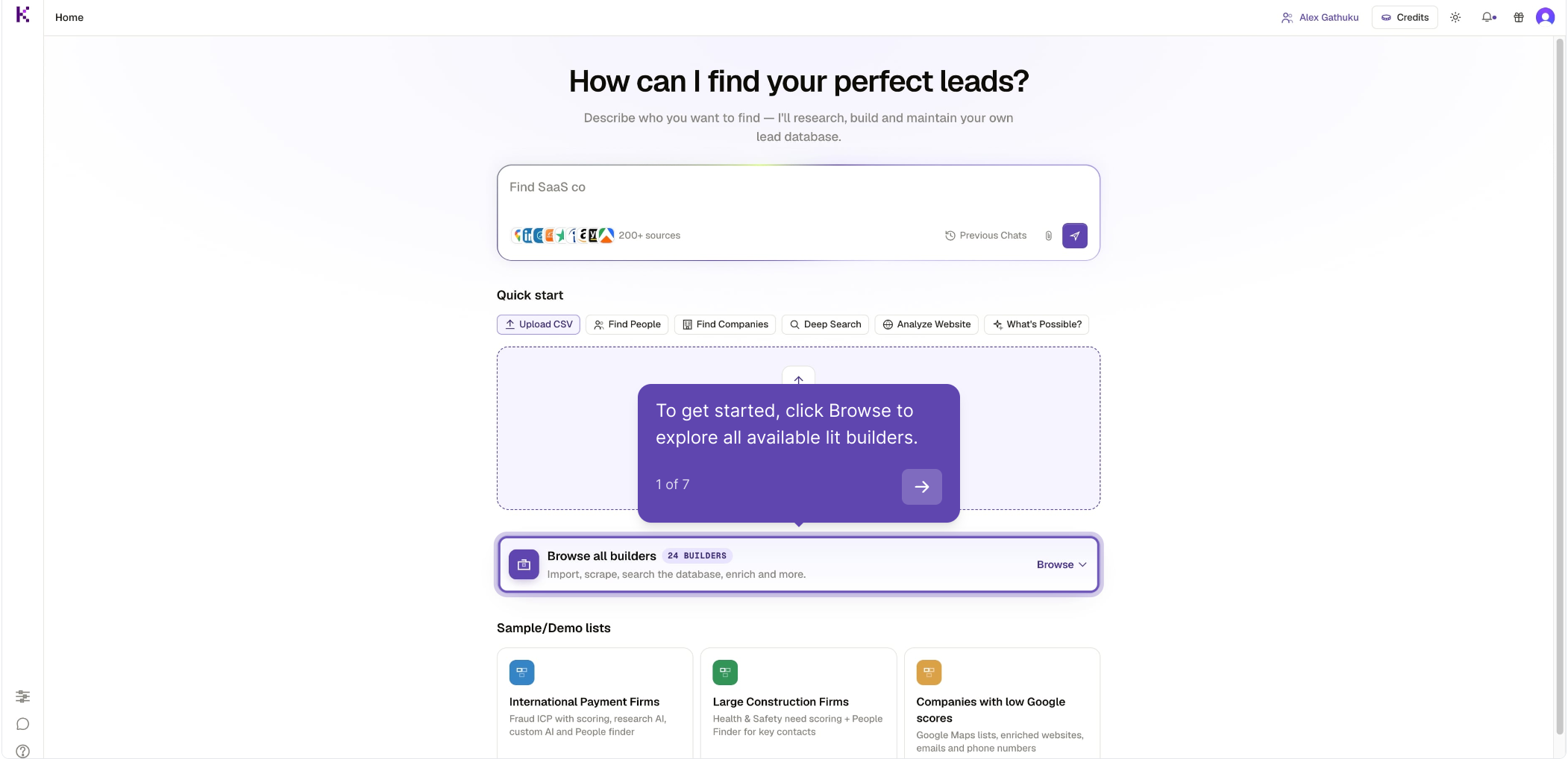
Open Browse all builders
From your Home page, click Browse on the “Browse all builders” card to open every list builder Kuration offers.
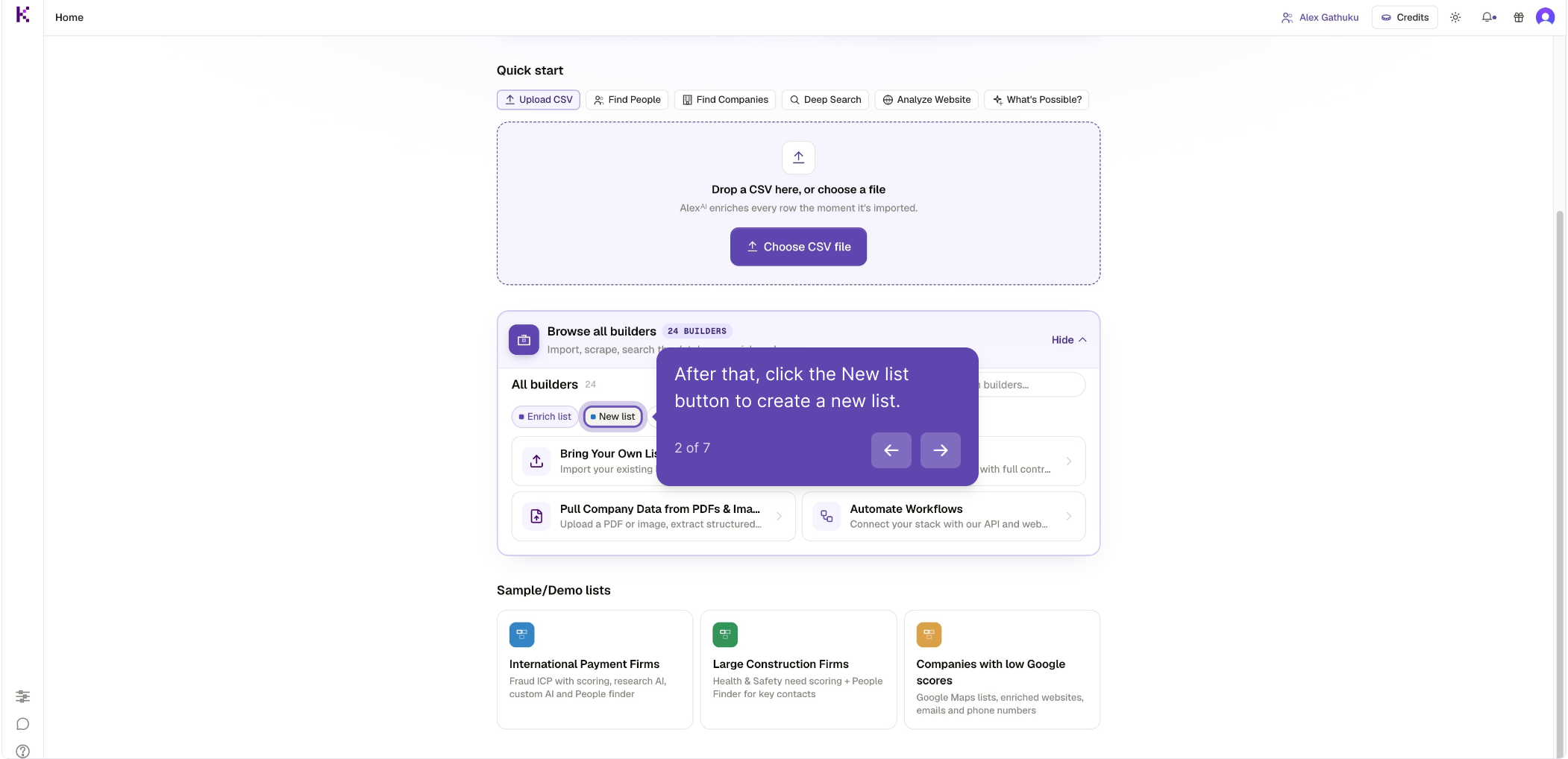
Switch to the New list tab
In the builders panel, click the New list tab to narrow the list down to builders that create a fresh list.
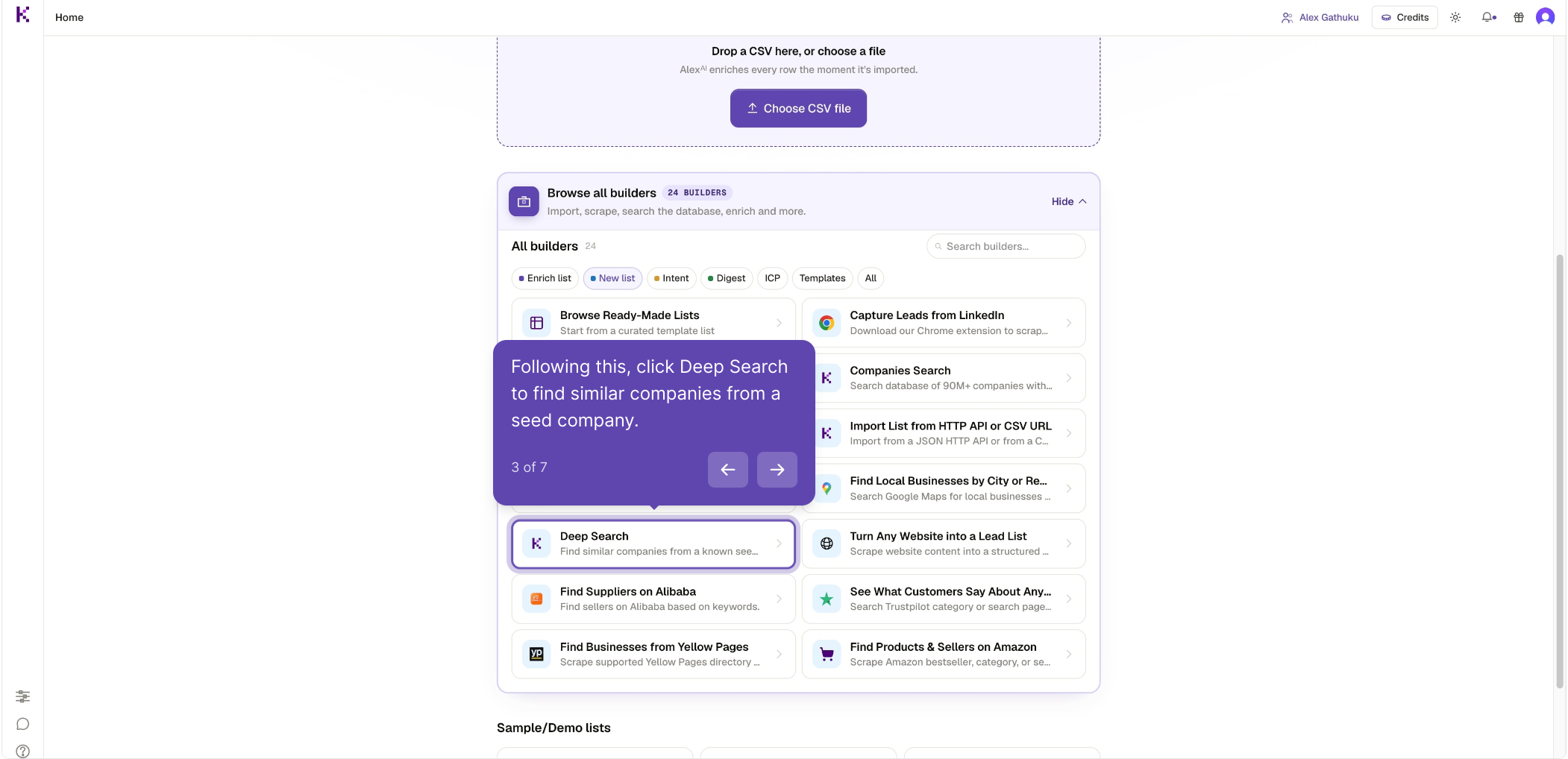
Choose Deep Search
Select Deep Search — it finds companies similar to a seed company you describe and imports the results.
Describe your target company
Enter a company description in the text field to define what Kuration should look for.
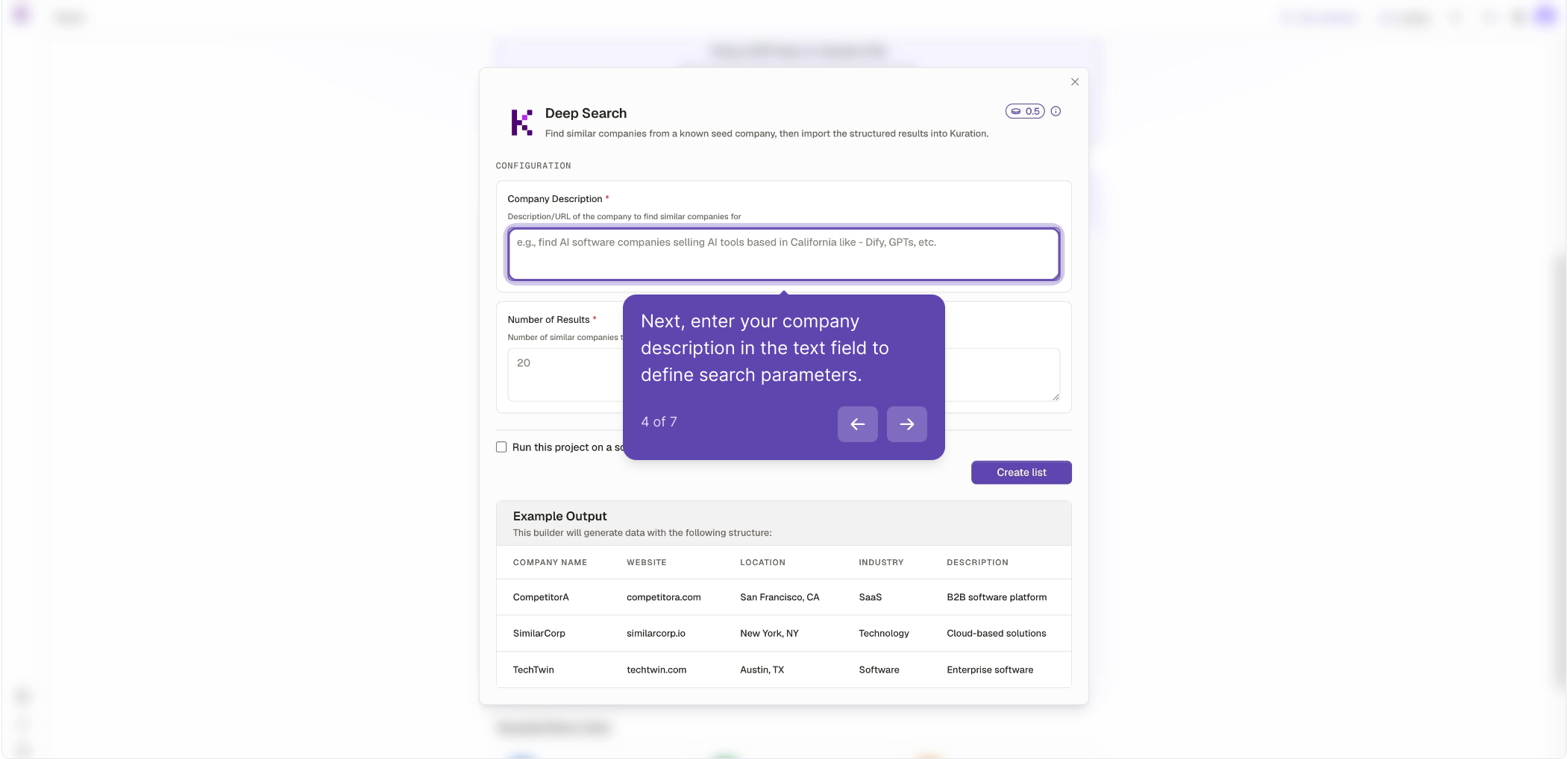
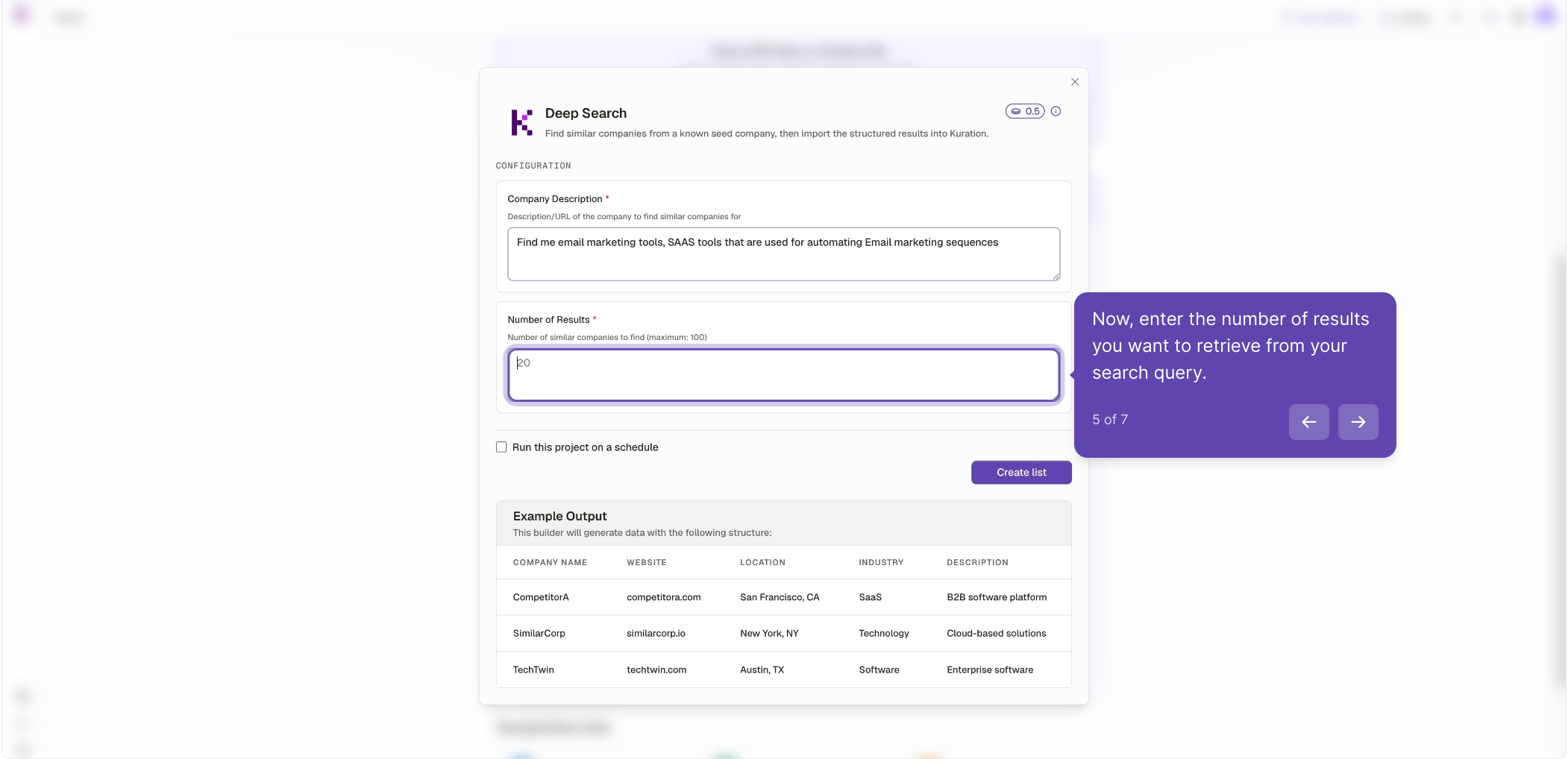
Set the number of results
Enter how many similar companies you want to retrieve (up to a maximum of 100).
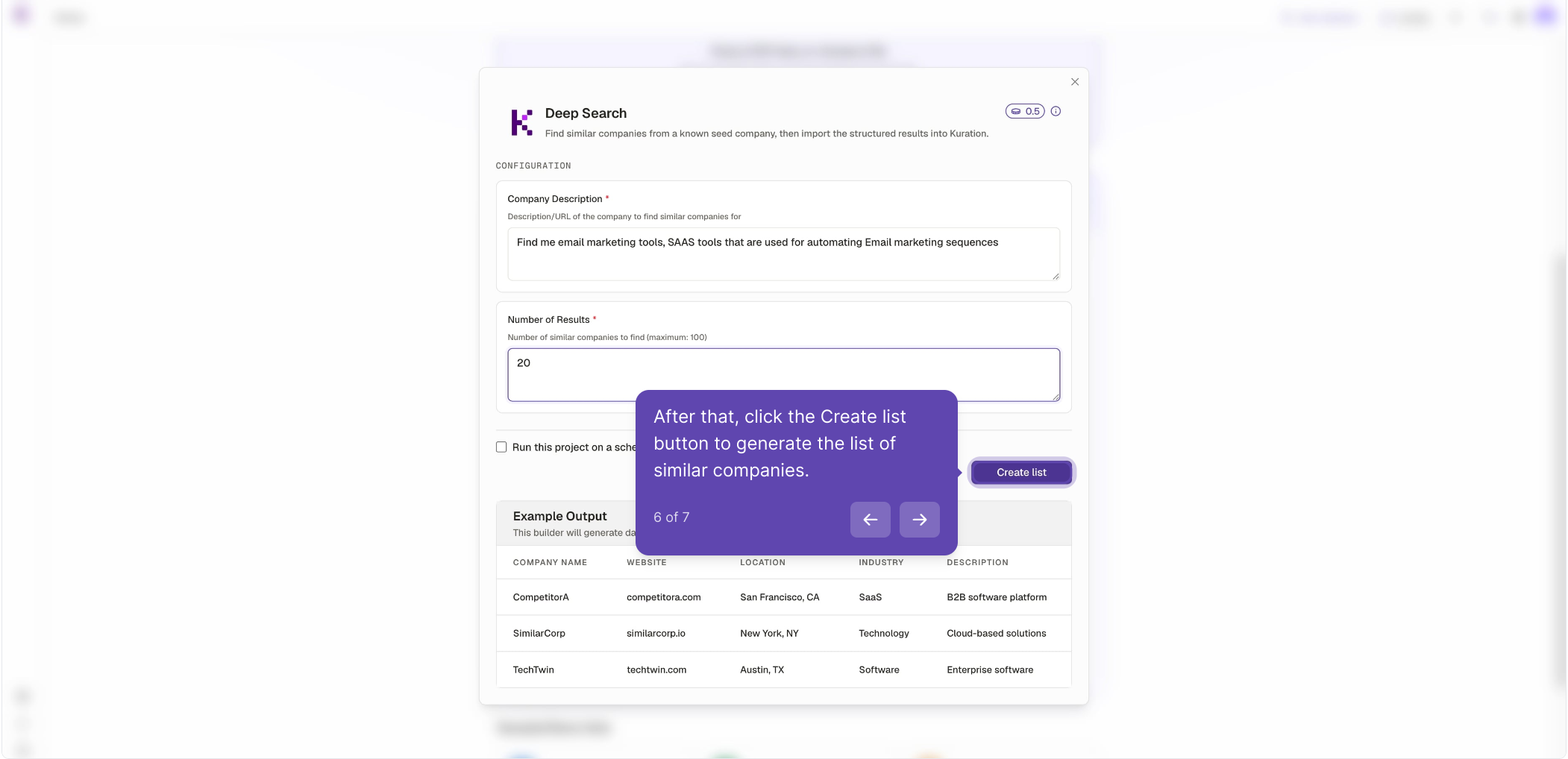
Create the list
Click the Create list button to generate your list of similar companies.
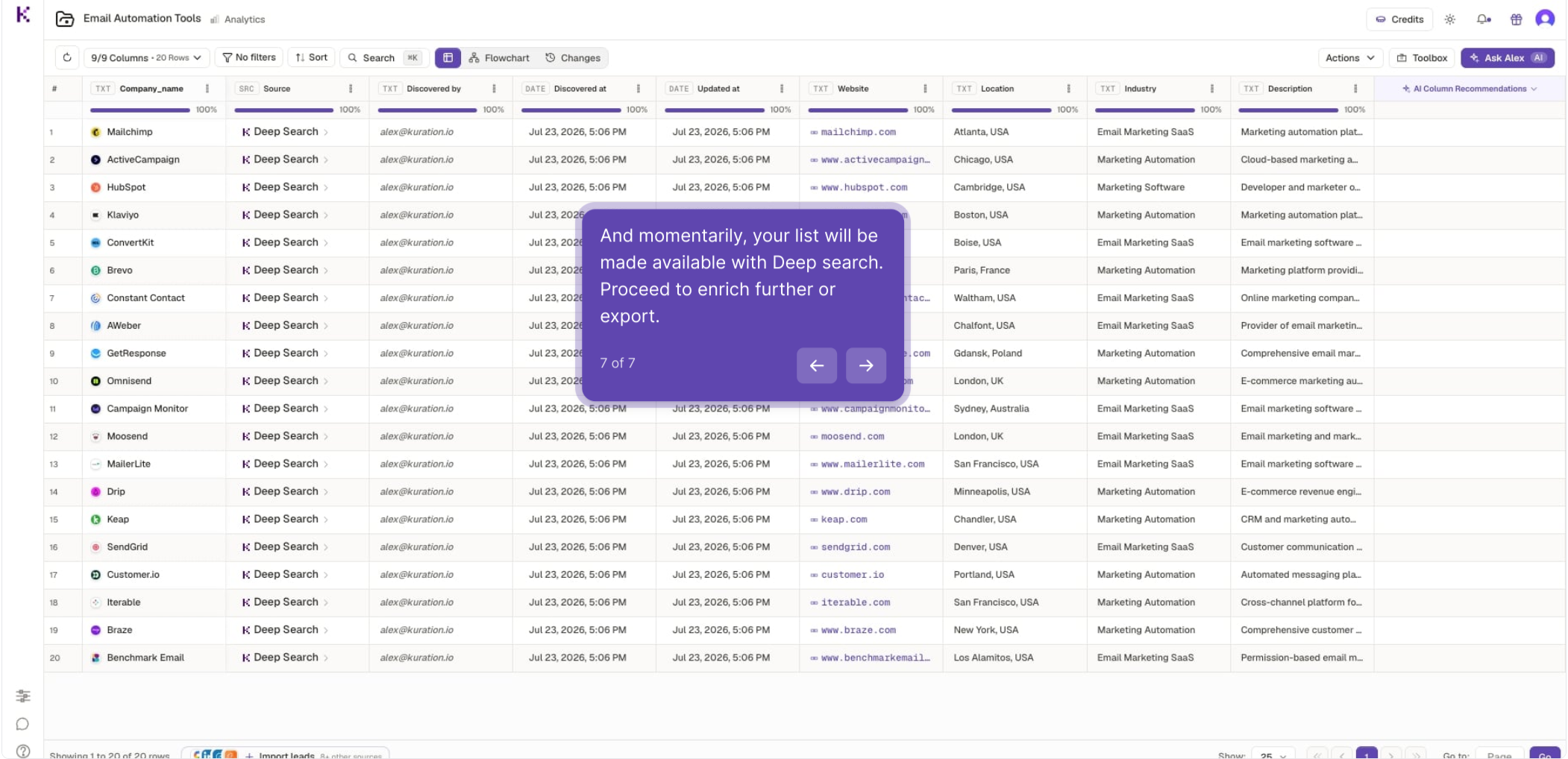
Your list is ready
Results load into a table within moments. From here you can enrich the data further or export it.
Kept on this device