Lesson 1.2.4
Filter before you enrich, the habit that controls your bill
What this costs
Filtering is free. This lesson is the one that makes every later lesson cheap.
Before you start
A sourced table of at least 100 rows, with no tool columns yet.
If you only remember one habit from the whole Akademy, make it this one. Filters cost nothing, and when filters are active the tools only process the visible rows. That single fact is routinely the difference between a list and the identical list costing four times as much.
Filter on what you already have, for free
Your sourced table already holds qualifying information you did not pay extra for. Rating. Review count. Whether a website is listed at all. Category. City. Membership tier. Start there, before you add a single tool column.
- 1
Cut the obviously wrong rows first
Wrong category, wrong city, closed businesses, duplicates you can see by eye. This pass usually removes 10 to 20 percent and costs nothing.
- 2
Filter on a proxy for seriousness
Review count is the best free one for local markets. A business with 9 reviews and one with 212 are different companies whatever their rating says. Set a floor that matches your market rather than a universal number.
- 3
Filter on the presence of a website
Rows with no website will fail almost every people tool later, because a website is the input those tools resolve against. Decide now whether to cut them or route them to Website Finder. Do not carry them silently into an enrichment run.
- 4
Add at most two cheap qualifier columns
Only now, and only on the rows that survived. A qualifier is a single fact that decides in or out: does the site mention the service you integrate with, do they operate in more than one location, do they sell to businesses or consumers.
- 5
Filter again on those columns
This is the pass that gets you to your working list. From 120 sourced rows you should be at 40 to 50.
- 6
Select the visible rows, then run the expensive tool
With the filter active, only the visible rows are processed. This is the mechanism the whole lesson exists for.
The order that matters
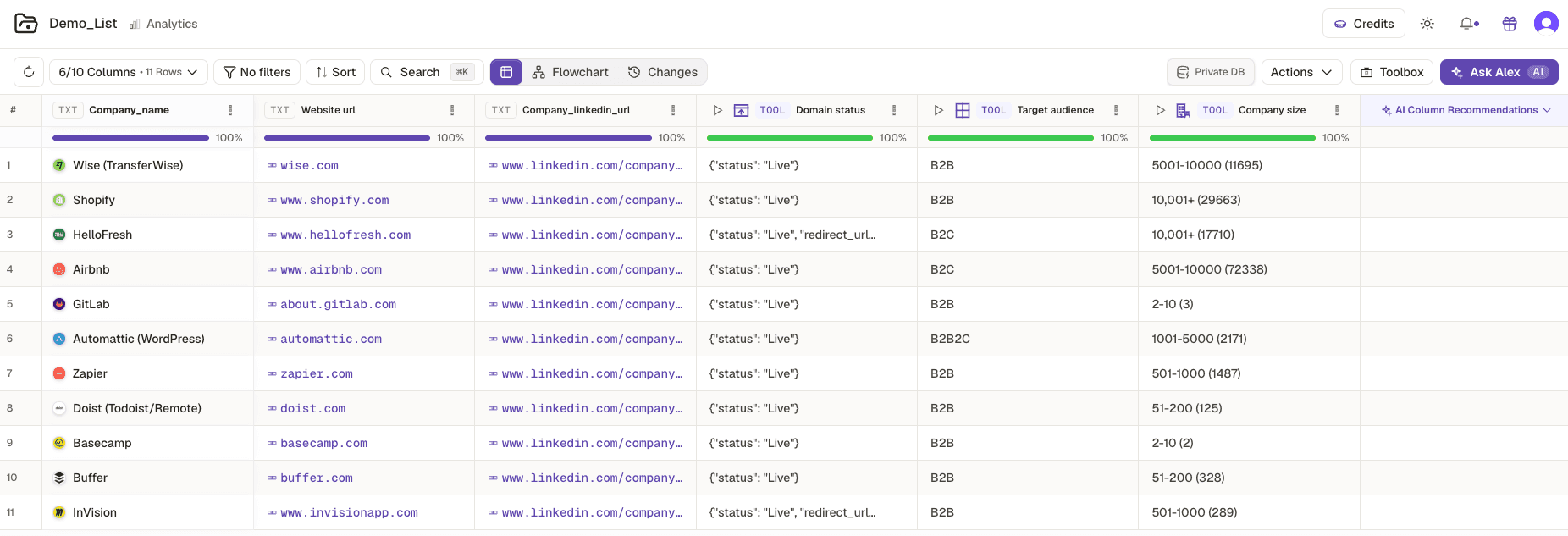
Free filters first, then cheap columns, then filter again, then expensive columns. Every reordering of that sequence costs money and none of them improve the list.
Worked example · The 120 row Google Maps table, filtered down
| Pass | Filter | Rows remaining | Cost |
|---|---|---|---|
| Sourced | none | 120 | sourcing only |
| 1 | Correct category, in target city | 104 | 0 |
| 2 | Review count of 25 or more | 71 | 0 |
| 3 | Website listed | 58 | 0 |
| 4 | Qualifier column: sells to businesses | 43 | cheap column on 58 rows |
Forty three rows, and the only thing you have paid for beyond sourcing is one qualifier column on 58 rows rather than 120. The people search in the next lesson now runs on 43 rows instead of 120, which is where the real saving lands.
Enriched first, filtered after
- What you see
- A large credit deduction on a list you immediately cut by two thirds
- The fix
- There is no recovery. Deleting the column does not refund. Filter first, always.
Filter cleared before creating the column
- What you see
- Column runs on every row in the project
- The fix
- Confirm the row count shown matches your filtered count before you click create.
Filtered so hard nothing survives
- What you see
- Eight rows left out of 120
- The fix
- Loosen the weakest filter rather than the most important one. Usually the review floor is too high for the market.
Added five qualifier columns
- What you see
- The cheap pass stopped being cheap
- The fix
- Two qualifiers, maximum, at this stage. Scoring in course 2.2 does the nuanced work for free.
Check yourself
0 of 2 answered1.With a filter active, which rows does a tool process?
2.What is the correct order?
Try it yourself
Take your 120 sourced rows to a working list of 40 to 50 using free filters plus at most two qualifier columns. Write down the row count after each pass.
- You have done it when
- You reach 40 to 50 rows, and at least three of your passes cost zero credits.
- Credit budget
- One qualifier column on about 58 rows. Read its card first.