Lesson 3.2.2
Webhooks and Slack notifications
What this costs
Free.
Before you start
A workflow you would want to know about without opening it.
An automated workflow you have to check is only half automated. Webhooks push the event to you, and the most valuable one is not "a run finished" but "a row crossed a threshold you care about".
- 1
Decide what is worth interrupting someone for
A high scoring account with a live timing signal is worth a Slack message. A completed run of 400 rows is worth a daily summary at most.
- 2
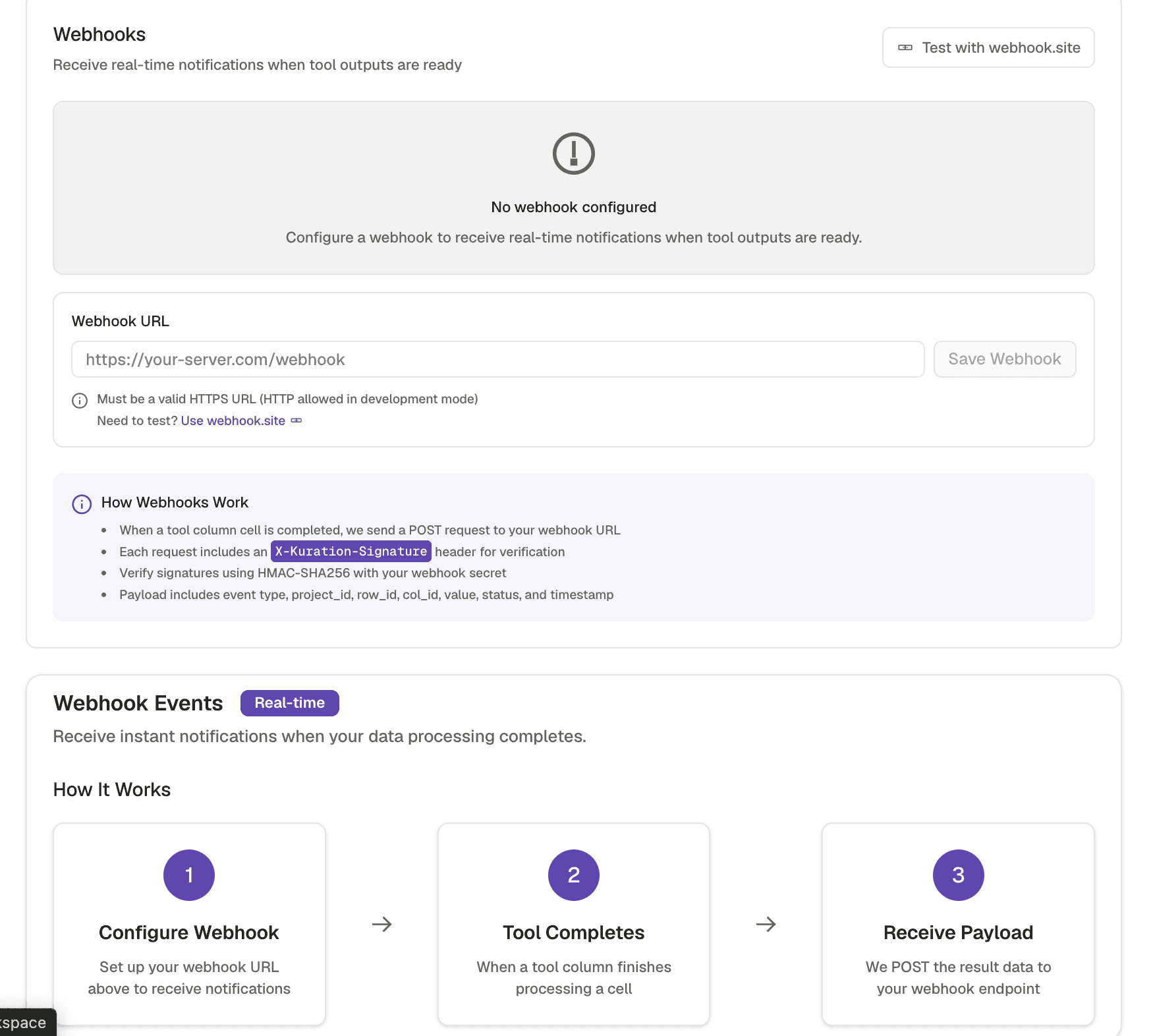
Configure the webhook on the workflow
Point it at a Slack incoming webhook URL, or at your own endpoint if you are routing it further.
- 3
Put the useful fields in the payload
Company, score, the trigger that fired, and a link back to the row. A notification that does not tell you what happened just creates a second task.
- 4
Test it before you rely on it
Fire it deliberately once and confirm it lands where you expect, formatted the way you expect.
Check yourself
0 of 2 answered1.Which notification is actually worth sending?
2.What must a useful webhook payload carry?
Related and next
This lesson is written and complete. Its screen recording is still to come, and the written walkthrough is designed to stand on its own without one.