Lesson 3.2.3
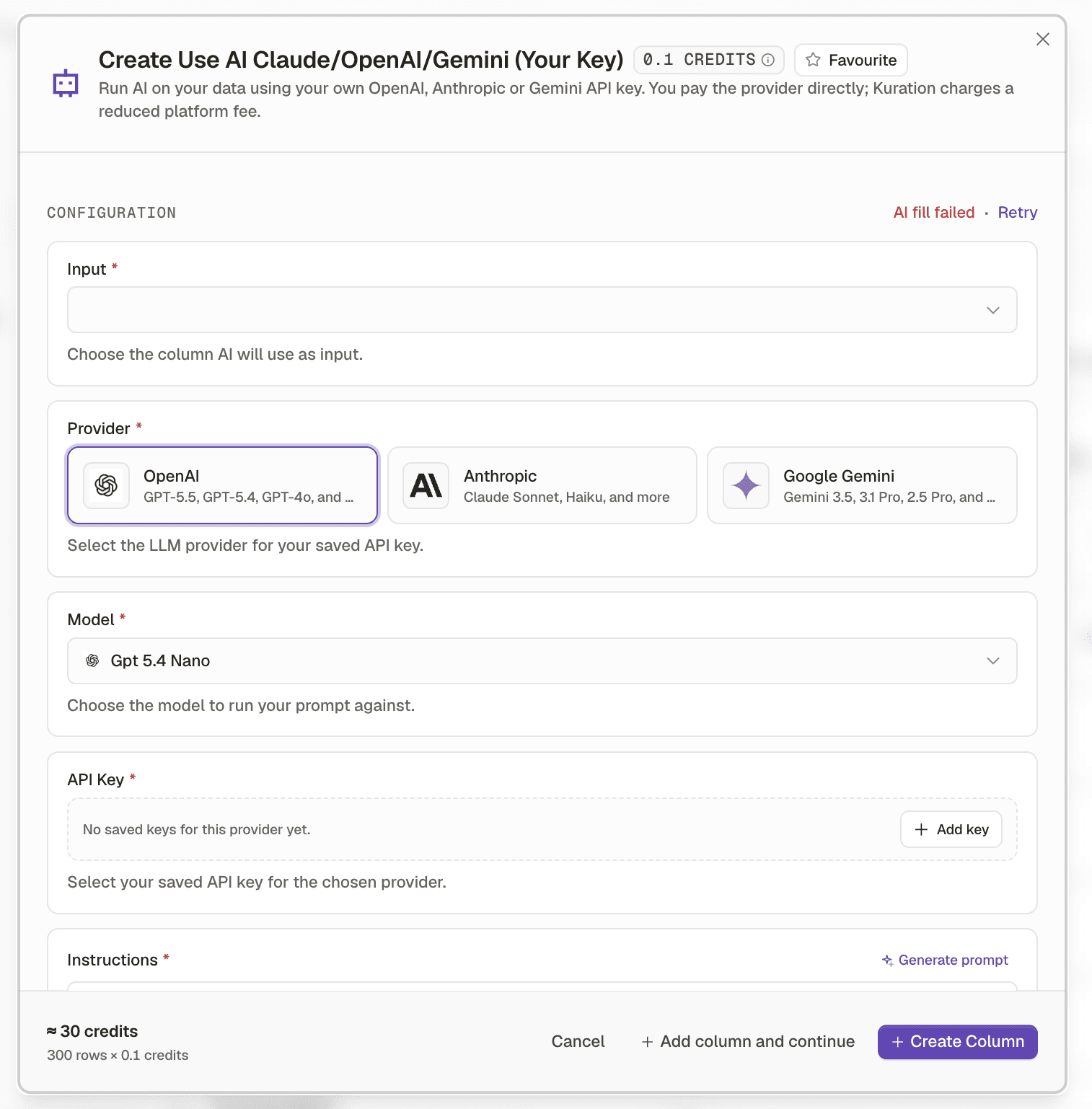
Call any external tool with your own API key
What this costs
Kuration charges for the column. The external service charges you separately on your own key.
Before you start
An API key for a service you already pay for.
When no native tool does what you need, the API column does. It calls any HTTP service per row with your own key, and the response becomes a column like any other, filterable and scoreable.
- 1
Confirm the service can answer per row
It needs to take something from the row and return something about that row. A bulk endpoint that only works on a whole file is not a fit for a column.
- 2
Configure the request with row values as inputs
Map the column that supplies the input, usually the domain.
- 3
Extract only the fields you need from the response
Do not dump the whole payload into one cell. Pull out the two or three values you will actually filter or score on.
- 4
Test on five rows, watching both sides
Check the Kuration column and the external service dashboard. Rate limits and auth failures show up on their side first.
- 5
Gate it with a condition like any paid column
You are now spending on two meters at once. Conditions matter twice as much.
Check yourself
0 of 2 answered1.You add an API column with your own key. What should you extract into the column?
2.Your five row test worked but the full run left many cells empty. What is the likely cause?
This lesson is written and complete. Its screen recording is still to come, and the written walkthrough is designed to stand on its own without one.