Lesson 3.2.1
Map fields once: CRM and sequencer exports that keep working
What this costs
Free.
Before you start
A finished, transposed list and admin access to the destination.
Field mapping is only painful once, and only if you let it be. Name your columns for the destination in the table, connect, map, and every future push inherits it. Do it the other way round and you will remap by hand on every export forever.
- 1
Rename columns in Kuration to match the destination
Lesson 2.3.5. Do this before connecting anything. It converts mapping from a task into a confirmation.
- 2
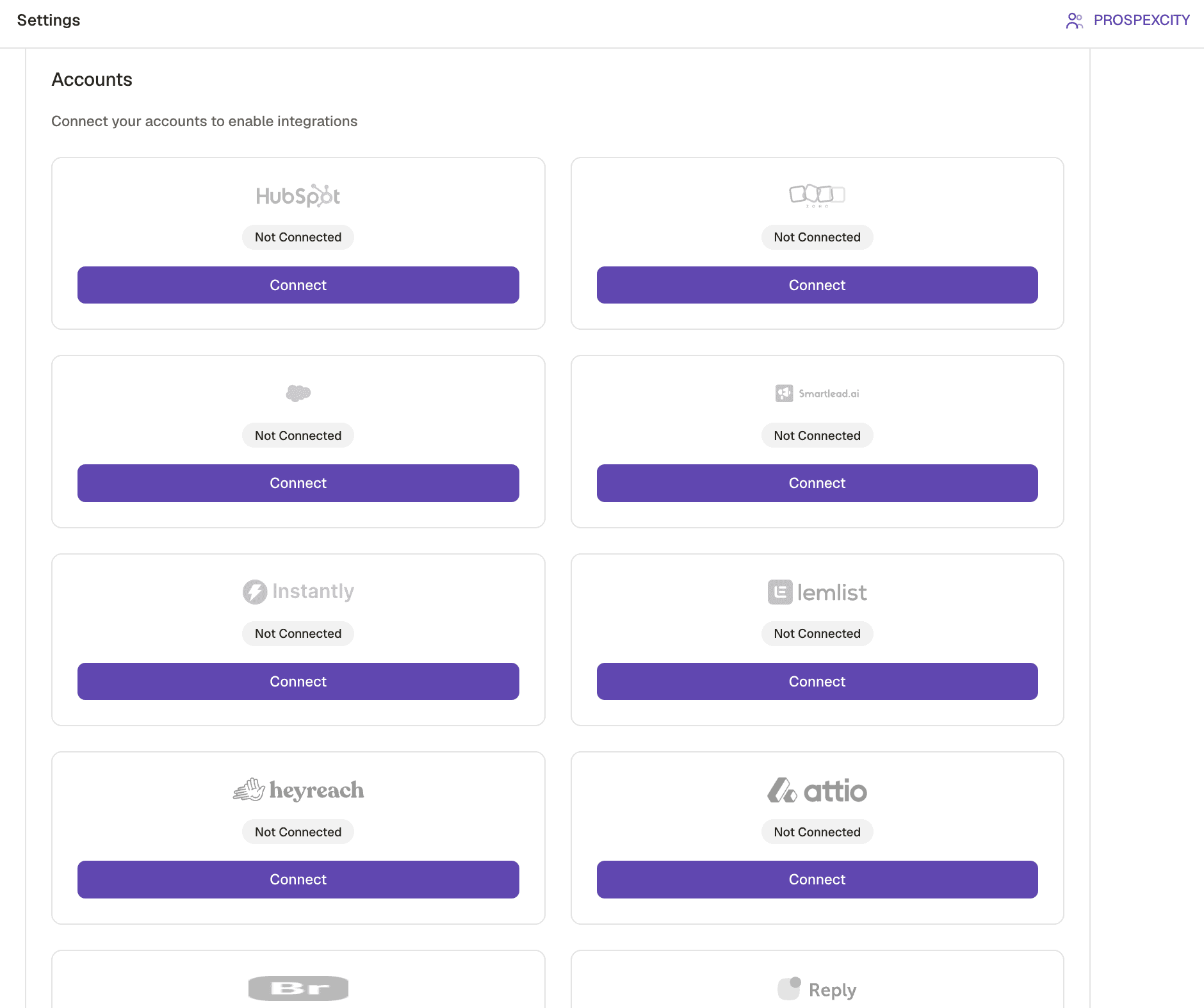
Connect the integration with an account that has the right permissions
A read only key will connect and then fail silently on the first write. Check the permission scope, not just that the connection succeeded.
- 3
Decide what a duplicate means in the destination
Match on domain for companies and on email for people. Decide whether an existing record is updated or skipped, and decide it once.
- 4
Push a small batch first
Ten rows. Open them in the destination and check every field landed where you expected before you push nine hundred.
- 5
Decide what is authoritative
When Kuration and the CRM disagree about a field, one of them wins. Write that rule down. Most sync problems are actually an unwritten rule about authority.
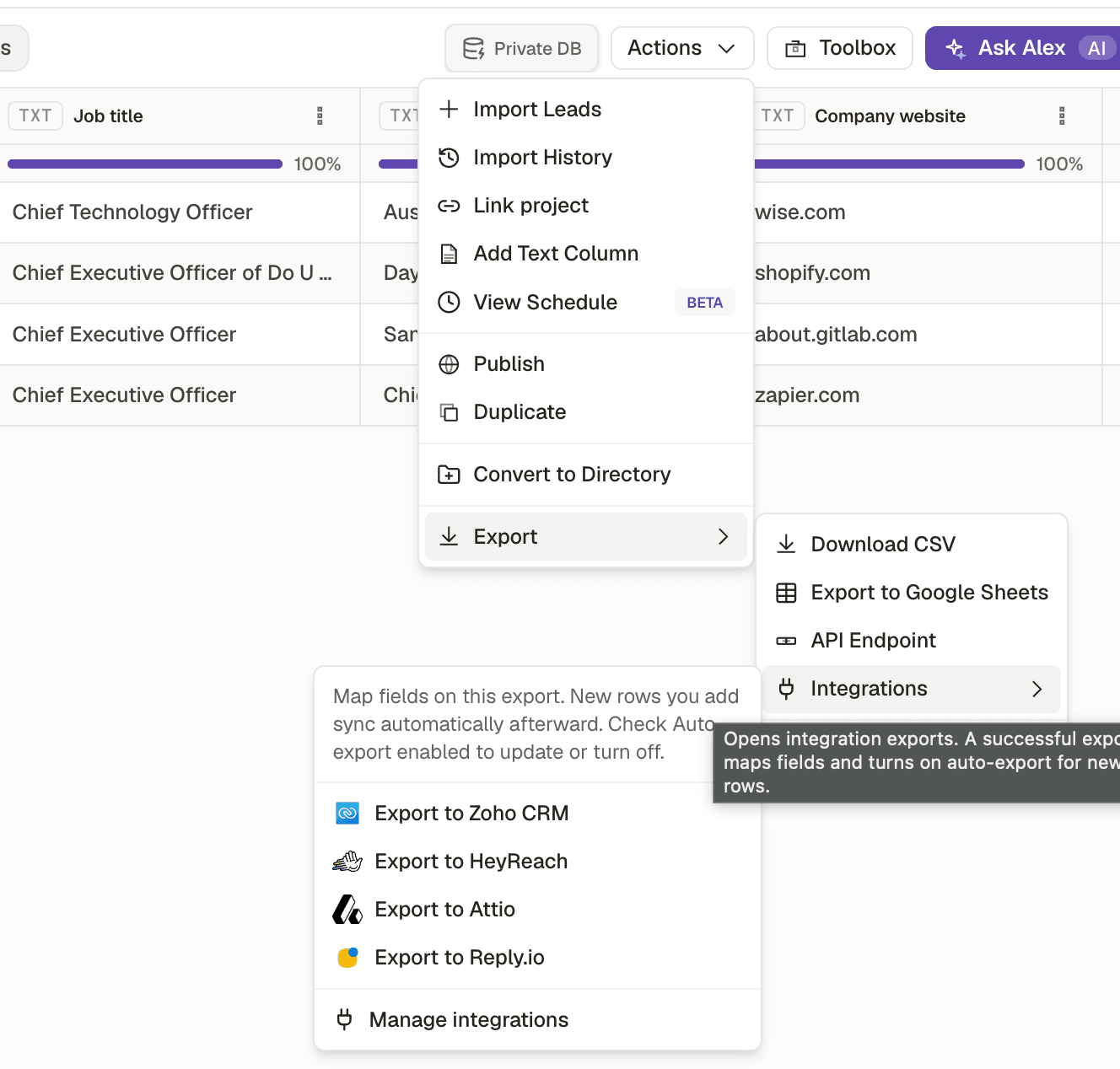
- 1Auto export keeps the destination current as the list grows.
Pushed the company table instead of the transposed one
- What you see
- Contact records with no person
- The fix
- Transpose first. Lesson 1.2.6.
No duplicate rule agreed
- What you see
- Duplicate accounts in the CRM after the second push
- The fix
- Match on domain, and decide update or skip before the first push.
Connected with insufficient permissions
- What you see
- Connection succeeds, writes fail quietly
- The fix
- Check the scope on the key, not just the green tick.
Check yourself
0 of 2 answered1.What makes field mapping a one time job instead of a recurring one?
2.Before pushing 900 rows to a CRM, what should you do?