Lesson 2.3.1
Filters, saved views, and creating a project from a view
What this costs
Free.
Before you start
A project with more rows than you are actively working.
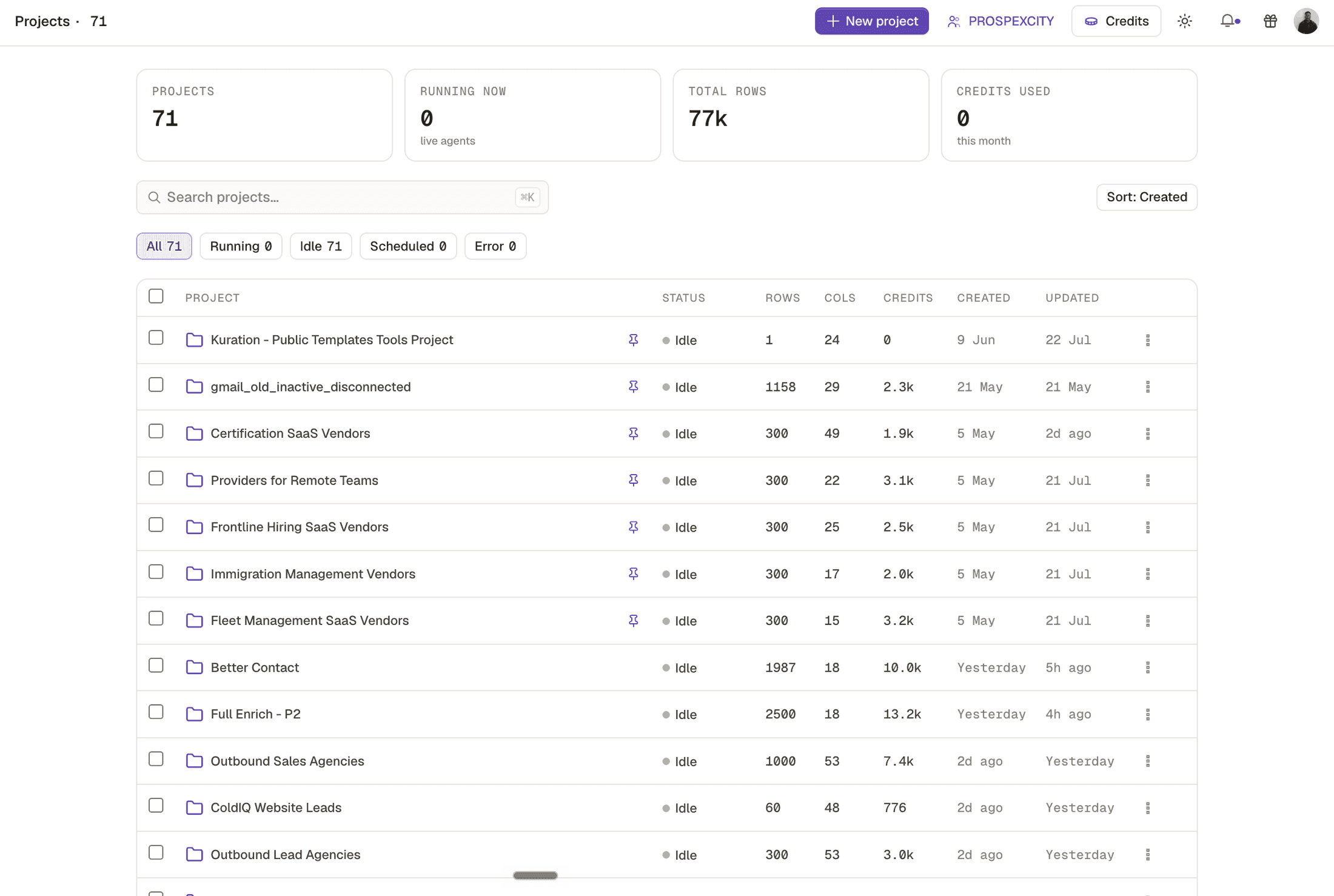
A project accumulates. Sourced rows, rejected rows, nurture rows and the fifty you are actually working all live in the same table, and after a month you cannot tell them apart. Views separate them, and promoting a view to its own project separates them permanently.
- 1
Build the filter that describes your working list
Usually score above threshold, has a contact, not already in a campaign.
- 2
Save it as a view rather than reapplying it daily
A saved view is the same filter, named, so you and everyone else land on the same set.
- 3
Promote the view to its own project when it stabilises
The working list becomes a project of its own. The original stays as the source of truth and the archive.
- 4
Keep the link in your head, not in the data
The new project is a copy at a point in time. Decide whether it refreshes from the source or lives independently, and write that down in the project name.
Check yourself
0 of 2 answered1.When should a saved view become its own project?
2.What does a saved view give you that an ad hoc filter does not?
This lesson is written and complete. Its screen recording is still to come, and the written walkthrough is designed to stand on its own without one.