Lesson 2.3.3
Duplicate a workflow without its data
What this costs
Free.
Before you start
A project whose column stack you would want to run again.
This is the feature that turns Kuration from a tool you use into a system you own. The column stack, the prompts, the conditions and the naming all travel to the next list. The rows do not.
- 1
Get one project genuinely right first
Do not templatise a workflow you are still arguing with. Run it twice manually, fix what annoyed you, then save it.
- 2
Name every column for its destination
The CRM field name, the sequencer field name. This is the highest leverage five minutes in the whole course, because it removes field mapping from every future export.
- 3
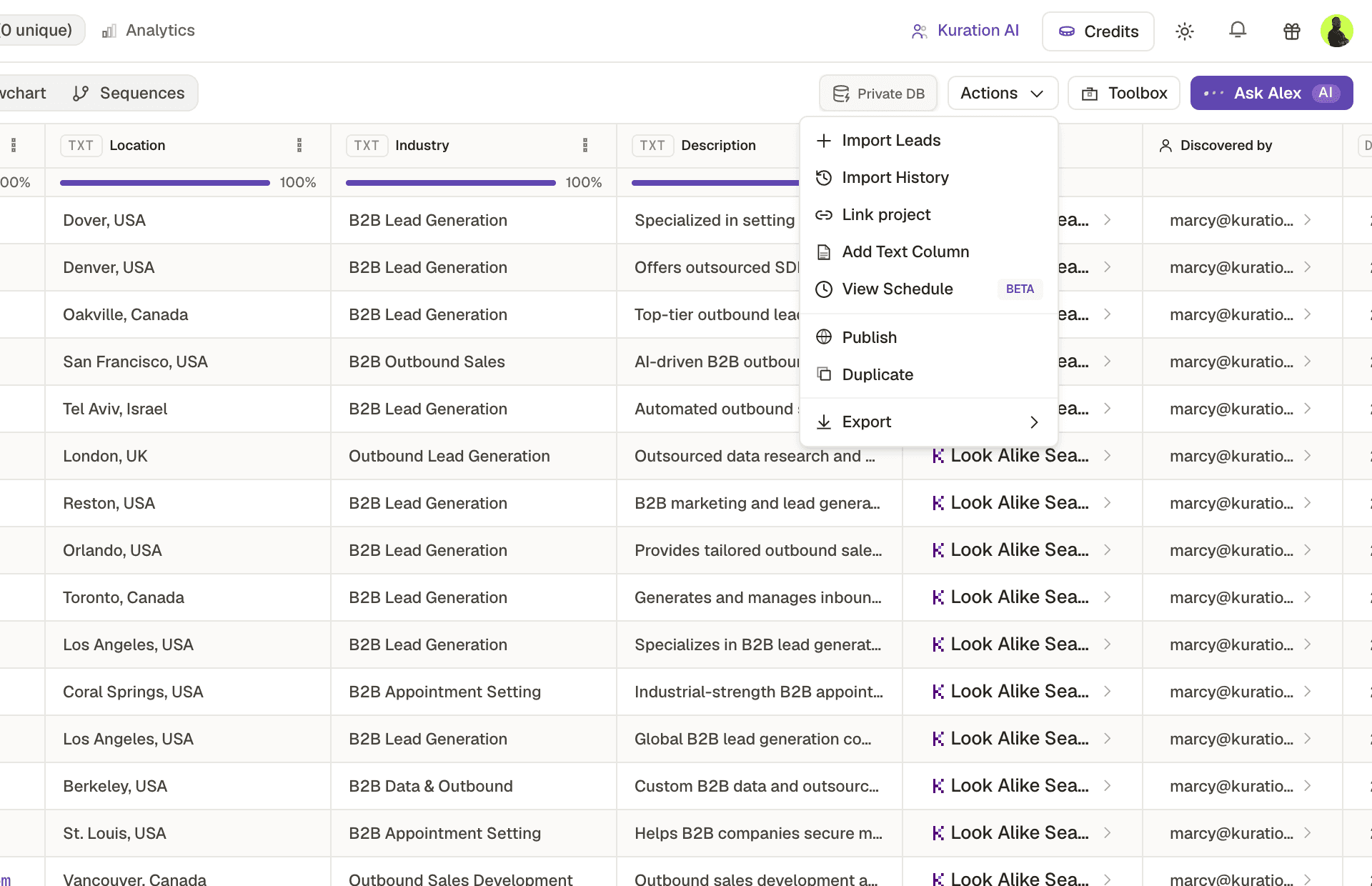
Duplicate without the data
You keep the structure and configuration, and start with an empty table ready for a new source.
- 4
Point it at a new input and run
The conditions come with it, so the cost discipline is enforced automatically rather than remembered.
Check yourself
0 of 2 answered1.What travels when you duplicate a workflow without its data?
2.When should you turn a project into a reusable workflow?
This lesson is written and complete. Its screen recording is still to come, and the written walkthrough is designed to stand on its own without one.