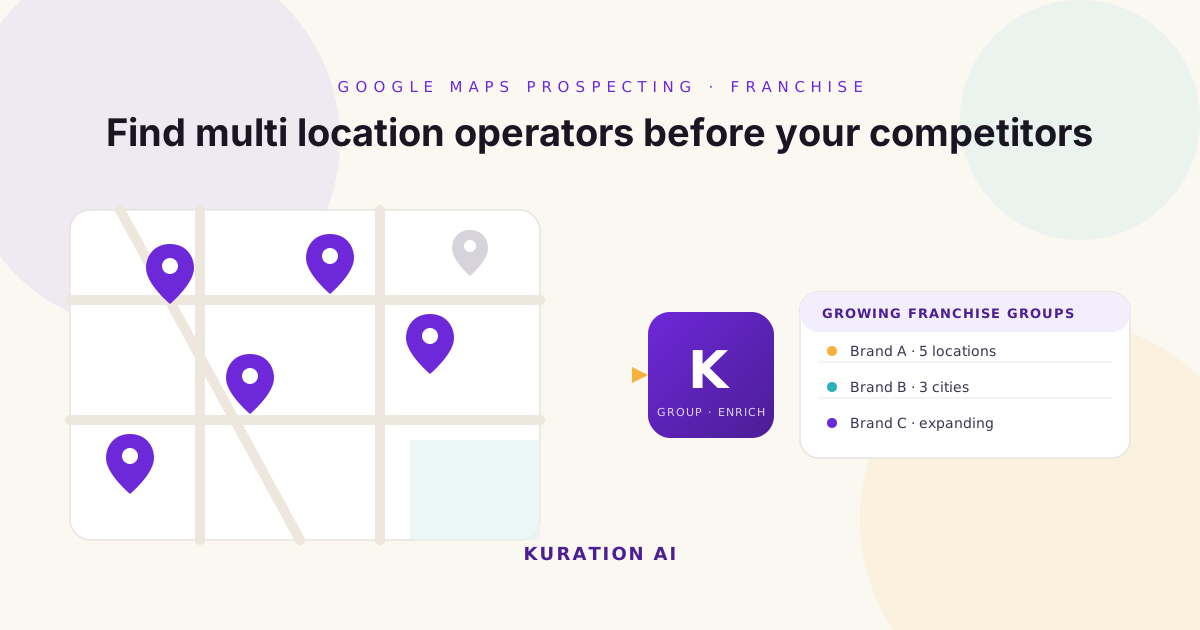
Most franchise operators do not announce when they are expanding, but they leave digital footprints everywhere. Learn how to use Google Maps, business directories, and AI powered sourcing to build a high quality database of multi location franchise businesses.
If you sell to franchise businesses, one of the biggest challenges is not closing deals. It is finding the right companies in the first place. Most B2B databases make it easy to search by industry or company size. But they rarely answer questions like:
- Which restaurant chains recently opened five new locations?
- Which dental groups now operate across three cities?
- Which fitness brands are actively expanding into new regions?
- Which franchise owners manage multiple locations under one company?
Those details matter, because a growing franchise operator is often a far better prospect than a business that has remained unchanged for years.
The problem is that most of this information is not neatly packaged inside traditional databases. Instead, it is scattered across Google Maps, local business directories, franchise websites, and regional listings. That is where modern prospecting takes a different approach. Rather than searching a static database, leading sales teams build custom prospect databases using live business data.
Why Multi Location Businesses Matter
Growth creates opportunity. When a business expands from one location to ten, its operational needs change dramatically. That often leads to investment in CRM systems, payroll software, POS platforms, marketing automation, cybersecurity, accounting solutions, logistics, HR software, workforce management, and communications platforms.
Expansion creates complexity. Complexity creates buying opportunities. This is why franchise operators are such valuable prospects.
Why Traditional Databases Miss Franchise Growth
Most commercial databases tell you the company name, industry, employee count, headquarters, and revenue. Useful information. But they often miss operational details such as the number of physical locations, recently opened branches, regional expansion, franchise ownership groups, and local market presence. These are often the exact signals sales teams need.
Why Google Maps Is an Underrated Prospecting Tool
Most people think of Google Maps as a navigation app. Revenue teams should think of it as a business intelligence platform. Every day, businesses update information like opening hours, new locations, photos, contact details, customer reviews, and websites. Collectively, that creates one of the richest public business datasets available.
For franchise prospecting, Google Maps helps answer questions that traditional databases often cannot. For example:
- Which coffee chains have locations across London?
- Which veterinary groups operate throughout Germany?
- Which restaurant brands are expanding across the UAE?
- Which automotive repair franchises have opened new branches this year?
Those insights become the foundation of a highly targeted prospect database.
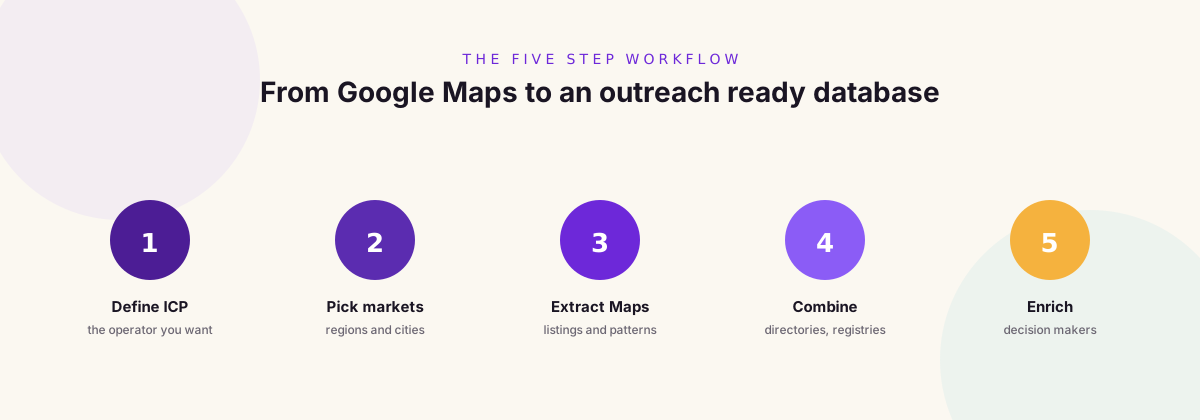
Step 1: Define Your Ideal Franchise Operator
Before collecting data, define exactly what you are looking for. Examples include:
- Restaurant chains with 10 to 100 locations
- Fitness franchises expanding nationally
- Dental groups operating across multiple cities
- Childcare providers with regional coverage
- Automotive service centres with franchise ownership
- Retail brands opening new stores
The more specific your ICP, the better your results.
Step 2: Identify Geographic Markets
Expansion looks different in every region. You might focus on the United Kingdom, Australia, Canada, Southeast Asia, the GCC, or the United States. Or even narrow it down to individual cities such as Manchester, Dubai, Singapore, Sydney, or Kuala Lumpur. Smaller geographic searches often uncover businesses that competitors overlook.
Step 3: Extract Business Data from Google Maps
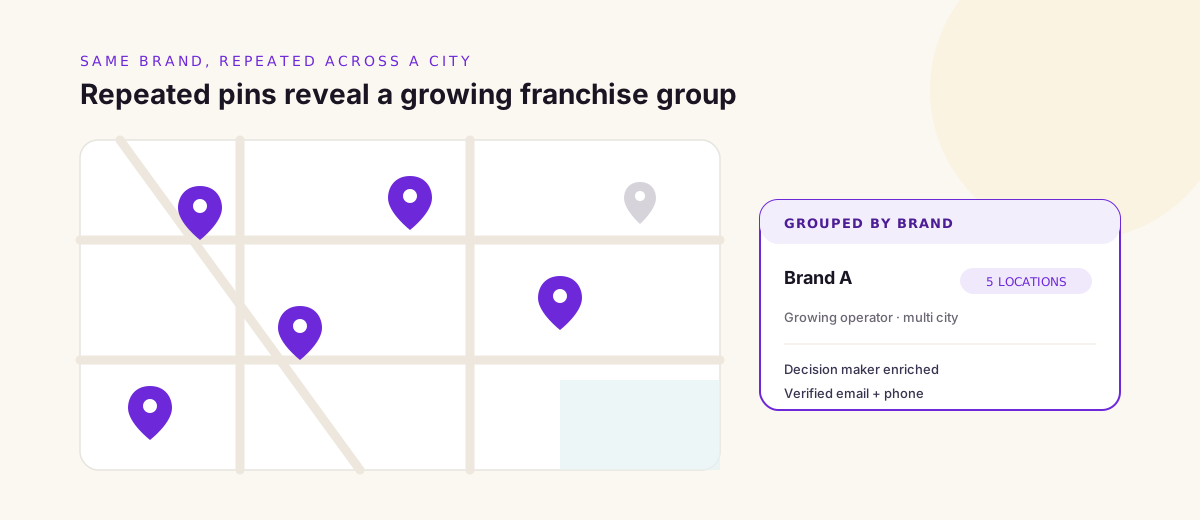
Google Maps contains valuable business information including company names, websites, phone numbers, addresses, categories, and customer ratings. When combined across multiple searches, patterns begin to emerge. For example, you can identify businesses appearing repeatedly across different cities. Those businesses often represent growing franchise groups.
Step 4: Combine Multiple Data Sources
Google Maps is only one piece of the puzzle. To build a stronger database, combine it with franchise directories, business registries, local chamber of commerce listings, industry associations, company websites, LinkedIn company pages, franchise disclosure documents where available, and trade show exhibitor lists. The result is a richer, more accurate prospect database.
Step 5: Enrich Your Prospect List
Once businesses have been identified, enrich each company with decision makers, verified email addresses, LinkedIn profiles, employee estimates, technology stack, and company growth indicators. This transforms a location list into an outreach ready sales database.
Why Expansion Signals Matter More Than Company Size
Many outbound teams filter prospects using employee count. But growth often tells a more meaningful story. Imagine two restaurant groups. Company A has 300 employees and no new locations in three years. Company B has 120 employees and opened six new locations in the past twelve months.
Which business is more likely to be evaluating new suppliers? Most sales teams would choose Company B. Growth creates change. Change creates buying opportunities.
Real World Use Cases
Building franchise databases is not limited to restaurants. This strategy works across many industries.
Healthcare
Identify dental chains, veterinary clinics, physiotherapy groups, and medical imaging centres.
Hospitality
Find hotel groups, serviced apartments, restaurant franchises, and café chains.
Retail
Track clothing brands, electronics retailers, convenience stores, and home improvement chains.
Fitness
Discover gyms, yoga studios, wellness brands, and personal training franchises.
Automotive
Source tyre retailers, repair centres, car wash franchises, and dealership groups.
Why AI Makes This Process Faster
Building franchise databases manually takes time. Sales teams often spend hours searching Google Maps, copying business information, checking websites, cleaning spreadsheets, and removing duplicates.
AI dramatically simplifies that process. Modern AI workflows can extract business listings, identify duplicate companies, group locations under one brand, enrich contact information, classify businesses, score ICP fit, and keep databases updated. Instead of spending days researching, teams can focus on engaging qualified prospects.
Common Mistakes to Avoid
Targeting every business
Not every local business is a good prospect. Focus on businesses showing clear signs of growth.
Ignoring regional chains
Some of the best opportunities are not national brands. Regional operators often have fewer vendors and shorter buying cycles.
Using Maps without enrichment
Business listings alone are not enough. Always enrich your database with decision makers and company information before launching outreach.
Treating Google Maps as the only source
The strongest databases combine multiple public sources into one unified view.
Why This Strategy Creates a Competitive Advantage
Most outbound teams still rely on shared databases. That means they are competing for the same prospects. Google Maps helps uncover businesses that may not be well represented elsewhere. Combined with directories, registries, and AI powered enrichment, it becomes a powerful source of proprietary data. Instead of buying another generic contact list, you are building a database tailored to your exact market. That is much harder for competitors to replicate.
Frequently Asked Questions
Why use Google Maps for B2B prospecting?
Google Maps contains detailed information about local businesses, physical locations, websites, and operational footprints that are not always available in traditional databases.
Can I identify franchise operators using Google Maps?
Yes. Businesses with multiple verified locations often leave clear patterns that can be identified and organised into a custom database.
Which industries benefit most from this strategy?
Examples include restaurants, healthcare, retail, hospitality, automotive, fitness, childcare, and home services.
Is Google Maps enough by itself?
No. The strongest prospect databases combine Maps with registries, directories, company websites, and enrichment providers.
How does Kuration AI help?
Kuration AI can extract businesses from Google Maps, combine them with additional public data sources, enrich contacts, remove duplicates, and create a prospect database that is ready for outbound campaigns.
Final Thoughts
The best prospect databases are not always found inside commercial platforms. Sometimes they are built from the digital footprints businesses leave behind as they grow. Google Maps is one of the richest public sources of local business intelligence available today. When combined with AI, enrichment, and additional public datasets, it allows revenue teams to identify expanding franchise operators long before they appear on generic lead lists.
The companies that win in outbound will not simply have access to more contacts. They will have access to better opportunities. And those opportunities often begin with knowing where to look.
Build Your Own Franchise Prospect Database
Turn Google Maps, franchise directories, business registries, and local listings into a custom prospect database with Kuration AI. Discover expanding businesses, enrich decision makers, and build outreach campaigns based on real growth signals, not static contact lists. Find the businesses your competitors have not discovered yet.